Best CRM Software for Accountants in 2026: 9 Tools Compared
We compared the best CRM software for accountants, covering client tracking, workflows, portals, tax season tools and pricing for firms of all sizes. today

- Editor's choice
 Karbon HQ
Accounting firm workflow and CRM
Starts atSee websiteVisit karbonhq.comFull review - Great alternative
 Canopy
Accounting practice management
Starts atSee websiteVisit getcanopy.comFull review - Also consider
 TaxDome
Client portal plus CRM and billing
Starts atSee websiteVisit taxdome.comFull review
TL;DR:
- Karbon HQ and Canopy lead for accounting firms, while TaxDome suits firms that also need client portals and billing.
- Financial Cents and Jetpack Workflow suit firms that want workflow tracking more than sales pipelines.
- General CRMs such as HubSpot, Zoho and Salesforce suit larger firms with sales and marketing needs.
- Tax season capacity, document handling and client reminders matter more than generic sales features for most firms.
Quick comparison
| Tool | Best for | Starts at | Free plan? | |
|---|---|---|---|---|
| Karbon HQ | Accounting firm workflow and CRM | See website | Free trial | Visit |
| Canopy | Accounting practice management | See website | Free trial | Visit |
| TaxDome | Client portal plus CRM and billing | See website | Free trial | Visit |
 Financial Cents | Simple firm workflow tracking | See website | Free trial | Visit |
 Jetpack Workflow | Recurring accounting workflows | See website | Free trial | Visit |
 Xero Practice Manager | Xero based firm management | See website | No | Visit |
 Zoho CRM | Affordable general CRM | See website | Free trial | Visit |
 HubSpot CRM | Free core CRM plus growth tools | Free | Yes | Visit |
 Salesforce | Enterprise CRM for large firms | See website | Free trial | Visit |
The best CRM software for accountants
Accountants need more than a sales pipeline. They need client records, deadlines, document requests, reminders and recurring work tracking. We compared official feature and pricing pages for tools used by accounting firms in October 2026.
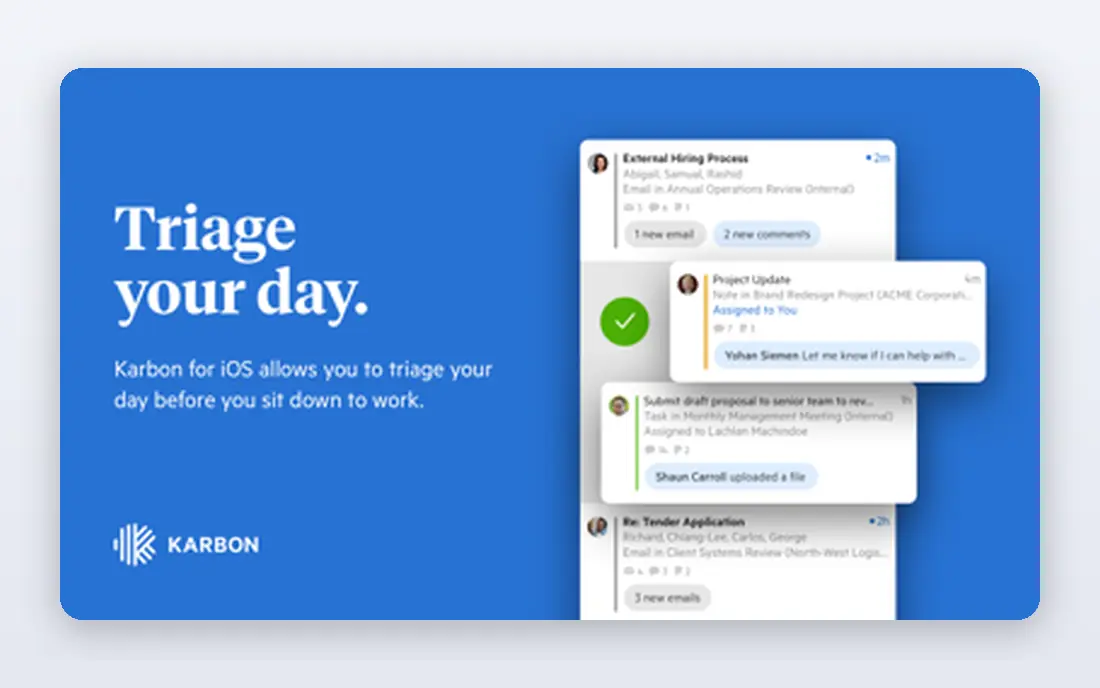
Karbon HQ is our pick for accounting firms that want CRM plus workflow in one system. It tracks clients, work, deadlines and communication together, so a tax return, bookkeeping job and client email live in one view. That structure helps firms handle tax season without losing track of open work.
Pricing is per user and can add up for larger teams, and new users need time to learn the workflow system. For firms that want a purpose built accounting platform rather than a generic CRM, Karbon is a strong leader.
- Built for accounting firms
- Workflow and client tracking in one place
- Email integration
- Pricing is per user and quote based
- Learning curve for new teams

Canopy combines practice management with client communication, document handling and task tracking. Firms can request documents, send reminders and track client work from one dashboard. That mix reduces email chasing during busy periods.
Higher tiers hold some advanced features, so check the tier list against your must haves. For firms that want a clean client portal plus workflow, Canopy is a practical and popular choice.
- Client portal and document tools
- Practice management features
- Clear task tracking
- Some features sit in higher tiers
- Pricing is quote based
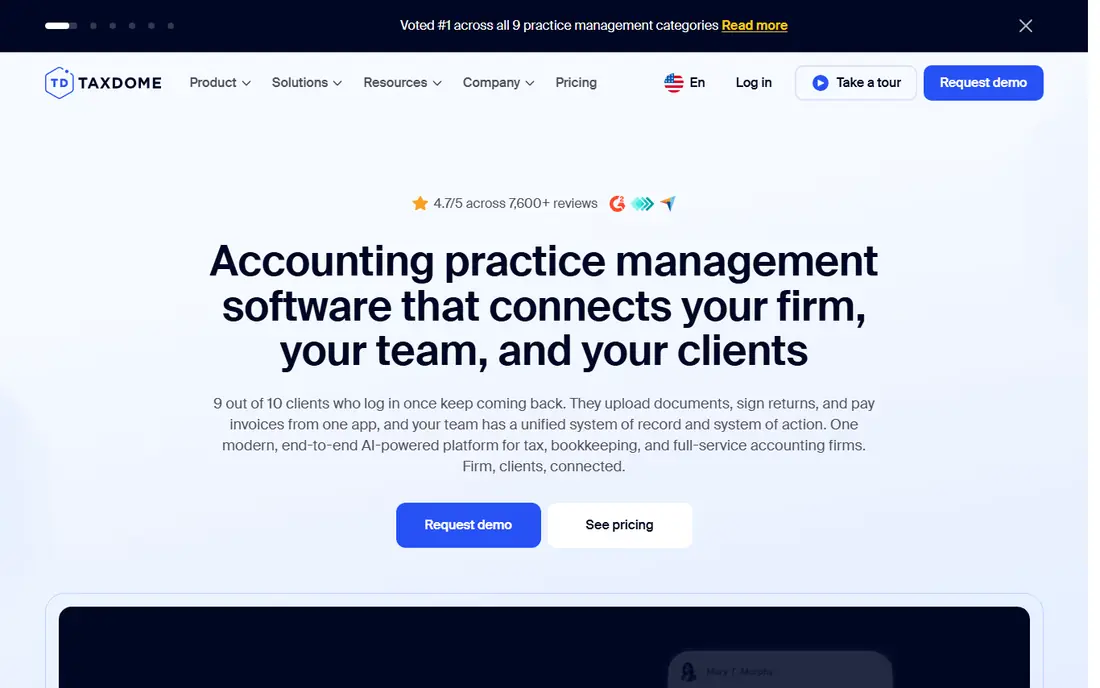
TaxDome bundles a client portal, CRM, workflow, billing and e signatures, which makes it attractive for small and midsize firms that want one system. Clients can upload documents, sign forms and pay invoices without separate tools. That all in one approach can cut software costs and admin time.
The breadth means a learning curve, and some users report uneven support response times. Still, for firms that want portal plus CRM plus billing together, TaxDome offers strong value.
- Client portal, CRM, billing and e signatures in one tool
- Good value for small firms
- Interface takes time to learn
- Support response varies by plan
Financial Cents focuses on workflow tracking for accounting and bookkeeping firms, with client records, recurring tasks and team capacity views. It is simpler than Karbon, which helps small firms get started quickly. Templates for monthly bookkeeping and tax work save setup time.
It is less of a full sales CRM, so firms that need marketing pipelines may pair it with another tool. For firms whose main need is knowing what work is due, who owns it and what is late, Financial Cents is a clear and easy choice.
- Simple workflow and client tracking
- Recurring work templates
- Easy onboarding
- CRM depth is lighter than Karbon
- Fewer marketing features
Jetpack Workflow is built around recurring accounting work, such as monthly closes, payroll and tax filings. It tracks jobs, deadlines and client status, and it uses templates to repeat work without rebuilding it each month. That focus suits firms with many repeat clients.
It does not try to be a full portal or billing system, so some firms pair it with a separate portal tool. If workflow clarity is your main gap, Jetpack Workflow fills it well.
- Strong recurring workflow templates
- Client and job tracking
- Simple interface
- Portal and billing features are limited
- Best paired with other tools
Xero Practice Manager, formerly WorkflowMax, helps Xero based firms track clients, jobs, time and invoicing in one place. It links naturally with Xero accounting data, which reduces double entry for firms already on Xero. Practice reporting shows workload and profitability by client and job.
It makes most sense for firms committed to Xero, since other firms will get less value from the integration. For Xero firms that want a connected practice tool, it is a logical choice.
- Links with Xero accounting
- Job and client tracking
- Practice reporting
- Best only for Xero firms
- Interface feels dated in places
Zoho CRM is a general CRM with contact tracking, pipelines, email, automation and reporting at a lower price than Salesforce. Accounting firms can customize it for client tracking, lead follow up and service pipelines. Its integration range is broad, including email, accounting and communication tools.
It is not built for tax workflows, so firms will need to customize fields, pipelines and reminders for accounting use. For firms that want a general CRM at a fair price and can invest in setup, Zoho is a strong option.
- Affordable tiers
- Broad CRM features
- Many integrations
- Not built for accounting workflows
- Setup needs customization
HubSpot CRM offers a free core CRM for contacts, deals, tasks and email tracking, which makes it easy to start. Firms can add marketing, sales and service tools as they grow, and the interface is friendly for non technical staff. That ease of use helps firms that are new to CRM.
Paid tiers can become costly as contacts and features grow, and accounting specific workflows still need customization. For firms that want a free start and a growth path, HubSpot is a practical choice.
- Free core CRM
- Easy contact and deal tracking
- Strong marketing add ons
- Paid tiers rise quickly
- Accounting workflow features need customization
Salesforce is the most powerful general CRM on this list, with deep customization, automation and reporting. Large accounting firms can build client tracking, service pipelines and reporting that fit complex structures. Its ecosystem includes many integrations and apps for accounting adjacent work.
Cost and complexity are high, and most firms will need an admin or partner to set it up well. For large firms with a dedicated CRM team, Salesforce is a strong enterprise choice. Smaller firms will usually do better with Karbon, Canopy or TaxDome.
- Deep CRM customization
- Broad ecosystem
- Strong reporting
- High cost and complexity
- Needs admin or partner setup
How we picked these
We compared official feature and pricing pages for CRM and practice tools used by accounting firms in October 2026. We favored tools with client tracking, workflow or portal features relevant to accountants, and we mixed accounting specific tools with general CRMs. We did not claim hands on testing. Our view rests on published features, pricing routes and firm use cases.
How to choose CRM software for accountants
Start with your workflow, not the sales pipeline. List your recurring jobs, deadlines, document requests and client reminders, then check which tool tracks those items without workarounds. A CRM that only tracks leads will not help during tax season.
Next, check client experience. A portal for uploads, signatures and messages can cut email volume sharply. Check integrations with your accounting software, tax software and email, since double entry wastes the time a CRM should save. Finally, trial with a real client set, not demo data, and test tax season capacity, reminders and reporting before you roll it out to the whole firm.
Also check how the tool handles client offboarding and data retention. When a client leaves, you need a clear way to export their records, close open work and keep what the law requires you to retain. A clean offboarding process protects both the firm and the client, and it avoids a messy data trail when a relationship ends.
FAQ
What is the best CRM software for accountants?
Karbon HQ and Canopy lead for accounting firms, while TaxDome suits firms that want portal, CRM and billing together. General CRMs such as HubSpot and Zoho suit firms with broader sales needs.
What is the best accounting CRM software?
The best accounting CRM depends on firm size. Small firms often do well with TaxDome or Financial Cents, midsize firms with Karbon or Canopy, and large firms with Salesforce or a customized general CRM.
Is HubSpot good for accountants?
Yes, HubSpot is a good free starting CRM for contacts and deals, but it needs customization for accounting workflows. Firms that need tax season job tracking may prefer Karbon, Canopy or Financial Cents.
Do accountants need a CRM or practice management software?
Most firms benefit from practice management software, which adds workflow, deadlines and client portals to basic CRM tracking. A general CRM alone often misses the recurring work and document needs of an accounting firm.
How much does accounting CRM software cost?
Pricing varies from free for HubSpot core to per user monthly pricing for Karbon, Canopy and TaxDome, with enterprise pricing for Salesforce. Check current vendor pricing, since tiers and per user costs change.