Best Time and Billing Software for Accountants in 2026: 8 Tools Compared
Compare the best time and billing software for accountants in 2026 for tracking, invoicing and practice workflows, with 8 tools for firms of all sizes.

- Editor's choice
 Karbon
Practice management plus billing
Starts atSee websiteVisit karbonhq.comFull review - Great alternative
 Canopy
Tax and accounting practice billing
Starts atSee websiteVisit canopytax.comFull review - Also consider
 Financial Cents
Small firm workflow and billing
Starts atSee websiteVisit financialcents.comFull review
TL;DR:
- Karbon and Canopy suit firms that need practice management plus time and billing in one system.
- Financial Cents and Jetpack Workflow suit smaller firms that want clear client work and billing without heavy setup.
- Time capture ease decides billing accuracy, so test timers, timesheets and mobile entry with real staff.
- Start with one service line, such as tax or bookkeeping, and standardize rates and billing rules before rollout.
Quick comparison
| Tool | Best for | Starts at | Free plan? | |
|---|---|---|---|---|
| Karbon | Practice management plus billing | See website | No | Visit |
| Canopy | Tax and accounting practice billing | See website | No | Visit |
| Financial Cents | Small firm workflow and billing | See website | No | Visit |
 Jetpack Workflow | Simple firm workflow and time | See website | No | Visit |
 Xero Practice Manager | Xero-based firms | See website | No | Visit |
 Ignition | Proposals, billing and payments | See website | No | Visit |
 Mango Practice Management | Mid-sized firm management | See website | No | Visit |
 Harvest | Simple time tracking and invoicing | See website | No | Visit |
The best time and billing software for accountants
The best time and billing software for accountants captures time accurately, turns it into clear invoices, and ties work to clients, staff and deadlines. The right tool depends on whether you need full practice management, simple time and invoices, or proposal and payment tools beside your accounting system.

Karbon is our pick for most growing accounting firms because time and billing sit inside a full practice system. Staff can track time against client work, managers can see workflow and capacity, and billing can draw on recorded time without re-keying. Client communication and document tasks stay with the work, which reduces lost requests.
The honest catch is setup. Karbon rewards careful workflow design, and pricing is quoted, so a small solo firm may find it more than needed at first. For a firm with several staff and recurring client work, that structure pays back in fewer missed hours and clearer invoices. Trial it with one service line before rolling out firm-wide.
- Practice management, workflow and billing in one place
- Client tasks and communication
- Strong integrations
- Pricing is quoted
- Setup takes planning for larger firms

Canopy suits tax and accounting firms that want practice management, time tracking and billing in one system. Staff can log time to client engagements, managers can track progress through tax season, and clients can share documents through a portal. That combination helps during busy periods when hours and deadlines pile up.
The trade-off is focus. Canopy is strongest for tax and accounting practices, so a general bookkeeping firm may find other tools simpler. Pricing is also quoted, so compare the total for your staff count. If tax season drives your billing, Canopy is a strong, purpose-built choice.
- Practice management and time tracking
- Client portal and documents
- Tax workflow support
- Pricing is quoted
- Best value for tax-focused firms
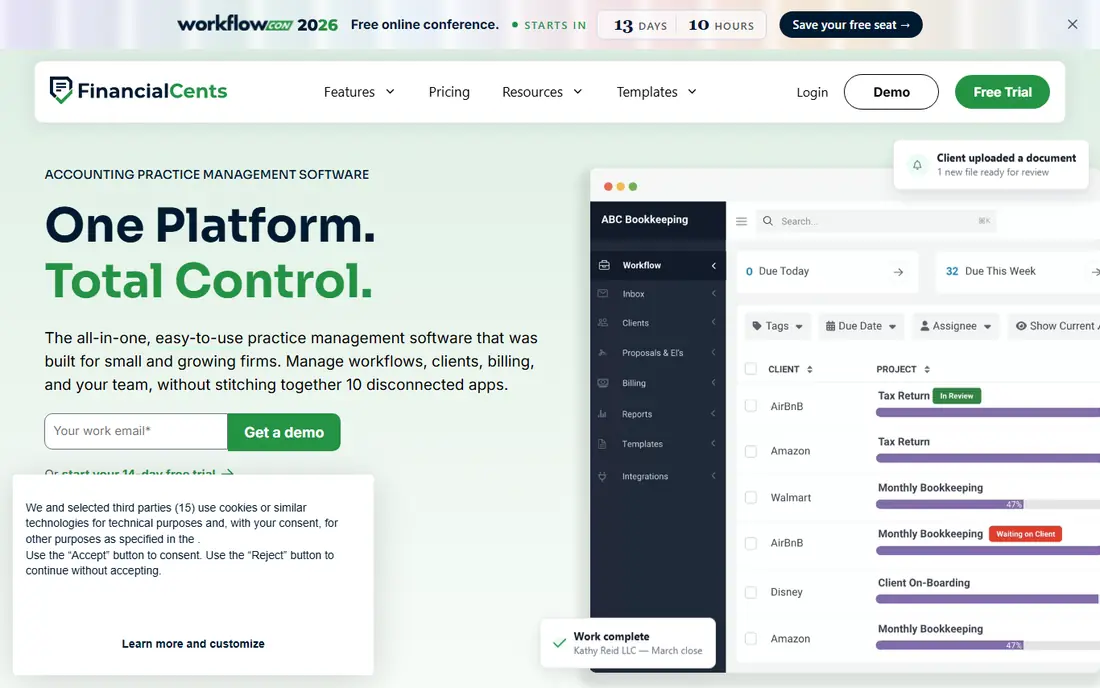
Financial Cents suits small firms that want clear workflow and billing without a long setup. Staff can track time on client tasks, managers can see who is overloaded, and invoices can reflect recorded work. The interface is straightforward, which helps small teams adopt it quickly.
The downside is scale. Very large firms may need deeper customization or reporting than Financial Cents offers. For a small firm that needs to stop losing billable hours to spreadsheets, it is a practical pick. Trial it with your busiest client type to see whether time capture feels natural for staff.
- Clear client workflow and time tracking
- Billing and capacity views
- Easy onboarding
- Advanced enterprise features are limited
- Check integrations for your stack
Jetpack Workflow suits firms that want simple, repeatable workflows with time tracking. Recurring jobs for monthly bookkeeping, payroll or tax work can be templated, assigned and tracked, and time can be logged against each job. That structure helps small firms keep deadlines visible without complex software.
The catch is billing depth. Jetpack Workflow covers time and jobs well, but invoicing and payment features are lighter than Karbon or Canopy. If you already bill through QuickBooks or Xero, that may be fine, since time data can support those invoices. If you need full billing in one tool, compare Jetpack Workflow with Financial Cents first.
- Simple recurring workflow templates
- Time tracking
- Client and job tracking
- Billing features are lighter than full practice suites
- Pricing is quoted
Xero Practice Manager suits firms that already run Xero for clients and their own books. Time can be recorded against jobs, invoices can be raised from time and expenses, and client and staff records stay close to Xero data. That link reduces double entry for Xero-centered firms.
The downside is ecosystem fit. Outside Xero, the benefit fades, and the interface feels less modern than Karbon or Financial Cents. If Xero is your core system, Xero Practice Manager is a logical, cost-effective choice. If you use QuickBooks, look at QuickBooks-linked tools or a neutral practice system instead.
- Time, jobs and invoicing for Xero users
- Client and staff tracking
- Xero integration
- Best value inside Xero
- Interface can feel dated
Ignition, formerly Practice Ignition, suits firms moving to fixed-fee and value pricing. You can send proposals and engagement letters, set billing schedules, and collect payments automatically, which reduces chasing and scope creep. Time tracking can support pricing decisions, even when clients pay a fixed fee.
The trade-off is workflow scope. Ignition is strong for proposals, billing and payments, but it is not a full job workflow system. Many firms pair Ignition with Karbon, Canopy or Financial Cents for task tracking. If billing and payments are your main pain, Ignition can improve cash flow fast.
- Proposals and engagement letters
- Automated billing and payments
- Scope and price controls
- Not a full workflow system
- Needs a practice tool beside it for complex jobs
Mango Practice Management suits mid-sized firms that need practice management, time, billing and documents in one system. Staff can track time, manage client work, share documents through a portal, and bill from recorded hours. That breadth helps firms that want one system for most practice work.
The catch is setup and price. Mango pricing is quoted, and implementation benefits from planning around workflows and billing rules. For a mid-sized firm that has outgrown spreadsheets and separate tools, Mango is worth a trial. Smaller firms may find Financial Cents or Jetpack Workflow quicker to adopt.
- Practice management, time and billing
- Document and workflow tools
- Client portal
- Pricing is quoted
- Setup needs planning
Harvest suits solo accountants and tiny firms that need simple time tracking and invoicing without practice software. Timers are easy, timesheets are clear, and invoices can be built from tracked time and expenses. That simplicity helps a solo practitioner bill accurately with little admin.
The limit is practice depth. Harvest does not manage client workflows, tax deadlines or team capacity like Karbon or Canopy, so a growing firm will outgrow it. Use Harvest when you work alone or with one or two staff and need clean time and invoices. When client work and deadlines grow complex, move to a practice system.
- Easy timers and timesheets
- Simple invoicing
- Expense tracking
- No practice management
- Not built for accounting firm workflows
How we picked these
We compared official feature pages, pricing pages and public reviews for time and billing tools used by accounting firms. We favored tools with time capture, invoicing, client and job tracking, and links to common accounting systems, and we kept full practice suites and simple billing tools. Where a vendor does not publish a starting price, we list See website rather than guessing.
What to check before you buy time and billing software
Start with how staff actually record time today. If timers are hard to use, hours will be guessed at week end, and invoices will be wrong. Test mobile timers, timesheet entry and editing rules with real staff, and agree on rounding, minimum billing increments and write-off rules before rollout.
Next, check billing rules for your services. Confirm how hourly, fixed-fee and recurring billing work, how expenses are added, and how payments and reminders are handled. Also check integrations with QuickBooks, Xero or your practice tools, since billing data should not be re-keyed. Finally, standardize rates and job templates for one service line first, then expand, so reports stay comparable across clients.
FAQ
What is the best time and billing software for accountants?
The best time and billing software for accountants for most firms is Karbon or Canopy for full practice management plus billing, and Financial Cents for smaller firms that want a simpler setup. Solo accountants who need only time and invoices may prefer Harvest.
What is the best time and billing software for a small accounting firm?
For a small accounting firm, Financial Cents and Jetpack Workflow are strong starts, because workflow, time and basic billing are clear without heavy setup. If you need proposals and automated payments too, add Ignition beside a workflow tool.
Should accountants bill hourly or fixed-fee?
Many firms now mix both, with fixed fees for routine work and hourly billing for advisory or out-of-scope work. Time tracking still matters under fixed fees, because it shows whether a fee covers the work and where scope grows. Your software should support both billing models clearly.
How does time tracking improve billing accuracy?
Time tracking improves accuracy by recording work as it happens, rather than from memory at week end. Timers, timesheets and job links reduce missed hours, support invoice detail, and show which clients or services take more time than their fees cover.
Can time and billing software integrate with QuickBooks or Xero?
Many tools integrate with QuickBooks, Xero or both, but the depth varies. Karbon, Canopy and Xero Practice Manager offer accounting links, while Harvest and Ignition support invoicing and payment flows that can connect to accounting systems. Test the exact invoice and payment flow you need.
How do I get staff to track time consistently?
Make tracking easy, set a daily habit, and show staff why it matters for workload and billing, not just for monitoring. Short timers, mobile entry and a clear end-of-day routine help more than strict rules alone. Review incomplete timesheets weekly at first, then monthly once the habit forms.