Best Photography Software for Remote Teams in 2026: Prices, Free Plans and 5 Picks
Best photography software for remote teams in 2026: 5 tools with starting prices, free plans and limits. Verdicts stay brief and factual. Pick with confidence.
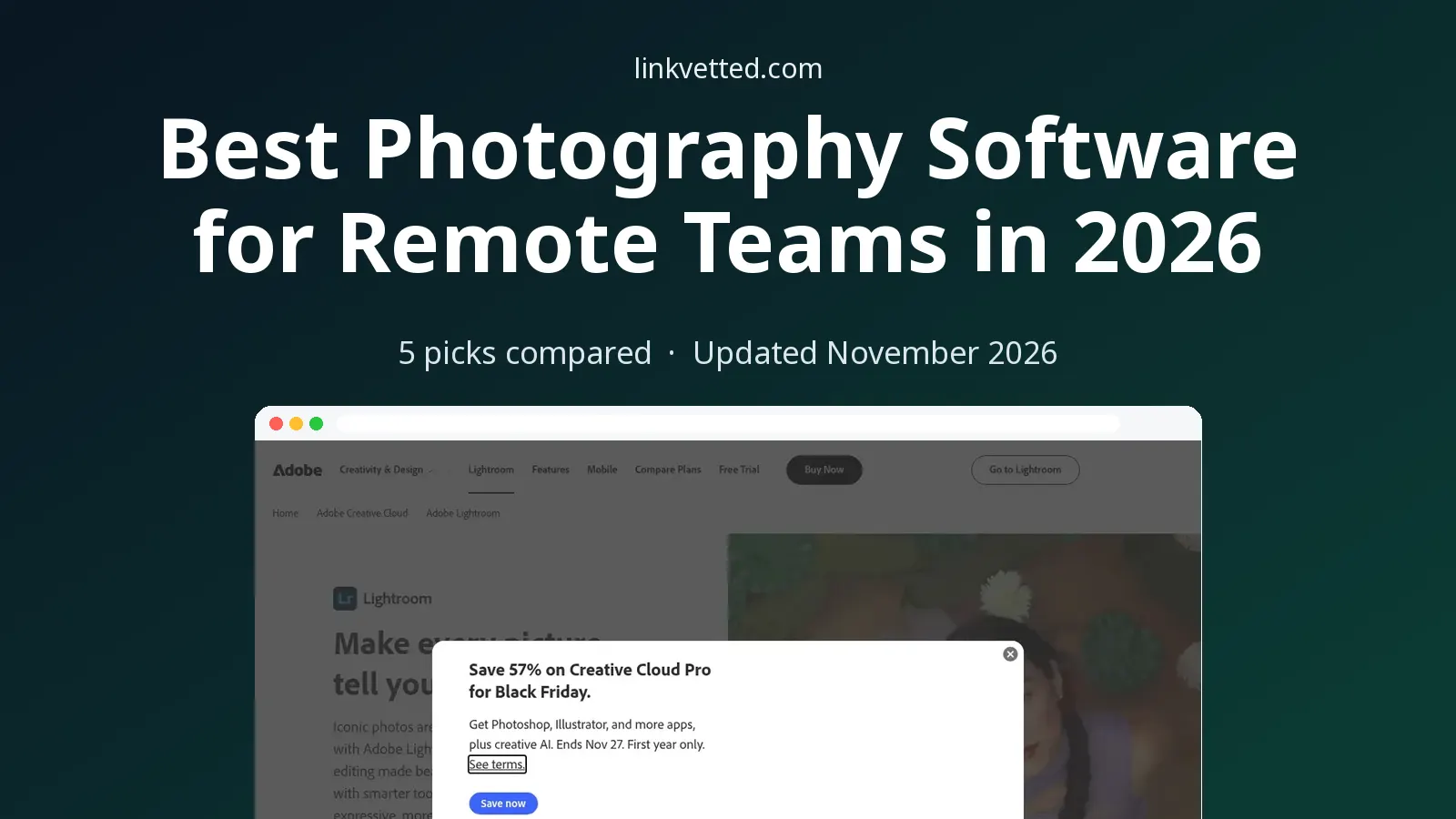
- Editor's choice
 Adobe Lightroom
Cloud-based photo organization and editing
Starts atSee websiteVisit adobe.comFull review - Great alternative
 Capture One
Precision editing and tethering
Starts atSee websiteVisit captureone.comFull review - Also considerSkylum Luminar Neo
AI-assisted editing for simplicity
Starts atSee websiteVisit skylum.comFull review
Direct answer
If you need cloud-based photo organization and editing, Adobe Lightroom is the first tool to look at here. Listed starting prices: ON1 Photo RAW from $49.99. If your case is different, Capture One suits precision editing and tethering and Skylum Luminar Neo suits AI-assisted editing for simplicity. The other 2 tools in the list cover narrower or pricier cases.
TL;DR:
- Number one here is Adobe Lightroom, a fit for cloud-based photo organization and editing.
- Expect to ask for a quote from Adobe Lightroom, Capture One, Skylum Luminar Neo and Adobe Photoshop; the other tools show a starting price.
- Adobe Lightroom, ON1 Photo RAW and the 3 others all need a premium plan or a trial, since no free plan is listed.
- ON1 Photo RAW is the one to check for all-in-one raw editing and organization.
Last checked November 2026. Prices and plan details were read from the vendors' own pages in November 2026; vendors change plans often, so confirm the current price on the vendor site before you buy.
Quick comparison
| Tool | Best for | Starts at | Free plan? | |
|---|---|---|---|---|
| Adobe Lightroom | Cloud-based photo organization and editing | See website | Not stated | Visit |
| Capture One | Precision editing and tethering | See website | Not stated | Visit |
| Skylum Luminar Neo | AI-assisted editing for simplicity | See website | No | Visit |
 Adobe Photoshop | Advanced editing and collaboration | See website | Not stated | Visit |
 ON1 Photo RAW | All-in-one raw editing and organization | $49.99 | Free trial | Visit |
Photography Software for Remote Teams profiles
If you are comparing photography software for remote teams, this page covers 5 tools in one place: what each is best for, what it costs to start, whether it has a free plan, and the main limit to know about.

Where Adobe Lightroom fits: cloud-based photo organization and editing. Adobe Lightroom is aimed at photographers who require to organize, edit, and share photos across desktop, web, and mobile.
Its cloud-centric approach lets remote teams access and edit images from anywhere, with edits synced in live. From a buyer's view, for a one-time purchase choice, consider ON1 Photo RAW. Pricing for Adobe Lightroom is not stated here, so ask the vendor for current figures. Free plan details: Not stated.
Where it is weaker: Subscription required.
- Non-destructive editing
- Cross-device syncing
- Limited advanced compositing

Capture One targets precision editing and tethering. Capture One is a professional photo editing software known for its precise color control and smooth RAW processing. It offers feature-rich tethering capabilities, making it a favorite for studio photographers who require to shoot straight to a computer.
In daily use, Capture One's interface can be daunting for newcomers, and its pricing may be steep for teams on a budget. It is most useful for teams that need the highest level of image quality and tethering. On top of that, remote teams can benefit from its configurable workspace and advanced collaboration features. It is primarily made for individual power users. Capture One does not show a starting price in this comparison, so check the vendor site for current pricing. As for free access: Not stated.
Drawbacks to consider: Higher ramp-up time.
- Feature-rich tethering
- Configurable workspace
- Less budget-friendly for small teams
Skylum Luminar Neo
Best for: AI-assisted editing for simplicity
Choose Skylum Luminar Neo for AI-assisted editing for simplicity. Skylum Luminar Neo is a photo editor that uses AI to ease complicated editing tasks, making it accessible for teams with varying skill levels. It gives you creative filters and automatic adjustments that can speed up workflow, and its easy-to-learn interface cuts the learning curve.
For everyday use, remote teams can use Luminar Neo to maintain a consistent look across images with minimal effort. Also, teams needing precise color grading might prefer Capture One. In daily use, for a balance of AI and manual tools, consider ON1 Photo RAW. Check the vendor site for Skylum Luminar Neo pricing; none is listed in this comparison. Skylum Luminar Neo has no free plan.
Trade-offs to know: Restricted manual controls.
- Approachable interface
- AI-powered enhancements
- Less right for complicated edits

Think of Adobe Photoshop for advanced editing and collaboration. Adobe Photoshop is a professional image editor with a vast array of tools for photo manipulation, compositing, and design. It supports cloud documents, allowing remote teams to collaborate on files and access them from any device.
Photoshop's complexity can be overwhelming for beginners, and its subscription model may not suit teams with tight budgets. Also, the mobile app extends editing capabilities to smartphones and tablets, making it right for teams that require adaptability and power in their editing workflow. Also, for more straightforward photo organization and editing, Lightroom might be a better choice. Check the vendor site for Adobe Photoshop pricing; none is listed in this comparison. Trial and free access: Not stated.
Trade-offs to know: Needs subscription.
- Cloud document sharing
- Integration with Adobe ecosystem
- Steep ramp-up time
ON1 Photo RAW is built with all-in-one raw editing and organization in mind. ON1 Photo RAW may not integrate as smoothly with other tools as Adobe products. Its advanced compositing features are restricted compared with Photoshop.
Points against: Less external integration.
For everyday use, for cloud-based collaboration, Lightroom is a better fit. Teams needing broad collaboration features might find it lacking. ON1 Photo RAW cost at the entry level: $49.99. As for free access: Free trial.
- Built-in organization
- No subscription
- May lack advanced compositing
How the list was put together
LinkVetted looked at what each vendor publishes: pricing, plan limits, feature coverage for photography software for remote teams and stated drawbacks. No hands-on testing is claimed. Where a vendor does not publish a price, the entry says quote. Where a price depends on seats or billing term, the entry says so. The sequence is a judgement call: typical use case first, then pricing transparency, then free access. Use the profiles to check fit.
A buyer's checklist
- Ask Adobe Lightroom, Capture One, Skylum Luminar Neo and Adobe Photoshop for a written quote, since no starting price is shown.
- Run a trial of ON1 Photo RAW with real work before paying for a year; your own workflow is the best test.
- Read the limits listed for Adobe Lightroom first: restricted advanced compositing.
- See whether Adobe Lightroom offers onboarding or training, and whether it is included in the price.
- Ask the daily users to test ON1 Photo RAW on a live task before you roll it out to everyone.
FAQ
What is the best photography software for remote teams?
The first pick on this list is Adobe Lightroom, because it suits cloud-based photo organization and editing. Capture One is better for precision editing and tethering, and Skylum Luminar Neo for AI-assisted editing for simplicity. Check price and limits against your own needs before choosing.
Does any tool for photography software for remote teams here have a free plan?
No tool in this list, Adobe Lightroom and ON1 Photo RAW included, has a permanent free plan. ON1 Photo RAW offer a trial. Trials and quotes are the usual route, so plan a short evaluation period.
How are the tools for photography software for remote teams ordered?
Adobe Lightroom sits first and ON1 Photo RAW last because the order follows typical fit for photography software for remote teams, then price clarity and free access. It is a judgement call, so read each profile for fit and limits.
Is Adobe Lightroom the right pick for everyone comparing photography software for remote teams?
No single tool suits every team. Adobe Lightroom comes first because it fits cloud-based photo organization and editing, while Capture One suits precision editing and tethering and Skylum Luminar Neo suits AI-assisted editing for simplicity. Match the tool to your own size, budget and workflow before deciding.
Can remote teams collaborate in live with these tools?
Adobe Photoshop and Lightroom offer cloud document sharing and syncing, enabling live collaboration. Other tools may need external services for collaboration. Check each tool's features for details.
Can I try these tools before paying?
Often, yes. ON1 Photo RAW offers a free trial. Use your own data and a real task during the test, and check what the free tier or trial limits before you rely on it. Prices, free plan details and limits for all 5 tools in this Photography software for remote teams roundup sit on the individual cards above.
Sources
- https://www.adobe.com/products/photoshop-lightroom.html
- https://www.captureone.com
- https://skylum.com/luminar
- https://www.adobe.com/products/photoshop.html
- https://www.on1.com/products/photo-raw