Personal Productivity Software with Time Tracking in 2026: The 6 Best Options Side by Side
Searching for the best personal productivity software with time tracking? Here are 6 options with prices and free plans. Short verdicts, no fluff. Facts only.
- Editor's choice
 Time Doctor
Workforce visibility for distributed teams
Starts at$6.67 per user per monthVisit timedoctor.comFull review - Great alternative
 Harvest
Time tracking with invoicing
Starts at$9 per seat a monthVisit getharvest.comFull review - Also consider
 ClickUp
All-in-one work app with time tracking
Starts at$9 per user per monthVisit clickup.comFull review
Direct answer
Start with Time Doctor if you need workforce visibility for distributed teams. Listed starting prices: Time Doctor from $6.67 per user per month, Harvest from $9 per seat a month and ClickUp from $9 per user per month. Harvest is better for Time tracking with invoicing, and ClickUp is better for all-in-one work app with time tracking. The full list of 6 tools follows, with prices and free plan facts.
TL;DR:
- Time Doctor is the opening pick, best for workforce visibility for distributed teams.
- Free plans exist at 3 of 6 tools (Harvest, ClickUp, Clockify).
- The cheapest monthly starting price in the list is $6.67 per user per month, offered by Time Doctor.
- The main caution on Clockify: limited advanced productivity features.
Last checked November 2026. Prices and plan details were read from the vendors' own pages in November 2026; vendors change plans often, so confirm the current price on the vendor site before you buy.
Quick comparison
| Tool | Best for | Starts at | Free plan? | |
|---|---|---|---|---|
| Time Doctor | Workforce visibility for distributed teams | $6.67 per user per month | Free trial | Visit |
| Harvest | Time tracking with invoicing | $9 per seat a month | Yes | Visit |
| ClickUp | All-in-one work app with time tracking | $9 per user per month | Yes | Visit |
 Clockify | Straightforward project time tracking | See website | Yes | Visit |
 RescueTime | Automatic background time tracking | $7 per month | Free trial | Visit |
 Toggl Track | Time tracking with capacity planning | See website | Not stated | Visit |
Personal Productivity Software with Time Tracking compared in detail
This LinkVetted guide covers 6 options for personal productivity software with time tracking. Each profile lists a starting price, free plan details, strengths and drawbacks, so you can drop poor fits quickly.
Time Doctor is aimed squarely at workforce visibility for distributed teams. Time Doctor focuses on workforce visibility for distributed teams. It helps leaders see what teams are working on, validate the process behind every hour, and get AI answers grounded in real data.
Where it falls short: May be too much for personal use.
It is geared toward managers who require in-depth insight into remote work patterns and want time tracking to support accountability and process improvement. If you only have to track your own hours, a lighter tool is likely sufficient. In daily use, Time Doctor's monitoring orientation may feel excessive for an individual seeking personal productivity. It needs thoughtful rollout to maintain trust. On cost, Time Doctor starts like this: $6.67 per user per month. Trial and free access: Free trial.
- Validates process behind hours
- Visibility into distributed team work
- Heavy focus on monitoring
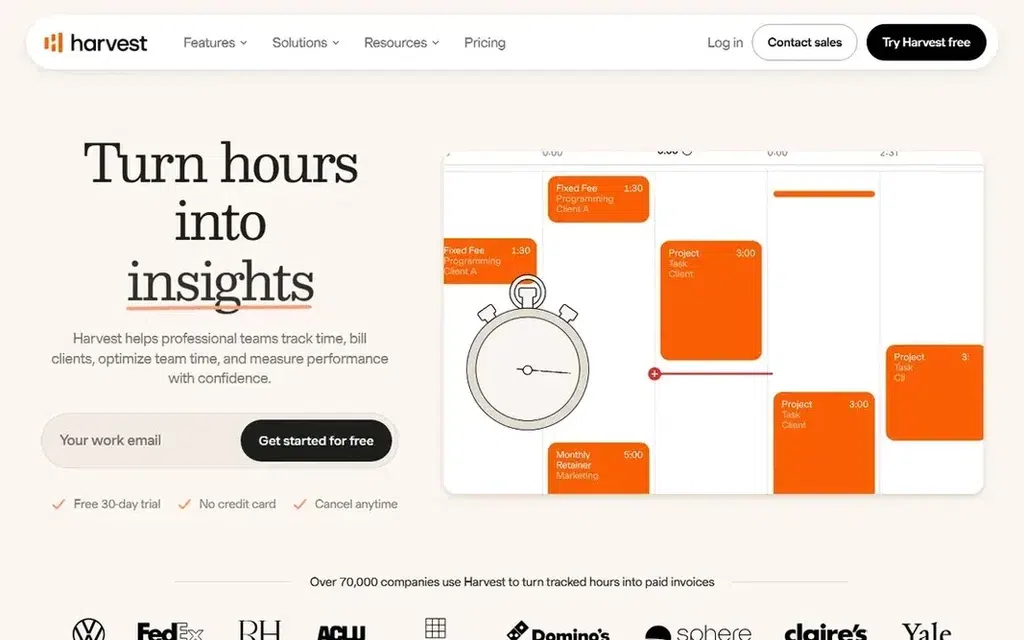
Harvest is a good fit for Time tracking with invoicing. Harvest is time tracking and management software with reporting and online invoicing. It is built for people who bill for their time, for example freelancers and agencies, and who want to turn tracked hours into invoices without switching tools.
If you do not invoice clients, Harvest's invoicing strengths may be unnecessary. Its productivity feature set is narrower than an all-in-one work app. On top of that, pick Harvest when time tracking and client invoicing go hand in hand. Harvest starts at: $9 per seat per month. A free plan is available with Harvest.
Honest limits: Invoicing focus may not suit internal teams.
- Time tracking with simple reporting
- Simplified online invoicing
- Fewer productivity extras
ClickUp is built with all-in-one work app with time tracking in mind. The breadth of features can be overwhelming, and time tracking is not the sole focus.
Where it falls short: Feature depth can be overwhelming.
Reasons to shortlist it: Can centralize work. So it may lack some specialized tracking depth found in dedicated tools. On cost, ClickUp starts like this: $9 per user per month. ClickUp offers a free plan.
- Chat in one app
- Wide productivity feature set
- Time tracking is one part of a bigger suite
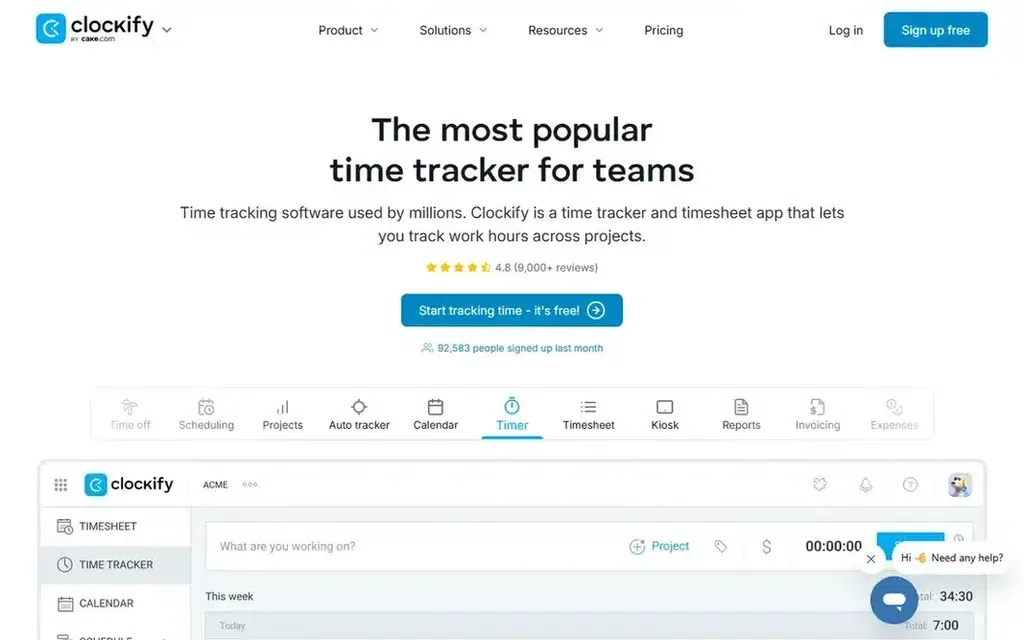
Clockify works best for straightforward project time tracking. The interface keeps the focus on tracking instead of on broader task management. Choose Clockify when straightforward time logging is the primary goal.
Limits to weigh: Restricted advanced productivity features.
Since Clockify centers on time tracking, it may not replace a full project management or productivity suite. Clockify is a time tracking tool built around a straightforward timer and timesheet. Check the vendor site for Clockify pricing; none is listed in this comparison. Free access exists with Clockify.
- Straightforward time tracker and timesheet
- Tracks work hours across projects
- May feel basic for complicated workflows
RescueTime works best for automatic background time tracking. If you need in-depth project profitability or capacity planning, another choice may fit better. In daily use, RescueTime fits best when the goal is personal awareness and habit improvement.
Limits to weigh: Less manual project billing focus.
More specifically, automatic tracking can raise privacy concerns for some users. It is less oriented toward client billing and invoicing than tools like Harvest. RescueTime gives you automatic time tracking that runs in the background and helps you see how you spend time on your computer. It comes with goals, project tracking, and a timesheet app, making it handy for freelancers, small firms, and employees who want awareness of their daily habits without manually starting timers. RescueTime cost at the entry level: $7 per month. Free options: Free trial.
- Automatic time tracking
- Goals and project tracking
- Automatic tracking may feel intrusive
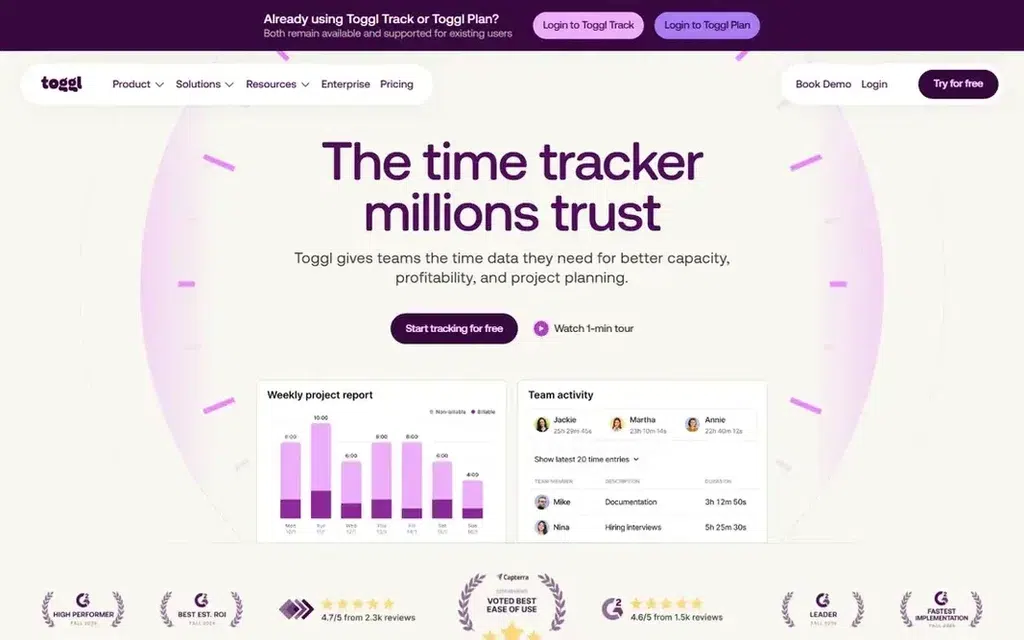
Toggl Track works best for Time tracking with capacity planning. Toggl Track is a time tracking and capacity planning tool. It lets you track employee time, plan capacity, handle tasks and projects, and calculate profitability.
As for the details, Toggl Track also does not emphasize invoicing, so freelancers who bill clients straight may prefer a tool with built-in invoicing. For a single user who only needs a timer, the capacity planning features may add complexity without much benefit. Toggl Track shows no starting price here, so confirm the cost on the vendor site. Free options: Not stated.
Where it is weaker: Less centred on invoicing.
- Time tracker plus capacity planning
- Tracks tasks and projects
- Capacity planning may be overkill for solo users
How we compared the tools
Selection started from tools commonly considered for personal productivity software with time tracking, then narrowed to 6 that have clear pricing information or a clear quote process. Plan names, prices and limits change often. Treat the figures here as a starting point and verify them with the vendor. The sequence is a judgement call: typical use case first, then pricing transparency, then free access. Use the profiles to check fit.
Questions to settle before buying
- Confirm the entry price on the vendor page. For Clockify and Toggl Track that means a quote rather than a fixed price.
- Read the fine print on the free plans from Harvest, ClickUp and Clockify; seat, project and feature caps differ.
- Take the trial from Time Doctor and RescueTime and push a live task through it before you pay.
- Before choosing Time Doctor, weigh its main limit: heavy focus on monitoring.
- Total up the real monthly cost of ClickUp, including add-ons, extra users and usage-based fees.
- Run a one or two week pilot of Toggl Track with the people who will use it every day.
FAQ
Which options for personal productivity software with time tracking have a free plan?
Harvest, ClickUp and Clockify offer a free plan in this list. Free plans usually cap users, projects or features, so check the limits on the vendor page. Several others offer a trial instead.
What is the best time tracking tool for personal productivity?
This list starts with Time Doctor, which fits workforce visibility for distributed teams. For other needs, Harvest is aimed at Time tracking with invoicing, and ClickUp at all-in-one work app with time tracking. Check each tool's price and main limit first.
Do these tools publish their prices?
Not all of them. Clockify and Toggl Track publish no starting price, so expect a quote request for those. The rest, Time Doctor included, show a starting price, though seats and billing terms still change the final cost.
What is the cheapest option for personal productivity software with time tracking in this list?
On published monthly entry prices, Time Doctor is the lowest here at $6.67 per user per month. Entry price is only part of the cost, because seats, add-ons and billing terms can change the total. Each of the 6 options in this personal productivity software with time tracking guide has its own card above with the price, free plan and limits.
How are the tools for personal productivity software with time tracking ordered?
Time Doctor sits first and Toggl Track last because the order follows typical fit for personal productivity software with time tracking, then price clarity and free access. It is a judgement call, so read each profile for fit and limits.
Sources
- https://www.timedoctor.com
- https://www.getharvest.com
- https://clickup.com
- https://clockify.me
- https://www.rescuetime.com
- https://toggl.com/track