Best Personal Knowledge Base for Writers in 2026: Prices, Free Plans and 5 Picks
Weighing the best personal knowledge base for writers? We lined up 5 products by cost, free access and fit. We note where every tool falls short. Facts only.
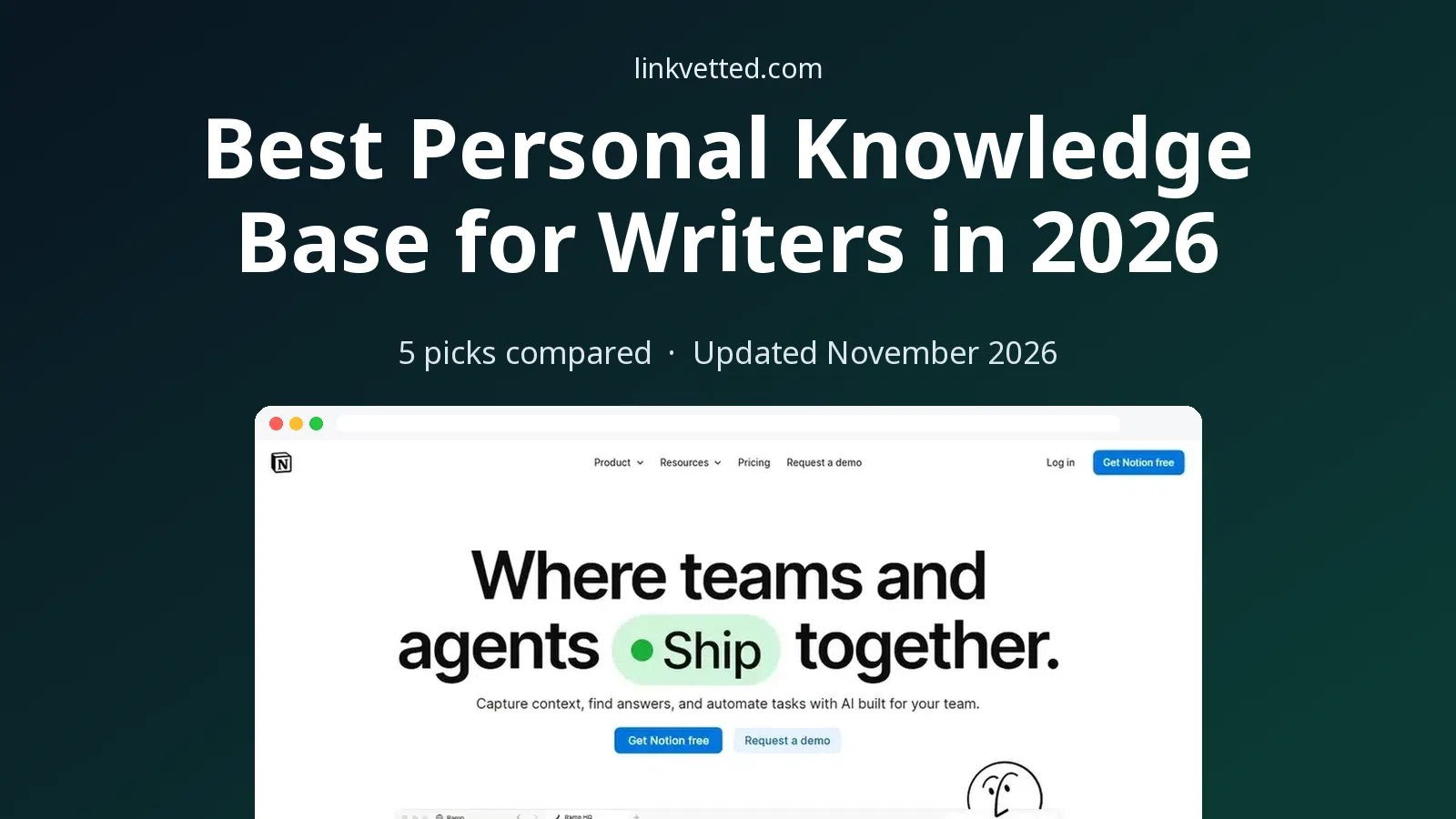
- Editor's choice
 Logseq
Privacy-first open-source knowledge base
Starts atSee websiteVisit logseq.comFull review - Great alternative
 Notion
All-in-one workspace with databases
Starts at$10 per member a monthVisit notion.comFull review - Also considerRoam Research
Networked thought and idea linking
Starts atSee websiteVisit roamresearch.comFull review
Direct answer
If you need privacy-first open-source knowledge base, Logseq is the first tool to look at here. Listed starting prices: Notion from $10 per member a month, Obsidian from $4 per user per month and Craft from $4.8 a month. Notion is better for all-in-one workspace with databases, and Roam Research is better for networked thought and idea linking. The other 2 tools in the list cover narrower or pricier cases.
TL;DR:
- Number one here is Logseq, a fit for privacy-first open-source knowledge base.
- Obsidian is the lowest-priced starter here at $4 per user per month.
- For refined notes across Apple devices, Craft is worth a look.
- Free plans exist at 3 of 5 tools (Notion, Obsidian, Craft).
Last checked November 2026. Prices and plan details were read from the vendors' own pages in November 2026; vendors change plans often, so confirm the current price on the vendor site before you buy.
Quick comparison
| Tool | Best for | Starts at | Free plan? | |
|---|---|---|---|---|
| Logseq | Privacy-first open-source knowledge base | See website | Not stated | Visit |
| Notion | All-in-one workspace with databases | $10 per member a month | Yes | Visit |
| Roam Research | Networked thought and idea linking | See website | Not stated | Visit |
 Obsidian | Private linked notes and drafts | $4 per user per month | Yes | Visit |
 Craft | Refined notes across Apple devices | $4.8 a month | Yes | Visit |
Every option for personal knowledge base for writers explained
If you are comparing personal knowledge base for writers, this page covers 5 tools in one place: what each is best for, what it costs to start, whether it has a free plan, and the main limit to know about.
In short, Logseq is for privacy-first open-source knowledge base. For refined long-form drafting, a dedicated writing app may be a better primary tool. Logseq is a privacy-first, open-source product for knowledge management and collaboration.
More specifically, the outliner structure and open-source setup can feel unfamiliar to writers used to word-processor style documents. Writers who care about open tools and keeping notes private will appreciate its local-first design and outliner-based pages. This comparison lists no price for Logseq; ask the vendor. Free plan details: Not stated.
What to check first: Fewer refined writing features.
- Local-first approach
- Open-source and privacy-focused
- Outliner model takes adjustment
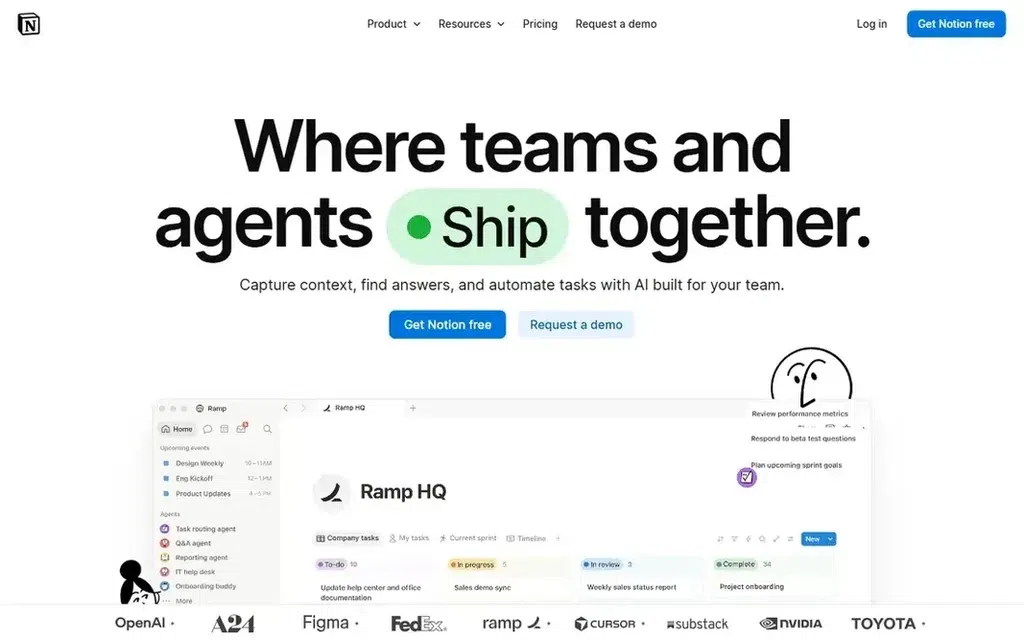
Notion is aimed squarely at all-in-one workspace with databases. The breadth of features can overwhelm writers who just want a blank page, and building a decent structure takes effort.
Notion describes itself as an AI workspace that works for you, with custom agents, cross-app search, and automation. Writers who want research notes, project trackers, and drafts in one place can build custom pages and databases. Starting cost for Notion: $10 per member per month. Notion offers a free plan.
Honest limits: Structure takes time to set up.
- Notes, docs
- Custom layouts for projects
- Can feel heavy for straightforward notes
Roam Research
Best for: Networked thought and idea linking
Choose Roam Research for networked thought and idea linking. Roam Research is a note taking tool for networked thought, as straightforward to use as a document or bulleted list yet capable for finding and connecting related ideas like a graph database. From a buyer's view, writers who develop arguments across plenty of notes will value the linking model.
Drawbacks to consider: Unconventional structure for newcomers.
It supports live collaboration or local storage, which fits researchers who want connected thinking. From a buyer's view, if you largely write finished prose instead of connected notes, a writing-focused app may serve you better. This comparison lists no price for Roam Research; ask the vendor. Free options: Not stated.
- Live collaboration choice
- Graph-style linking of ideas
- Less refined for long-form drafting
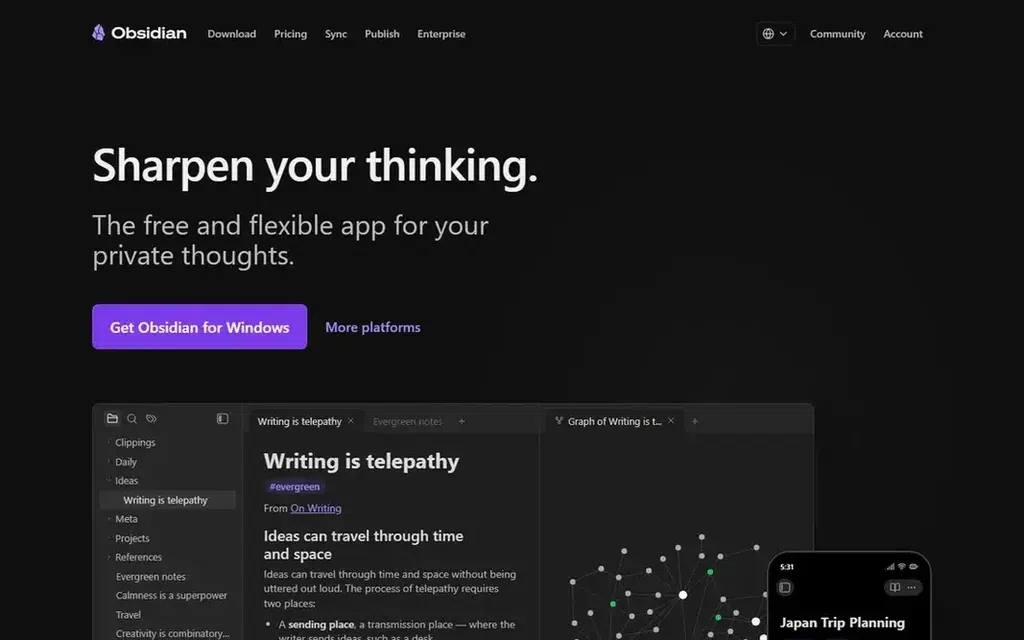
Where Obsidian fits: private linked notes and drafts. Writers who keep research, outlines, and drafts in one linked vault will find the graph and linking approach handy for connecting related ideas across projects.
Trade-offs to know: Sync and extras need configuration.
Collaborative live writing is not the focus, so pick something else if shared editing is central to your process. In practice, Obsidian is a free and adaptable app for private thoughts, built around notes stored as plain files you control. What you pay to start with Obsidian: $4 per user per month. Obsidian has a free plan.
- Local
- Adaptable linking and graph views
- Setup can feel technical
Craft targets polished notes across Apple devices. Craft is a productivity app for notes, tasks, and docs that follows you across all your devices, with premium features available.
Reasons to shortlist it: docs together.
Downsides: Some features are premium.
Also, writers who want visually clean documents and a pleasant interface for outlines and drafts will find it approachable. More specifically, writers who require a highly customizable local vault or heavy automation may prefer another choice. On cost, Craft starts like this: $4.8 per month. Craft includes a free tier.
- Notes, tasks
- Syncs across devices
- Less suited to heavy database work
Our selection method
For each of the 5 tools we noted price, free plan or trial, fit for personal knowledge base for writers and the main limit, using vendor pages and documentation. Figures are shown as the vendors publish them. Billing terms, seat minimums and add-ons can change the real cost. We ordered the tools by general fit, then by how clearly pricing is shown, then by free access. A buyer with unusual needs may reorder them.
Pre-purchase checklist
- Confirm the entry price on the vendor page. For Logseq and Roam Research that means a quote rather than a fixed price.
- Look at free plan limits closely: Notion, Obsidian and Craft have one, and the caps decide whether it is usable for real work.
- Read the limits listed for Logseq first: Outliner model takes adjustment.
- Ask Craft how an export works before you move any records in; an easy exit lowers the risk.
- Add up seats, add-ons and usage charges for Logseq before comparing it with cheaper entries.
FAQ
Is Logseq the right pick for everyone comparing personal knowledge base for writers?
No single tool suits every team. Logseq comes first because it fits privacy-first open-source knowledge base, while Notion suits all-in-one workspace with databases and Roam Research suits networked thought and idea linking. Match the tool to your own size, budget and workflow before deciding.
Which options for personal knowledge base for writers have a free plan?
On this list, Notion, Obsidian and Craft include a free plan. Caps on seats, usage or features are common, so test the free plan against your real workload.
How are the tools for personal knowledge base for writers ordered?
Logseq sits first and Craft last because the order follows typical fit for personal knowledge base for writers, then price clarity and free access. It is a judgement call, so read each profile for fit and limits.
Do these tools publish their prices?
Not all of them. Logseq and Roam Research publish no starting price, so expect a quote request for those. The rest, Notion included, show a starting price, though seats and billing terms still change the final cost.
Is a local-first tool better for writers?
Local-first tools like Obsidian and Logseq keep your data on your own device, which appeals to writers who value privacy and control. The tradeoff is that syncing and collaboration may need additional setup. Cloud-based tools offer convenience but store data with the vendor.
Sources
- https://logseq.com
- https://www.notion.com
- https://roamresearch.com
- https://obsidian.md
- https://www.craft.do