Best PDF Automation Tools for HR Onboarding for 2026: Our 5 Vetted Picks
Weighing the best PDF automation tools for HR onboarding? We lined up 5 products by cost, free access and fit. Plain-spoken summaries throughout. Facts only.
- Editor's choice
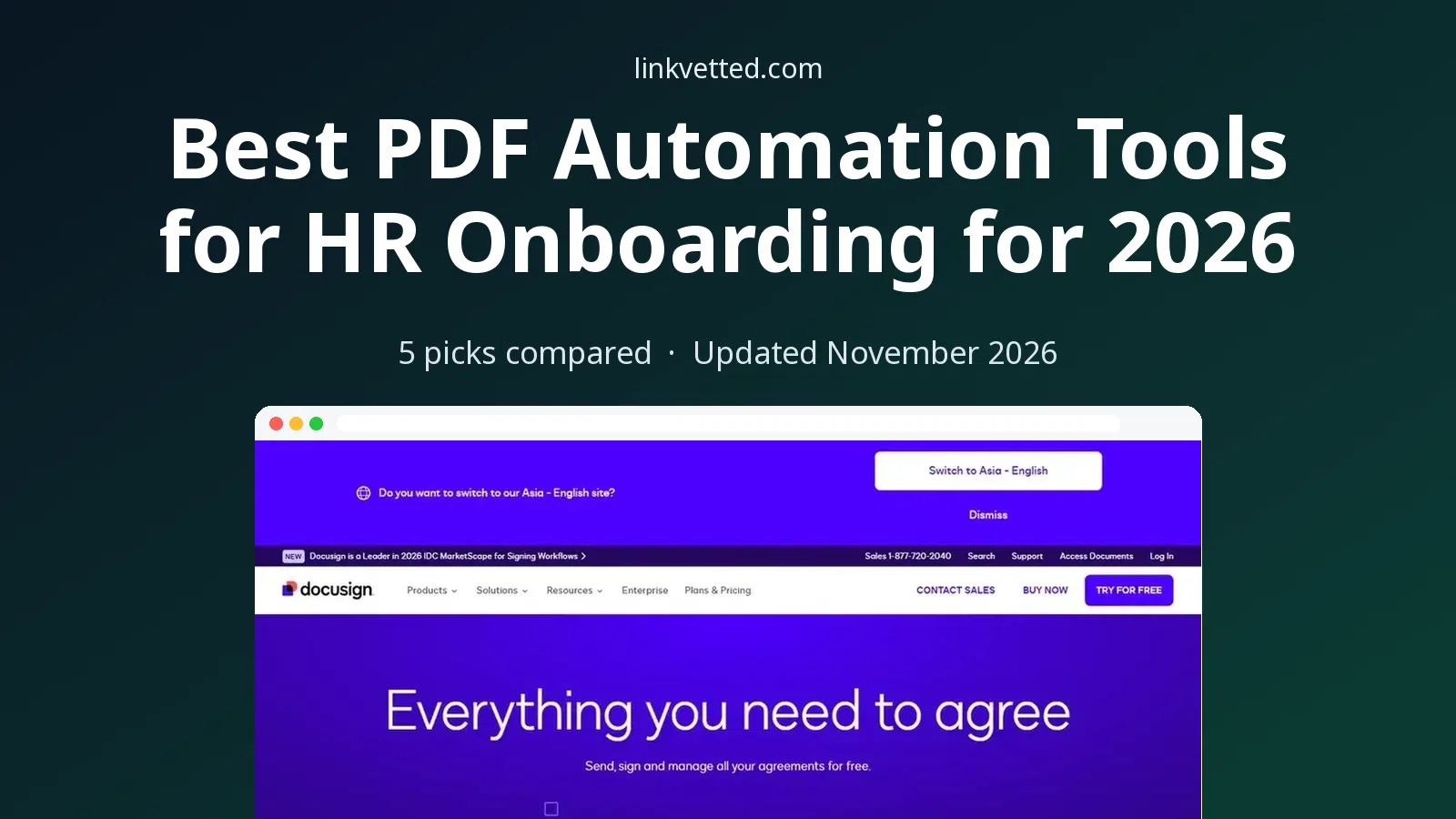
 DocuSign
Signature-heavy onboarding agreements
Starts at$45 per user per monthVisit docusign.comFull review - Great alternative
 Dropbox Sign
Straightforward legally binding e-signatures
Starts at$15 USD / moVisit hellosign.comFull review - Also consider
 Adobe Acrobat Pro
Full PDF editing and sharing
Starts atSee websiteVisit adobe.comFull review
Direct answer
If you need signature-heavy onboarding agreements, DocuSign is the first tool to look at here. Listed starting prices: DocuSign from $45 per user per month, Dropbox Sign from $15 USD / mo and PDFelement from $6.99 per week. Alternatives: Dropbox Sign for straightforward legally binding e-signatures, and Adobe Acrobat Pro for full PDF editing and sharing. The remaining 2 options are covered below with prices and limits.
TL;DR:
- Number one here is DocuSign, a fit for signature-heavy onboarding agreements.
- The lowest published monthly entry price here is $45 per user per month, from DocuSign.
- For editing and signing on a budget, Foxit PDF Editor is worth a look.
- Before buying PDFelement, weigh this: advanced automation may be restricted.
- DocuSign, Foxit PDF Editor and the 3 others all need a premium plan or a trial, since no free plan is listed.
Last checked November 2026. Prices and plan details were read from the vendors' own pages in November 2026; vendors change plans often, so confirm the current price on the vendor site before you buy.
Quick comparison
| Tool | Best for | Starts at | Free plan? | |
|---|---|---|---|---|
| DocuSign | Signature-heavy onboarding agreements | $45 per user per month | Not stated | Visit |
| Dropbox Sign | Straightforward legally binding e-signatures | $15 USD / mo | Free trial | Visit |
| Adobe Acrobat Pro | Full PDF editing and sharing | See website | Not stated | Visit |
 PDFelement | Simple cross-device PDF editing | $6.99 per week | Not stated | Visit |
 Foxit PDF Editor | Editing and signing on a budget | See website | Not stated | Visit |
The 5 tools in detail
LinkVetted put together this guide to PDF automation tools for HR onboarding for readers who want a clear shortlist without reading every vendor page. It compares 5 tools on starting price, free plans, who each one suits and where each one falls short.
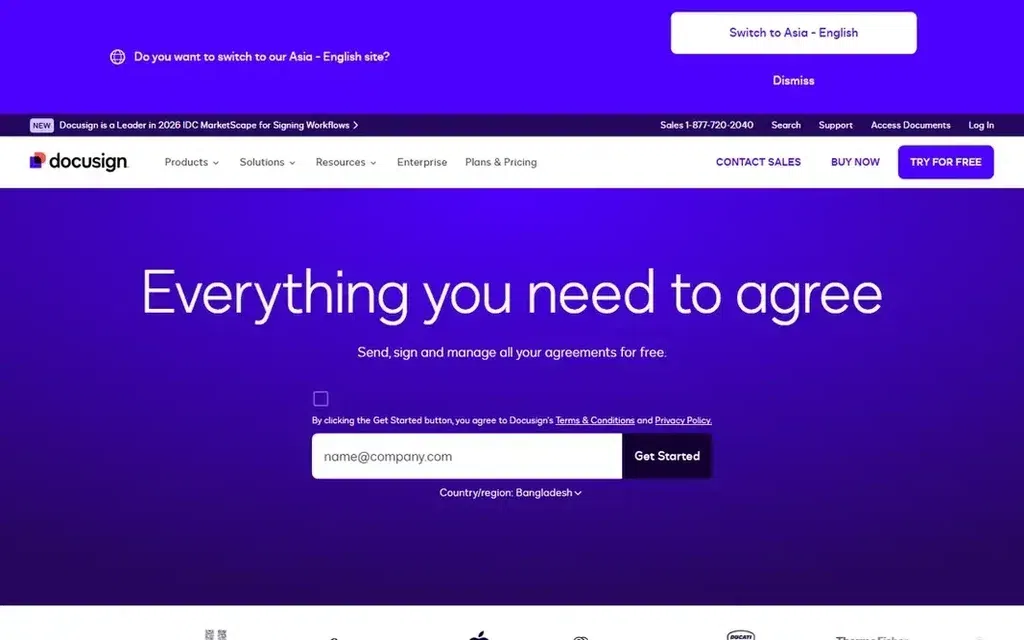
Pick DocuSign if this describes you: signature-heavy onboarding agreements. It suits HR workflows where offer letters, policy acknowledgments and contracts move through signature rapidly and need tracking.
For everyday use, teams that process plenty of signers during onboarding will find the agreement focus handy. Price to start with DocuSign: $45 per user per month. Free access: Not stated.
The main drawbacks: May overlap with existing document tools.
- Supports creating and committing to agreements
- Agreement management in one system
- Less centred on deep PDF editing
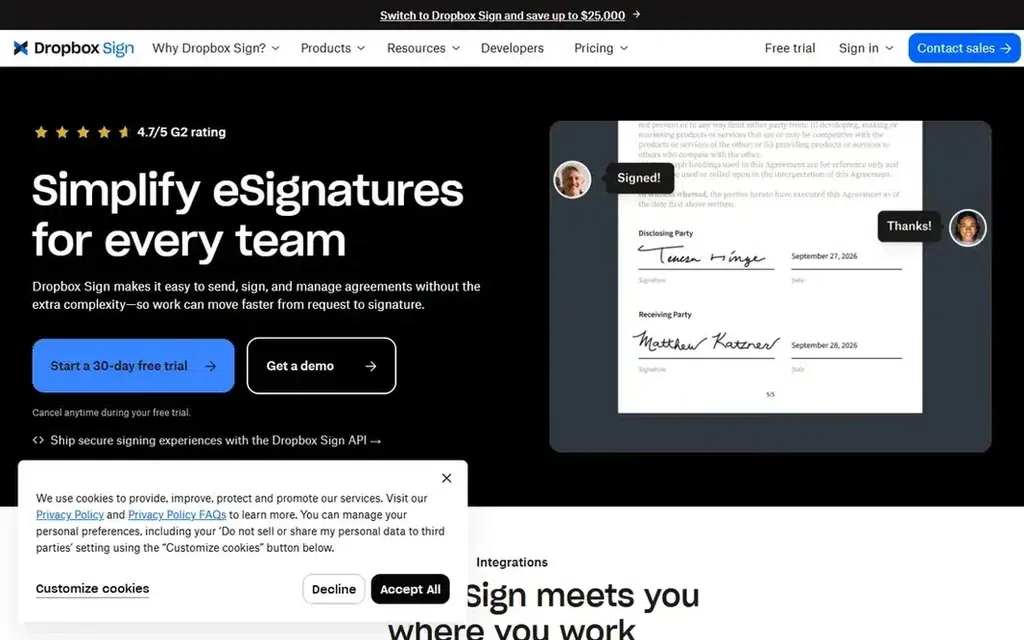
Dropbox Sign is aimed squarely at straightforward legally binding e-signatures. Smaller teams commonly appreciate the single-purpose approach.
Where it falls short: Narrower than full PDF suites.
What users get: Send.
Dropbox Sign, formerly HelloSign, describes itself as a simple way to send, receive and run legally binding electronic signatures. On top of that, pick a full PDF editor when onboarding documents need substantial revision before signing. Starting cost for Dropbox Sign: $15 USD / mo. On free options: Free trial.
- Receive and handle signatures
- Straightforward signature workflow
- Restricted document editing depth
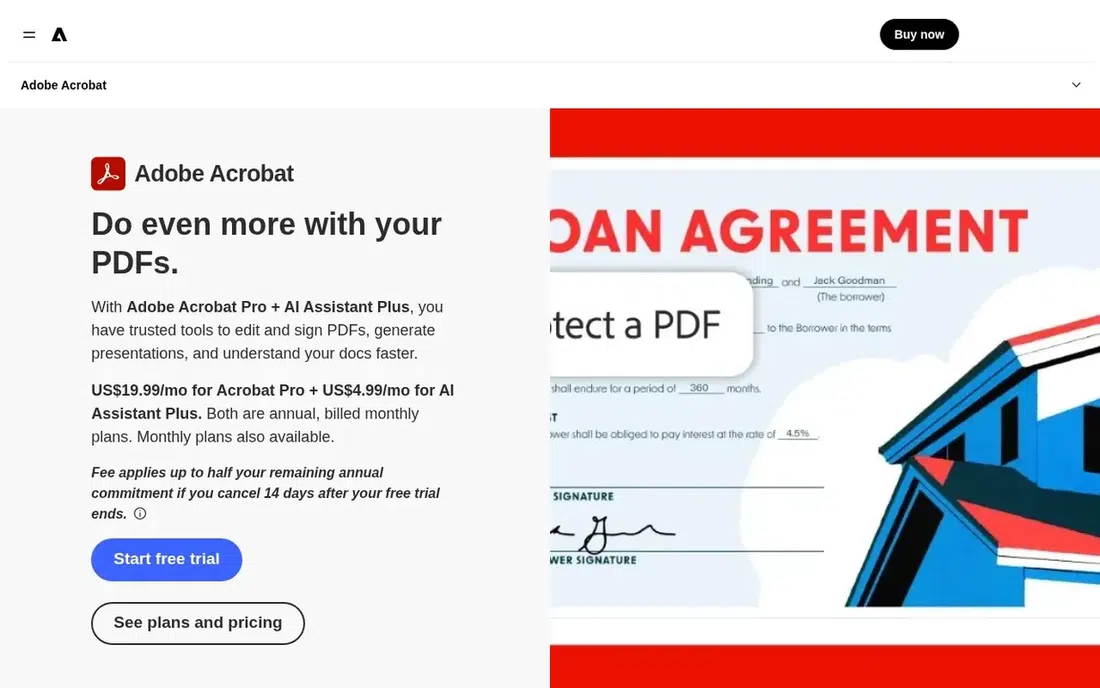
Adobe Acrobat Pro serves full PDF editing and sharing. Pick something else if your onboarding process is almost entirely about collecting signatures instead of editing documents. Beyond that, the breadth of features means a ramp-up time for occasional users, and signature workflows are better served by a dedicated e-signature tool.
In daily use, Adobe Acrobat Pro is full PDF software built around editing, converting and sharing documents. It stays current with the latest features. For HR teams assembling onboarding packets, it suits work that involves preparing, adjusting and distributing forms before anyone signs. Check the vendor site for Adobe Acrobat Pro pricing; none is listed in this comparison. As for free access: Not stated.
Downsides: Feature set can feel complicated for beginners.
- Widely recognized file compatibility
- Deals with form-heavy onboarding packets
- Overlaps with Adobe Sign for signatures
Pick PDFelement if this describes you: simple cross-device PDF editing. The protect and sign features handle typical onboarding document handling. More specifically, choose a dedicated agreement system when signature tracking across numerous signers is the priority.
In daily use, Wondershare PDFelement is described as a feature-rich yet easy-to-use PDF editor for creating, editing, protecting and signing PDFs across desktop, mobile and web. As for the details, heavy automation and enterprise-scale signature routing may need extra tools. The starting price for PDFelement: $6.99 per week. As for free access: Not stated.
Main advantages: Build; Protect and sign documents. Watch-outs: Interface differs across platforms.
- Mobile and web availability
- Edit and convert PDFs
- Advanced automation may be limited
Foxit PDF Editor is built with editing and signing on a budget in mind. Foxit PDF Editor is an AI-powered PDF editor for editing, converting and signing PDFs, positioned as an alternative to Adobe. Teams standardized on Adobe formats and habits may face adjustment, and very advanced automation can need additional components.
Limits to weigh: Less brand familiarity than Adobe.
Beyond that, the combination of conversion and signature support spans typical onboarding document tasks. Consider a dedicated e-signature platform when signature routing is the dominant need. Pricing for Foxit PDF Editor is not stated here, so ask the vendor for current figures. Trial and free access: Not stated.
- AI-powered editing and conversion
- Bundles signing capability
- Advanced workflows may need extras
What went into this list
For each of the 5 tools we noted price, free plan or trial, fit for PDF automation tools for HR onboarding and the main limit, using vendor pages and documentation. Where a vendor does not publish a price, the entry says quote. Where a price depends on seats or billing term, the entry says so. Position on the page reflects fit for a typical buyer first, with price clarity and free access breaking ties. Treat it as a guide, not a ruling.
Before you commit
- Confirm the entry price on the vendor page. For Adobe Acrobat Pro and Foxit PDF Editor that means a quote rather than a fixed price.
- Use real work to test the free trial from Dropbox Sign, rather than a demo project.
- Before choosing DocuSign, weigh its main limit: less centred on deep PDF editing.
- Run a one or two week pilot of Dropbox Sign with the people who will use it every day.
- Find out what support Adobe Acrobat Pro includes on your plan, and whether onboarding help costs extra.
FAQ
Do these tools publish their prices?
Not all of them. Adobe Acrobat Pro and Foxit PDF Editor publish no starting price, so expect a quote request for those. The rest, DocuSign included, show a starting price, though seats and billing terms still change the final cost.
Does any tool for PDF automation tools for HR onboarding here have a free plan?
A permanent free plan is not offered by DocuSign, Foxit PDF Editor or the other tools here. Dropbox Sign offer a trial. Plan a short evaluation period instead.
Is DocuSign the right pick for everyone comparing PDF automation tools for HR onboarding?
No single tool suits every team. DocuSign comes first because it fits signature-heavy onboarding agreements, while Dropbox Sign suits simple legally binding e-signatures and Adobe Acrobat Pro suits full PDF editing and sharing. Match the tool to your own size, budget and workflow before deciding.
How should HR teams evaluate security for employee documents?
Nitro emphasizes data security, and PDFelement lists document protection. Beyond that, confirm details straight with each vendor before sharing personal employee data.
Can I try these tools before paying?
Often, yes. Dropbox Sign offers a free trial. Use your own data and a real task during the test, and check what the free tier or trial limits before you rely on it. For the full picture, the cards above cover all 5 entries of this PDF automation tools for HR onboarding list, including price, free plan and limits.
Sources
- https://www.docusign.com
- https://www.hellosign.com
- https://www.adobe.com/acrobat/acrobat-pro.html
- https://pdf.wondershare.com
- https://www.foxit.com/pdf-editor