Best Recruiting Automation Tool in 2026: 8 Tools Compared
Compare the best recruiting automation tool for sourcing, screening and scheduling, with prices and AI features, so hiring teams save time, not quality.
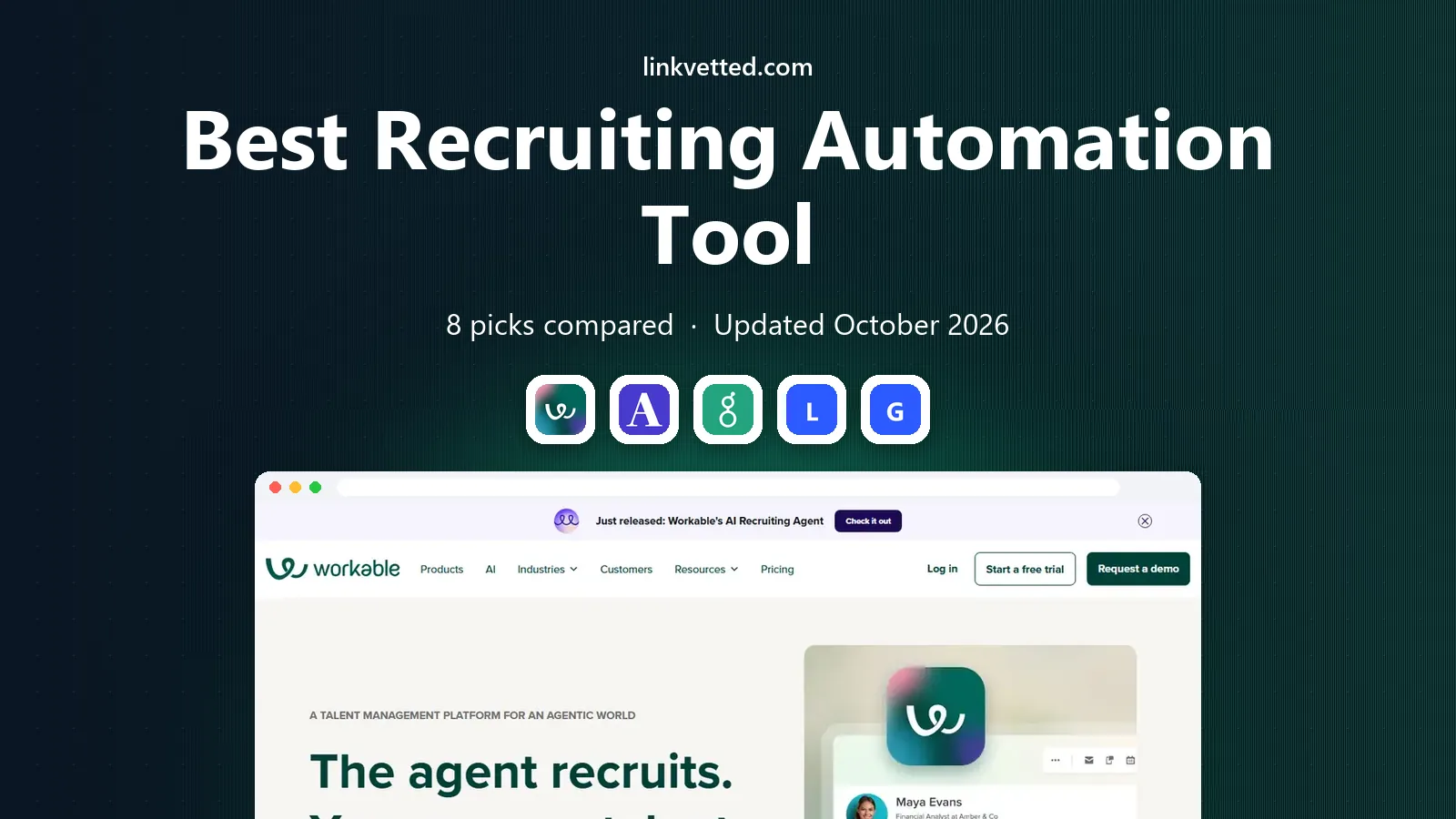
- Editor's choice
 Workable
Small teams that want automation in one ATS
Starts at$299 per monthVisit workable.comFull review - Great alternative
 Ashby
All-in-one ATS, CRM and analytics
Starts at$300 per monthVisit ashbyhq.comFull review - Also consider
 Greenhouse
Structured hiring for mid-market and enterprise teams
Starts atSee websiteVisit greenhouse.comFull review
TL;DR:
- Workable and Ashby suit small to mid-size teams that want published pricing and automation in one system.
- Greenhouse and Lever suit larger teams that need structured hiring, CRM pipelines and deep integrations.
- Gem and Paradox automate sourcing and scheduling for high-volume hiring, but pricing is custom.
- Automation should speed up screening and scheduling, not make final hiring decisions without a human review.
Quick comparison
| Tool | Best for | Starts at | Free plan? | |
|---|---|---|---|---|
| Workable | Small teams that want automation in one ATS | $299 per month | Free trial | Visit |
| Ashby | All-in-one ATS, CRM and analytics | $300 per month | No | Visit |
| Greenhouse | Structured hiring for mid-market and enterprise teams | See website | No | Visit |
 Lever | Teams building long-term talent pipelines | See website | No | Visit |
 Gem | Sourcing and outreach automation | See website | No | Visit |
 Paradox | High-volume screening and scheduling | See website | No | Visit |
 HireEZ | AI sourcing across many platforms | See website | Free trial | Visit |
 JazzHR | Budget ATS for small employers | See website | Free trial | Visit |
The best recruiting automation tool
Recruiting automation covers sourcing, screening, scheduling, reminders and reporting. The best tool depends on whether you need a full applicant tracking system or a point tool that fixes one bottleneck. We compared automation depth, pricing, integrations and ease of use for tools that are actively sold in October 2026.

Workable is the easiest recommendation for a small team that wants a full recruiting system without a sales negotiation. The Standard plan starts at $299 per month on annual billing for firms with 1 to 20 employees, with a 15-day trial. Automation covers job posting, candidate screening, interview scheduling, reminders and reporting, and an AI agent can help with screening on a credit basis.
The catch is add-ons. On Standard, texting, video interviews and assessments cost extra, and the price rises as total headcount grows, even if hiring volume stays low. Premier, at $599 per month, includes more of those extras. For a small team that hires regularly and wants clear pricing, Workable remains a strong, practical pick.
- Published pricing
- Job posting to many boards
- AI screening and scheduling automation
- Texting, video and assessments are add-ons on Standard
- Price rises with headcount
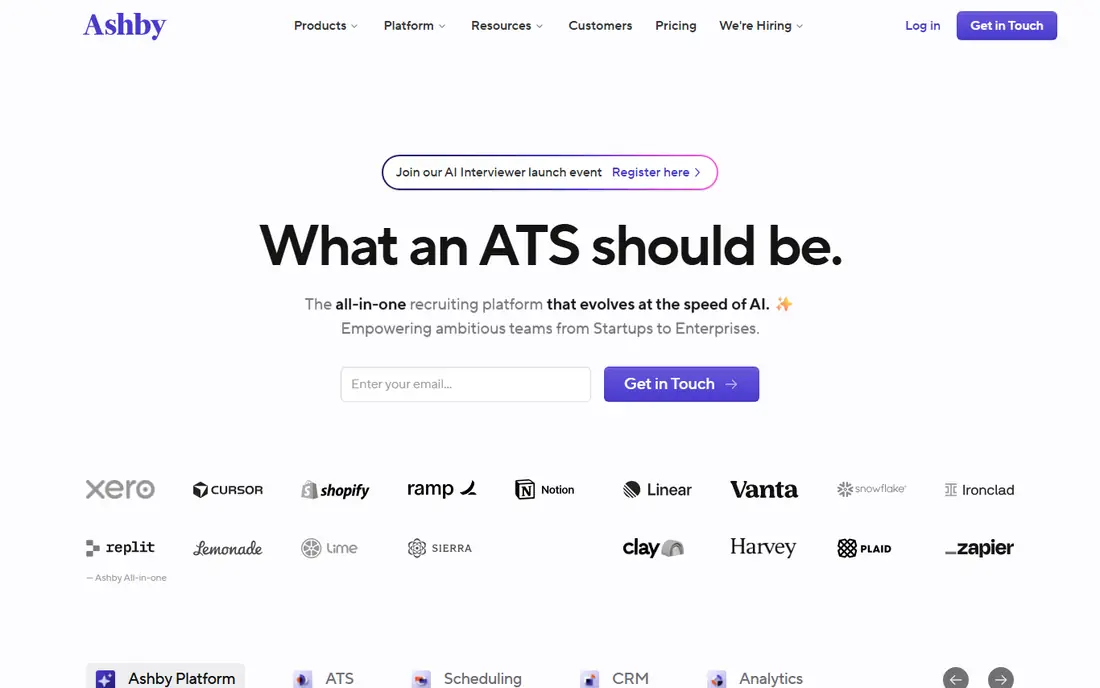
Ashby combines an applicant tracking system, a candidate CRM and analytics in one product, with automation for scheduling, sourcing and screening. Foundations pricing starts around $300 per month for firms up to 100 employees, with unlimited recruiter seats, which is unusual and helpful for growing teams. AI credits cover candidate evaluations, and reporting is among the best in this list for teams that want to measure funnel conversion and source quality.
There is no permanent free plan, only a demo, and pricing becomes custom above 100 employees. Some add-ons, such as texting and single sign-on, cost extra on lower tiers. For startups and scaleups that want data-driven hiring without buying three separate tools, Ashby is our pick for most teams in that size range.
- Published size-based pricing
- Strong analytics
- Self-scheduling and AI screening credits
- No free plan
- Pricing moves to quote above 100 employees

Greenhouse is the standard for structured hiring: interview kits, scorecards, approval workflows and reporting that help teams compare candidates fairly and document decisions. Automation covers scheduling, reminders, offer workflows and CRM pipelines, and the integration marketplace connects to hundreds of HR, sourcing and assessment tools. That depth is why many mid-market and enterprise teams standardize on Greenhouse.
Pricing is quote-only and typically enterprise-level, which puts it out of reach for very small firms. Setup also takes more care than Workable or Ashby, since structured hiring only works if interview plans are designed well. For a growing company that needs consistency, compliance and scale, Greenhouse is a strong long-term investment.
- Structured scorecards and interview kits
- Huge integration marketplace
- Strong reporting
- Quote-only pricing
- Can be costly for small teams
Lever pairs an applicant tracking system with a candidate CRM, which suits teams that hire proactively rather than waiting for applications. Recruiters can source, nurture and track passive candidates over months, then move them into active roles when a vacancy opens. Automation covers outreach sequences, scheduling, reminders and reporting, and newer AI interview intelligence tools summarize interviews for hiring managers.
Pricing is custom, and Lever is best suited to teams with a proactive sourcing strategy. A firm that only posts jobs and waits may not use the CRM side enough to justify the cost. For talent teams that build pipelines ahead of demand, Lever's combined ATS and CRM is a compelling, well-designed system.
- ATS plus CRM in one system
- Strong sourcing and nurture automation
- Interview intelligence
- Quote-only pricing
- Smaller integration set than Greenhouse in some areas
Gem automates the top of the funnel: finding candidates, running outreach sequences, tracking replies and measuring which sources produce hires. It integrates with major ATS platforms, so recruiters can source in Gem and manage hiring in their existing system. Analytics show which sequences, templates and sources work, which helps teams improve outreach over time rather than sending more messages blindly.
Pricing is custom for companies, though smaller recruiting firms have published per-user options, and Gem is not a full ATS replacement on its own. Firms that already have an ATS but struggle to fill roles with inbound applications alone will get the most from Gem. Pair it with Greenhouse, Lever or Ashby for a complete automated stack.
- Strong sourcing, sequences and analytics
- Good for outbound recruiting
- CRM features
- Custom pricing for companies
- Best as a complement to an ATS, not a replacement
Paradox, now part of Workday, runs an AI assistant called Olivia that screens candidates over chat and text and books interviews across recruiter calendars. It supports more than 100 languages and integrates with Workday, SAP SuccessFactors and iCIMS, which makes it a fit for large employers hiring hourly and frontline staff at volume. Automation here removes the scheduling bottleneck that slows high-volume hiring more than any other step.
Pricing is custom and enterprise-level, and rollout typically takes months with IT involvement, so it suits firms with 1,000 or more employees and steady high-volume hiring. Smaller firms should use scheduling automation inside Workable or Ashby instead. For a large hourly employer, Paradox can cut time-to-hire in a way a general ATS cannot.
- AI assistant screens and books interviews by chat and text
- Supports many languages
- Strong enterprise integrations
- Custom pricing
- Rollout suits larger firms with high-volume hourly hiring
HireEZ, formerly Hiretual, is an AI sourcing platform that searches for passive candidates across many sources, then runs automated outreach campaigns. Its Chrome extension lets recruiters source from profiles and job boards, and its matching tools rank candidates against a role. For firms in tight talent markets, where the best candidates are not applying, HireEZ expands the pool beyond inbound applicants.
It is a sourcing tool, not a full ATS: once candidates respond, they move to your ATS for interviews and offers. Enterprise pricing is custom, with a trial available for smaller users in some listings. For sourcing-heavy teams that already have an ATS, HireEZ is a strong automation add-on. For teams that need end-to-end hiring, start with Workable, Ashby or Greenhouse.
- Searches passive candidates across platforms
- Automated outreach
- Chrome extension for sourcing
- Custom enterprise pricing
- Hands candidates to another tool for interviews
JazzHR is a budget-friendly applicant tracking system for small employers that need job posting, screening, scheduling and reporting without enterprise complexity. Automation covers job distribution, candidate screening questions, interview scheduling and reminders, which removes much of the manual work in a small hiring process. Setup is simpler than Greenhouse or Lever, and a free trial lets small teams test it on a real role.
Advanced AI features are lighter than those in Ashby, Gem or Paradox, and pricing depends on the plan and hiring volume, so get a firm quote. For a small business hiring a few roles a year, JazzHR offers good value and a gentle learning curve. For a team hiring at scale or needing deep analytics, Ashby or Greenhouse will serve better.
- Lower cost than enterprise ATS tools
- Job posting and screening automation
- Simple setup
- Pricing varies by plan
- Fewer advanced AI features than Ashby or Paradox
How we picked these
We compared official pricing pages, feature documentation and public reviews for recruiting tools that are actively sold in October 2026 and that automate at least one major step: sourcing, screening, scheduling or reporting. We kept a mix of full ATS platforms and point tools, because the best recruiting automation tool depends on whether you need a whole system or a fix for one bottleneck. We favored tools with clear automation, not just a job board.
How to choose the right tool
Start with your bottleneck. If scheduling eats recruiter time, Paradox or the scheduling automation inside Workable and Ashby will help most. If sourcing is the problem, Gem or HireEZ will help more than a new ATS. If reporting and structured hiring are the gaps, Greenhouse or Ashby are stronger. Do not buy a full suite to fix a single step.
Next, price the full system, including add-ons for texting, video, assessments and AI credits, since those costs vary widely. Then trial the tool on a real open role, with real candidates, and measure time saved and candidate experience. Finally, check candidate privacy and bias controls: automation should assist human decisions, not make final hiring calls on its own, and candidates should know when they are talking to an AI assistant.
FAQ
What is the best recruiting automation software?
Workable and Ashby are the best all-in-one picks for small to mid-size teams, thanks to published pricing and broad automation. Greenhouse and Lever suit larger teams that need structured hiring and CRM pipelines. For sourcing alone, Gem leads, and for high-volume scheduling, Paradox leads.
How much does recruiting automation cost?
Workable starts at $299 per month and Ashby around $300 per month for smaller firms, while Greenhouse, Lever, Gem and Paradox use custom pricing that often runs into five figures per year. Always ask about add-ons for texting, video, assessments and AI credits, since those can add materially to the base price.
Can AI recruiting tools screen candidates automatically?
Yes, many tools here screen resumes, rank candidates and run initial chat screening, but human review should remain part of the process. AI screening can miss strong candidates with unusual backgrounds and can raise fairness concerns if it is not monitored. Use automation to shortlist and schedule, not to reject candidates without a human check.
Is Workable or Greenhouse better?
Workable is better for small teams that want published pricing, fast setup and a full ATS in one purchase. Greenhouse is better for larger teams that need structured interviews, scorecards, deep integrations and compliance reporting. A team that outgrows Workable often moves to Greenhouse or Ashby.
What is the best recruiting automation tool for high-volume hiring?
Paradox is the strongest pick for high-volume hourly hiring, thanks to chat screening and automated scheduling in many languages. Workable and Ashby also handle volume well for office and professional roles. For hourly hiring at scale, Paradox's assistant removes the scheduling bottleneck that slows other systems.