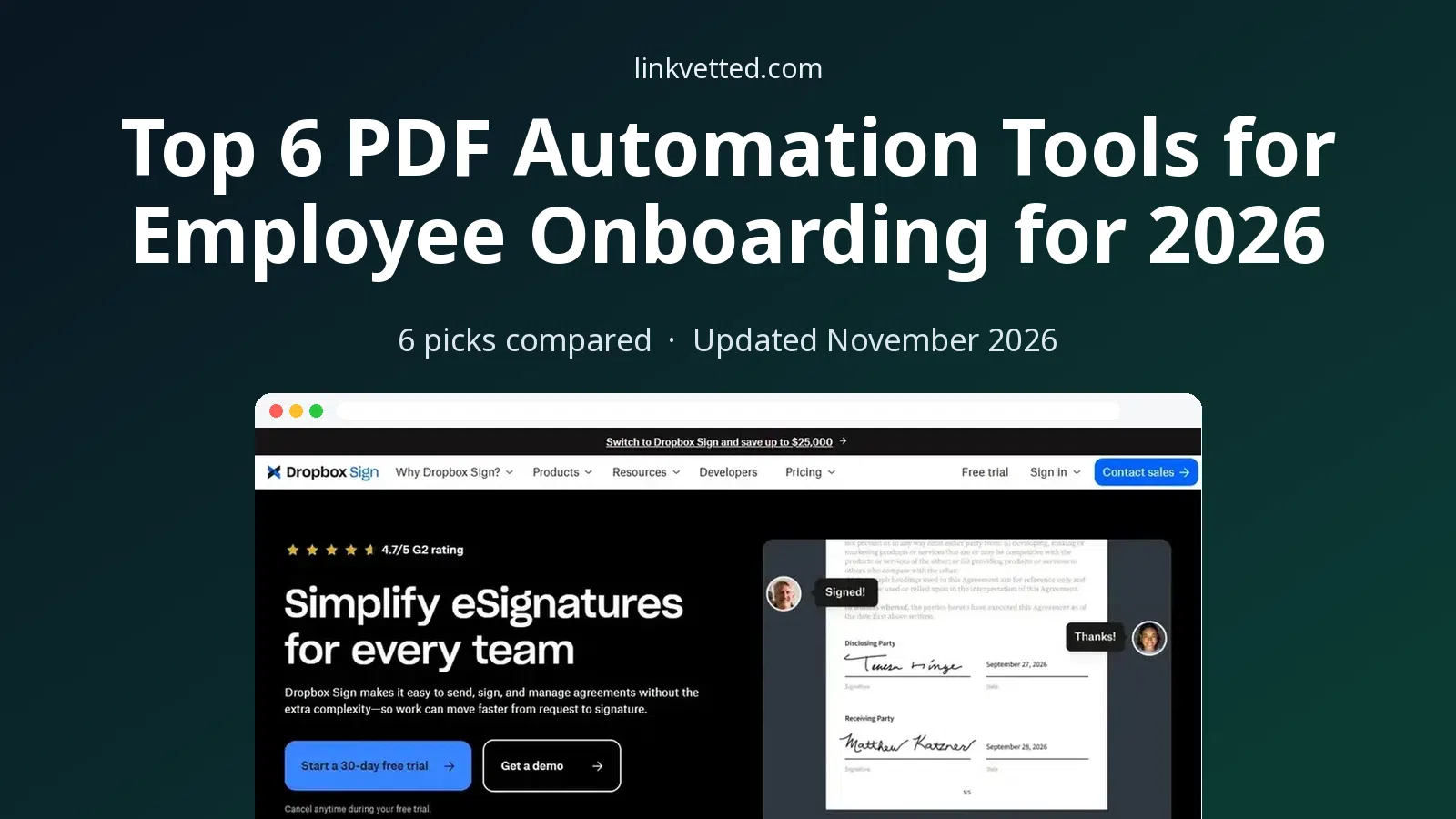
Top 6 PDF Automation Tools for Employee Onboarding for 2026 (Prices and Free Plans)
Best PDF automation tools for employee onboarding: 6 contenders ranked by fit, with entry costs and free tiers. Caveats come with every verdict. Details below.
- Editor's choice
 PDFelement
Cross-device PDF editing and signing
Starts at$6.99 per weekVisit pdf.wondershare.comFull review - Great alternative
 Foxit PDF Editor
Editing, converting and signing PDFs
Starts atSee websiteVisit foxit.comFull review - Also consider
 Dropbox Sign
Straightforward, focused e-signature workflows
Starts at$15 USD / moVisit sign.dropbox.comFull review
Direct answer
PDFelement is the first pick on this list for cross-device PDF editing and signing. Listed starting prices: PDFelement from $6.99 per week, Dropbox Sign from $15 USD / mo and Apryse from $1,500. If your case is different, Foxit PDF Editor suits editing, converting and signing PDFs and Dropbox Sign suits straightforward, focused e-signature workflows. All 6 tools are compared below on price, free plan and limits.
TL;DR:
- PDFelement takes the first slot, best suited to cross-device PDF editing and signing.
- DocuSign fits end-to-end agreement and signature workflows.
- PDFelement comes with a trade-off: automation depth varies by workflow.
- The lowest published monthly entry price here is $45 per user per month, from DocuSign.
Last checked November 2026. Prices and plan details were read from the vendors' own pages in November 2026; vendors change plans often, so confirm the current price on the vendor site before you buy.
Quick comparison
| Tool | Best for | Starts at | Free plan? | |
|---|---|---|---|---|
| PDFelement | Cross-device PDF editing and signing | $6.99 per week | Not stated | Visit |
| Foxit PDF Editor | Editing, converting and signing PDFs | See website | Not stated | Visit |
| Dropbox Sign | Straightforward, focused e-signature workflows | $15 USD / mo | Free trial | Visit |
| Apryse | Embedding document processing in software | $1,500 | Free trial | Visit |
 Workato | Automating onboarding across connected apps | $100 per month | Yes | Visit |
 DocuSign | End-to-end agreement and signature workflows | $45 per user a month | Not stated | Visit |
PDF Automation Tools for Employee Onboarding profiles
If you are comparing PDF automation tools for employee onboarding, this page covers 6 tools in one place: what each is best for, what it costs to start, whether it has a free plan, and the main limit to know about.
PDFelement is built with cross-device PDF editing and signing in mind. Wondershare PDFelement is a PDF editor for creating, editing, protecting and signing PDFs across desktop, mobile and web. In practice, PDFelement is an editing option, so routing signatures across plenty of new hires and tracking completion may need a separate signing service.
Beyond that, for onboarding, it helps HR staff assemble packets, adjust forms and apply signatures from whichever device is at hand. Teams with complicated approval chains should map those steps first. From a buyer's view, choose it when adaptable, simple PDF editing across devices matters most. PDFelement cost at the entry level: $6.99 per week. On free options: Not stated.
Trade-offs to know: Not a dedicated onboarding product.
What users get: Available on desktop.
- Protect and sign PDFs
- Mobile and web
- Automation depth varies by workflow
Foxit PDF Editor is aimed squarely at editing, converting and signing PDFs. Foxit PDF Editor is an AI-powered PDF editor for editing, converting and signing PDFs, positioned as an alternative to Adobe Acrobat.
What to check first: Less known for onboarding automation.
Onboarding teams can use it to prepare forms, adjust text and collect signatures on documents. As for the details, pick Foxit when document editing and signing are the priority. Pricing for Foxit PDF Editor is not stated here, so ask the vendor for current figures. Free options: Not stated.
- Editing
- Positioned as an Adobe alternative
- Advanced workflows may need additional tools
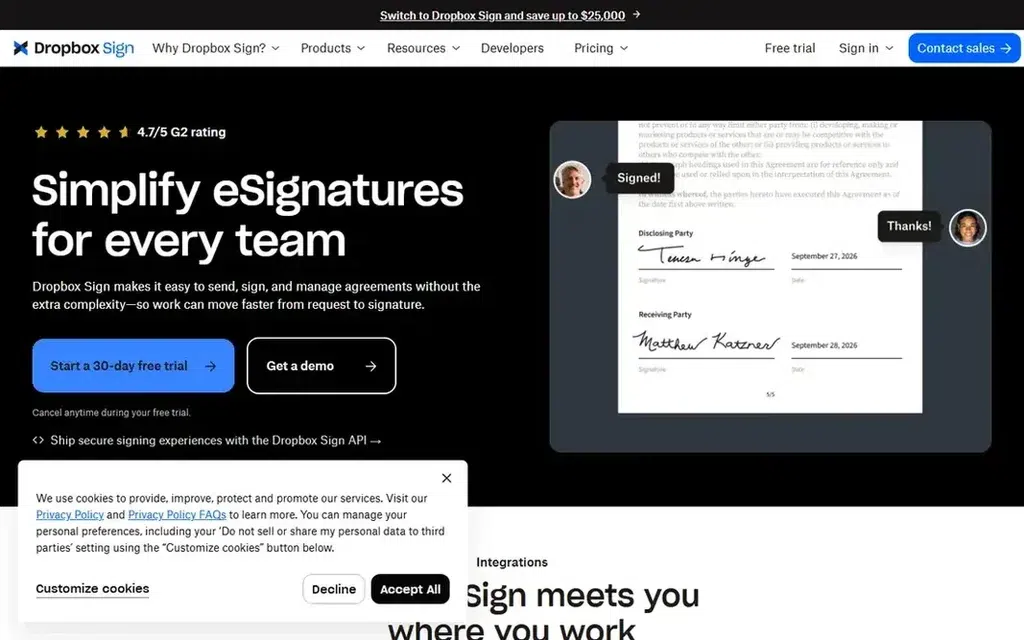
Dropbox Sign was built for straightforward, focused e-signature workflows. Dropbox Sign, formerly HelloSign, concentrates on sending, receiving and managing legally binding electronic signatures. More specifically, organizations with very complicated agreement lifecycles may outgrow a focused signing tool.
What Dropbox Sign does well: receive and handle signatures.
Points against: Narrower than full agreement products.
More specifically, for onboarding, it fits teams that primarily need new hires to sign offer letters, acknowledgments and policy forms without adopting a large agreement product. Its narrow scope keeps the signing step clear for HR staff and candidates alike. Since its emphasis is signature workflow, teams needing heavy PDF editing or complicated cross-app automation should look at an editor or integration system instead. Dropbox Sign starts at: $15 USD / mo. Free access: Free trial.
- Send
- Straightforward signing focus
- Editing PDFs is not its purpose
Apryse
Best for: Embedding document processing in software
Apryse makes the most sense for embedding document processing in software. On top of that, implementation effort is real and should be planned.
The value displays up when document handling must live inside a custom product. The starting price for Apryse: $1,500. Free access: Free trial.
Trade-offs to know: Pitched at developers, not HR staff.
- Wide document processing capabilities
- Designed for integration into applications
- Needs technical implementation
Pick Workato if this describes you: automating onboarding across connected apps. Workato links apps, data, workflows and AI agents on one enterprise system to orchestrate and govern work securely. In onboarding, it can tie together the systems that produce, route and store PDF documents so steps happen without manual handoffs.
Honest limits: Integration projects need planning.
What Workato does well: Links apps, data. As for the details, Workato is an integration product, not a PDF editor or e-signature product. So it complements instead of replaces the other tools here. Worth adding: choose it when the real problem is connecting systems, not editing documents. Teams without integration resources may find setup demanding. Entry price for Workato: $100 per month. Workato includes a free tier.
- Enterprise integration focus
- Workflows and AI agents
- Not a PDF editor or signing tool itself
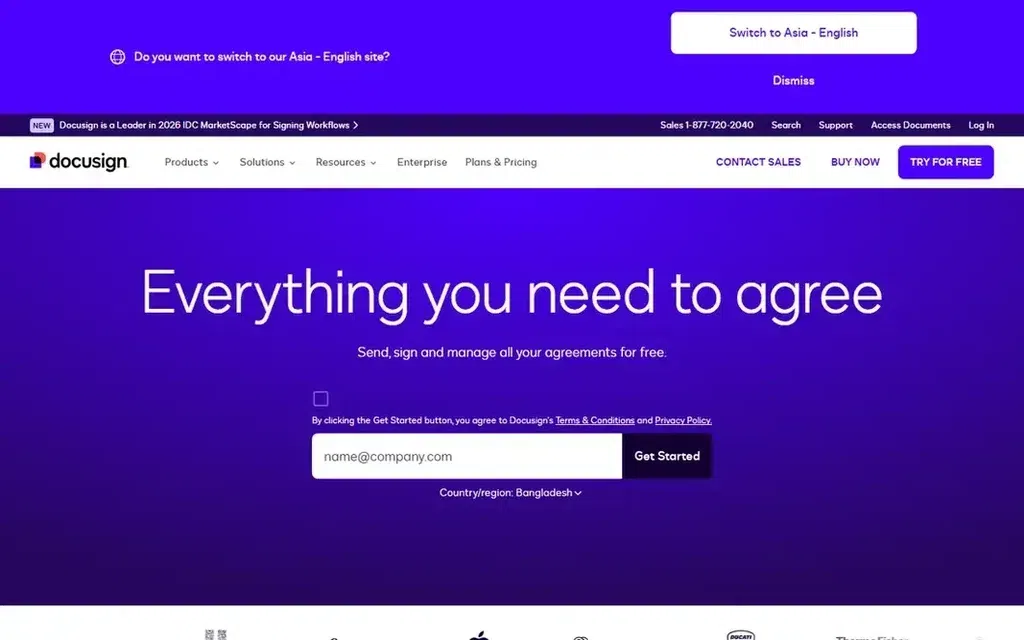
DocuSign works best for end-to-end agreement and signature workflows. DocuSign is an electronic signature and intelligent agreement management system. For onboarding, it suits organizations that manage a steady flow of offer letters, policy acknowledgments and tax forms and want signature and agreement tracking together instead of scattered across email threads.
Points against: Setup may take time for small teams.
Also, smaller employers may prefer a lighter signing tool. Consider DocuSign when agreement volume and workflow consistency matter more than minimal setup. More specifically, teams use it to build, commit to and run agreements in one place, including electronically signing documents. For everyday use, since it is positioned as a full agreement management product, teams that only need occasional straightforward signatures may find it broader than necessary. DocuSign cost at the entry level: $45 per user per month. Free access: Not stated.
- Supports online signing workflows
- Electronic signature plus agreement management
- Broader product than straightforward signing needs
Our selection method
LinkVetted looked at what each vendor publishes: pricing, plan limits, feature coverage for PDF automation tools for employee onboarding and stated drawbacks. No hands-on testing is claimed. Treat prices as a snapshot: vendors change plans often, so check the vendor site for the figure that applies today. The sequence is a judgement call: typical use case first, then pricing transparency, then free access. Use the profiles to check fit.
Before you commit
- Ask Foxit PDF Editor for a written quote, since no starting price is shown.
- Look at the free plan from Workato closely: its caps decide whether it is usable for real work.
- Run a trial of Dropbox Sign and Apryse with real work before paying for a year; your own workflow is the best test.
- Before choosing PDFelement, weigh its main limit: automation depth varies by workflow.
- Compare total cost, not headline price: for PDFelement, add extra seats, add-ons and any usage-based charges.
- Confirm you can export your data from Apryse, so leaving later does not mean losing records.
FAQ
Do these tools publish their prices?
Not all of them. Foxit PDF Editor publishes no starting price, so expect a quote request for it. The rest, PDFelement included, show a starting price, though seats and billing terms still change the final cost.
Which tool is a good match for signing onboarding documents?
Start with PDFelement if you need cross-device PDF editing and signing. Foxit PDF Editor is the better match for editing, converting and signing PDFs, and Dropbox Sign for straightforward, focused e-signature workflows. The best choice depends on budget, team size and workflow.
Is PDFelement the right pick for everyone comparing PDF automation tools for employee onboarding?
No single tool suits every team. PDFelement comes first because it fits cross-device PDF editing and signing, while Foxit PDF Editor suits editing, converting and signing PDFs and Dropbox Sign suits simple, focused e-signature workflows. Match the tool to your own size, budget and workflow before deciding.
Which options for PDF automation tools for employee onboarding have a free plan?
Workato is the only tool in this list with a free plan. Free plans usually cap users, projects or features, so check the limits on the vendor page. Several others offer a trial instead. For the full picture, the cards above cover all 6 entries of this PDF automation tools for employee onboarding list, including price, free plan and limits.
What about building onboarding automation in-house?
Apryse supplies document processing technology for developers who want to embed generation, conversion, viewing, editing and signing into their own applications. It needs technical implementation, so it fits teams with engineering support instead of HR staff working alone.
How are the tools for PDF automation tools for employee onboarding ordered?
PDFelement sits first and DocuSign last because the order follows typical fit for PDF automation tools for employee onboarding, then price clarity and free access. It is a judgement call, so read each profile for fit and limits.
Sources
- https://pdf.wondershare.com
- https://www.foxit.com/pdf-editor
- https://sign.dropbox.com
- https://apryse.com
- https://www.workato.com
- https://www.docusign.com