Best Employee Onboarding Software in 2026: 8 Tools Compared
We compared the best employee onboarding software for new employees, from simple HR platforms to full HCM suites, with pricing, honest limits and workflows.
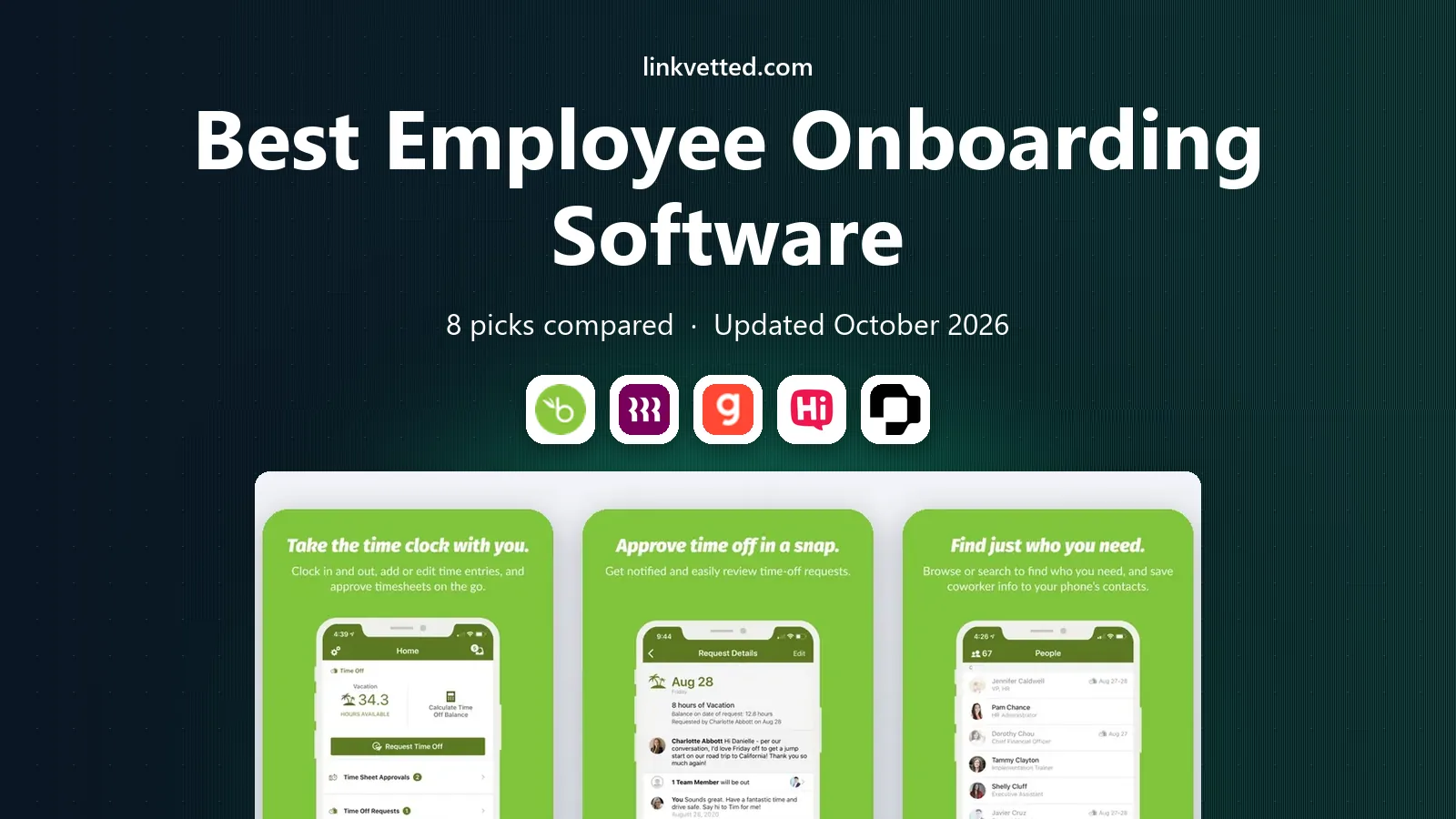
- Editor's choice
 BambooHR
Simple onboarding for growing teams
Starts at$10 per employee per monthVisit bamboohr.comFull review - Great alternative
 Rippling
HR, payroll and IT onboarding
Starts at$8 per employee per monthVisit rippling.comFull review - Also consider
 Gusto
Small business onboarding and payroll
Starts at$49 per month plus $6 per employeeVisit gusto.comFull review
TL;DR:
- The best employee onboarding software for most small and mid-size firms is BambooHR, Gusto or Rippling, since onboarding is bundled with HR and payroll.
- Larger firms with complex compliance or global hiring need a full HCM platform such as Paylocity, Paycor, ADP Workforce Now or HiBob.
- Our pick for most growing teams is Rippling, because it covers paperwork, payroll and IT setup in one new-hire flow.
- Judge any tool by the new-hire experience on a phone, since hires complete most tasks there in the first week.
Quick comparison
| Tool | Best for | Starts at | Free plan? | |
|---|---|---|---|---|
| BambooHR | Simple onboarding for growing teams | $10 per employee per month | Free trial | Visit |
| Rippling | HR, payroll and IT onboarding | $8 per employee per month | No | Visit |
| Gusto | Small business onboarding and payroll | $49 per month plus $6 per employee | Free trial | Visit |
 HiBob | Global mid-size teams | See website | No | Visit |
 Personio | European and growing teams | See website | No | Visit |
 Paylocity | Mid-market payroll and engagement | See website | No | Visit |
 Paycor | Compliance-heavy mid-size firms | See website | No | Visit |
 ADP Workforce Now | Established firms needing compliance depth | See website | No | Visit |
The best employee onboarding software
We compared onboarding tools on paperwork, e-signatures, workflows, payroll links, manager tools and pricing, so you can match the platform to your hiring volume and complexity.
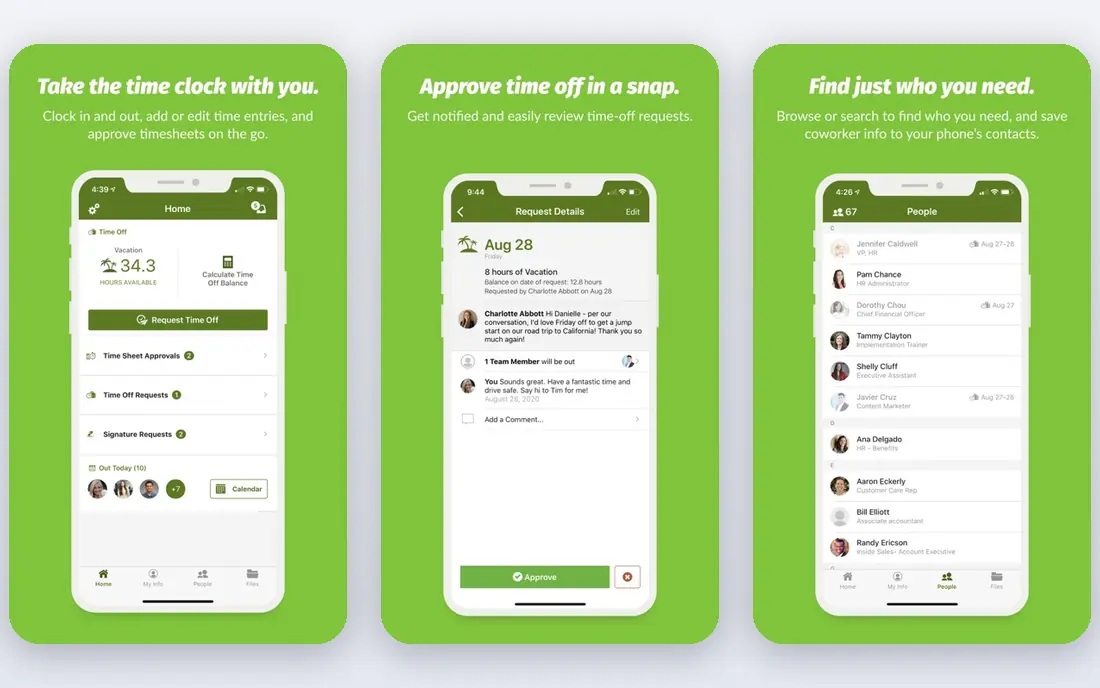
BambooHR keeps new-employee onboarding simple, which is exactly what a small HR team needs. Offer letters, documents, e-signatures and first-week tasks sit beside the employee record, and managers can track progress without extra training. The interface is easy enough that a new admin can run the first hire within days.
Growth brings limits. Payroll costs extra, deeper reporting sits in higher tiers, and global coverage trails larger HCM suites. For a US team hiring steadily, BambooHR remains a sensible and low-friction choice.
- Easy checklists and e-signatures
- Clear records
- Fast to set up
- Payroll is an add-on
- Advanced reporting needs higher tiers
- Global payroll is limited

Rippling treats onboarding as a cross-team workflow, not just HR paperwork. A new hire record can trigger payroll, benefits, app access and device setup at once, which cuts the usual back-and-forth between HR and IT. Remote teams benefit most, since equipment and access can be arranged before day one.
Pricing needs attention, because modules and a base fee push the total above the headline per-employee rate. Teams under twenty people may find a simpler HRIS cheaper, but scaling companies often recover the cost in saved admin time.
- App and device provisioning
- Unified HR, payroll and IT
- Strong automation
- Module pricing raises the total
- Base fee applies
- Complex for very small teams

Gusto is a friendly first system for a small employer hiring its first team members. New employees complete tax forms, direct deposit and benefits choices online, and payroll starts from the same record. The guided setup helps owners who do not have an HR background.
It is not built for complex global hiring or deep HR workflows, and higher tiers are needed for performance and advanced features. For a small US business, that simplicity is a strength rather than a weakness.
- Payroll and onboarding in one flow
- Simple tax forms
- Helpful for first-time employers
- Advanced HR needs higher tiers
- Global hiring is limited
- Costs grow with headcount
HiBob suits a growing company with staff in several countries that wants onboarding to feel modern rather than bureaucratic. Workflows, documents, org charts and engagement tools live in one polished system, and multi-country holiday calendars and reporting help distributed teams. New hires get a clear, mobile-friendly path through their first tasks.
Pricing is quoted per company, and useful modules can add cost. US payroll depth also trails US-native rivals in some setups. For a global mid-size team, HiBob balances experience and scale well.
- Modern onboarding workflows
- Culture and engagement tools
- Multi-country support
- Quote-only pricing
- Payroll depth varies by country
- Add-on modules add cost
Personio is a strong choice for European small and mid-size companies, and for transatlantic teams with a European base. Recruiting, onboarding, time tracking and payroll data share one employee record, so hires do not re-enter the same details at each stage. European compliance handling is a genuine strength.
US-only teams gain less from that focus, and US payroll depth is thinner than Gusto or Rippling. Implementation follows a guided path that suits deliberate buyers more than teams in a rush.
- Recruiting through onboarding in one system
- Strong European compliance
- Clear per-employee pricing model
- US payroll depth trails rivals
- Implementation is guided and slower
- Advanced features need higher tiers
Paylocity fits mid-market companies that want payroll, onboarding and employee engagement in one platform. New hires move from paperwork into payroll, learning and community tools without switching systems, and managers get reporting across the employee lifecycle. The breadth suits firms outgrowing a small-business HRIS.
Pricing is quoted, and implementation needs planning and clean data. Smaller teams may find it more platform than they need, but mid-size firms with steady hiring will use the depth.
- Payroll plus onboarding
- Engagement and learning tools
- Broad integrations
- Quote-only pricing
- Implementation effort
- Interface varies by module
Paycor suits mid-size employers in regulated or complex industries where compliance cannot be an afterthought. Onboarding workflows handle documents, tax forms and policy acknowledgments with audit trails, while payroll runs from the same record. Industry templates help firms in health care, manufacturing and similar sectors.
The platform is built for scale, so a very small team may find it heavy and costly. For a mid-size firm where a missed form creates real risk, that rigor is the reason to buy it.
- Strong compliance tools
- Payroll and onboarding together
- Industry-specific workflows
- Quote-only pricing
- Setup takes time
- Smaller teams may find it heavy
ADP Workforce Now is a safe choice for established mid-size and large employers that prioritize compliance certainty. Onboarding, payroll, benefits, time and talent modules share one system, backed by a large support and compliance operation. Companies with multi-state payroll and complex benefits rules benefit most.
Setup is a project, not an afternoon task, and pricing is quoted per deal. Smaller firms will find simpler tools faster and cheaper, but firms that need depth and certainty often stay with ADP for years.
- Deep compliance and payroll coverage
- Large support network
- Broad HR modules
- Quote-only pricing
- Complex setup
- Interface can feel dated in places
How we picked these
We compared official feature pages, pricing pages and public reviews, focusing on onboarding paperwork, e-signatures, workflows, payroll integration, manager visibility and price. We included small-business HR platforms and full HCM suites so readers at different sizes can compare realistic options. Where pricing is quote-only, we say so rather than inventing a rate.
How to choose employee onboarding software
Start with hiring volume and complexity, not with a feature checklist. A firm hiring five people a year needs a simple checklist inside its HRIS. A firm hiring fifty people a quarter across states or countries needs workflows, compliance forms and reporting that a basic tool cannot provide. Match the platform to that reality.
Test the hire journey end to end
Run a fake hire through the whole flow on a phone, from offer letter to first-week tasks, and note every confusing step. Check e-signatures, document uploads, tax forms and manager approvals in that test. A tool that looks good in an admin demo can still frustrate hires, and frustrated hires call HR instead of finishing tasks.
Confirm payroll and compliance links
Onboarding fails when payroll data has to be re-entered by hand. Confirm that tax forms, direct deposit, benefits choices and state forms flow into payroll without manual copying. Ask which compliance forms are built in and which need an add-on, and get the answer in writing before you sign.
Plan for managers, not just HR
Managers own much of onboarding, from welcome messages to 30 day check-ins. Give them a simple task list, reminders and a view of progress, and keep their steps short enough to complete between meetings. If managers ignore the tool, new hires will too, no matter how good the HR view looks.
FAQ
What is the best employee onboarding software for new employees?
BambooHR is a strong default for small and mid-size teams, while Rippling suits growing teams that also need IT provisioning. Gusto fits small US businesses that want payroll and onboarding together. Larger or global firms should look at HiBob, Paylocity, Paycor or ADP Workforce Now.
How much does employee onboarding software cost?
Bundled HRIS onboarding often starts around 8 to 10 dollars per employee per month, plus any base fee, while full HCM suites are quote-only and vary by headcount and modules. Dedicated journey tools are also usually quoted. Ask for implementation, payroll and add-on costs in writing to compare totals fairly.
What is the difference between onboarding software and an HRIS?
An HRIS is the system of record for employee data, payroll and benefits, with onboarding as one module. Dedicated onboarding software focuses only on the hire journey, from preboarding to early check-ins, and sits above the HRIS. Small teams usually need only the HRIS module, while larger firms may add a specialist tool.
How long should employee onboarding last?
Formal onboarding often runs 30 to 90 days, with paperwork in week one, training in the first month and goal check-ins at 30, 60 and 90 days. Shorter programs leave new hires guessing, while longer structured programs support retention and faster productivity. Software should support the full period, not just day one forms.
Can onboarding software handle remote employees?
Yes, most modern tools support remote hires with digital forms, e-signatures, video welcome content and task workflows. Rippling and Deel add device and app provisioning for remote teams, while HiBob supports global teams well. Confirm document, tax and benefits handling for each hire location before you buy.