Best PC Customization Software in 2026: Prices, Free Plans and 5 Picks
Best PC customization software, compared. 5 tools with published prices, free plans and limits. Read the caveats before you buy. Pick with confidence.

- Editor's choiceIObit Advanced SystemCare
Wide tune-up and game optimization
Starts atSee websiteVisit iobit.comFull review - Great alternativeNorton Utilities
Tuning inside the Norton ecosystem
Starts atSee websiteVisit norton.comFull review - Also considerAuslogics BoostSpeed
Speed-focused optimization guidance
Starts atSee websiteVisit auslogics.comFull review
Direct answer
Start with IObit Advanced SystemCare if you need wide tune-up and game optimization. Listed starting prices: CCleaner from $44.95. Norton Utilities fits tuning inside the Norton ecosystem; Auslogics BoostSpeed fits speed-focused optimization guidance. The full list of 5 tools follows, with prices and free plan facts.
TL;DR:
- This list starts with IObit Advanced SystemCare, which is built for wide tune-up and game optimization.
- Ashampoo WinOptimizer is the one to check for efficiency-focused Windows tuning.
- Just one of the 5 tools, CCleaner, has a free plan.
- Expect to ask for a quote from IObit Advanced SystemCare, Norton Utilities, Auslogics BoostSpeed and Ashampoo WinOptimizer; the other tools show a starting price.
Last checked November 2026. Prices and plan details were read from the vendors' own pages in November 2026; vendors change plans often, so confirm the current price on the vendor site before you buy.
Quick comparison
| Tool | Best for | Starts at | Free plan? | |
|---|---|---|---|---|
| IObit Advanced SystemCare | Wide tune-up and game optimization | See website | Not stated | Visit |
| Norton Utilities | Tuning inside the Norton ecosystem | See website | Not stated | Visit |
| Auslogics BoostSpeed | Speed-focused optimization guidance | See website | Not stated | Visit |
 CCleaner | Straightforward cleaning and privacy tuning | $44.95 | Yes | Visit |
| Ashampoo WinOptimizer | Efficiency-focused Windows tuning | See website | Not stated | Visit |
PC Customization Software compared in detail
Choosing PC customization software usually comes down to price, fit and limits. This LinkVetted guide sets 5 tools side by side on those three points, with the facts kept short and checkable.
IObit Advanced SystemCare
Best for: Wide tune-up and game optimization

IObit Advanced SystemCare is built with wide tune-up and game optimization in mind. The breadth of features means casual users may not need everything included, and the interface can feel busy. If you want a minimal cleaner only, a more straightforward tool may suit you better.
Where IObit Advanced SystemCare stands out: Supports plenty of Windows versions.
Where it falls short: Feature-heavy for casual users. IObit Advanced SystemCare is described as software to clean, optimize, accelerate and secure a PC, including registry fixes, malware cleanup and game optimization across several Windows versions. Those who like toggling numerous modules will find plenty to adjust. IObit Advanced SystemCare does not show a starting price in this comparison, so check the vendor site for current pricing. Free plan details: Not stated.
- Cleaning
- Game optimization mentioned
- Bundled modules can feel overwhelming
Norton Utilities
Best for: Tuning inside the Norton ecosystem

In short, Norton Utilities is for tuning inside the Norton ecosystem. Since the homepage centers on security and scam detection, details about customization depth are best confirmed on the vendor site.
Watch-outs: Customization scope is not its headline.
In daily use, Norton Utilities sits within Norton's wider lineup of antivirus, privacy and scam protection products. The official page emphasizes advanced protection instead of deep personalization, so it fits those who value an integrated brand experience. No starting price is listed for Norton Utilities here; confirm pricing on the vendor site. Trial and free access: Not stated.
- Merges utility and protection messaging
- Familiar to existing Norton users
- Ecosystem tie-in may not suit everyone
Auslogics BoostSpeed
Best for: Speed-focused optimization guidance
Auslogics BoostSpeed makes the most sense for speed-focused optimization guidance. Auslogics BoostSpeed comes from a company that describes itself as a trusted PC optimization provider and provides guidance on making a computer run quicker safely.
From a buyer's view, since the homepage emphasizes optimization advice, confirm the exact customization features on the product page. If your priority is appearance or workflow personalization, another tool may fit better. No starting price is listed for Auslogics BoostSpeed here; confirm pricing on the vendor site. As for free access: Not stated.
Where it is weaker: Details need vendor confirmation.
- Focus on increasing PC speed
- Vendor publishes tuning guidance
- Customization scope is performance-led
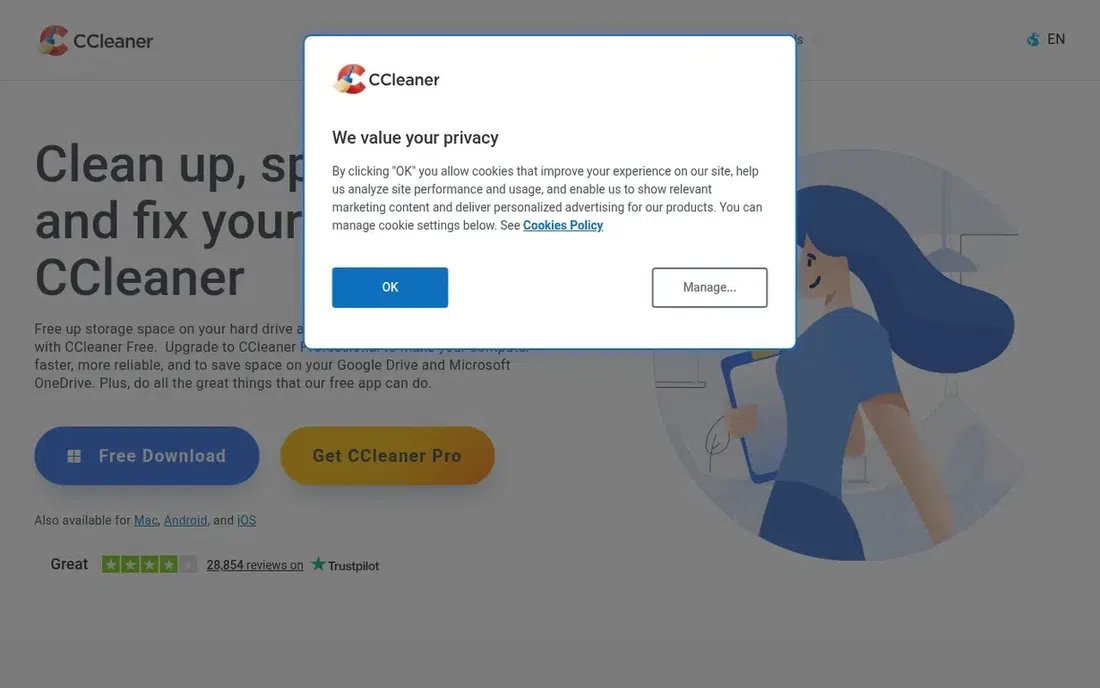
CCleaner targets straightforward cleaning and privacy tuning. CCleaner is a cleaning and privacy tool that removes temporary files and helps make a computer quicker and more secure, based on its official description. For everyday use, consider a broader suite if you need several maintenance modules in one place.
Drawbacks to consider: Advanced tuning needs other tools.
Also, if your goal is fast cleanup and privacy housekeeping, it is a sensible starting point. Its strengths lean toward cleaning instead of granular customization, so people who want in-depth startup, service or visual tweaks may find it too narrow. The starting price for CCleaner: $44.95. Free access exists with CCleaner.
Where CCleaner stands out: Well-known name in PC maintenance.
- Straightforward interface for beginners
- Clear cleaning and privacy focus
- Customization depth is restricted
Ashampoo WinOptimizer
Best for: Efficiency-focused Windows tuning
Ashampoo WinOptimizer targets efficiency-focused Windows tuning. Ashampoo WinOptimizer comes from a manufacturer that describes itself as building comfortable, capable products for more efficiency when working with a PC.
Worth adding: if you want a single-purpose cleaner, a narrower tool may be simpler to evaluate. Pricing for Ashampoo WinOptimizer is not stated here, so ask the vendor for current figures. Trial and free access: Not stated.
Honest limits: Brand spans plenty of unrelated products.
- Fits users who like modular tools
- Positioned around PC efficiency
- Customization details need vendor confirmation
What went into this list
LinkVetted used vendor pricing pages and product documentation as the base, then compared plans, free access and documented limits for 5 tools. Plan names, prices and limits change often. Treat the figures here as a starting point and verify them with the vendor. Tools are placed by general fit for PC customization software, with price clarity and free access as tie-breakers. A different team can reasonably rank them differently.
Questions to settle before buying
- Ask IObit Advanced SystemCare, Norton Utilities, Auslogics BoostSpeed and Ashampoo WinOptimizer for a written quote, since no starting price is shown.
- Test the free plan from CCleaner against your real workload before relying on it.
- Read the limits listed for IObit Advanced SystemCare first: feature-heavy for casual users.
- Work out what Norton Utilities costs with your real seat count, add-ons and usage, not just the entry price.
- Confirm that CCleaner connects to the apps your team already uses, on the plan you would actually buy.
FAQ
Can I try these options before paying?
Often, yes. CCleaner has a free plan. Use your own data and a real task during the test, and check what the free tier or trial limits before you rely on it. For the full picture, the cards above cover all 5 entries of this PC customization software list, including price, free plan and limits.
Which options for PC customization software have a free plan?
CCleaner is the only tool in this list with a free plan. Free plans usually cap users, projects or features, so check the limits on the vendor page. Prices, free plan details and limits for all 5 tools in this PC customization software roundup sit on the individual cards above.
Is IObit Advanced SystemCare the right pick for everyone comparing PC customization software?
No single tool suits every team. IObit Advanced SystemCare comes first because it fits broad tune-up and game optimization, while Norton Utilities suits tuning inside the Norton ecosystem and Auslogics BoostSpeed suits speed-focused optimization guidance. Match the tool to your own size, budget and workflow before deciding.
How are the tools for PC customization software ordered?
The order follows typical fit for PC customization software, with IObit Advanced SystemCare first and Ashampoo WinOptimizer last, then price clarity and free access. It is editorial judgement, not a score, so another team could rank the tools differently.
What does PC customization software actually change?
These tools generally clean temporary files, run startup items and adjust Windows settings to boost speed or tidiness. Some also contain registry cleanup and privacy features. The exact changes rely on the tool and the modules you enable.
Sources
- https://www.iobit.com
- https://www.norton.com
- https://www.auslogics.com
- https://www.ccleaner.com
- https://www.ashampoo.com