PC Care Software in 2026: The 5 Best Options Side by Side
5 tools for the best PC care software, compared on pricing, free plans and best-fit use. Each profile ends with a plain caveat. Narrow your shortlist.

- Editor's choiceWise Care 365
One-click Windows tune-up
Starts atSee websiteVisit wisecleaner.comFull review - Great alternativeAdvanced SystemCare
All-in-one Windows optimization
Starts atSee websiteVisit iobit.comFull review - Also considerMacPaw CleanMyPC
Existing users planning a transition
Starts atSee websiteVisit macpaw.comFull review
Direct answer
Start with Wise Care 365 if you need one-click Windows tune-up. Listed starting prices: CCleaner from $44.95. Advanced SystemCare is better for all-in-one Windows optimization, and MacPaw CleanMyPC is better for existing users planning a transition. All 5 tools are compared below on price, free plan and limits.
TL;DR:
- Top of the list is Wise Care 365, which targets one-click Windows tune-up.
- What to know about Glary Utilities first: numerous modules can overwhelm new users.
- CCleaner suits everyday cleaning and privacy.
- Wise Care 365, Advanced SystemCare, MacPaw CleanMyPC and Glary Utilities: pricing is by quote only, so plan time for a sales conversation.
- Just one of the 5 tools, CCleaner, has a free plan.
Last checked November 2026. Prices and plan details were read from the vendors' own pages in November 2026; vendors change plans often, so confirm the current price on the vendor site before you buy.
Quick comparison
| Tool | Best for | Starts at | Free plan? | |
|---|---|---|---|---|
| Wise Care 365 | One-click Windows tune-up | See website | Not stated | Visit |
| Advanced SystemCare | All-in-one Windows optimization | See website | Not stated | Visit |
| MacPaw CleanMyPC | Existing users planning a transition | See website | Not stated | Visit |
| Glary Utilities | Wide all-in-one system utilities | See website | Not stated | Visit |
 CCleaner | Everyday cleaning and privacy | $44.95 | Yes | Visit |
The 5 tools in detail
LinkVetted compared 5 tools for PC care software. The goal is a practical shortlist: published prices, free plan facts, best-fit use cases and honest limits for every entry.
Wise Care 365
Best for: One-click Windows tune-up
Wise Care 365 works best for one-click Windows tune-up. It suits users who want fast one-click maintenance without navigating plenty of separate screens.
The one-click design can obscure what is being changed, which may frustrate users who want in-depth control. Check the vendor site for Wise Care 365 pricing; none is listed in this comparison. Free access: Not stated.
Where it falls short: One-click approach hides some detail.
- Registry and junk file cleanup
- Privacy protection included
- Advanced users may want more control
Advanced SystemCare
Best for: All-in-one Windows optimization

Advanced SystemCare is built with all-in-one Windows optimization in mind. Users who prefer minimal, single-purpose tools may find a leaner cleaner simpler to handle.
Trade-offs to know: Some tools overlap in purpose.
Advanced SystemCare shows no starting price here, so confirm the cost on the vendor site. Trial and free access: Not stated.
- Marketed as easy to use
- Bundles security features
- Feature set is wide and can feel busy
MacPaw CleanMyPC
Best for: Existing users planning a transition
MacPaw CleanMyPC is a good fit for existing users planning a transition. CleanMyPC is MacPaw's Windows cleaning utility, and MacPaw has announced that it is sunsetting the product. It remains relevant chiefly to people who already use it and want to understand what the change means before choosing a replacement.
On top of that, since the product is being retired, new buyers should look at actively maintained alternatives instead. Worth adding: existing users should plan a transition to another cleaner instead of depend on a sunset product. No starting price is listed for MacPaw CleanMyPC here; confirm pricing on the vendor site. Free plan details: Not stated.
Honest limits: Product is being sunset.
- Known MacPaw cleaning approach
- Familiar Windows cleanup focus
- Long-term support is ending
Glary Utilities
Best for: Wide all-in-one system utilities
Where Glary Utilities fits: wide all-in-one system utilities. Glary Utilities is a free system utilities suite that cleans and repairs the registry, defragments disks, removes junk files, fixes PC errors and guards privacy.
Where it is weaker: Overlapping tools need careful use.
The broad module list can be overwhelming, and overlapping tools call for care when running them. On top of that, people who want a single straightforward cleaner may prefer a more focused program. This comparison lists no price for Glary Utilities; ask the vendor. Free options: Not stated.
- Privacy protection tools
- Disk defrag and junk removal
- Plenty of modules can overwhelm new users
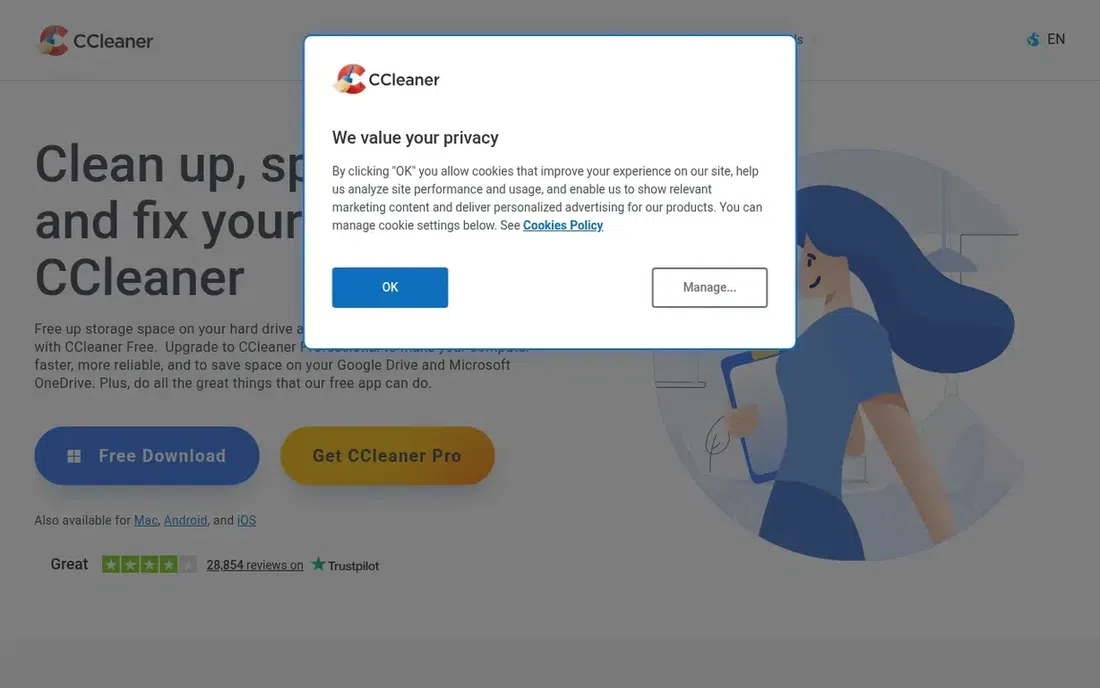
Think of CCleaner for everyday cleaning and privacy. CCleaner is a well-known PC cleaning tool built around removing junk files and protecting privacy, with the stated goal of making a computer quicker and more secure.
Its strength is cleaning and privacy instead of deep hardware or startup optimization, so people who want wide tuning controls may prefer a fuller optimizer. Worth adding: check which features sit in which edition before committing. What you pay to start with CCleaner: $44.95. CCleaner offers a free plan.
Where it is weaker: Additional features vary by edition.
- Guards privacy
- Aims to boost speed and security
- Deep system tuning is restricted
Selection criteria
Each tool was reviewed on what its vendor publishes: price, plan limits, core features and stated drawbacks. We did not run hands-on tests. Treat prices as a snapshot: vendors change plans often, so check the vendor site for the figure that applies today. Tools are placed by general fit for PC care software, with price clarity and free access as tie-breakers. A different team can reasonably rank them differently.
Things to verify first
- Ask Wise Care 365, Advanced SystemCare, MacPaw CleanMyPC and Glary Utilities for a written quote, since no starting price is shown.
- Test the free plan from CCleaner against your real workload before relying on it.
- Before choosing Wise Care 365, weigh its main limit: one-click approach hides some detail.
- Confirm that MacPaw CleanMyPC connects to the apps your team already uses, on the plan you would actually buy.
- Look at the help docs and support options for CCleaner before you commit.
FAQ
Is Wise Care 365 the right pick for everyone comparing PC care software?
No single tool suits every team. Wise Care 365 comes first because it fits one-click Windows tune-up, while Advanced SystemCare suits all-in-one Windows optimization and MacPaw CleanMyPC suits existing users planning a transition. Match the tool to your own size, budget and workflow before deciding.
Do these tools publish their prices?
Not all of them. Wise Care 365, Advanced SystemCare, MacPaw CleanMyPC and Glary Utilities publish no starting price, so expect a quote request for those. The rest, CCleaner included, show a starting price, though seats and billing terms still change the final cost.
How are the tools for PC care software ordered?
The order follows typical fit for PC care software, with Wise Care 365 first and CCleaner last, then price clarity and free access. It is editorial judgement, not a score, so another team could rank the tools differently.
Is a one-click optimizer enough for routine maintenance?
A one-click tune-up can manage typical cleanup tasks with little effort, which fits numerous users. If you want to control exactly what changes, look for tools that display in-depth settings before applying them.
Can I try these options before paying?
Often, yes. CCleaner has a free plan. Use your own data and a real task during the test, and check what the free tier or trial limits before you rely on it. All 5 picks in this PC care software comparison list a starting price, free plan details and the main limits on their cards above.
Should I use a bundled suite or a single-purpose cleaner?
Bundled suites like Glary Utilities or Advanced SystemCare include plenty of tasks in one place. On top of that, a focused cleaner for example CCleaner keeps things straightforward. More specifically, choose based on how much control and breadth you want.
Sources
- https://www.wisecleaner.com/wise-care-365.html
- https://www.iobit.com/en/advancedsystemcarefree.php
- https://macpaw.com/cleanmypc
- https://www.glarysoft.com/glary-utilities
- https://www.ccleaner.com