The 5 Best Outreach CRM for Link Building in 2026, Ranked
A practical guide to the best outreach CRM for link building in 2026, compared from vendor documentation and public sources, with limits and buyer checks.
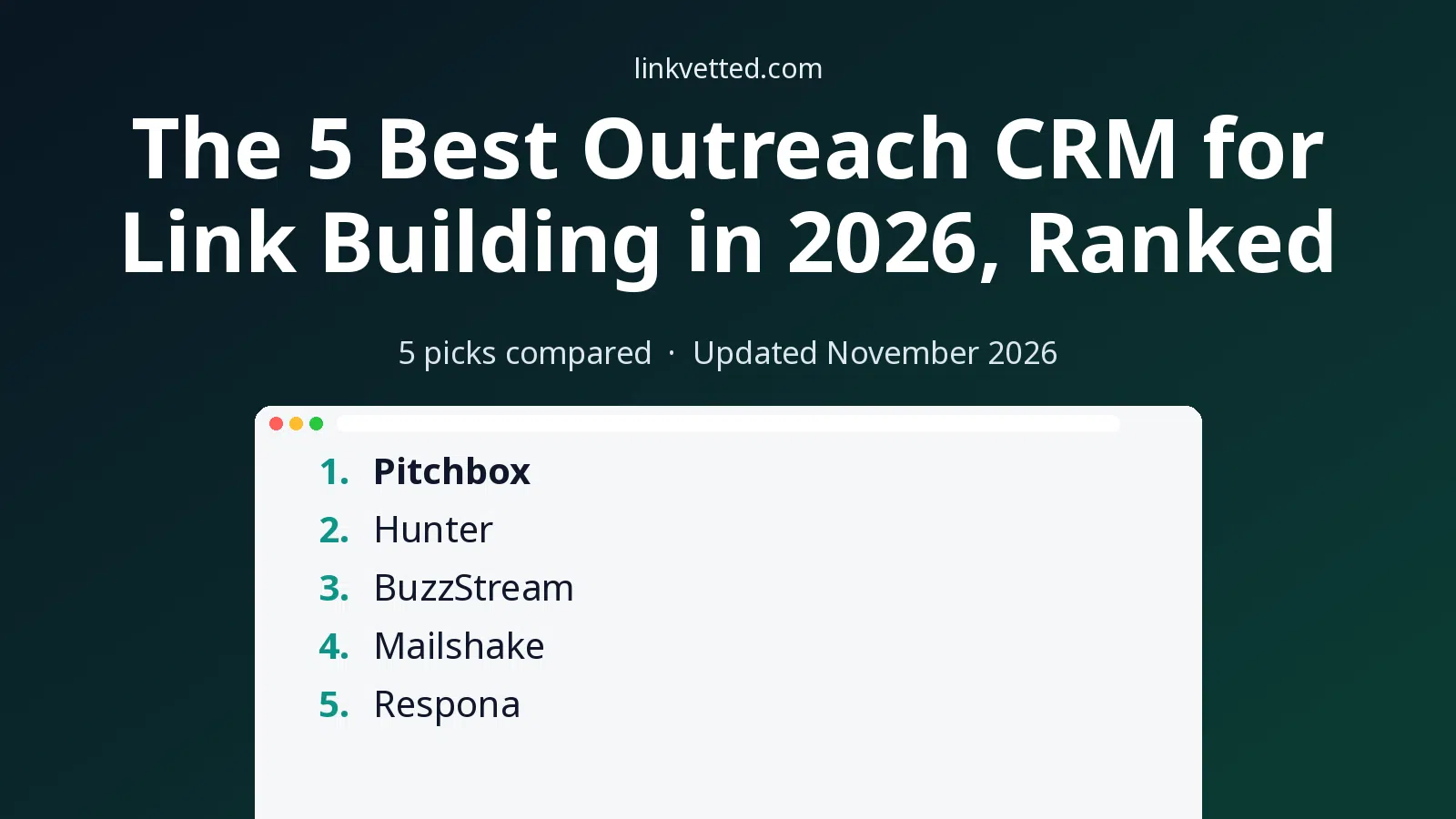
- Editor's choice
 Pitchbox
Repeatable link outreach campaigns
Starts atSee websiteVisit pitchbox.comFull review - Great alternative
 Hunter
Finding and verifying contact emails
Starts atSee websiteVisit hunter.ioFull review - Also consider
 BuzzStream
Relationship-focused link building
Starts atSee websiteVisit buzzstream.comFull review
Direct answer
My first pick for most link building teams is Pitchbox, because it combines prospect search, outreach sequences and campaign reporting in one place. Hunter works well when the main job is finding and verifying contact addresses before outreach. BuzzStream suits smaller teams that want a shared CRM built around relationship history. I compared these and the other tools below from vendor documentation and public sources, not hands-on tests.
TL;DR:
- A link building outreach CRM should hold prospect data, contact details, outreach status and follow-up history in one shared place.
- The best fit depends on whether you need prospect discovery, email finding, sequence automation or a simple shared pipeline.
- Most tools in this list are sold on subscription, and I have not listed prices because plans change and depend on contact volume.
- A free plan or trial is useful for checking whether the workflow matches how your team actually runs link campaigns.
- No tool guarantees links or rankings; the CRM only helps you organise outreach and keep records clean.
Last checked November 2026. Plan prices are not quoted in this guide because they change often; see each vendor's own pricing page for current figures before you buy.
Quick comparison
| Tool | Best for | Starts at | Free plan? | |
|---|---|---|---|---|
| Pitchbox | Repeatable link outreach campaigns | See website | Not stated | Visit |
| Hunter | Finding and verifying contact emails | See website | Free plan | Visit |
| BuzzStream | Relationship-focused link building | See website | Free trial | Visit |
 Mailshake | Email-first outreach with follow-ups | See website | Free trial | Visit |
 Respona | Link building with built-in prospecting | See website | Not stated | Visit |
The best outreach CRM for link building compared
I compared these tools by reading vendor documentation, public help pages and product descriptions, and by looking at how each one handles prospect lists, contact data, sequences and reporting. I did not run hands-on tests, so treat this as a fit guide rather than a performance review. Your own trial is the real test.
Pitchbox is an outreach platform built around SEO and content marketing campaigns. It brings prospect search, contact management, email sequences and reporting into one workspace. It fits agencies and in-house teams that run link building as a repeatable process rather than a one-off task.
For link building, the useful part is the campaign structure. You can keep a prospect list, attach contact details, run follow-ups and track replies without moving between tools. That helps when several people work the same campaign and need a shared record of who was contacted and when.
The limit is scale and fit. A solo link builder may not need the full campaign setup, and the plan details are not fully public, so you should ask about contact limits and seats before committing.
- Combines prospecting, outreach and reporting
- supports campaign workflows
- built for SEO and content outreach teams
- May be more than a solo user needs
- plan details need checking with sales
Hunter is mainly a tool for finding and verifying professional email addresses. You can search by domain, check whether an address is likely to deliver, and run simple outreach campaigns. It fits link builders who already have a prospect list and need reliable contact data.
In a link building workflow, Hunter is often the step before the CRM. You collect target sites, find editor or owner emails, verify them, then move the contacts into your outreach tool. Hunter also offers basic campaign features, so small teams can run short sequences without a second tool.
The limit is depth. Hunter is not built to manage long-term relationship history or complex link campaign reporting. If your main need is a shared CRM with deal stages and notes, look at a dedicated outreach CRM instead.
- Email finding and verification
- domain search
- simple campaign features
- Not a full link building CRM
- contact limits apply on lower plans
BuzzStream is an outreach CRM with a long history in link building and digital PR. It keeps contact records, conversation history, campaign status and notes in one place, so a team can see what was said to a site over time. It fits teams that value relationship history over pure volume.
For link building, BuzzStream helps you build lists, research prospects, send outreach and track replies against each contact. The relationship record is the main draw: if you contact the same site again next year, the history is there. That matters for digital PR and repeat placements.
The limit is setup. You need to define fields, lists and statuses before the CRM becomes useful, and a very small team may not need all of it.
- Shared relationship history
- outreach and research features
- built for link building and digital PR
- Setup takes some work
- smaller teams may not use every feature
Mailshake is an email outreach tool built around sequences and follow-ups. You import contacts, write a sequence, and the tool sends and tracks replies. It fits link builders who already have a prospect list and want a clean way to run multi-step email campaigns.
In a link building process, Mailshake handles the sending and follow-up part well. You can personalise the first line, set follow-up intervals and see who replied. It works best alongside a separate prospect research step, because it does not focus on finding link targets.
The limit is scope. Mailshake is not a link building research or relationship CRM, and deliverability depends on your domain setup and sending practices. Check inbox limits on the plan you choose.
- Clear sequence builder
- follow-up automation
- simple reporting
- Less focused on link building research
- deliverability depends on your setup
Respona is an outreach platform aimed at link building and digital PR. It combines prospect search, contact finding, outreach sequences and reporting. It fits teams that want prospecting and outreach in one workflow rather than stitching several tools together.
For link building, Respona supports campaign setup around target keywords and topics, then moves prospects into sequences. That can reduce manual list building and keep the campaign record in one place. Reporting helps a team see how a campaign is progressing.
The limit is transparency and fit. Plan and pricing details are not public on the homepage, so you need to ask about seats and limits. A solo link builder may find it more than needed.
- Prospecting built into campaigns
- outreach sequences
- reporting
- Plan and pricing details are not public
- may suit teams more than solo users
How I chose
I chose these tools by looking at what each vendor says it does, what public help pages and product descriptions show, and how those features map to a link building outreach workflow. I looked for tools that cover prospect lists, contact data, outreach sequences, follow-up tracking and some reporting. I also noted where a tool is narrower, such as contact finding only or email sending only, because that changes who it fits.
The method is a fit comparison, not a test. I did not run hands-on trials, and I have not listed prices because plan details change and depend on contact volume, seats and sending limits. I left out tools where I could not confirm the vendor or the official homepage. Before you buy, match the tool to your team size, your volume and whether you need research, sending or relationship history most.
What to check before you buy
- Check how the tool stores link building prospect data: custom fields, statuses, lists and notes should match your campaign stages.
- Confirm contact and sending limits on the plan, because outreach volume is usually the real constraint.
- Ask whether the tool includes email finding and verification, or whether you need a separate contact tool.
- Check how replies and follow-ups are tracked, and whether the team can see conversation history per contact.
- Review export options so you are not locked in if you change tools later.
- Check deliverability guidance and sending setup, since outreach results depend on how you send, not only on the CRM.
FAQ
What is the best outreach CRM for link building?
There is no single best for every team. Pitchbox is my first pick for teams running repeatable campaigns, Hunter fits contact finding, and BuzzStream fits relationship-focused link building. The right choice depends on whether you need prospecting, sending, contact data or relationship history most.
Do I need a separate email finder with an outreach CRM?
It depends on the CRM. Some tools include contact finding and verification, while others expect you to import contacts. If your CRM does not include email finding, a separate tool like Hunter can fill that gap. Check the feature list before you buy to avoid paying twice for the same job.
Can an outreach CRM guarantee links or rankings?
No. An outreach CRM organises prospects, contacts and follow-ups, but it does not create links or rankings. Results depend on your content, your targeting and how you approach site owners. Treat the CRM as a record-keeping and workflow tool, not a ranking promise.
Is a free plan enough for link building outreach?
A free plan or trial can be enough to test a workflow, but limits on contacts and sends usually appear quickly. Use a free plan to check whether the interface and campaign structure fit your process, then decide whether a paid plan matches your volume. Check the limits before you rely on it.
How many tools does a link building team need?
Many teams use two: one for finding and verifying contacts, and one for outreach and relationship history. Some platforms combine both. Start with the smallest set that covers your workflow, and add tools only when a clear gap appears. Fewer tools usually means cleaner records.
Sources
- https://www.pitchbox.com
- https://hunter.io
- https://www.buzzstream.com
- https://mailshake.com
- https://respona.com