Best Other Government Software for 2026: Our 6 Vetted Picks
Comparing the best other government software? 6 contenders, each with entry cost, free tier and best-fit buyer. Verdicts stay brief and factual. Numbers first.
- Editor's choiceSalesforce Government Cloud
Government CRM and case data
Starts atSee websiteVisit salesforce.comFull review - Great alternativeOnBase
Content intelligence and automation
Starts atSee websiteVisit hyland.comFull review - Also consider
 Granicus
Citizen experience and public communications
Starts atSee websiteVisit granicus.comFull review
Direct answer
If you need Government CRM and case data, Salesforce Government Cloud is the first tool to look at here. Listed starting prices: Laserfiche from $42 per user a month. If your case is different, OnBase suits content intelligence and automation and Granicus suits citizen experience and public communications. The other 3 tools in the list cover narrower or pricier cases.
TL;DR:
- The list opens with Salesforce Government Cloud, aimed at Government CRM and case data.
- Neither Salesforce Government Cloud nor Tyler Technologies Enterprise ERP, nor any of the other 4 tools, has a permanent free plan; trials and quotes are the norm.
- Tyler Technologies Enterprise ERP fits wide public sector ERP needs.
- One limit worth knowing about OnBase: general platform, not government-specific.
Last checked November 2026. Prices and plan details were read from the vendors' own pages in November 2026; vendors change plans often, so confirm the current price on the vendor site before you buy.
Quick comparison
| Tool | Best for | Starts at | Free plan? | |
|---|---|---|---|---|
| Salesforce Government Cloud | Government CRM and case data | See website | Free trial | Visit |
| OnBase | Content intelligence and automation | See website | Not stated | Visit |
| Granicus | Citizen experience and public communications | See website | Not stated | Visit |
 Laserfiche | Document management with process automation | $42 per user a month | Not stated | Visit |
| Accela | Cloud permitting and citizen engagement | See website | Not stated | Visit |
| Tyler Technologies Enterprise ERP | Wide public sector ERP needs | See website | Not stated | Visit |
Other Government Software, one by one
Short on time? The summary and table above give the quick view of 6 tools for other government software, and the profiles that follow give the detail behind each entry.
Salesforce Government Cloud
Best for: Government CRM and case data
Salesforce Government Cloud serves Government CRM and case data. Salesforce Government Cloud is positioned as agentic government CRM software that brings together data, deploys AI agents, boosts public service delivery and supports compliance.
Watch-outs: CRM focus, not full ERP.
Verify compliance features and integration choices with the vendor before deciding. Check the vendor site for Salesforce Government Cloud pricing; none is listed in this comparison. As for free access: Free trial.
- Government CRM orientation
- Compliance emphasis
- Needs configuration effort
OnBase
Best for: Content intelligence and automation
OnBase makes the most sense for content intelligence and automation. Teams wanting prebuilt public sector modules may prefer a purpose-built government suite.
Limits to weigh: Configuration effort required.
More specifically, for government agencies, that means handling records, forms and case documents with workflow and governance controls. Check the vendor site for OnBase pricing; none is listed in this comparison. Trial and free access: Not stated.
- Content intelligence focus
- Enterprise content governance
- General system, not government-specific
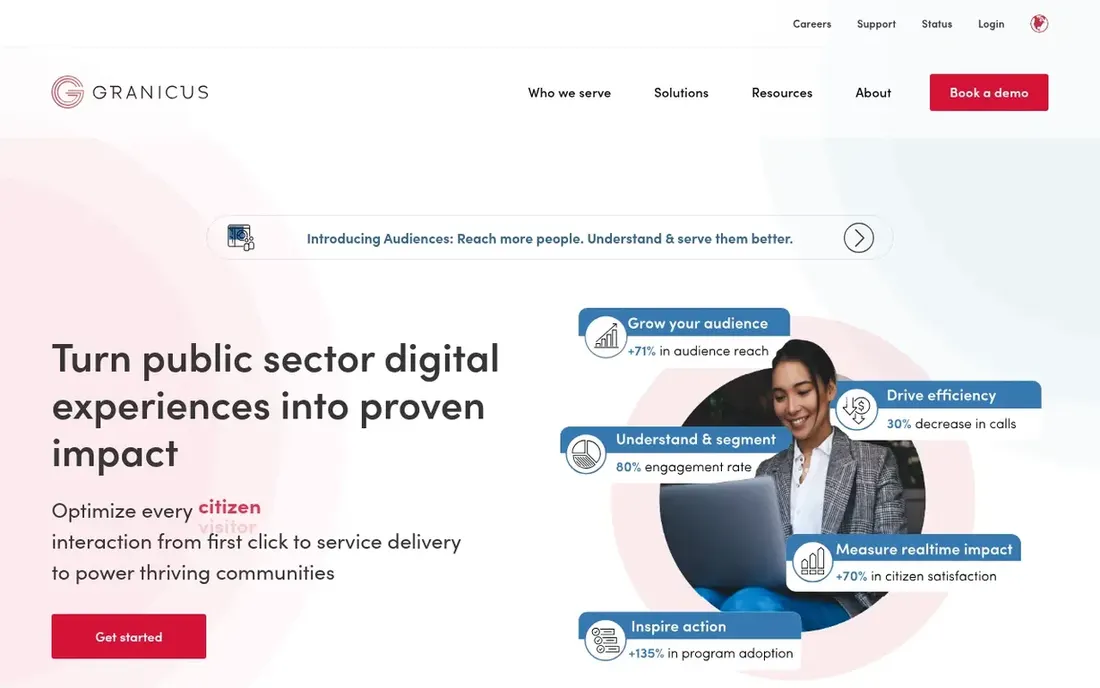
Granicus is aimed squarely at citizen experience and public communications. Granicus presents itself as a citizen experience product for government, with technology geared toward transforming how governments serve the public. In daily use, teams prioritizing public-facing experience over back-office administration will find the positioning relevant.
Beyond that, check how its offerings align with your existing communications stack before committing. Agencies seeking a single system of record for administrative processes should look at ERP or content systems instead. From a buyer's view, Granicus is oriented toward citizen experience instead of finance, HR or document-heavy records management. Granicus shows no starting price here, so confirm the cost on the vendor site. Trial and free access: Not stated.
Honest limits: Not a core ERP or records system.
- Citizen experience system focus
- Wide public sector orientation
- Overlaps with other engagement tools
Laserfiche was built for document management with process automation. Laserfiche presents itself as a provider of document management and process automation, with workflows, electronic forms, document management and analytics that help organizations get work done quicker.
More specifically, agencies handling records, forms and approval chains can use it to standardize processes across departments. Organizations needing a complete ERP or a citizen engagement suite will likely combine it with other systems. Price to start with Laserfiche: $42 per user per month. Free options: Not stated.
Drawbacks to consider: Setup relies on process design.
- Document management strength
- Analytics for process insight
- General system, not government-only
Accela
Best for: Cloud permitting and citizen engagement
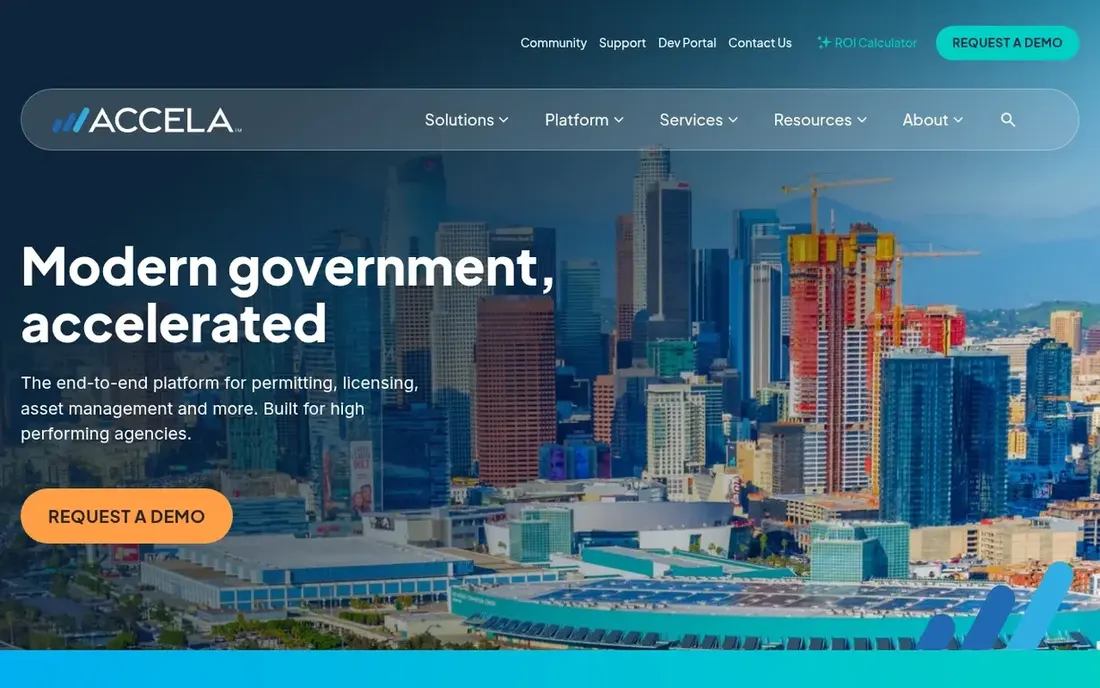
Accela serves Cloud permitting and citizen engagement. Accela is centered on government operations and engagement instead of wide enterprise resource planning or document-heavy records work. In daily use, agencies that require a full financial and HR suite, or that primarily need content management, may find a better match elsewhere.
Limits to weigh: Narrower than full ERP suites.
Also, Accela describes itself as a provider of cloud-based options that enhance government operations, boost efficiency and boost citizen engagement. That positioning makes it a natural starting point for agencies that want permitting, licensing and service delivery handled through a connected cloud product instead of separate systems. This comparison lists no price for Accela; ask the vendor. Free plan details: Not stated.
- Emphasizes citizen engagement
- Cloud-based delivery
- Fit relies on agency workflows
Tyler Technologies Enterprise ERP
Best for: Wide public sector ERP needs
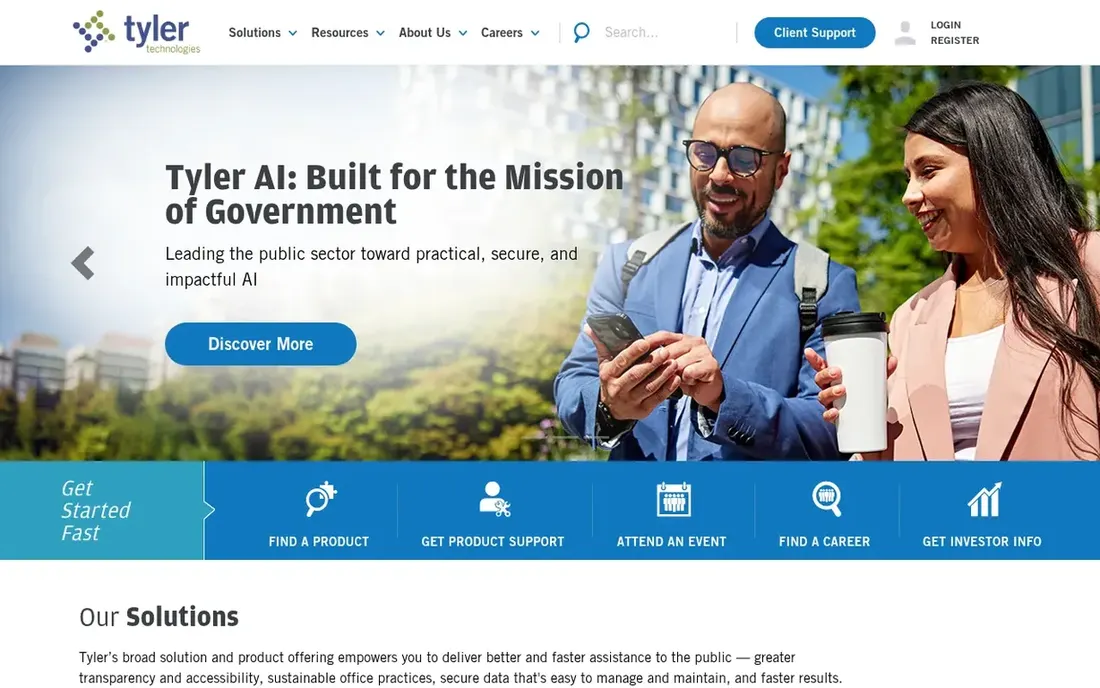
For wide public sector ERP needs, Tyler Technologies Enterprise ERP is a natural candidate. Verify which modules and services apply to your organization with the vendor.
Watch-outs: Needs careful scoping.
Upsides: Designed for the public sector.
Also, Tyler Technologies provides software and services designed specifically for the unique needs of state, local and federal government organizations and school districts. More specifically, agencies whose central gap is document management, communications or CRM may prefer a more targeted tool. Check the vendor site for Tyler Technologies Enterprise ERP pricing; none is listed in this comparison. Free access: Not stated.
- Spans state
- Also serves school districts
- Enterprise scope can be heavy for small agencies
Our selection method
Selection started from tools commonly considered for other government software, then narrowed to 6 that have clear pricing information or a clear quote process. Seat minimums, billing terms and add-ons can move the real cost, so the starting prices here are a guide and not a quote. We ordered the tools by general fit, then by how clearly pricing is shown, then by free access. A buyer with unusual needs may reorder them.
A buyer's checklist
- Get a written quote from Salesforce Government Cloud, OnBase, Granicus and others; the list shows no starting price for them.
- Use real work to test the free trial from Salesforce Government Cloud, rather than a demo project.
- Read the limits listed for Salesforce Government Cloud first: CRM focus, not full ERP.
- Test the integrations you rely on with Tyler Technologies Enterprise ERP before committing; some connectors sit on upper tiers.
- Verify that exporting from OnBase is possible on your plan and covers all your records.
FAQ
Do these tools publish their prices?
Not all of them. Salesforce Government Cloud, OnBase, Granicus and others publish no starting price, so expect a quote request for those. The rest, Laserfiche included, show a starting price, though seats and billing terms still change the final cost.
Can I try these options before paying?
Often, yes. Salesforce Government Cloud offers a free trial. Use your own data and a real task during the test, and check what the free tier or trial limits before you rely on it.
Does any tool for other government software here have a free plan?
No tool in this list, Salesforce Government Cloud and Tyler Technologies Enterprise ERP included, has a permanent free plan. Salesforce Government Cloud offer a trial. Trials and quotes are the usual route, so plan a short evaluation period.
How are the tools for other government software ordered?
Salesforce Government Cloud sits first and Tyler Technologies Enterprise ERP last because the order follows typical fit for other government software, then price clarity and free access. It is a judgement call, so read each profile for fit and limits.
How should a small agency choose among these choices?
Start with the process that causes the most friction, whether that is permitting, communications or document handling, and shortlist tools built around it.
Sources
- https://www.salesforce.com/government
- https://www.hyland.com
- https://granicus.com
- https://www.laserfiche.com
- https://www.accela.com
- https://www.tylertech.com