Choosing Government Software Providers in 2026: 6 Options Compared
6 top government software providers, with entry costs, free tiers and the buyer each one serves. The catches are listed up front. Narrow your shortlist.
- Editor's choiceAccela
Permitting, licensing, and citizen engagement
Starts atPricing on requestVisit accela.comFull review - Great alternative
 Granicus
Citizen experience and communications
Starts atPricing on requestVisit granicus.comFull review - Also consider
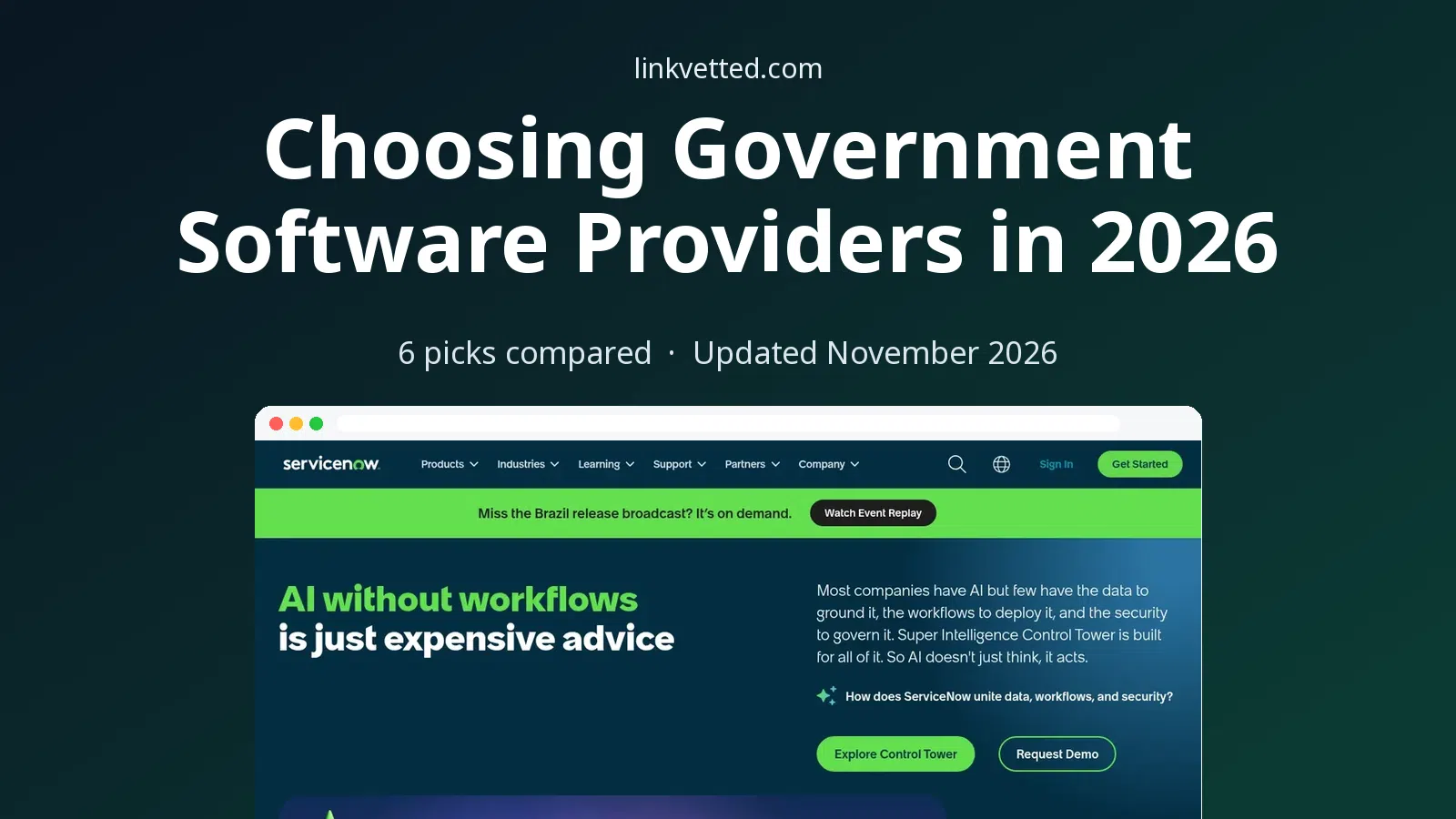
 ServiceNow
Enterprise workflow automation
Starts atPricing on requestVisit servicenow.comFull review
Direct answer
Accela comes first here, mainly for Permitting, licensing, and citizen engagement. Alternatives: Granicus for citizen experience and communications, and ServiceNow for enterprise workflow automation. The full list of 6 tools follows, with free plan facts. None of these vendors publish plan prices, so pricing is on request for every option.
TL;DR:
- Accela is the opening pick, best for Permitting, licensing, and citizen engagement.
- Salesforce Government Cloud is the only tool of the 6 with a free plan.
- What to know about Granicus first: may not include core operational functions.
- Tyler Technologies suits public sector specific software suites.
Last checked November 2026. Pricing on request: vendors did not publish plan prices when this guide was last checked (November 2026), so ask each vendor for a written quote.
Quick comparison
| Tool | Best for | Starts at | Free plan? | |
|---|---|---|---|---|
| Accela | Permitting, licensing, and citizen engagement | Pricing on request | Not stated | Visit |
| Granicus | Citizen experience and communications | Pricing on request | Not stated | Visit |
| ServiceNow | Enterprise workflow automation | Pricing on request | Not stated | Visit |
| Salesforce Government Cloud | Constituent relationship management at scale | Pricing on request | Yes | Visit |
 Microsoft Dynamics 365 | Integrated CRM and ERP for agencies | Pricing on request | Not stated | Visit |
| Tyler Technologies | Public sector specific software suites | Pricing on request | Not stated | Visit |
Government Software Providers compared in detail
Short on time? The summary and table above give the quick view of 6 government software providers, and the profiles that follow give the detail behind each entry.
Accela
Best for: Permitting, licensing, and citizen engagement
Think of Accela for Permitting, licensing, and citizen engagement. If you need a full ERP or CRM, consider a broader system. Also, Accela's focus is narrower than enterprise-wide suites, so agencies with broader needs may need extra systems.
Accela offers cloud-based options to enhance government operations, boost efficiency, and boost citizen engagement. Its product is especially known for permitting, licensing, and code enforcement workflows. It helps agencies digitize paper-based processes and offer online services to residents. No starting price is listed for Accela here; confirm pricing on the vendor site. Free plan details: Not stated.
Trade-offs to know: Restricted scope beyond permitting and licensing.
- Focus on regulatory workflows
- Cloud-based deployment
- Configuration may need vendor support
Granicus is a good fit for citizen experience and communications. Its tools support website management, mass notifications, agenda management, and digital services.
Limits to weigh: Depends on integration for full workflow.
For everyday use, Granicus is not a full ERP or CRM system, so agencies will need other software for core operations like finance or permitting. Worth adding: integration with existing systems is important to maximize value. No starting price is listed for Granicus here; confirm pricing on the vendor site. Free access: Not stated.
- Integrated communication tools
- Solid focus on citizen engagement
- May not include core operational functions
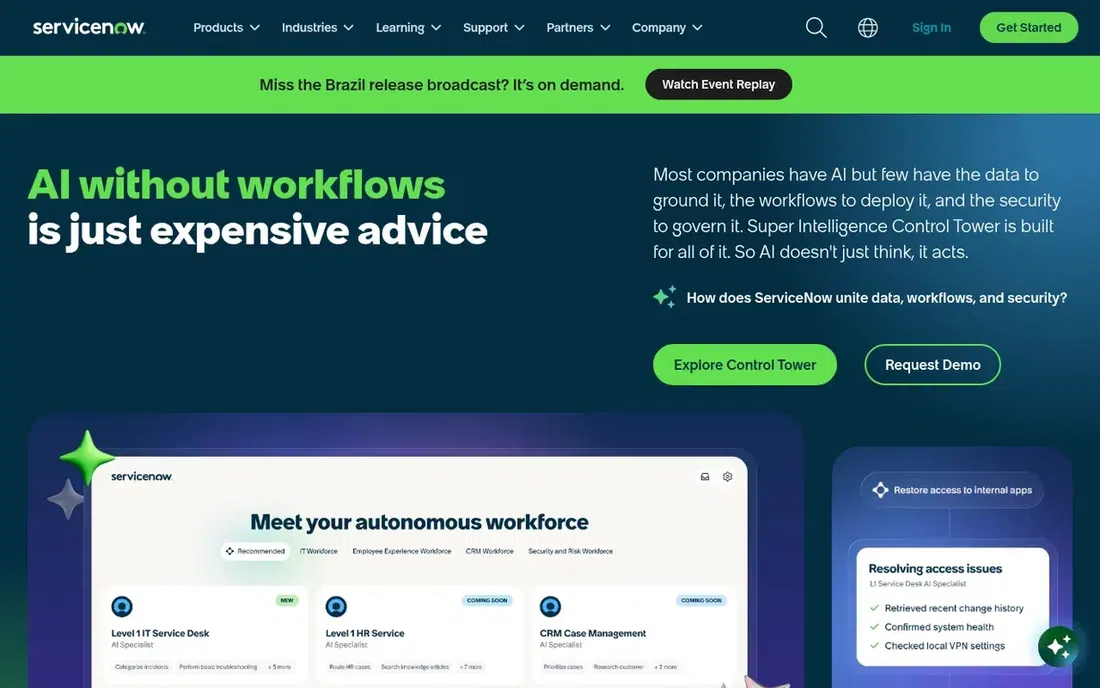
For enterprise workflow automation, ServiceNow is a natural candidate. ServiceNow is an AI-enhanced product for enterprise workflows, helping agencies simplify service delivery and internal processes.
Worth adding: the product emphasizes automation and integration across departments. As for the details, smaller agencies may lack the resources to completely use its capabilities. ServiceNow shows no starting price here, so confirm the cost on the vendor site. Free options: Not stated.
Points against: May need dedicated administrators.
- Capable workflow automation
- Scalable system
- Implementation can be resource-intensive
Salesforce Government Cloud
Best for: Constituent relationship management at scale
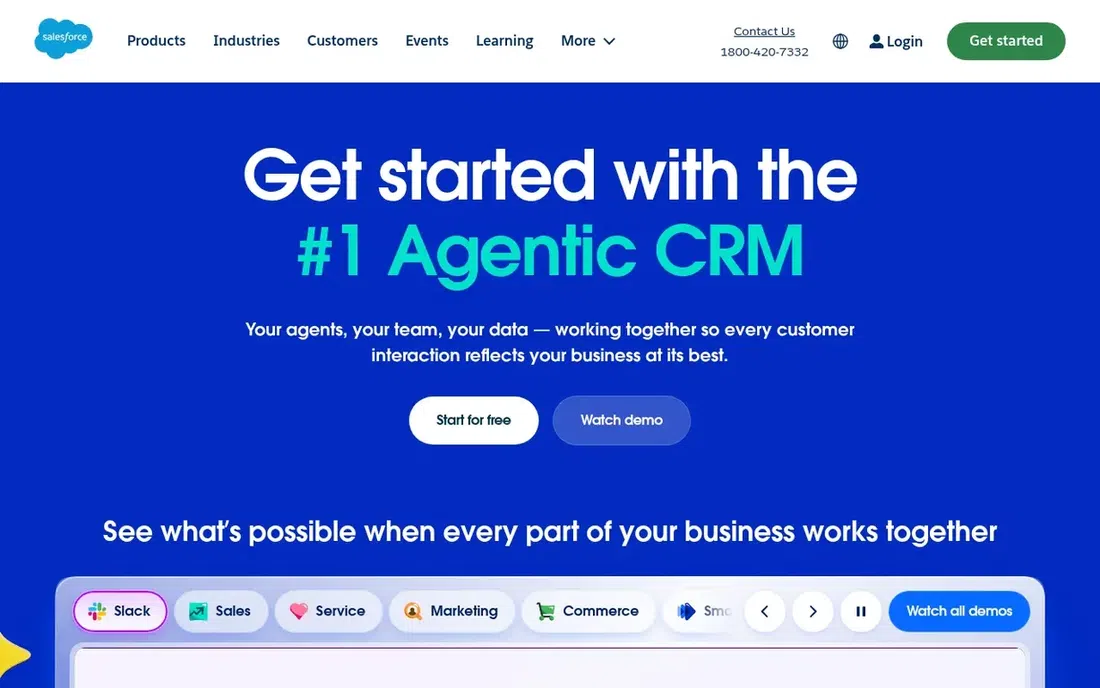
Pick Salesforce Government Cloud if this describes you: constituent relationship management at scale. Salesforce Government Cloud is a specialized edition of the Salesforce CRM product aimed at public sector agencies. If you need a more straightforward, purpose-built option for a narrow function like permitting, consider a specialized provider instead.
Honest limits: Needs configuration expertise.
Worth adding: the product is highly configurable, allowing agencies to tailor workflows and data models to their specific processes. The system's breadth can introduce complexity, and agencies may need dedicated administrators or implementation partners. Pricing for Salesforce Government Cloud is not stated here, so ask the vendor for current figures. You can start on Salesforce Government Cloud without paying.
- Highly customizable system
- Wide ecosystem of apps
- Can be complicated for small agencies
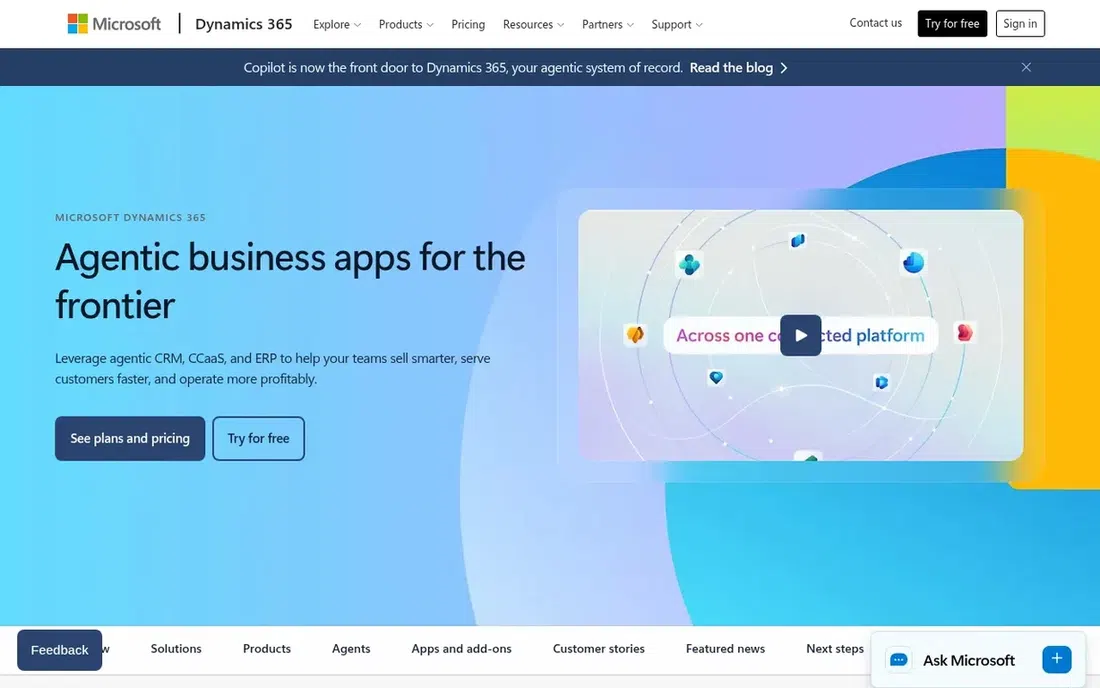
Microsoft Dynamics 365 is a good fit for integrated CRM and ERP for agencies. Its integration with Microsoft tools like Teams and Power Platform can simplify collaboration. In practice, if your agency only needs a focused CRM or a single-purpose tool, a narrower option may be more efficient.
Beyond that, the modular nature means agencies must carefully select which applications to deploy, and licensing can become intricate. In practice, customization frequently needs specialized skills. Microsoft Dynamics 365 shows no starting price here, so confirm the cost on the vendor site. Free options: Not stated.
Where it is weaker: Modular licensing can be complicated.
- Unified CRM and ERP suite
- Familiar Microsoft ecosystem
- Customization may need specialists
Tyler Technologies
Best for: Public sector specific software suites
Tyler Technologies serves public sector specific software suites. Its offerings handle areas like public safety, courts, finance, and permitting.
Agencies transitioning from legacy systems may face data migration challenges. Beyond that, since it focuses exclusively on the public sector, its products frequently align closely with government workflows. Pricing for Tyler Technologies is not stated here, so ask the vendor for current figures. Free plan details: Not stated.
Where it is weaker: Legacy system transitions can be complicated.
- Deep public sector focus
- Wide suite of modules
- May need several product integrations
Selection criteria
LinkVetted looked at what each vendor publishes: pricing, plan limits, feature coverage for government software providers and stated drawbacks. No hands-on testing is claimed. Where a vendor does not publish a price, the entry says quote. Where a price depends on seats or billing term, the entry says so. The ranking is editorial: typical fit first, then clear pricing, then free access. If your needs are unusual, read the profiles rather than relying on position.
Before you commit
- Ask each vendor, from Accela to Tyler Technologies, for a written quote; none of them publishes a starting price.
- Look at the free plan from Salesforce Government Cloud closely: its caps decide whether it is usable for real work.
- Read the limits listed for Accela first: restricted scope beyond permitting and licensing.
- Confirm that Salesforce Government Cloud connects to the apps your team already uses, on the plan you would actually buy.
- Find out whether the entry plan of Microsoft Dynamics 365 covers your must-haves or only a trimmed-down version.
FAQ
How are the tools for government software providers ordered?
Accela sits first and Tyler Technologies last because the order follows typical fit for government software providers, then price clarity and free access. It is a judgement call, so read each profile for fit and limits.
Can I try these tools before paying?
Often, yes. Salesforce Government Cloud has a free plan. Use your own data and a real task during the test, and check what the free tier or trial limits before you rely on it.
Can these software providers integrate with each other?
Plenty of providers offer integration tools and APIs, but compatibility varies. For everyday use, agencies should confirm specific integration capabilities during the evaluation process and consider whether a unified suite or best-of-breed approach suits their strategy.
What should government agencies look for in software providers?
Agencies should prioritize security compliance, integration with existing systems, and long-term vendor support. It is also important to evaluate the provider's experience with public sector workflows and data ownership terms.
Which options for government software providers have a free plan?
Salesforce Government Cloud is the only tool in this list with a free plan. Free plans usually cap users, projects or features, so check the limits on the vendor page.
Do these tools publish their prices?
No. None of the tools, from Accela to Tyler Technologies, shows a fixed starting price here, so budget time for quotes.
Sources
- https://www.accela.com
- https://granicus.com
- https://www.servicenow.com
- https://www.salesforce.com
- https://www.microsoft.com/en-us/dynamics-365
- https://www.tylertech.com