Best Overall Customer Service Software in 2026: 9 Tools Compared
Compare the best overall customer service software in 2026, from full suites to email first inboxes, with pricing, AI features and fit for teams of every size.
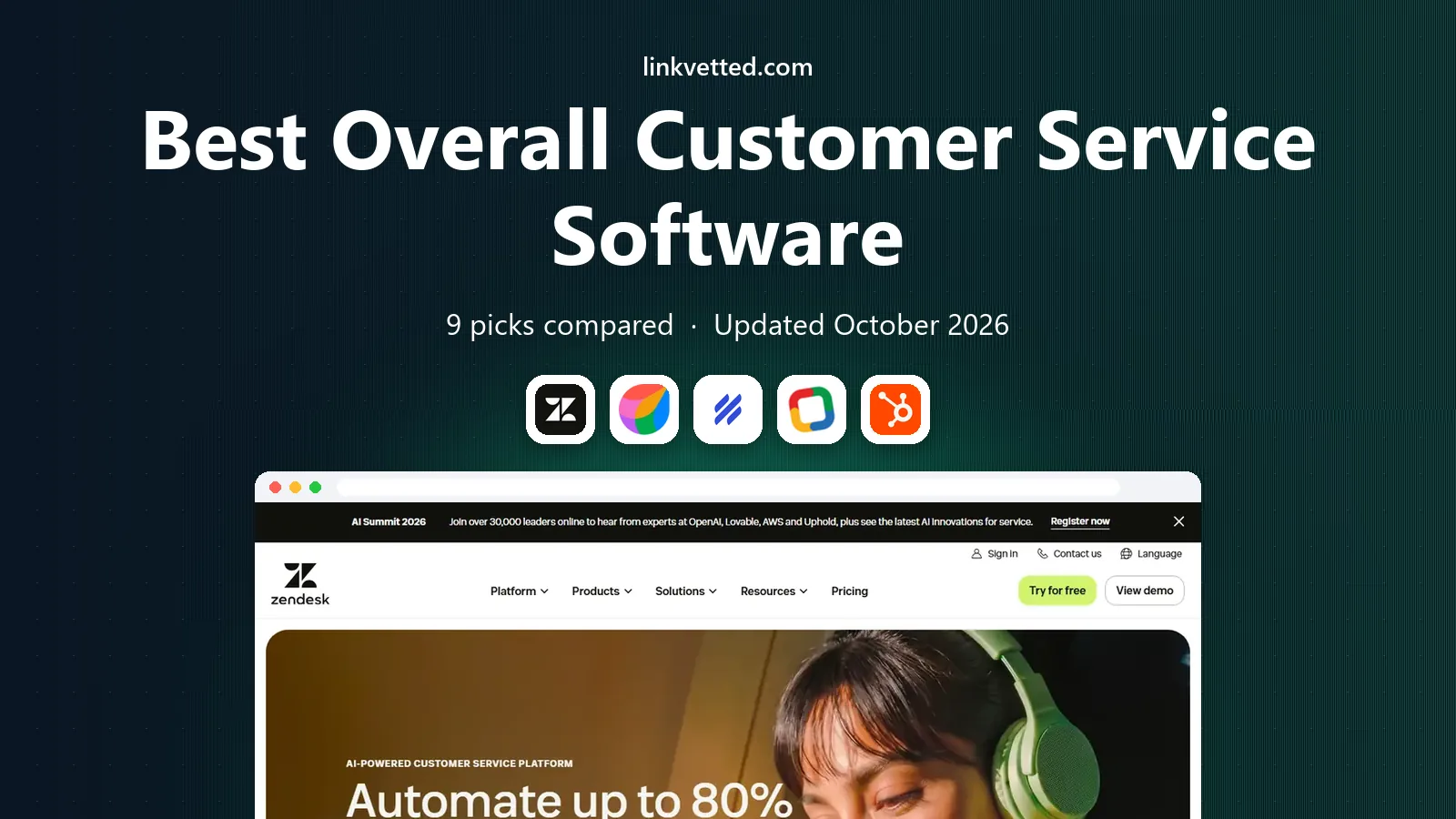
- Editor's choice
 Zendesk
Large teams that need a full omnichannel suite
Starts at$55 per agent per monthVisit zendesk.comFull review - Great alternative
 Freshdesk
Small and mid sized teams that want value
Starts at$19 per agent per monthVisit freshdesk.comFull review - Also consider
 Help Scout
Small email first teams
Starts at$25 per user per monthVisit helpscout.comFull review
TL;DR:
- Zendesk stands out for large teams that need a full omnichannel suite, while Freshdesk is a strong second option for small and mid sized teams that want value.
- Prices for best overall customer service software range from free entry plans to quote based enterprise pricing, so check what is included before you compare headline rates.
- The best pick depends on your volume, channels and support needs, not on the longest feature list, and a short trial will reveal fit fast.
- Help Scout is worth a close look if small email first teams matters to you, and Front covers a useful niche at the other end of the list.
Quick comparison
| Tool | Best for | Starts at | Free plan? | |
|---|---|---|---|---|
| Zendesk | Large teams that need a full omnichannel suite | $55 per agent per month | Free trial (14 days) | Visit |
| Freshdesk | Small and mid sized teams that want value | $19 per agent per month | Free trial (14 days) | Visit |
| Help Scout | Small email first teams | $25 per user per month | Yes | Visit |
 Zoho Desk | Budget teams and Zoho users | $7 per user per month | Yes | Visit |
 HubSpot Service Hub | Teams already using HubSpot CRM | $20 per seat per month | Yes | Visit |
 Intercom | SaaS teams that want chat first support | $29 per seat per month | Free trial (14 days) | Visit |
 Salesforce Service Cloud | Enterprises that run support inside Salesforce | $25 per user per month | Free trial (30 days) | Visit |
 LiveAgent | Teams that want chat, email and call centre in one tool | $15 per agent per month | Free trial (30 days) | Visit |
 Front | Teams that want a collaborative shared inbox | $25 per seat per month | Free trial (14 days) | Visit |
The best overall customer service software
We compared customer service platforms on channels, ticketing, AI, reporting, pricing and free plans, with a focus on fit for small, mid sized and large teams.

For users who need large teams that need a full omnichannel suite, Zendesk is a natural shortlist pick. Full ticketing, messaging, voice and help centre in one suite. AI agents and copilot options.
In day to day use, strong reporting and integrations is the detail that tends to matter most after the first month, once the novelty of setup has faded. That said, suite pricing is high for small teams is a real limit to weigh before you commit. AI usage adds cost beyond seat prices.
- Full ticketing, messaging, voice and help centre in one suite
- AI agents and copilot options
- Strong reporting and integrations
- Suite pricing is high for small teams
- AI usage adds cost beyond seat prices
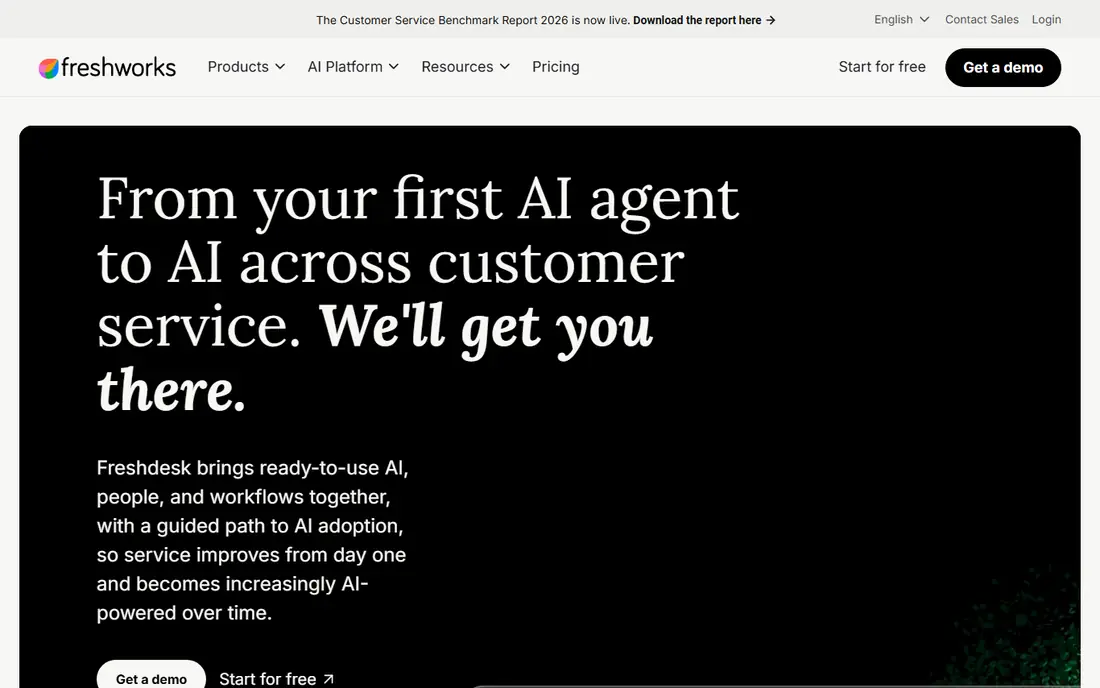
For a buyer who wants small and mid sized teams that want value, Freshdesk is a natural shortlist pick. Easy ticketing with automation and knowledge base. Freddy AI on higher plans.
In day to day use, good balance of price and features is the detail that tends to matter most after the first month, once the novelty of setup has faded. That said, advanced AI and analytics need higher plans is a real limit to weigh before you commit. Free tier is no longer the main entry point in comparisons.
- Easy ticketing with automation and knowledge base
- Freddy AI on higher plans
- Good balance of price and features
- Advanced AI and analytics need higher plans
- Free tier is no longer the main entry point in comparisons
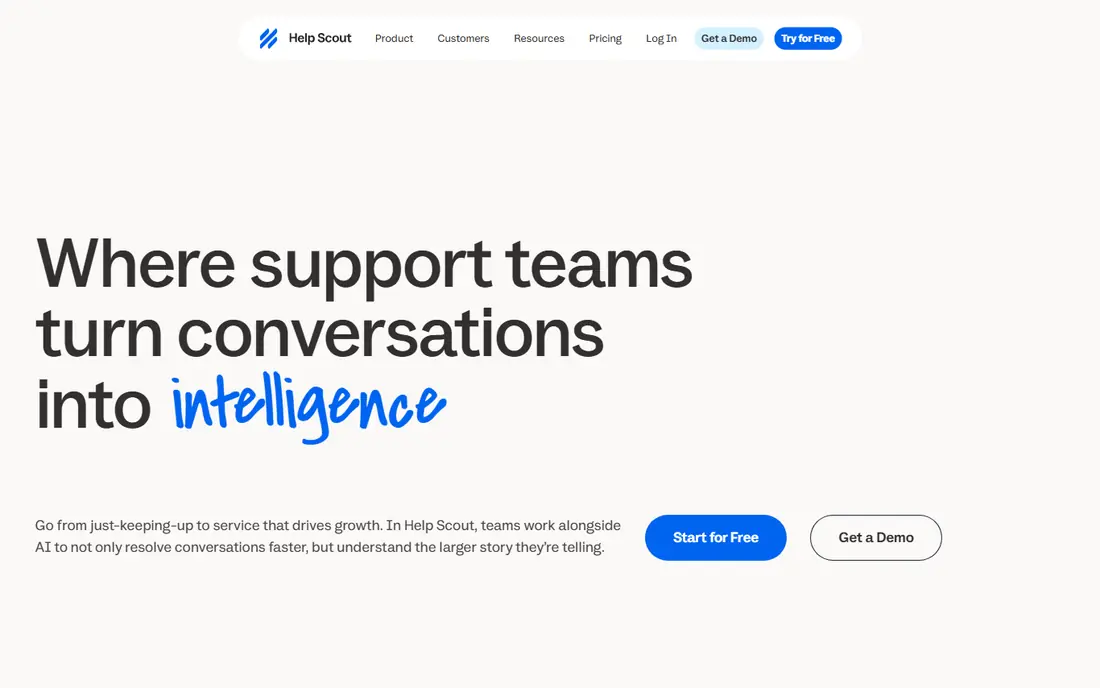
For teams that need small email first teams, Help Scout is a natural shortlist pick. Clean shared inbox with Docs and Beacon. Simple happiness and response reports.
In day to day use, good for teams under 10 agents is the detail that tends to matter most after the first month, once the novelty of setup has faded. That said, no built in phone channel is a real limit to weigh before you commit. AI answers are billed per resolution.
- Clean shared inbox with Docs and Beacon
- Simple happiness and response reports
- Good for teams under 10 agents
- No built in phone channel
- AI answers are billed per resolution
If your main need is budget teams and Zoho users, Zoho Desk is a natural shortlist pick. Low cost entry with a free plan for three users. Multichannel ticketing and Zia AI assistant.
In day to day use, strong value for small teams is the detail that tends to matter most after the first month, once the novelty of setup has faded. That said, advanced features need higher plans is a real limit to weigh before you commit. Interface can feel busy for new agents.
- Low cost entry with a free plan for three users
- Multichannel ticketing and Zia AI assistant
- Strong value for small teams
- Advanced features need higher plans
- Interface can feel busy for new agents
For buyers who want teams already using HubSpot CRM, HubSpot Service Hub is a natural shortlist pick. Service tools tied to CRM records. Ticket pipelines, feedback surveys and automation.
In day to day use, free tools help small teams start is the detail that tends to matter most after the first month, once the novelty of setup has faded. That said, paid plans rise fast with seats is a real limit to weigh before you commit. AI customer agent needs higher plans.
- Service tools tied to CRM records
- Ticket pipelines, feedback surveys and automation
- Free tools help small teams start
- Paid plans rise fast with seats
- AI customer agent needs higher plans
When the priority is saaS teams that want chat first support, Intercom is a natural shortlist pick. Messenger first support with Fin AI agent. In product help and shared inbox.
In day to day use, strong automation and workflows is the detail that tends to matter most after the first month, once the novelty of setup has faded. That said, fin resolutions cost $0.99 each on top of seats is a real limit to weigh before you commit. Less suited to email heavy teams.
- Messenger first support with Fin AI agent
- In product help and shared inbox
- Strong automation and workflows
- Fin resolutions cost $0.99 each on top of seats
- Less suited to email heavy teams
Salesforce Service Cloud
Best for: Enterprises that run support inside Salesforce
For a team that values enterprises that run support inside Salesforce, Salesforce Service Cloud is a natural shortlist pick. Case management tied to customer records. SLA, automation and AI options.
In day to day use, strong for large complex teams is the detail that tends to matter most after the first month, once the novelty of setup has faded. That said, setup and pricing can be complex is a real limit to weigh before you commit. Small teams may need admin support.
- Case management tied to customer records
- SLA, automation and AI options
- Strong for large complex teams
- Setup and pricing can be complex
- Small teams may need admin support
If you want a tool for teams that want chat, email and call centre in one tool, LiveAgent is a natural shortlist pick. Help desk plus live chat and call centre. Ticket routing and time tracking.
In day to day use, good value for mixed channel teams is the detail that tends to matter most after the first month, once the novelty of setup has faded. That said, aI features are limited compared with AI first suites is a real limit to weigh before you commit. Interface can feel dated to some users.
- Help desk plus live chat and call centre
- Ticket routing and time tracking
- Good value for mixed channel teams
- AI features are limited compared with AI first suites
- Interface can feel dated to some users
For firms that focus on teams that want a collaborative shared inbox, Front is a natural shortlist pick. Shared email, chat and SMS in one inbox. Internal comments and assignments.
In day to day use, good for account and success teams is the detail that tends to matter most after the first month, once the novelty of setup has faded. That said, less structured ticketing than a full help desk is a real limit to weigh before you commit. Pricing rises with seats and add ons.
- Shared email, chat and SMS in one inbox
- Internal comments and assignments
- Good for account and success teams
- Less structured ticketing than a full help desk
- Pricing rises with seats and add ons
How we picked these
We compared official feature pages, pricing pages, app store listings, privacy and compliance notes, and public reviews for best overall customer service software. We favoured products that are available now, that clearly fit the topic, and that publish enough detail for a buyer to judge cost and limits. We did not claim hands on testing that did not happen, and we noted where pricing is quote based rather than published.
We also looked at fit for different buyers, not just one ideal user. A solo firm, a small team and a large company will judge the same product in different ways, so we kept notes on who each option suits and where it falls short. That approach keeps the list useful even when your budget or volume differs from the average buyer.
How to choose customer service software for your team
Start with your busiest channels, not the longest feature list
Start by writing down the outcome you need from best overall customer service software, then work backwards to the features that deliver it. A long feature list can distract from the one or two jobs that matter most, and a tool that does those jobs well will usually beat a broader tool that does them poorly. Ask vendors to show how that outcome works with your own examples, not just with a polished demo, and keep a note of any step that needs manual work or an extra product.
Next, check who will use the tool every day, and how much training they will need. A product that needs a specialist to run it can still be right for a large team, but it is a poor fit for a small team with no spare admin time. Look for clear onboarding, helpful support hours and a simple way to get help when something breaks, because support quality matters most on the days when a deadline is close.
Count the full cost, including seats, AI usage and add ons
Pricing pages rarely tell the full story, so build a simple total cost for a typical month in your business. Include seats, usage charges, overages, add ons and any setup or hardware costs, then compare that total across your shortlist. For best overall customer service software, the cheapest headline price is often not the cheapest total, especially when a higher tier is needed for reporting, compliance or automation that your team actually uses.
Also check contract terms before you commit to a year. Notice periods, renewal terms, data export options and exit fees all affect the real cost of a mistake, and they are easy to overlook when a sales call is going well. A monthly plan or a short trial is a useful safety net when you are unsure, even if an annual plan looks cheaper on paper.
Test with real tickets before you commit to a year
Finally, judge success by outcomes you can measure, not by activity alone. For best overall customer service software, that may mean booked consultations, resolved tickets, completed rotations, delivered calls or pages sent, depending on the topic. Set a review date after 30 and 90 days, check the numbers against your starting point, and be ready to change tools if the outcome is not moving. A good vendor will welcome that review, because it gives both sides a clear record of what worked.
FAQ
What is the best overall customer service software?
Costs vary widely for best overall customer service software, from free entry plans to quote based enterprise pricing. Start with your volume and must have features, then compare total monthly cost, including seats, usage and add ons, rather than the headline rate alone. A short trial will usually show whether a higher tier is really needed.
How much does customer service software cost?
Timelines vary by product and by how complex your setup is, but most buyers should allow several weeks for setup, training and early results. Ask for a clear onboarding plan, a named contact and a review date, so delays are visible early. If a vendor promises instant results with no work from your side, treat that claim with care.
Do I need a full help desk or just a shared inbox?
Zendesk is a strong starting point for large teams that need a full omnichannel suite, and Freshdesk suits small and mid sized teams that want value. Compare those two first, then add a third option that fits your budget or a niche need. That small shortlist keeps the decision focused and makes trials easier to run.
What is the difference between Zendesk and Freshdesk?
Check pricing, contract terms, support hours and data export before you sign, and get any key promise in writing. For best overall customer service software, the details that cause regret are usually overage charges, renewal terms and features that sit on a higher tier. A careful read of the pricing page now can save a difficult renewal talk later.
Can small teams use enterprise customer service software?
Yes, in most cases, but allow time for data migration, training and a period when both tools run side by side. Export your data early, test the new tool with real work, and keep the old tool until the new one is proven. That staged switch lowers risk and gives your team time to adjust.
How do AI features change the price?
Support quality matters as much as features for best overall customer service software, so check support hours, channels and response times before you buy. Look for a help centre, clear guides and a way to reach a person when an urgent issue appears. Public reviews can help, but a trial with your own questions is a better test.