5 Online Platforms for Teaching Strategies Worth Shortlisting in 2026
Best online platforms for teaching strategies in 2026: 5 contenders with entry costs and free tiers. The catches are listed up front. Straight answers.
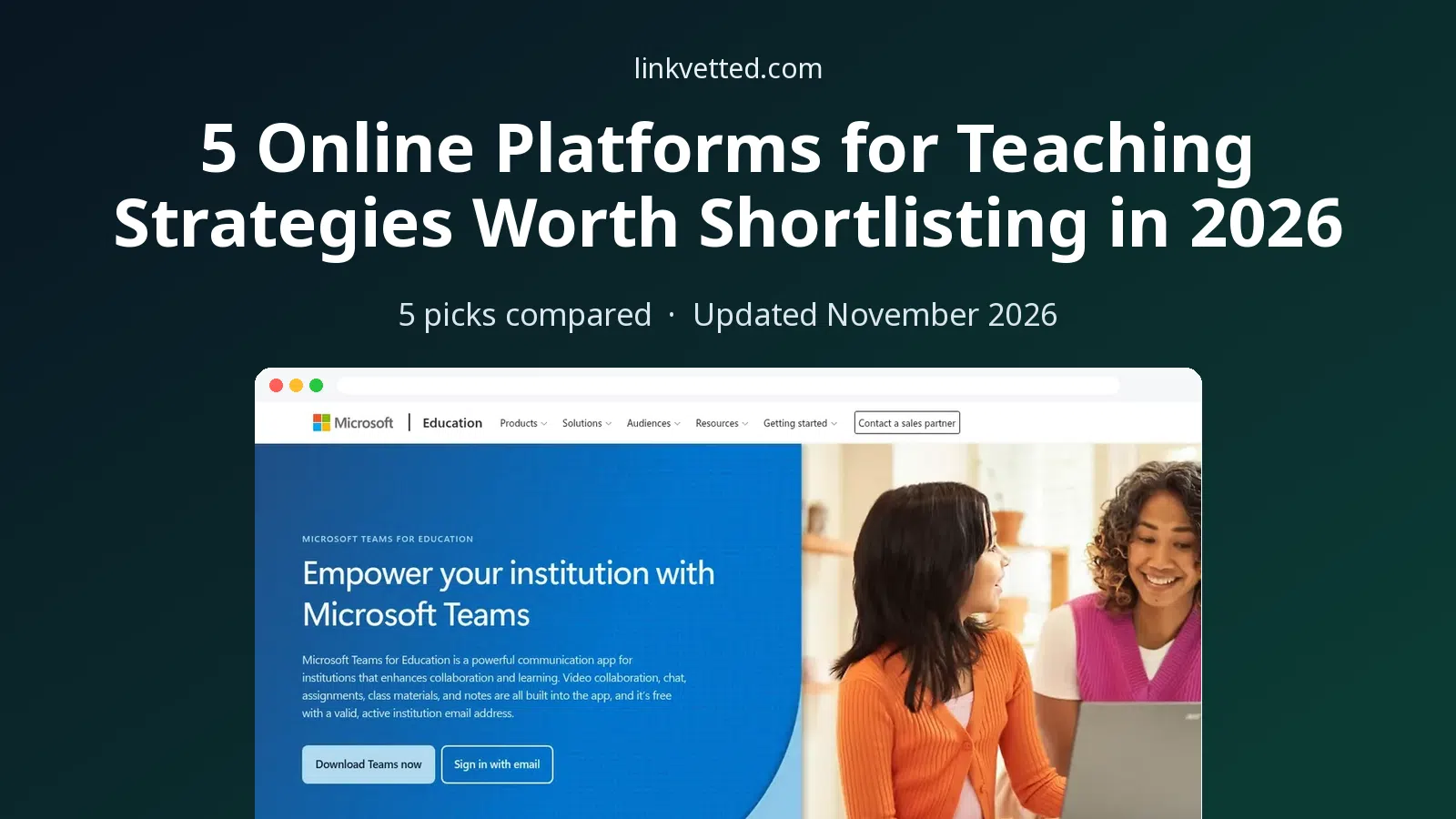
- Editor's choice
 Microsoft Teams for Education
Communication and live collaboration
Starts atSee websiteVisit microsoft.comFull review - Great alternative
 Kahoot.
Game-based review and engagement
Starts at$3 a monthVisit kahoot.comFull review - Also consider
 Moodle
Highly configurable learning environments
Starts atSee websiteVisit moodle.comFull review
Direct answer
This list puts Microsoft Teams for Education first for communication and live collaboration. Listed starting prices: Kahoot. from $3 a month and Nearpod from $159 a year. Kahoot. Is the stronger choice for game-based review and engagement, while Moodle suits highly configurable learning environments. The remaining 2 options are covered below with prices and limits.
TL;DR:
- Microsoft Teams for Education is the opening pick, best for communication and live collaboration.
- Kahoot. Is the lowest-priced starter here at $3 per month.
- The main caution on Kahoot.: not a course management system.
- Nearpod is the one to check for active, interactive learning experiences.
Last checked November 2026. Prices and plan details were read from the vendors' own pages in November 2026; vendors change plans often, so confirm the current price on the vendor site before you buy.
Quick comparison
| Tool | Best for | Starts at | Free plan? | |
|---|---|---|---|---|
| Microsoft Teams for Education | Communication and live collaboration | See website | Not stated | Visit |
| Kahoot. | Game-based review and engagement | $3 a month | Yes | Visit |
| Moodle | Highly configurable learning environments | See website | Not stated | Visit |
 Canvas LMS | Simplified course management for institutions | See website | Not stated | Visit |
 Nearpod | Active, interactive learning experiences | $159 a year | Yes | Visit |
Online Platforms for Teaching Strategies, one by one
This LinkVetted guide covers 5 online platforms for teaching strategies. Each profile lists a starting price, free plan details, strengths and drawbacks, so you can drop poor fits quickly.

Pick Microsoft Teams for Education if this describes you: communication and live collaboration. Microsoft Teams for Education is a video conferencing and communication app for schools, built to support both in-person and remote students.
What to check first: Communication focus instead of full course design.
Schools needing deep curriculum structure may pair it with a LMS. Also, choose Teams when live collaboration and remote participation are the primary teaching strategy requirements. This comparison lists no price for Microsoft Teams for Education; ask the vendor. On free options: Not stated.
- Video conferencing and communication
- Suits Microsoft-centered schools
- Best within Microsoft environments
Kahoot. Works best for game-based review and engagement. As a game-based tool, Kahoot. Is not built to handle courses, content libraries or learner records.
Also, choose it when motivation and fast-paced participation are the teaching goals. The starting price for Kahoot.: $3 per month. A free plan is available with Kahoot.
Limits to weigh: Not a course management system.
- Game-based learning format
- Works across school and work settings
- Most useful for short interactive sessions
Moodle is built with highly configurable learning environments in mind. Moodle describes itself as a highly configurable learning management system for education, enterprise and public sector organizations. Its adaptability makes it appealing to institutions that want to build an engaging learning ecosystem shaped around their own workflows, structures and teaching approach instead of adapting to a fixed template.
What to check first: Customization can need technical effort.
It is also oriented toward structured course delivery rather than fast classroom games. Pick Moodle when control over the learning environment matters more than out-of-the-box simplicity. Pricing for Moodle is not stated here, so ask the vendor for current figures. Free access: Not stated.
- Capable customization choices
- Serves education and public sector
- Less plug-and-play for beginners
Canvas LMS is a good fit for simplified course management for institutions. Canvas by Instructure is a learning management system built to ease teaching and enhance student learning.
Drawbacks to consider: Not a standalone engagement game tool.
Check the vendor site for Canvas LMS pricing; none is listed in this comparison. Trial and free access: Not stated.
- Meant to ease teaching
- Approachable interface
- Institution-level setup may be involved
Nearpod is built with active, interactive learning experiences in mind. Nearpod is presented as a way to build active learning experiences students can look forward to.
More specifically, educators needing grading structures, enrollment and reporting in one place should pair it with a system designed for that. In daily use, Nearpod is an engagement and lesson-interaction tool instead of a complete LMS, so it does not replace course administration. On cost, Nearpod starts like this: $159 per year. Nearpod includes a free tier.
The main drawbacks: Not a full course management system.
- Built to engage students
- Complements existing course systems
- Engagement-centered instead of administrative
How the list was put together
Selection started from tools commonly considered for online platforms for teaching strategies, then narrowed to 5 that have clear pricing information or a clear quote process. Figures are shown as the vendors publish them. Billing terms, seat minimums and add-ons can change the real cost. The ranking is editorial: typical fit first, then clear pricing, then free access. If your needs are unusual, read the profiles rather than relying on position.
A buyer's checklist
- Ask Microsoft Teams for Education, Moodle and Canvas LMS for a written quote, since no starting price is shown.
- Read the fine print on the free plans from Kahoot. And Nearpod; seat, project and feature caps differ.
- Before choosing Microsoft Teams for Education, weigh its main limit: communication focus rather than full course design.
- Work out what Canvas LMS costs with your real seat count, add-ons and usage, not just the entry price.
- Let daily users try Moodle on real work; their feedback beats any feature checklist.
FAQ
How should I evaluate a product before adopting it?
Then confirm the features, integrations and administrative needs on the vendor site, and consider how much setup effort your team can support.
Is Microsoft Teams for Education the right pick for everyone comparing online platforms for teaching strategies?
No single tool suits every team. Microsoft Teams for Education comes first because it fits communication and live collaboration, while Kahoot. Suits game-based review and engagement and Moodle suits highly customizable learning environments. Match the tool to your own size, budget and workflow before deciding.
Can I try these tools before paying?
Often, yes. Kahoot. And Nearpod have a free plan. Use your own data and a real task during the test, and check what the free tier or trial limits before you rely on it.
Which options for online platforms for teaching strategies have a free plan?
Kahoot. And Nearpod offer a free plan in this list. Free plans usually cap users, projects or features, so check the limits on the vendor page.
What is the cheapest option for online platforms for teaching strategies in this list?
On published monthly entry prices, Kahoot. Is the lowest here at $3 per month. Entry price is only part of the cost, because seats, add-ons and billing terms can change the total. All 5 picks in this online platforms for Teaching Strategies comparison list a starting price, free plan details and the main limits on their cards above.
Sources
- https://www.microsoft.com/en-us/education/products/teams
- https://kahoot.com
- https://moodle.com
- https://www.instructure.com/canvas
- https://nearpod.com