Online Form Builder for MSPs in 2026: The 5 Best Options Side by Side
5 best online form builder for MSPs, compared on pricing, free plans and best-fit use. Cost notes and weak points included. Current for November 2026.
- Editor's choiceWPForms
WordPress sites needing straightforward forms
Starts at$49.50 a yearVisit wpforms.comFull review - Great alternative
 Cognito Forms
Workflow automation with approvals
Starts at$24 a monthVisit cognitoforms.comFull review - Also considerGravity Forms
Advanced WordPress form projects
Starts at$59 a yearVisit gravityforms.comFull review
Direct answer
WPForms leads the list, best for WordPress sites needing simple forms. Listed starting prices: WPForms from $49.50 a year, Cognito Forms from $24 a month and Gravity Forms from $59 a year. Cognito Forms fits workflow automation with approvals; Gravity Forms fits advanced WordPress form projects. The other 2 tools in the list cover narrower or pricier cases.
TL;DR:
- WPForms sits first on this list: WordPress sites needing straightforward forms.
- Formstack is the one to check for Forms with documents and e-signatures.
- Only 2 of the 5 tools have a free plan (Cognito Forms, Jotform), so check the caps.
- The cheapest monthly starting price in the list is $24 per month, offered by Cognito Forms.
Last checked November 2026. Prices and plan details were read from the vendors' own pages in November 2026; vendors change plans often, so confirm the current price on the vendor site before you buy.
Quick comparison
| Tool | Best for | Starts at | Free plan? | |
|---|---|---|---|---|
| WPForms | WordPress sites needing straightforward forms | $49.50 a year | Not stated | Visit |
| Cognito Forms | Workflow automation with approvals | $24 a month | Yes | Visit |
| Gravity Forms | Advanced WordPress form projects | $59 a year | No | Visit |
 Jotform | Wide hosted form building with templates | $34 per month | Yes | Visit |
 Formstack | Forms with documents and e-signatures | $83 a month | Free trial | Visit |
The 5 tools in detail
LinkVetted put together this guide to online form builder for MSPs for readers who want a clear shortlist without reading every vendor page. It compares 5 tools on starting price, free plans, who each one suits and where each one falls short.
WPForms
Best for: WordPress sites needing straightforward forms
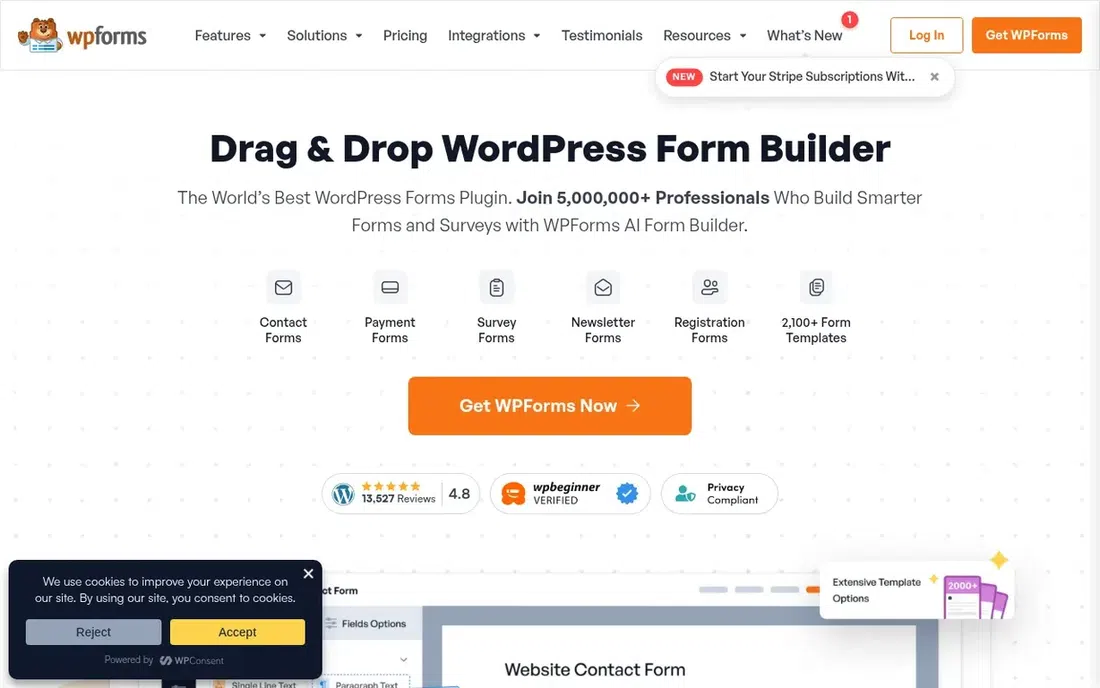
Pick WPForms if this describes you: WordPress sites needing straightforward forms. Since it is a plugin, it relies on a maintained WordPress install and brings to your update routine.
Honest limits: Advanced features rely on extras.
WPForms is a WordPress form builder plugin that lets site owners produce forms with a drag-and-drop interface and AI assistance. WPForms cost at the entry level: $49.50 per year. Free access: Not stated.
- Drag-and-drop builder inside WordPress
- Beginner-friendly setup for site owners
- Needs a WordPress site
Cognito Forms is aimed squarely at workflow automation with approvals. It suits MSPs that want to collect data and then route it through an internal review or approval step without stitching together multiple separate tools.
Watch-outs: Complicated forms need careful testing.
The automation and approval features add setup work, so straightforward forms can feel heavier than needed. Cognito Forms cost at the entry level: $24 per month. You can start on Cognito Forms without paying.
- Built-in workflow automation and approvals
- Document generation included
- Interface takes some learning
Gravity Forms
Best for: Advanced WordPress form projects
Gravity Forms targets advanced WordPress form projects. Very advanced configurations can need developer involvement, which is worth weighing against a hosted builder with built-in automation.
Upsides: Secure; Custom form building for complicated needs.
Where it falls short: Needs WordPress to run.
Gravity Forms is a WordPress form builder plugin geared toward creating custom, secure forms on a WordPress site. It only works within WordPress, so hosted-only teams would need a different approach. Price to start with Gravity Forms: $59 per year. There is no free plan with Gravity Forms.
- Dependable WordPress plugin
- Suits sites already on WordPress
- Advanced setups need technical comfort
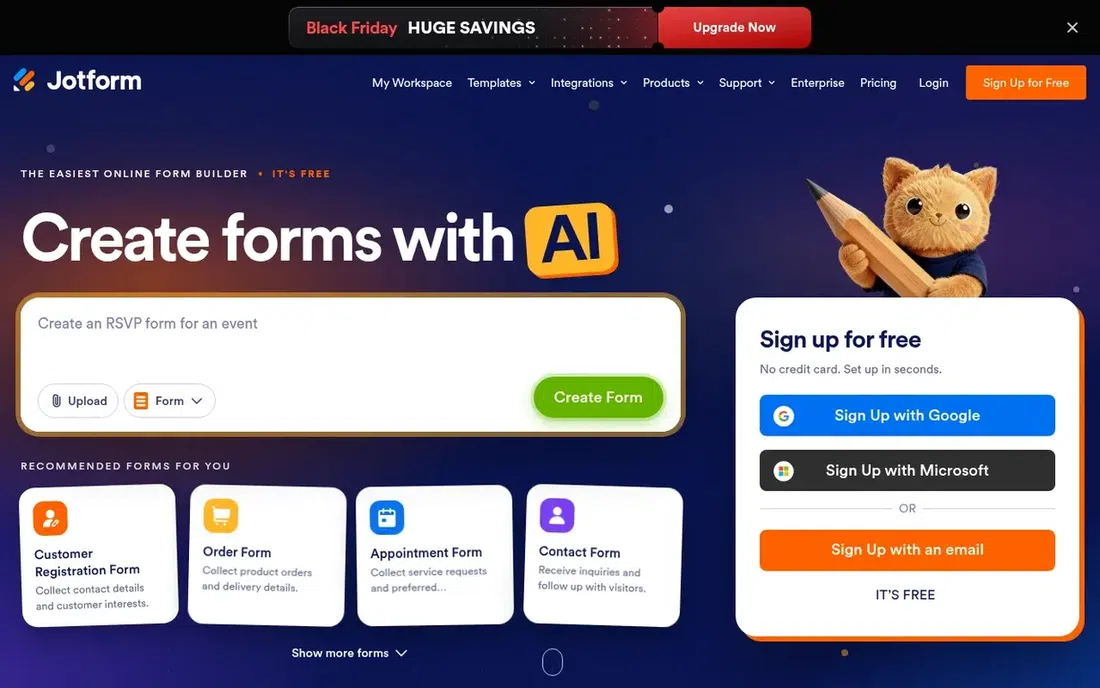
Where Jotform fits: wide hosted form building with templates. Jotform is a hosted online form builder that lets teams build forms and surveys without writing code.
As for the details, for MSPs, it suits well when you need a quick way to publish client intake, support request or onboarding forms and want a broad choice of ready-made templates to start from. Also, since it runs in the browser, it does not rely on a WordPress site. The starting price for Jotform: $34 per month. You can start on Jotform without paying.
What to check first: Advanced logic can take time to learn.
- Drag-and-drop builder for quick setup
- Hosted
- Branding control is restricted on entry-level setups
Choose Formstack for Forms with documents and e-signatures. Formstack is a product that pairs online forms with document generation and e-signature tools.
Where it is weaker: Setup of document workflows takes planning.
For everyday use, compare a lighter hosted builder or a WordPress plugin if your requirements stay straightforward. Beyond that, for a team that only needs entry-level contact or intake forms, the document and signature capabilities may be more than necessary. Entry price for Formstack: $83 per month. Free options: Free trial.
- Merges forms
- Suited to client-facing processes
- Broader system may be more than straightforward forms need
Our selection method
Pricing pages, product documentation and feature lists were the main sources, and every entry carries at least one honest drawback. Where a vendor does not publish a price, the entry says quote. Where a price depends on seats or billing term, the entry says so. Tools are placed by general fit for online form builder for MSPs, with price clarity and free access as tie-breakers. A different team can reasonably rank them differently.
Pre-purchase checklist
- Prices are a starting point; Cognito Forms shows $24 per month to start, so verify what your seat count would cost.
- Check what the free option really includes: Cognito Forms and Jotform offer a free plan, and usage caps differ.
- Take the trial from Formstack and push a live task through it before you pay.
- Before choosing WPForms, weigh its main limit: needs a WordPress site.
- Compare total cost, not headline price: for Jotform, add extra seats, add-ons and any usage-based charges.
- Ask Cognito Forms which support channels and response times come with the plan you would buy.
FAQ
How are the online form builder for MSPs ordered?
WPForms sits first and Formstack last because the order follows typical fit for online form builder for MSPs, then price clarity and free access. It is a judgement call, so read each profile for fit and limits.
What should MSPs check before committing to a form builder?
Confirm hosting requirements, workflow and approval features, data access controls, and integration choices with your existing tools. Test your real intake and support forms during evaluation so conditional logic and notifications behave as expected.
Can I try these tools before paying?
Often, yes. Cognito Forms and Jotform have a free plan and Formstack offers a free trial. Use your own data and a real task during the test, and check what the free tier or trial limits before you rely on it. Prices, free plan details and limits for all 5 tools in this online form builder for MSPs roundup sit on the individual cards above.
Is WPForms the right pick for everyone comparing online form builder for MSPs?
No single tool suits every team. WPForms comes first because it fits WordPress sites needing simple forms, while Cognito Forms suits workflow automation with approvals and Gravity Forms suits advanced WordPress form projects. Match the tool to your own size, budget and workflow before deciding.
What is the cheapest option for online form builder for MSPs in this list?
On published monthly entry prices, Cognito Forms is the lowest here at $24 per month. Entry price is only part of the cost, because seats, add-ons and billing terms can change the total. Each of the 5 options in this online form builder for MSPs guide has its own card above with the price, free plan and limits.
Sources
- https://wpforms.com
- https://www.cognitoforms.com
- https://www.gravityforms.com
- https://www.jotform.com
- https://www.formstack.com