Online App Builder in 2026: The 5 Best Options Side by Side
Best online app builder: 5 tools compared on price, free plans and fit. Adalo leads the list for native iOS and Android publishing. Narrow your shortlist.
- Editor's choice
 Adalo
Native iOS and Android publishing
Starts at$65 a monthVisit adalo.comFull review - Great alternative
 Glide
Internal business apps from spreadsheets
Starts at$25 a monthVisit glideapps.comFull review - Also consider
 AppSheet
No-code apps inside Google Workspace
Starts at$5 per user a monthVisit appsheet.comFull review
Direct answer
Our first pick is Adalo, best for native iOS and Android publishing. Listed starting prices: Adalo from $65 a month, Glide from $25 a month and AppSheet from $5 per user a month. Alternatives: Glide for internal business apps from spreadsheets, and AppSheet for no-code apps inside Google Workspace. The other 2 tools in the list cover narrower or pricier cases.
TL;DR:
- This list starts with Adalo, which is built for native iOS and Android publishing.
- Free plans exist at 3 of 5 tools (Adalo, Glide, Softr).
- The cheapest monthly starting price in the list is $5 per user per month, offered by AppSheet.
- Bubble is the one to check for deep visual control over full apps.
Last checked November 2026. Prices and plan details were read from the vendors' own pages in November 2026; vendors change plans often, so confirm the current price on the vendor site before you buy.
Quick comparison
| Tool | Best for | Starts at | Free plan? | |
|---|---|---|---|---|
| Adalo | Native iOS and Android publishing | $65 a month | Yes | Visit |
| Glide | Internal business apps from spreadsheets | $25 a month | Yes | Visit |
| AppSheet | No-code apps inside Google Workspace | $5 per user a month | Free trial | Visit |
 Softr | Secure business apps with permissions | See website | Yes | Visit |
 Bubble | Deep visual control over full apps | See website | Not stated | Visit |
The full online app builder list
This LinkVetted guide covers 5 options for online app builder. Each profile lists a starting price, free plan details, strengths and drawbacks, so you can drop poor fits quickly.
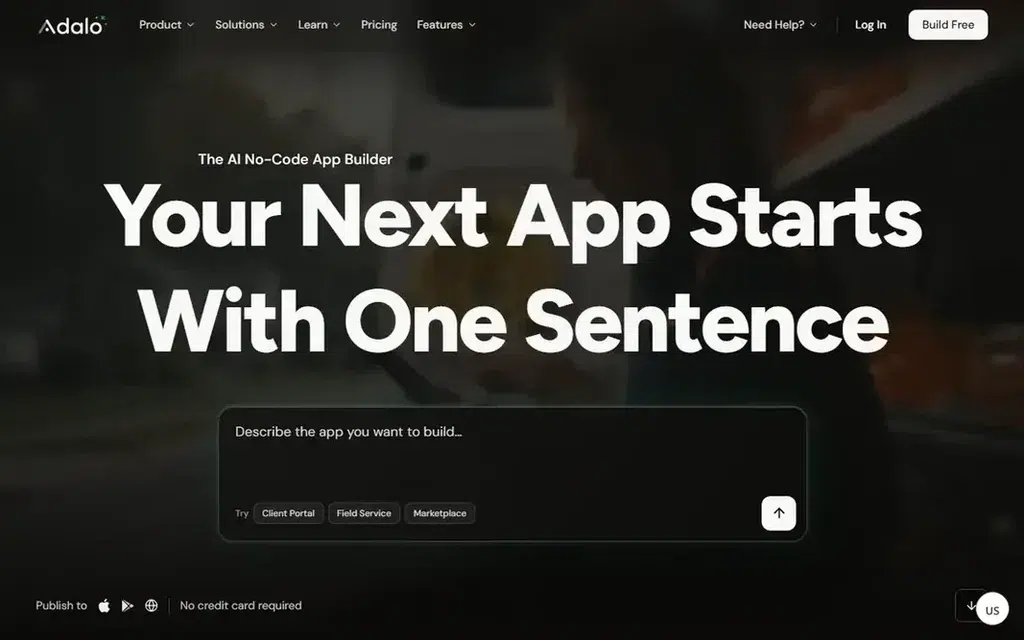
Adalo is a good fit for native iOS and Android publishing. Adalo is an AI no-code app builder targeted at iOS, Android and web.
Reasons to shortlist it: Describe an app and Ada builds screens.
Downsides: Advanced custom logic may need workarounds.
More specifically, consider it when a store-ready mobile experience is the goal and the feature set is reasonably contained. On cost, Adalo starts like this: $65 per month. You can start on Adalo without paying.
- One project spans several systems
- Publishes native iOS
- Less suited to heavy internal tooling
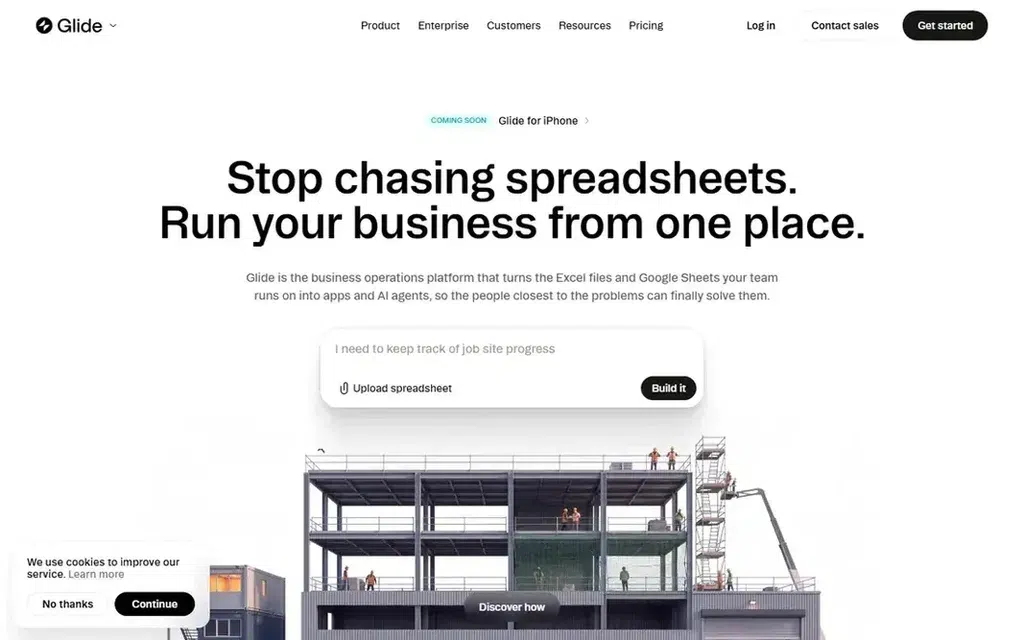
Pick Glide if this describes you: internal business apps from spreadsheets. Since the focus is internal business apps, teams building consumer-facing products or highly custom logic may outgrow it.
Where it is weaker: Complicated custom logic may be restricted.
Glide describes itself as an AI app builder for internal business apps. From a buyer's view, you can build custom business apps and agents with AI starting from a spreadsheet or a prompt, with the pitch that apps are ready in minutes instead of months. The starting price for Glide: $25 per month. A free plan is available with Glide.
- Also supports agents
- Targeted at quick internal deployment
- Concentrated on business apps, not consumer products
For no-code apps inside Google Workspace, AppSheet is a natural candidate. Google AppSheet is a no-code product for building applications that transform business operations. It is widely known for turning existing business data into apps and for fitting teams already working within Google Workspace.
Trade-offs to know: Tied closely to Google ecosystem habits.
AppSheet tends to favor function over design freedom, so teams wanting highly custom interfaces may prefer Bubble. It is a reasonable choice when your data already lives in Google tools and you want straightforward internal apps instead of consumer products. AppSheet starts at: $5 per user per month. Trial and free access: Free trial.
- No-code app building
- Suits business data workflows
- Interface customization can be restricted
Think of Softr for secure business apps with permissions. Softr positions itself around secure business apps and internal tools.
Where it is weaker: Deep custom logic may need other tools.
Its homepage says you describe what you need and Softr builds it with the security, permissions and workflows required from day one, aiming at launch in minutes. It is most solid when access control and business workflows are the core requirement instead of consumer polish. This comparison lists no price for Softr; ask the vendor. Softr includes a free tier.
- Security and permissions from day one
- Workflows included
- Narrower fit for consumer mobile apps
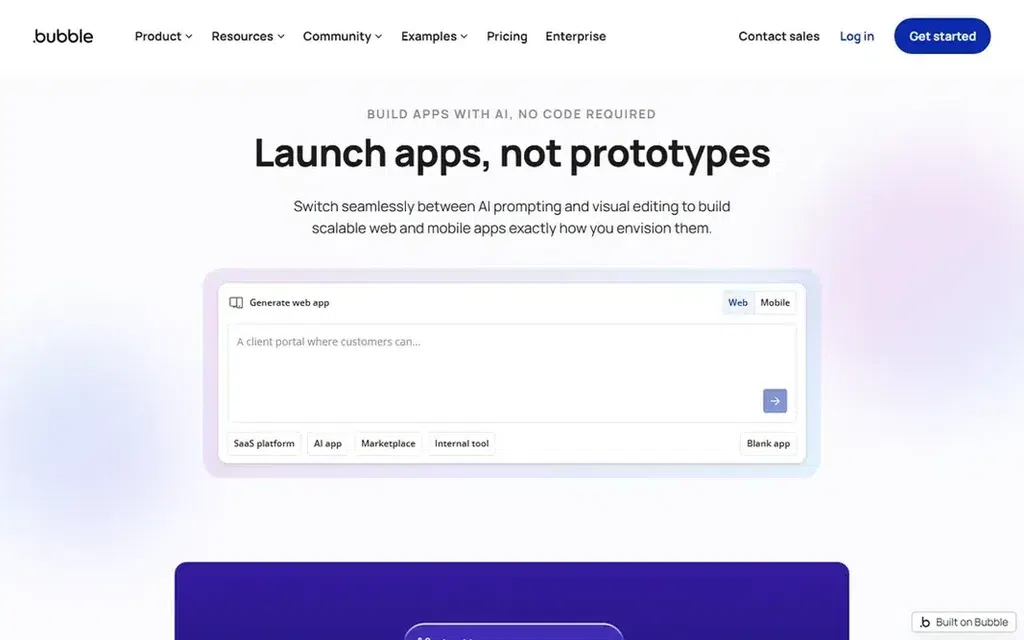
Bubble is aimed squarely at deep visual control over full apps. Bubble presents itself as a no-code AI app builder for web and mobile apps. From a buyer's view, the adaptability includes complexity, so people building straightforward forms or dashboards may find it heavier than needed.
Where it falls short: Ramp-up time for advanced logic.
Main advantages: AI generation plus visual editing.
Those who chiefly need internal tools from existing data might prefer Glide or Softr. In daily use, you can start with AI when speed matters and then edit visually when precision matters, working across design, database, logic and privacy rules. Check the vendor site for Bubble pricing; none is listed in this comparison. Trial and free access: Not stated.
- Takes care of design
- Built-in privacy rules
- Not centred on native mobile publishing
How the list was put together
LinkVetted looked at what each vendor publishes: pricing, plan limits, feature coverage for online app builder and stated drawbacks. No hands-on testing is claimed. Where a price is missing, the vendor does not list one publicly or ties it to a quote. Always confirm before budgeting. We ordered the tools by general fit, then by how clearly pricing is shown, then by free access. A buyer with unusual needs may reorder them.
What to check before you buy
- Ask Softr and Bubble for a written quote, since no starting price is shown.
- Read the fine print on the free plans from Adalo, Glide and Softr; seat, project and feature caps differ.
- Run a trial of AppSheet with real work before paying for a year; your own workflow is the best test.
- Read the limits listed for Adalo first: less suited to heavy internal tooling.
- Look at which plan of Adalo unlocks the features you need; entry tiers are often cut down.
- Test the integrations you rely on with Bubble before committing; some connectors sit on upper tiers.
FAQ
Which options for online app builder have a free plan?
On this list, Adalo, Glide and Softr include a free plan. Caps on seats, usage or features are common, so test the free plan against your real workload. One other tool offers a trial instead.
Which online app builder is a good match for beginners?
Adalo comes first here and is built for native iOS and Android publishing. Buyers with other needs may prefer Glide (for internal business apps from spreadsheets) or AppSheet (for no-code apps inside Google Workspace). Compare costs and limits first.
How are the tools for online app builder ordered?
The order follows typical fit for online app builder, with Adalo first and Bubble last, then price clarity and free access. It is editorial judgement, not a score, so another team could rank the tools differently.
Can I try these tools before paying?
Often, yes. Adalo, Glide and Softr have a free plan and AppSheet offers a free trial. Use your own data and a real task during the test, and check what the free tier or trial limits before you rely on it.
What is the cheapest option for online app builder in this list?
On published monthly entry prices, AppSheet is the lowest here at $5 per user per month. Entry price is only part of the cost, because seats, add-ons and billing terms can change the total. Each of the 5 options in this online app builder guide has its own card above with the price, free plan and limits.
Sources
- https://www.adalo.com
- https://www.glideapps.com
- https://www.appsheet.com
- https://www.softr.io
- https://bubble.io