6 Best Onboarding Software for Hospitality for 2026, Vetted and Compared
Best onboarding software for hospitality: 6 contenders ranked by fit, with entry costs and free tiers. Caveats come with every verdict. Skim the table first.
- Editor's choice
 When I Work
Shift scheduling and team messaging
Starts at$2.50 per user per monthVisit wheniwork.comFull review - Great alternative
 Deputy
Scheduling with AI labor forecasting and HR
Starts at$5 per user per monthVisit deputy.comFull review - Also consider
 Workday
Large hospitality enterprises needing HR and finance integration
Starts atSee websiteVisit workday.comFull review
Direct answer
When I Work comes first here, mainly for shift scheduling and team messaging. Listed starting prices: When I Work from $2.50 per user per month, Deputy from $5 per user per month and Homebase from $30 per location a month. Alternatives: Deputy for scheduling with AI labor forecasting and HR, and Workday for large hospitality enterprises needing HR and finance integration. Prices, free plans and limits for all 6 tools follow.
TL;DR:
- Number one here is When I Work, a fit for shift scheduling and team messaging.
- Deputy comes with a trade-off: onboarding may need module setup.
- Just one of the 6 tools, Homebase, has a free plan.
- For HR-led onboarding with payroll and benefits, BambooHR is worth a look.
- Starting prices begin at $2.50 per user per month with When I Work.
Last checked November 2026. Prices and plan details were read from the vendors' own pages in November 2026; vendors change plans often, so confirm the current price on the vendor site before you buy.
Quick comparison
| Tool | Best for | Starts at | Free plan? | |
|---|---|---|---|---|
| When I Work | Shift scheduling and team messaging | $2.50 per user per month | Free trial | Visit |
| Deputy | Scheduling with AI labor forecasting and HR | $5 per user per month | Free trial | Visit |
| Workday | Large hospitality enterprises needing HR and finance integration | See website | Not stated | Visit |
| HotSchedules | Hospitality scheduling with employee engagement | See website | Not stated | Visit |
 Homebase | Small hourly teams needing scheduling and payroll | $30 per location a month | Yes | Visit |
 BambooHR | HR-led onboarding with payroll and benefits | $10 per employee a month | No | Visit |
The full onboarding software for hospitality list
LinkVetted compared 6 tools for onboarding software for hospitality. The goal is a practical shortlist: published prices, free plan facts, best-fit use cases and honest limits for every entry.
In short, When I Work is for shift scheduling and team messaging. For hospitality onboarding, it can rapidly bring new hires into shift schedules and team communication.
What to check first: Centred on scheduling and time tracking.
From a buyer's view, When I Work centers on scheduling and time tracking, so formal HR onboarding steps may need another system. Price to start with When I Work: $2.50 per user per month. Free plan details: Free trial.
- Schedule shifts and track time
- Team messaging in one app
- Restricted HR onboarding depth
Deputy was built for scheduling with AI labor forecasting and HR. Deputy spans scheduling and HR, but onboarding depth relies on how modules are configured.
Trade-offs to know: AI features may need clean data to be handy.
From a buyer's view, if you need a full HR suite with benefits and payroll from hire to retire, BambooHR may be a better fit. On cost, Deputy starts like this: $5 per user per month. As for free access: Free trial.
- AI labor forecasting
- Easy-to-use employee scheduling
- Onboarding may need module setup
Workday
Best for: Large hospitality enterprises needing HR and finance integration
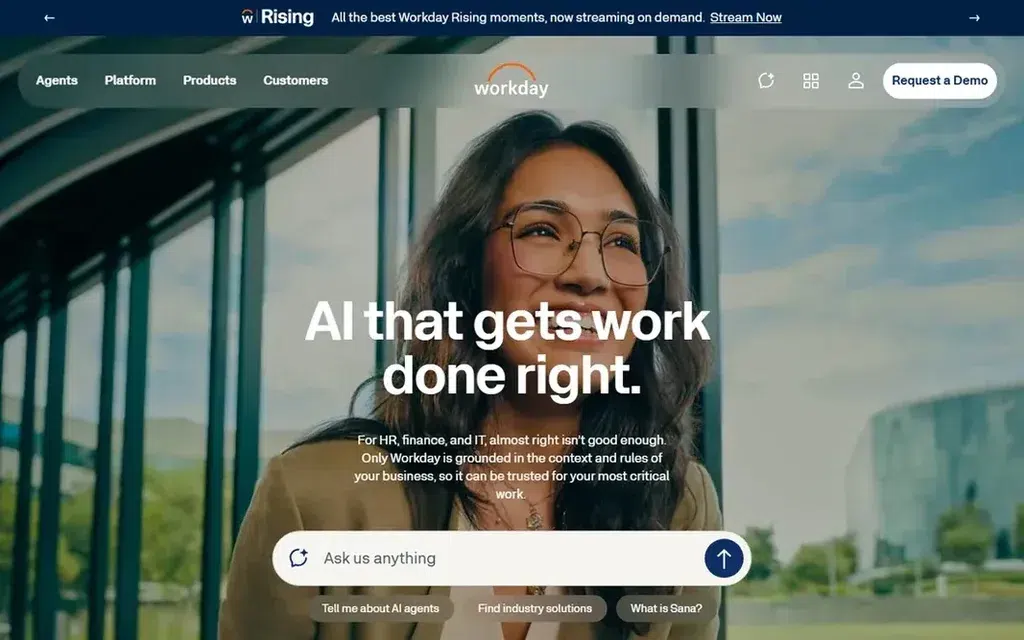
For large hospitality enterprises needing HR and finance integration, Workday is a natural candidate. Onboarding configuration can need specialist help. In practice, if you run a single location or need a fast scheduling-first setup, a lighter tool like HotSchedules or Homebase is likely a better match.
Where it is weaker: Complicated setup for small teams.
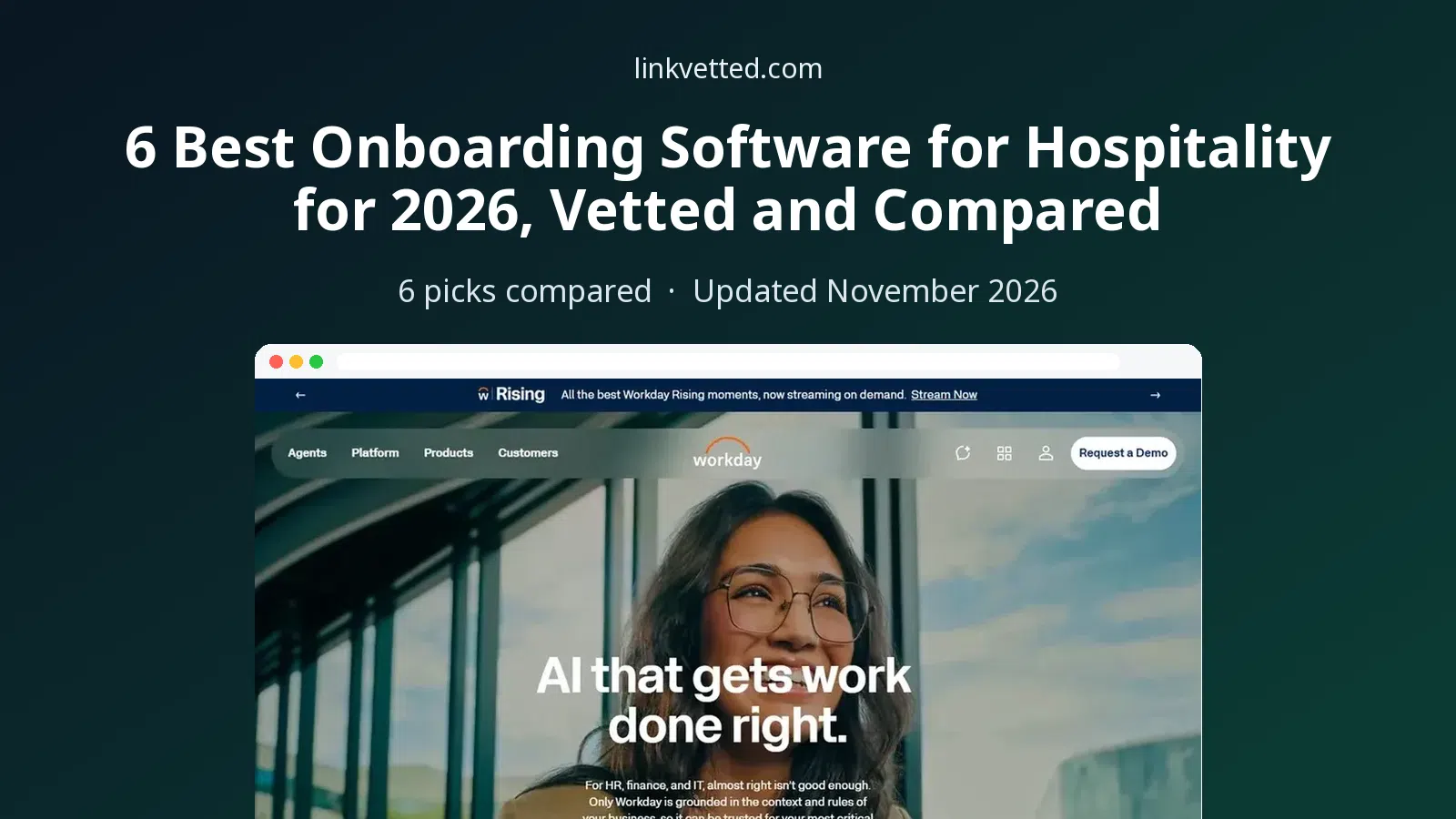
Workday is an enterprise AI system for HR, finance, and IT, as described on its homepage. It supports onboarding within a broader HR suite that can link people data with finance and IT workflows. This makes it a fit for large hospitality groups that require a single system across properties and departments, and that have the administrative capacity to configure and maintain it. Workday shows no starting price here, so confirm the cost on the vendor site. On free options: Not stated.
- IT system
- AI and agentic AI capabilities
- May need dedicated admin resources
HotSchedules
Best for: Hospitality scheduling with employee engagement
HotSchedules was built for hospitality scheduling with employee engagement. HotSchedules is centered on scheduling and engagement, so broader HR onboarding tasks may need another system.
HotSchedules shows no starting price here, so confirm the cost on the vendor site. Free access: Not stated.
Points against: Onboarding depth may vary by setup.
- Employee engagement features
- Made for hospitality scheduling
- Focused primarily on scheduling and engagement
Homebase is a good fit for small hourly teams needing scheduling and payroll. For hospitality onboarding, this means new staff can be brought into schedules, time tracking, and payroll workflows from one place. For everyday use, if you need advanced HR onboarding, benefits administration, or enterprise integrations, a product like Workday or BambooHR may be more suitable.
Choose Homebase for straightforward hourly team management. As for the details, Homebase is made for small hourly teams, so bigger hospitality groups may outgrow its scope. The starting price for Homebase: $30 per location per month. Homebase includes a free tier.
Honest limits: May be entry-level for large enterprises.
- All-in-one scheduling
- Hiring tools included
- Feature depth varies by team size
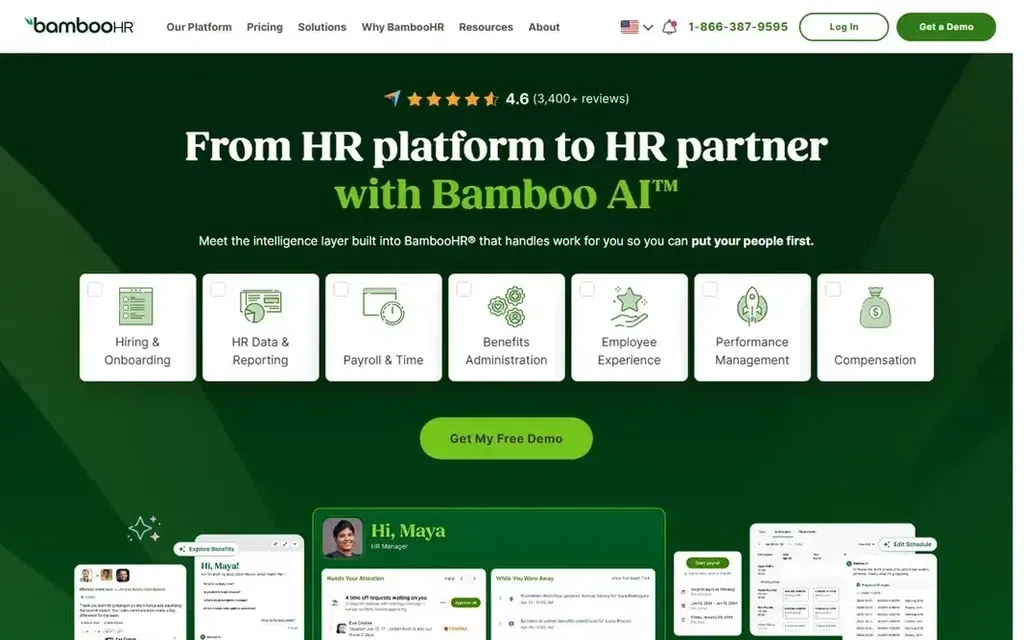
BambooHR makes the most sense for HR-led onboarding with payroll and benefits. If your priority is combining onboarding with live shift management, a system like HotSchedules or Deputy may fit better.
What to check first: Not designed for shift scheduling.
More specifically, choose BambooHR when HR administration and payroll are the central focus. BambooHR pricing: $10 per employee per month. No free plan comes with BambooHR.
- Demo available to explore features
- Payroll and benefits included
- May need extras for hourly team workflows
What went into this list
The comparison looks at four things: starting price, free access, how well the feature set matches onboarding software for hospitality, and the main limit of each tool. Figures are shown as the vendors publish them. Billing terms, seat minimums and add-ons can change the real cost. Position on the page reflects fit for a typical buyer first, with price clarity and free access breaking ties. Treat it as a guide, not a ruling.
What to confirm before you sign up
- Ask Workday and HotSchedules for a written quote, since no starting price is shown.
- Test the free plan from Homebase against your real workload before relying on it.
- Use real work to test the free trial from When I Work and Deputy, rather than a demo project.
- Read the limits listed for When I Work first: restricted HR onboarding depth.
- Find out whether the entry plan of Homebase covers your must-haves or only a trimmed-down version.
- Check the integration list for Deputy against the tools you run today, and note which ones need a higher plan.
FAQ
What is the cheapest option for onboarding software for hospitality in this list?
On published monthly entry prices, When I Work is the lowest here at $2.50 per user per month. Entry price is only part of the cost, because seats, add-ons and billing terms can change the total. Prices, free plan details and limits for all 6 tools in this onboarding software for hospitality roundup sit on the individual cards above.
How do I choose between Homebase and Deputy for onboarding?
Homebase bundles scheduling, time clocks, payroll, and hiring for small hourly teams. Deputy layers on AI labor forecasting and HR features to scheduling.
How are the tools for onboarding software for hospitality ordered?
When I Work sits first and BambooHR last because the order follows typical fit for onboarding software for hospitality, then price clarity and free access. It is a judgement call, so read each profile for fit and limits.
Which options for onboarding software for hospitality have a free plan?
Homebase is the only tool in this list with a free plan. Free plans usually cap users, projects or features, so check the limits on the vendor page. Several others offer a trial instead. Each of the 6 options in this onboarding software for hospitality guide has its own card above with the price, free plan and limits.
What should hospitality companies look for in onboarding software?
Prioritize scheduling, time tracking, and mobile access, since plenty of hospitality staff work shifts and may not use a desk. In practice, if you need HR administration, look for a suite that handles benefits and records.
Do these tools publish their prices?
Not all of them. Workday and HotSchedules publish no starting price, so expect a quote request for those. The rest, When I Work included, show a starting price, though seats and billing terms still change the final cost.
Sources
- https://wheniwork.com
- https://www.deputy.com
- https://www.workday.com
- https://www.hotschedules.com
- https://www.joinhomebase.com
- https://www.bamboohr.com