6 Best Interview Video Editing Software for Recruiters for 2026, Vetted and Compared
Weighing the best interview video editing software for recruiters? We lined up 6 products by cost, free access and fit. Real limits included. Plain facts.
- Editor's choice
 Final Cut Pro
Quick editing on Mac and iPad
Starts atSee websiteVisit apple.comFull review - Great alternative
 Filmora
Approachable AI-assisted editing for HR teams
Starts atSee websiteVisit filmora.wondershare.comFull review - Also consider
 CapCut
Fast social clips from interview footage
Starts atSee websiteVisit capcut.comFull review
Direct answer
Final Cut Pro is the first pick on this list for quick editing on Mac and iPad. Listed starting prices: Descript from $16 per person a month. For a different need, Filmora covers approachable AI-assisted editing for HR teams and CapCut covers fast social clips from interview footage. Prices, free plans and limits for all 6 tools follow.
TL;DR:
- Final Cut Pro takes the first slot, best suited to quick editing on Mac and iPad.
- Starting prices begin at $16 per person per month with Descript.
- One limit worth knowing about Adobe Premiere Pro: dense interface for beginners.
- Free plans exist at 2 of 6 tools (CapCut, Descript).
- Camtasia fits training and explainer style interview videos.
Last checked November 2026. Prices and plan details were read from the vendors' own pages in November 2026; vendors change plans often, so confirm the current price on the vendor site before you buy.
Quick comparison
| Tool | Best for | Starts at | Free plan? | |
|---|---|---|---|---|
| Final Cut Pro | Quick editing on Mac and iPad | See website | Not stated | Visit |
| Filmora | Approachable AI-assisted editing for HR teams | See website | Not stated | Visit |
| CapCut | Fast social clips from interview footage | See website | Yes | Visit |
 Adobe Premiere Pro | Full control over refined interview edits | See website | Not stated | Visit |
 Descript | Text-based editing of spoken interviews | $16 per person a month | Yes | Visit |
 Camtasia | Training and explainer style interview videos | See website | Not stated | Visit |
The best interview video editing software for recruiters
This LinkVetted guide covers 6 interview video editing software for recruiters. Each profile lists a starting price, free plan details, strengths and drawbacks, so you can drop poor fits quickly.
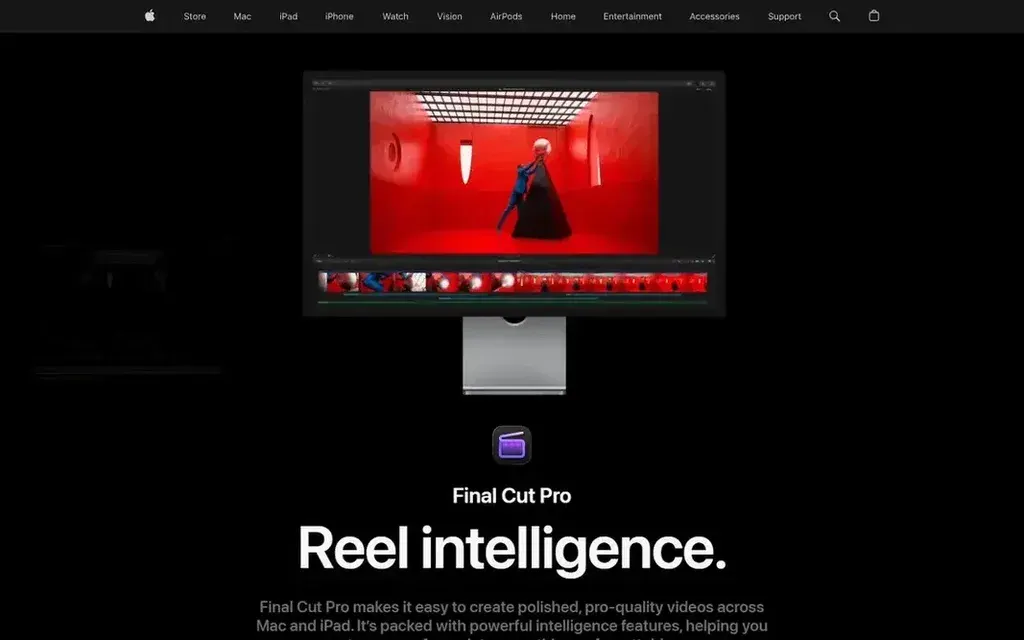
Final Cut Pro was built for quick editing on Mac and iPad. Final Cut Pro is Apple's professional editor, packed with intelligence features that make pro-quality video creation and editing simpler on Mac and iPad. The software is restricted to Apple devices, so mixed Windows teams cannot standardize on it.
Its magnetic timeline is efficient once learned but feels unfamiliar to editors trained on track-based tools. On top of that, choose Final Cut Pro when your team is Apple-based and values speed over cross-platform adaptability. Check the vendor site for Final Cut Pro pricing; none is listed in this comparison. Free options: Not stated.
Where it falls short: Apple products only.
- Intelligence features speed up edits
- Works on Mac and iPad
- Magnetic timeline takes adjusting
For approachable AI-assisted editing for HR teams, Filmora is a natural candidate. Filmora from Wondershare is AI-powered video editing software for desktop and mobile, with easy-to-learn timeline tools plus AI features, effects, captions and audio.
Where it is weaker: Fewer pro-level controls.
Filmora prioritizes simplicity, so editors needing granular color grading or complicated audio routing may hit limits. Check the vendor site for Filmora pricing; none is listed in this comparison. Free plan details: Not stated.
- Easy-to-learn timeline tools
- Effects and captions
- Feature set varies by system
CapCut works best for fast social clips from interview footage. CapCut is oriented toward short social videos, so long-form interview edits with in-depth audio work are better handled elsewhere. Advanced professional controls are restricted compared to dedicated editing suites.
What works well: AI-powered editing tools.
Where it falls short: Fewer deep pro controls. For everyday use, choose CapCut when the goal is quick, template-driven clips instead of full interview productions. On top of that, CapCut is an AI video editor for creating YouTube and Instagram style videos, with smart templates, creative effects and AI tools available on desktop, mobile and online. No starting price is listed for CapCut here; confirm pricing on the vendor site. A free plan is available with CapCut.
- Desktop
- Mobile and online editing
- Less suited to long-form interviews
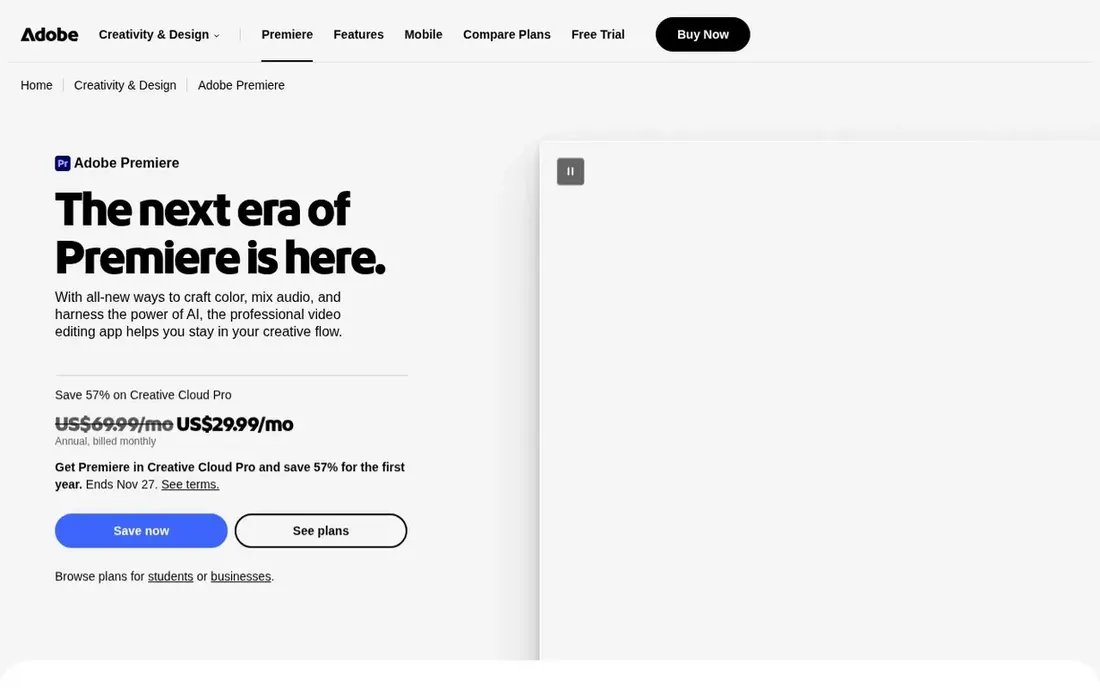
Adobe Premiere Pro targets full control over refined interview edits. Premiere Pro is Adobe's professional video editing and postproduction software, aimed at editing and trimming footage, adding effects, mixing audio and extending video.
As for the details, recruiters who chiefly have to trim talking-head clips and add captions may find lighter tools quicker. In daily use, the tradeoff is complexity: the interface assumes editing knowledge, and new users should expect a ramp-up time before interview cuts look refined. Check the vendor site for Adobe Premiere Pro pricing; none is listed in this comparison. Free options: Not stated.
Points against: Dense interface for beginners.
- Deep trimming and effects toolset
- Professional postproduction workflow
- Needs a capable computer
Descript makes the most sense for text-based editing of spoken interviews. For recruiters, this is a natural fit: interview audio becomes a transcript, and deleting a sentence removes that section of video.
Downsides: Transcript accuracy needs review.
Transcripts can contain errors that require a fast review before publishing. On top of that, choose Descript when speed of editing interviews matters most and heavy visual production does not. Price to start with Descript: $16 per person per month. You can start on Descript without paying.
- Edit video by editing transcript text
- Removes filler words rapidly
- Less precise for visual effects
Where Camtasia fits: training and explainer style interview videos. Recruiters can use it for onboarding explainers, recorded walkthroughs of hiring processes and interview clips that mix screen content with talking heads.
Where it is weaker: Less suited to cinematic polish.
Camtasia is built around instructional content, so it supplies less depth for cinematic color work or complicated multi-camera interview edits. Camtasia from Techsmith is a screen recorder and video editor pitched at professional tutorials, training videos and software demos. Check the vendor site for Camtasia pricing; none is listed in this comparison. Free access: Not stated.
- Suited to tutorials and demos
- Approachable for non-editors
- Entry-level advanced effects
Our selection method
Selection started from tools commonly considered for interview video editing software for recruiters, then narrowed to 6 that have clear pricing information or a clear quote process. Seat minimums, billing terms and add-ons can move the real cost, so the starting prices here are a guide and not a quote. Tools are placed by general fit for interview video editing software for recruiters, with price clarity and free access as tie-breakers. A different team can reasonably rank them differently.
Pre-purchase checklist
- Get a written quote from Final Cut Pro, Filmora, CapCut and others; the list shows no starting price for them.
- Read the fine print on the free plans from CapCut and Descript; seat, project and feature caps differ.
- Before choosing Final Cut Pro, weigh its main limit: Apple systems only.
- Ask the daily users to test Final Cut Pro on a live task before you roll it out to everyone.
- Read the plan comparison for Descript carefully; key features often start on a higher tier.
FAQ
Do these tools publish their prices?
Not all of them. Final Cut Pro, Filmora, CapCut and others publish no starting price, so expect a quote request for those. The rest, Descript included, show a starting price, though seats and billing terms still change the final cost.
Which options for interview video editing software for recruiters have a free plan?
CapCut and Descript offer a free plan in this list. Free plans usually cap users, projects or features, so check the limits on the vendor page.
What is the cheapest option for interview video editing software for recruiters in this list?
On published monthly entry prices, Descript is the lowest here at $16 per person per month. Entry price is only part of the cost, because seats, add-ons and billing terms can change the total. Prices, free plan details and limits for all 6 tools in this interview video editing software for recruiters roundup sit on the individual cards above.
How are the tools for interview video editing software for recruiters ordered?
Final Cut Pro sits first and Camtasia last because the order follows typical fit for interview video editing software for recruiters, then price clarity and free access. It is a judgement call, so read each profile for fit and limits.
Sources
- https://www.apple.com/final-cut-pro
- https://filmora.wondershare.com
- https://www.capcut.com
- https://www.adobe.com/products/premiere.html
- https://www.descript.com
- https://www.techsmith.com/camtasia.html