6 Best HR Software for Photographers for 2026, Vetted and Compared
Comparing the best HR software for photographers? 6 contenders, each with entry cost, free tier and best-fit buyer. Caveats come with every verdict. Start here.
- Editor's choice
 Rippling
Unified HR, IT and finance
Starts at$8 per employee per monthVisit rippling.comFull review - Great alternative
 Homebase
Hourly studio and event teams
Starts at$30 per location a monthVisit joinhomebase.comFull review - Also consider
 Square Payroll
Payroll alongside Square sales tools
Starts atSee websiteVisit squareup.comFull review
Direct answer
Our first pick is Rippling, best for unified HR, IT and finance. Listed starting prices: Rippling from $8 per employee per month, Homebase from $30 per location a month and BambooHR from $10 per employee per month. Homebase is better for hourly studio and event teams, and Square Payroll is better for Payroll alongside Square sales tools. The full list of 6 tools follows, with prices and free plan facts.
TL;DR:
- This list starts with Rippling, which is built for unified HR, IT and finance.
- QuickBooks Payroll fits Payroll tied to small-business accounting.
- Homebase stands alone as the one tool in this list with a free plan.
- The lowest published monthly entry price here is $8 per employee per month, from Rippling.
- The main caution on Homebase: oriented to hourly rather than salaried staff.
Last checked November 2026. Prices and plan details were read from the vendors' own pages in November 2026; vendors change plans often, so confirm the current price on the vendor site before you buy.
Quick comparison
| Tool | Best for | Starts at | Free plan? | |
|---|---|---|---|---|
| Rippling | Unified HR, IT and finance | $8 per employee per month | Not stated | Visit |
| Homebase | Hourly studio and event teams | $30 per location a month | Yes | Visit |
| Square Payroll | Payroll alongside Square sales tools | See website | Not stated | Visit |
 BambooHR | Central HR records and hiring | $10 per employee per month | No | Visit |
 Paychex Flex | Adaptable payroll and HR for any size | See website | Not stated | Visit |
 QuickBooks Payroll | Payroll tied to small-business accounting | $11.40 a month | Free trial | Visit |
The best HR software for photographers
If you are comparing HR software for photographers, this page covers 6 tools in one place: what each is best for, what it costs to start, whether it has a free plan, and the main limit to know about.
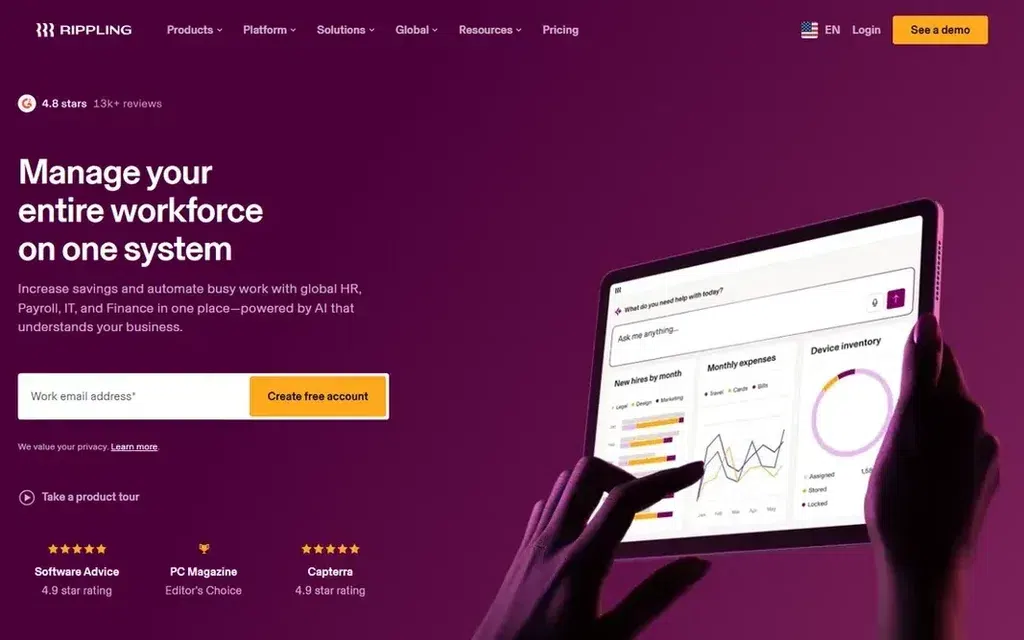
Rippling is aimed squarely at unified HR, IT and finance. Rippling describes itself as a workforce management system that merges HR, IT and Finance apps on one unified data product. Beyond that, the breadth is the central caution: a two-person studio may not need IT and finance modules layered onto HR.
Points against: Setup spans more than payroll.
What Rippling does well: Single unified data system.
Setup also asks more of you than a payroll-only service. For photography companies expanding into a real team, that means onboarding, device management and payroll can share the same employee data. Consider Rippling when growth is planned and consolidating systems matters more than keeping things minimal. Price to start with Rippling: $8 per employee per month. Free access: Not stated.
- Handy as teams grow
- HR
- Wide scope can overwhelm small studios
Homebase is aimed squarely at hourly studio and event teams. Advanced HR capabilities are lighter than dedicated HR suites.
Downsides: Fewer advanced HR features.
As for the details, choose Homebase when scheduling and time tracking for shift workers are central to your week. Homebase starts at: $30 per location per month. Homebase has a free plan.
- Targeted at hourly teams
- Payroll and hiring in one app
- Oriented to hourly instead of salaried staff
Choose Square Payroll for Payroll alongside Square sales tools. Square Payroll gives you payroll services with automatic tax filings, presented as part of Square's broader business tools for in-store and online operations. Worth adding: pick Square Payroll when you already run sales through Square and want payroll to sit alongside it.
Where it shines: Works for in-store and online sales.
From a buyer's view, if you do not otherwise use Square, the fit is weaker. Also, photographers who sell prints, sessions or products through Square can keep payroll near the same ecosystem. It centers on payroll and tax filing instead of thorough HR, so hiring workflows or benefits administration are restricted. This comparison lists no price for Square Payroll; ask the vendor. Free options: Not stated.
Points against: Payroll-focused instead of full HR.
- Payroll with automatic tax filings
- Suits companies already using Square
- Best value if you use Square already

BambooHR works best for central HR records and hiring. BambooHR presents itself as a complete HR product for people, payroll and benefits, handling tasks from hire to retire. For everyday use, since it is a general HR system, it does not address photography-specific needs like shoot scheduling or client galleries.
Strengths: Merges people.
So you would pair it with other software. Choose BambooHR when steady employee management is the priority. On cost, BambooHR starts like this: $10 per employee per month. There is no free plan with BambooHR. Where it falls short: Built as general HR, not photo-specific.
- Payroll and benefits
- Clear self-service for employees
- May be more than solo shooters need
Paychex Flex is a good fit for adaptable payroll and HR for any size. Paychex presents HR and payroll options intended to fit firms of any size.
Where it is weaker: Full feature set can exceed small needs.
For photographers with a handful of employees, that means payroll processing and HR support from a single provider. As for the details, smaller studios may find the full range exceeds what they use. Check the vendor site for Paychex Flex pricing; none is listed in this comparison. Free options: Not stated.
- HR and payroll in one offering
- Spans core payroll needs
- Less tailored to creative studios
For Payroll tied to small-business accounting, QuickBooks Payroll is a natural candidate. Studios with shift-based teams may want a tool built around scheduling. In practice, pick QuickBooks Payroll when accounting and payroll alignment is the primary goal.
Honest limits: Less depth for scheduling hourly crews.
More specifically, QuickBooks Payroll is positioned as payroll services for small companies, with tools to simplify paying staff. Its center of gravity is payroll, so deeper HR functions like structured performance management or hourly scheduling are restricted. On cost, QuickBooks Payroll starts like this: $11.40 per month. Trial and free access: Free trial.
- Fits companies already using QuickBooks
- Simplifies recurring payroll runs
- Concentrated on payroll instead of full HR
How we compared the tools
We compared the tools on published pricing, free plan or trial availability, feature coverage for HR software for photographers, and the limits each vendor documents. Where a vendor does not publish a price, the entry says quote. Where a price depends on seats or billing term, the entry says so. Tools are placed by general fit for HR software for photographers, with price clarity and free access as tie-breakers. A different team can reasonably rank them differently.
What to check before you buy
- Get a written quote from Square Payroll and Paychex Flex; the list shows no starting price for them.
- Test the free plan from Homebase against your real workload before relying on it.
- Take the trial from QuickBooks Payroll and push a live task through it before you pay.
- Read the limits listed for Rippling first: wide scope can overwhelm small studios.
- Ask Rippling how an export works before you move any records in; an easy exit lowers the risk.
- Test how quickly Paychex Flex answers a pre-sales question; it hints at how support will feel later.
FAQ
Do these tools publish their prices?
Not all of them. Square Payroll and Paychex Flex publish no starting price, so expect a quote request for those. The rest, Rippling included, show a starting price, though seats and billing terms still change the final cost.
Is Rippling the right pick for everyone comparing HR software for photographers?
No single tool suits every team. Rippling comes first because it fits unified HR, IT and finance, while Homebase suits hourly studio and event teams and Square Payroll suits Payroll alongside Square sales tools. Match the tool to your own size, budget and workflow before deciding.
Can I try these tools before paying?
Often, yes. Homebase has a free plan and QuickBooks Payroll offers a free trial. Use your own data and a real task during the test, and check what the free tier or trial limits before you rely on it. All 6 picks in this HR software for photographers comparison list a starting price, free plan details and the main limits on their cards above.
What is the cheapest option for HR software for photographers in this list?
On published monthly entry prices, Rippling is the lowest here at $8 per employee per month. Entry price is only part of the cost, because seats, add-ons and billing terms can change the total. For the full picture, the cards above cover all 6 entries of this HR software for photographers list, including price, free plan and limits.
Sources
- https://www.rippling.com
- https://joinhomebase.com
- https://squareup.com/us/en/payroll
- https://www.bamboohr.com
- https://www.paychex.com
- https://quickbooks.intuit.com/payroll