Best Document Co-Editing Software for HR Policies in 2026: Prices, Free Plans and 6 Picks
6 best document Co-Editing software for HR policies, compared on pricing, free plans and best-fit use. Every tool lists pros and cons. Budget notes included.
- Editor's choice
 Confluence
Structured knowledge base for policies
Starts atSee websiteVisit atlassian.comFull review - Great alternative
 Notion
Custom workspaces with databases and automation
Starts at$10 per member a monthVisit notion.comFull review - Also consider
 Quip
Salesforce-integrated document collaboration
Starts at$10 per user per monthVisit quip.comFull review
Direct answer
Start with Confluence if you need structured knowledge base for policies. Listed starting prices: Notion from $10 per member a month and Quip from $10 per user per month. Notion is better for custom workspaces with databases and automation, and Quip is better for Salesforce-integrated document collaboration. Details, prices and limits for the rest of the 6 tools are below.
TL;DR:
- This list starts with Confluence, which is built for structured knowledge base for policies.
- Confluence comes with a trade-off: may need setup and administration.
- Notion has the lowest monthly starting price in this list: $10 per member per month.
- Notion is the only tool of the 6 with a free plan.
- SharePoint suits enterprise content management and collaboration.
Last checked November 2026. Prices and plan details were read from the vendors' own pages in November 2026; vendors change plans often, so confirm the current price on the vendor site before you buy.
Quick comparison
| Tool | Best for | Starts at | Free plan? | |
|---|---|---|---|---|
| Confluence | Structured knowledge base for policies | See website | Not stated | Visit |
| Notion | Custom workspaces with databases and automation | $10 per member a month | Yes | Visit |
| Quip | Salesforce-integrated document collaboration | $10 per user per month | No | Visit |
 Google Docs | Straightforward live co-editing and sharing | See website | Not stated | Visit |
 Microsoft Word | Organizations using Microsoft 365 | See website | Not stated | Visit |
 SharePoint | Enterprise content management and collaboration | See website | Not stated | Visit |
The best document Co-Editing software for HR policies
Choosing document Co-Editing software for HR policies usually comes down to price, fit and limits. This LinkVetted guide sets 6 tools side by side on those three points, with the facts kept short and checkable.
Confluence is designed for structured knowledge base for policies. HR departments that require a centralized, organized repository for policies and procedures will find its structured spaces handy. More specifically, Confluence is a team workspace built for creating and sharing knowledge.
Where it is weaker: Can be less easy-to-learn for occasional users.
It uses AI to draft, summarize, and find answers, helping projects move quicker. As for the details, Confluence may need initial setup and continuing administration to keep content organized. No starting price is listed for Confluence here; confirm pricing on the vendor site. As for free access: Not stated.
- Organized spaces for team knowledge
- Integration with Atlassian tools
- May need setup and administration
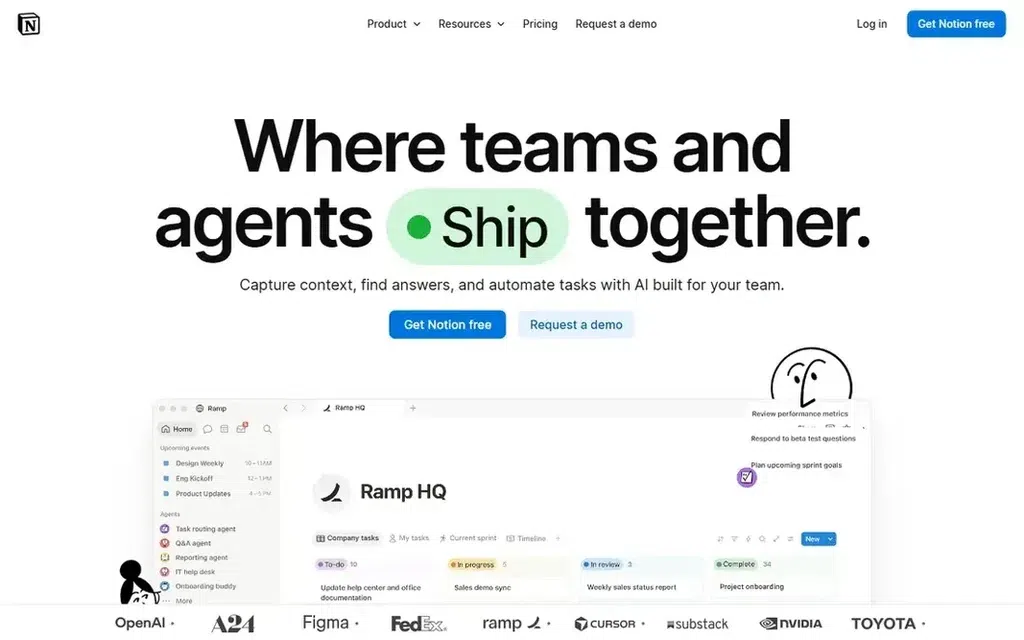
Where Notion fits: custom workspaces with databases and automation. HR teams that want an adaptable, all-in-one workspace for policies, procedures, and related information will appreciate its versatility. It may be overkill for teams that only need entry-level document co-editing.
Drawbacks to consider: Steeper ramp-up time for new users.
Beyond that, consider Google Docs or Microsoft Word for more straightforward needs. Worth adding: Notion is an AI-powered workspace that blends documents, databases, and automation. It lets teams to build custom agents, search across apps, and automate busywork. Notion pricing: $10 per member per month. Free access exists with Notion.
- Merges documents with databases and wikis
- AI agents and automation features
- Can become complicated without careful structuring
For Salesforce-integrated document collaboration, Quip is a natural candidate. Quip's value is closely tied to Salesforce, so teams not using Salesforce may find it less beneficial. It may lack some standalone features compared to dedicated document editors.
Limits to weigh: Restricted standalone features without Salesforce.
Beyond that, consider Google Docs or Microsoft Word for general co-editing needs. From a buyer's view, Quip gives you live collaborative documents, spreadsheets, and chat embedded inside Salesforce to transform business processes. Quip starts at: $10 per user per month. Quip has no free plan.
- Deep integration with Salesforce
- Chat embedded in documents
- May not suit teams outside Salesforce ecosystem
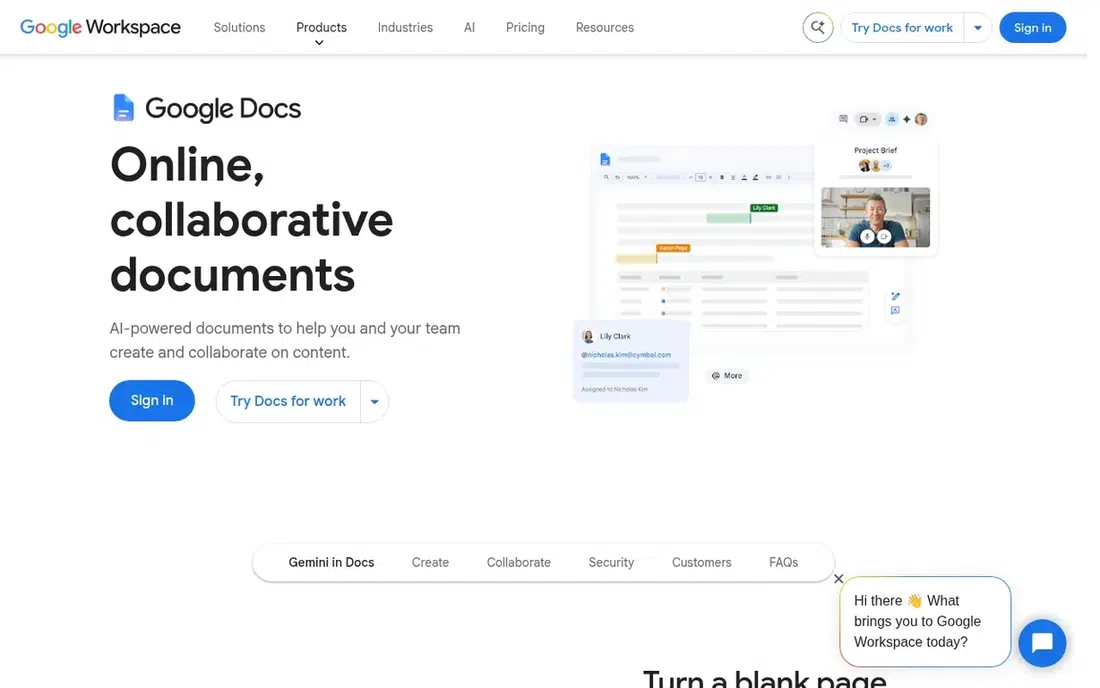
Google Docs is designed for straightforward live co-editing and sharing. Google Docs is a cloud-based document editor that makes it possible for several users to collaborate in live. It bundles AI features for generating drafts and templates, and supports editing PDFs.
Honest limits: Needs internet connection for full functionality.
For everyday use, HR teams that require to draft, review, and finalize policies rapidly will find it straightforward to use, notably if they already use Google Workspace. Even so, Google Docs may lack the advanced formatting and layout controls that some HR teams need for complicated policy documents. It also relies on internet access for full functionality. Beyond that, if you need offline editing or more sophisticated document design, consider Microsoft Word instead. Google Docs does not show a starting price in this comparison, so check the vendor site for current pricing. Free options: Not stated.
- PDF editing capabilities
- AI-assisted drafting and templates
- Restricted advanced formatting choices
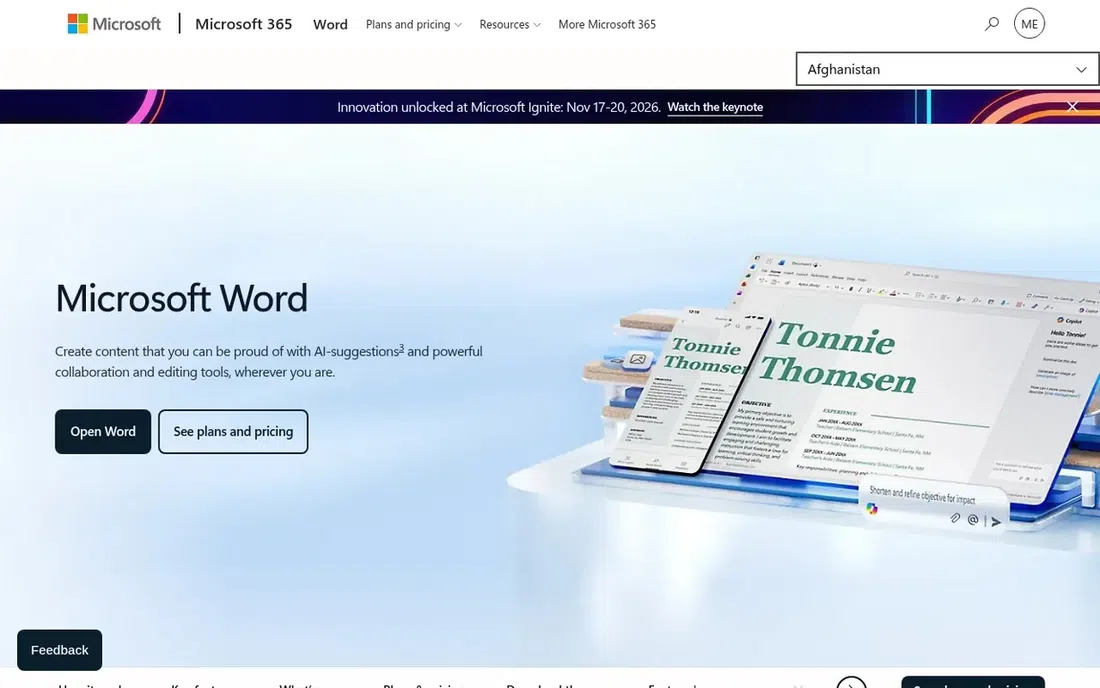
Microsoft Word is designed for organizations using Microsoft 365. HR teams that already use Microsoft 365 will benefit from smooth integration and familiar tools.
Pricing for Microsoft Word is not stated here, so ask the vendor for current figures. Free options: Not stated.
Points against: Online collaboration needs a Microsoft account.
- Deep integration with Microsoft 365
- Solid formatting and layout tools
- Some advanced features may need a subscription
SharePoint serves enterprise content management and collaboration. SharePoint is a collaboration system for sharing, organizing, and discovering information. It bundles SharePoint Online, OneDrive for Business, and apps for building team sites.
SharePoint can be complicated to set up and administer, frequently requiring IT involvement. Worth adding: Google Docs or Microsoft Word offer more straightforward collaboration. SharePoint shows no starting price here, so confirm the cost on the vendor site. Free access: Not stated.
Downsides: May need IT support for customization.
- Integration with Microsoft 365
- Solid document management and version control
- Complicated setup and administration
Our selection method
LinkVetted looked at what each vendor publishes: pricing, plan limits, feature coverage for document Co-Editing software for HR policies and stated drawbacks. No hands-on testing is claimed. Treat prices as a snapshot: vendors change plans often, so check the vendor site for the figure that applies today. Position on the page reflects fit for a typical buyer first, with price clarity and free access breaking ties. Treat it as a guide, not a ruling.
What to check before you buy
- Get a written quote from Confluence, Google Docs, Microsoft Word and SharePoint; the list shows no starting price for them.
- Test the free plan from Notion against your real workload before relying on it.
- Before choosing Confluence, weigh its main limit: may need setup and administration.
- The entry price of Microsoft Word is only the starting point; model the full cost with seats and extras.
- Check whether Quip bills monthly or annually, and what cancelling early costs.
FAQ
Is Confluence the right pick for everyone comparing document Co-Editing software for HR policies?
No single tool suits every team. Confluence comes first because it fits structured knowledge base for policies, while Notion suits custom workspaces with databases and automation and Quip suits Salesforce-integrated document collaboration. Match the tool to your own size, budget and workflow before deciding.
Is SharePoint right for small HR teams?
SharePoint is capable but can be complicated for small teams without IT support. It shines in bigger organizations needing solid document management and integration with Microsoft 365.
What is the cheapest option for document Co-Editing software for HR policies in this list?
On published monthly entry prices, Notion is the lowest here at $10 per member per month. Entry price is only part of the cost, because seats, add-ons and billing terms can change the total. Prices, free plan details and limits for all 6 tools in this document Co-Editing software for HR policies roundup sit on the individual cards above.
What should HR teams look for in document co-editing software?
HR teams should prioritize live collaboration, version control, access permissions, and integration with existing tools. Simplicity and AI assistance can also boost efficiency.
Can Notion or Confluence replace traditional document editors for HR policies?
Notion and Confluence can serve as central knowledge bases for HR policies, combining documents with databases and structured spaces. For straightforward co-editing, traditional editors like Google Docs or Word may be more straightforward.
Which options for document Co-Editing software for HR policies have a free plan?
Notion is the only tool in this list with a free plan. Free plans usually cap users, projects or features, so check the limits on the vendor page. Each of the 6 options in this document Co-Editing software for HR policies guide has its own card above with the price, free plan and limits.
Sources
- https://www.atlassian.com/software/confluence
- https://www.notion.com
- https://quip.com
- https://workspace.google.com/products/docs
- https://www.microsoft.com/microsoft-365/word
- https://www.microsoft.com/microsoft-365/sharepoint/collaboration