Best Hospitality Employee Scheduling Software (2026): 5 Picks Checked on Vendor Pages
Searching for the best hospitality employee scheduling software? Here are 5 options with prices and free plans. Plus the drawbacks of each tool. Pick by budget.
- Editor's choice
 Sling
Straightforward shift planning and team communication
Starts at$1.70 per user a monthVisit getsling.comFull review - Great alternative
 When I Work
Shift scheduling with team messaging
Starts at$2.50 per user a monthVisit wheniwork.comFull review - Also consider
 Homebase
Small hourly teams needing scheduling plus payroll
Starts at$30 per location per monthVisit joinhomebase.comFull review
Direct answer
If you need straightforward shift planning and team communication, Sling is the first tool to look at here. Listed starting prices: Sling from $1.70 per user a month, When I Work from $2.50 per user a month and Homebase from $30 per location per month. Alternatives: When I Work for shift scheduling with team messaging, and Homebase for small hourly teams needing scheduling plus payroll. Prices, free plans and limits for all 5 tools follow.
TL;DR:
- Number one here is Sling, a fit for simple shift planning and team communication.
- For the cheapest start, look at Sling: $1.70 per user per month.
- Deputy fits labor forecasting with scheduling and HR.
- What to know about Sling first: lighter on payroll and HR depth.
- Only 2 of the 5 tools have a free plan (Sling, Homebase), so check the caps.
Last checked November 2026. Prices and plan details were read from the vendors' own pages in November 2026; vendors change plans often, so confirm the current price on the vendor site before you buy.
Quick comparison
| Tool | Best for | Starts at | Free plan? | |
|---|---|---|---|---|
| Sling | Straightforward shift planning and team communication | $1.70 per user a month | Yes | Visit |
| When I Work | Shift scheduling with team messaging | $2.50 per user a month | Free trial | Visit |
| Homebase | Small hourly teams needing scheduling plus payroll | $30 per location per month | Yes | Visit |
| HotSchedules | Teams comparing choices in this category | See website | Not stated | Visit |
 Deputy | Labor forecasting with scheduling and HR | $5 per user per month | Free trial | Visit |
Hospitality Employee Scheduling Software compared in detail
This LinkVetted guide covers 5 options for hospitality employee scheduling software. Each profile lists a starting price, free plan details, strengths and drawbacks, so you can drop poor fits quickly.
Sling targets straightforward shift planning and team communication. Expanding restaurant groups that require labor cost tracking, payroll and hiring in one place should compare the broader products listed here before deciding. The tool leans toward scheduling and communication instead of full payroll or HR management.
Points against: May not scale to complicated multi-site needs.
Its emphasis is on simplicity, which fits smaller hospitality teams that require to publish schedules and keep everyone informed without a steep ramp-up time. It is a reasonable fit for venues prioritizing fast adoption over deep back-office features. Price to start with Sling: $1.70 per user per month. You can start on Sling without paying.
- Easy-to-use shift scheduling
- Concentrated on planning simplicity
- Lighter on payroll and HR depth
When I Work is aimed squarely at shift scheduling with team messaging. That combination covers the daily rhythm of hospitality scheduling, where managers publish shifts and staff swap or confirm them rapidly.
Strengths: Schedule shifts.
Drawbacks to consider: Less depth in hospitality-specific payroll.
It fits venues that want clean shift coordination and communication without a heavy HR suite attached. When I Work starts at: $2.50 per user per month. Free access: Free trial.
- Track time and message in one app
- Straightforward shift management focus
- Advanced needs may need extras
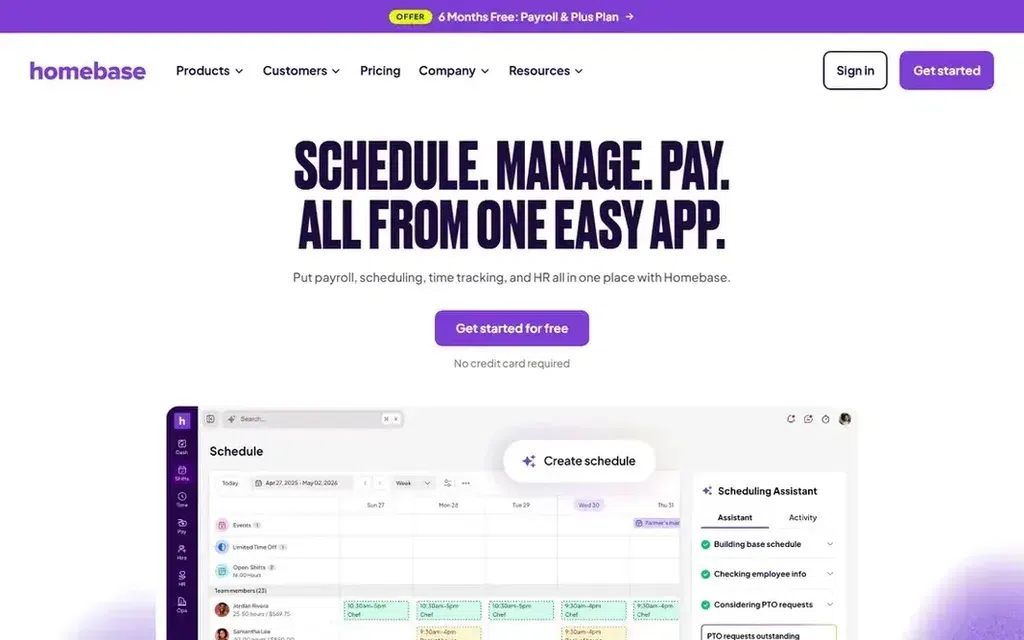
Homebase works best for small hourly teams needing scheduling plus payroll. It is geared toward small businesses managing hourly teams, which makes it a practical fit for cafes, small restaurants and shops that want scheduling and payroll handled in one place instead of stitched together from separate tools.
Drawbacks to consider: Less specialized for complicated hospitality rules.
What users get: Straightforward all-in-one approach. Its general small-business focus means it is not built exclusively around hospitality scheduling quirks like tip handling or split shifts across several venues. Starting cost for Homebase: $30 per location per month. Free access exists with Homebase.
- Scheduling
- Time clocks and payroll in one app
- May feel restricted for bigger multi-site groups
HotSchedules
Best for: Teams comparing choices in this category
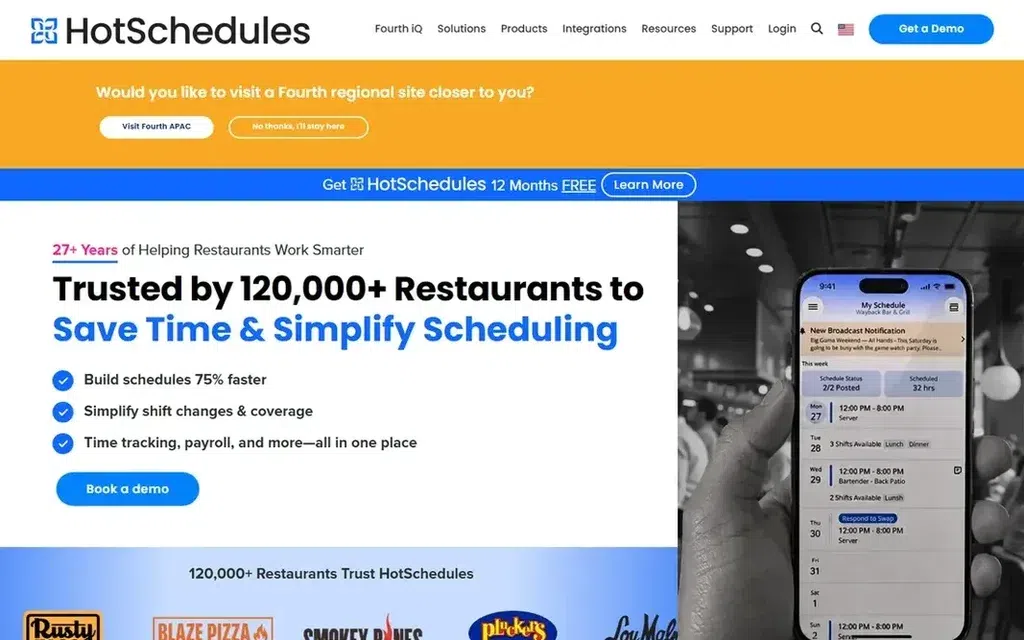
HotSchedules is designed for teams comparing choices in this category. Since it is tuned to hospitality, companies outside that sector may find it less relevant than broader workforce products.
Points against: Narrower fit outside hospitality.
As for the details, if your priority is a scheduling tool that understands hospitality rhythms rather than a general-purpose HR suite, this is the natural starting point. HotSchedules does not show a starting price in this comparison, so check the vendor site for current pricing. As for free access: Not stated.
- Built specifically for hospitality operations
- Merges scheduling with employee engagement
- Feature depth may overwhelm very small teams
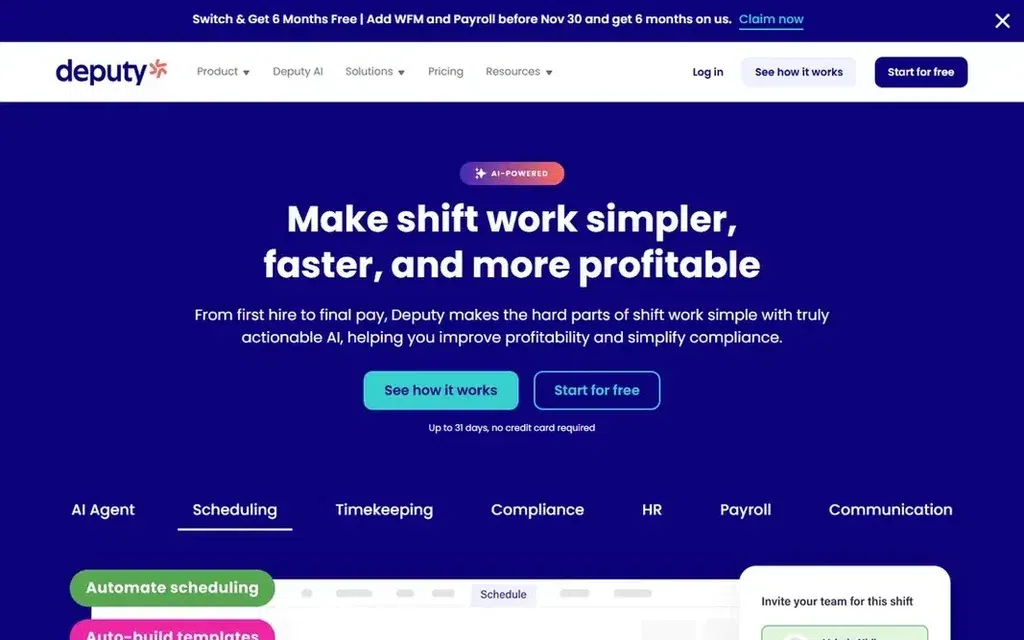
Deputy is aimed squarely at labor forecasting with scheduling and HR. The breadth of features means more configuration before teams are completely up to speed.
The forecasting angle suits managers who want to align staffing with expected demand, a typical concern in hospitality where quiet and busy periods swing sharply. What you pay to start with Deputy: $5 per user per month. Free plan details: Free trial.
Downsides: Wide feature set takes setup time.
- AI labor forecasting alongside scheduling
- Easy-to-use interface
- Not hospitality-only in focus
How the list was put together
For each of the 5 tools we noted price, free plan or trial, fit for hospitality employee scheduling software and the main limit, using vendor pages and documentation. Prices and plan limits come from vendor pages and can change, so confirm them on the vendor site before you buy. Tools are placed by general fit for hospitality employee scheduling software, with price clarity and free access as tie-breakers. A different team can reasonably rank them differently.
Questions to settle before buying
- Get a written quote from HotSchedules; the list shows no starting price for them.
- Look at free plan limits closely: Sling and Homebase have one, and the caps decide whether it is usable for real work.
- Use real work to test the free trial from When I Work and Deputy, rather than a demo project.
- Before choosing Sling, weigh its main limit: lighter on payroll and HR depth.
- Ask whether Sling integrates with your current software, and whether that comes standard or as an add-on.
- Total up the real monthly cost of Homebase, including add-ons, extra users and usage-based fees.
FAQ
How are the tools for hospitality employee scheduling software ordered?
The order follows typical fit for hospitality employee scheduling software, with Sling first and Deputy last, then price clarity and free access. It is editorial judgement, not a score, so another team could rank the tools differently.
What should I check before choosing scheduling software?
Confirm how the tool takes care of split shifts, schedule changes and mobile access for staff, then verify payroll and POS integrations. Also review onboarding effort, since broader systems take longer to configure than focused scheduling apps.
Do these tools publish their prices?
Not all of them. HotSchedules publishes no starting price, so expect a quote request for it. The rest, Sling included, show a starting price, though seats and billing terms still change the final cost. Each of the 5 options in this hospitality employee scheduling software guide has its own card above with the price, free plan and limits.
Is Sling the right pick for everyone comparing hospitality employee scheduling software?
No single tool suits every team. Sling comes first because it fits simple shift planning and team communication, while When I Work suits shift scheduling with team messaging and Homebase suits small hourly teams needing scheduling plus payroll. Match the tool to your own size, budget and workflow before deciding.
Which options for hospitality employee scheduling software have a free plan?
Sling and Homebase offer a free plan in this list. Free plans usually cap users, projects or features, so check the limits on the vendor page. Several others offer a trial instead. All 5 picks in this hospitality employee scheduling software comparison list a starting price, free plan details and the main limits on their cards above.
Sources
- https://getsling.com
- https://wheniwork.com
- https://www.joinhomebase.com
- https://www.hotschedules.com
- https://www.deputy.com