Top 6 Onboarding Software for Healthcare Practices for 2026 (Prices and Free Plans)
6 best onboarding software for healthcare practices, with entry costs, free tiers and the buyer each one serves. Short verdicts, no fluff. Facts only.

- Editor's choice
 DocuSign
Electronic signatures on consent documents
Starts at$45 per user a monthVisit docusign.comFull review - Great alternative
 GoFormz
Mobile and offline form capture
Starts at$499 a monthVisit goformz.comFull review - Also consider
 Jotform
Adaptable form building for onboarding steps
Starts at$34 a monthVisit jotform.comFull review
Direct answer
For electronic signatures on consent documents, DocuSign is where this list starts. Listed starting prices: DocuSign from $45 per user a month, GoFormz from $499 a month and Jotform from $34 a month. For a different need, GoFormz covers mobile and offline form capture and Jotform covers adaptable form building for onboarding steps. The other 3 tools in the list cover narrower or pricier cases.
TL;DR:
- DocuSign sits first on this list: electronic signatures on consent documents.
- For the cheapest start, look at Jotform: $34 per month.
- Jotform is the only tool of the 6 with a free plan.
- Before buying Kareo, weigh this: broad suite may exceed simple needs.
- For forms, documents and e-signature workflows, Formstack is worth a look.
Last checked November 2026. Prices and plan details were read from the vendors' own pages in November 2026; vendors change plans often, so confirm the current price on the vendor site before you buy.
Quick comparison
| Tool | Best for | Starts at | Free plan? | |
|---|---|---|---|---|
| DocuSign | Electronic signatures on consent documents | $45 per user a month | Not stated | Visit |
| GoFormz | Mobile and offline form capture | $499 a month | Not stated | Visit |
| Jotform | Adaptable form building for onboarding steps | $34 a month | Yes | Visit |
 Kareo | Private practice EHR and management | See website | Not stated | Visit |
 IntakeQ | Healthcare-focused patient intake and forms | $49.90 per month | Free trial | Visit |
 Formstack | Forms, documents and e-signature workflows | $83 a month | Free trial | Visit |
Onboarding Software for Healthcare Practices compared in detail
Choosing onboarding software for healthcare practices usually comes down to price, fit and limits. This LinkVetted guide sets 6 tools side by side on those three points, with the facts kept short and checkable.
Think of DocuSign for electronic signatures on consent documents. DocuSign offers electronic signature and agreement management, which practices can use to collect signed consent forms, policy acknowledgments and administrative agreements during onboarding.
Trade-offs to know: Not a form or intake system.
It does not run patient intake questionnaires or clinical records, so it performs best as one piece of a bigger onboarding process. As for the details, practices wanting forms, signatures and records in a single flow should look at an intake product or practice management suite. On cost, DocuSign starts like this: $45 per user per month. Free options: Not stated.
- Familiar signing experience
- Takes care of agreement management
- Restricted clinical workflow features
GoFormz is aimed squarely at mobile and offline form capture. Practices that want patients to complete intake online before the visit may need a dedicated intake tool alongside it.
Where it falls short: Setup mirrors paper processes.
Entry price for GoFormz: $499 per month. As for free access: Not stated.
- Supports offline data capture
- Forms can mirror existing paper layouts
- Less centred on patient portals
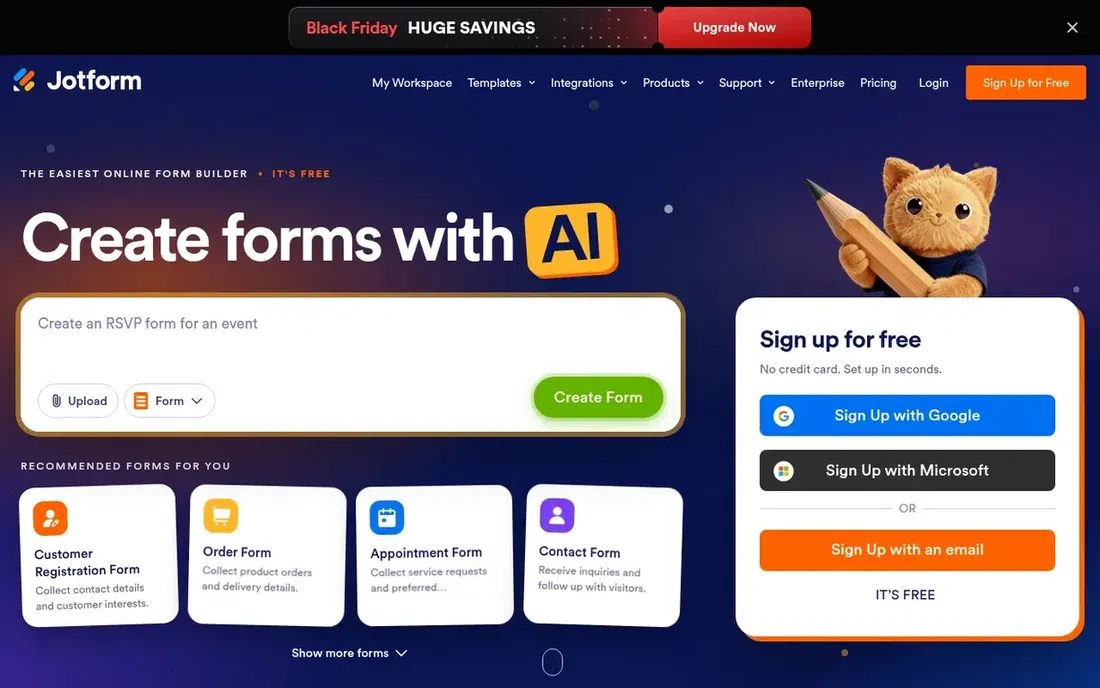
Where Jotform fits: adaptable form building for onboarding steps. Its adaptability fits small offices and administrative teams that prefer to shape each form themselves instead of adopt a fixed clinical intake template.
Where it is weaker: Complicated clinical workflows need setup.
In practice, practices with strict intake requirements or a have to link forms directly to an EHR may prefer a dedicated healthcare intake product. Starting cost for Jotform: $34 per month. Free access exists with Jotform.
- Simple drag-and-drop form creation
- Broad range of form and survey types
- Not healthcare-specific by default
Kareo was built for private practice EHR and management. Like other full suites, it includes far more than onboarding, so the setup effort reflects that breadth.
Check the vendor site for Kareo pricing; none is listed in this comparison. Free access: Not stated.
Limits to weigh: Needs setup across modules.
Main advantages: Contains reputation tools.
- Designed for private practices
- Billing and scheduling
- Wide suite may exceed straightforward needs
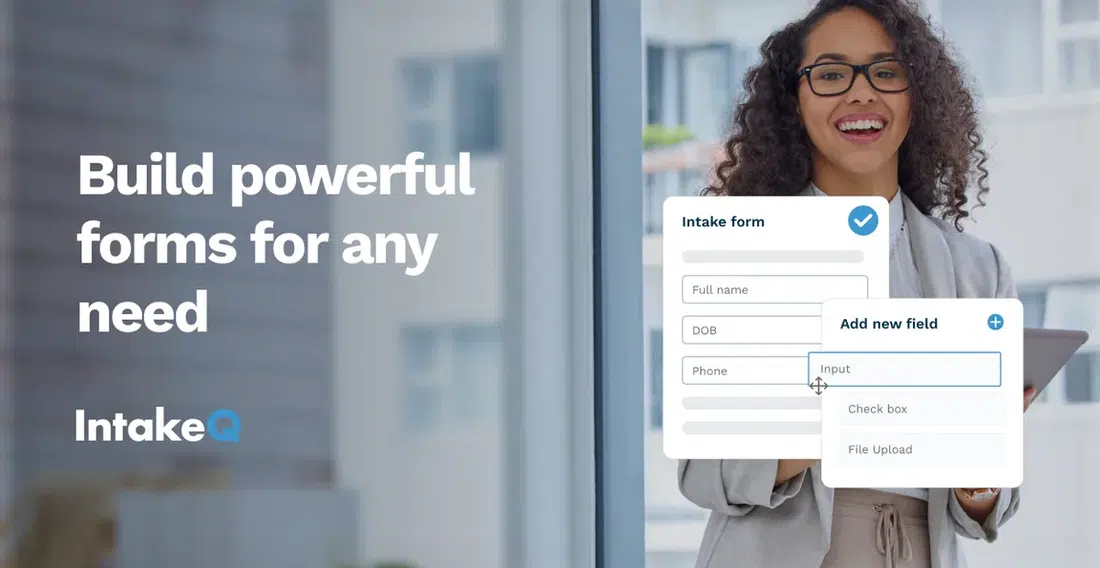
IntakeQ was built for healthcare-focused patient intake and forms. IntakeQ is an intake and forms product oriented toward healthcare practices, handling patient questionnaires, consent documents and signed paperwork in a digital flow. It does well as a focused layer alongside an existing scheduling or records system.
Beyond that, since it is specialized for intake, it is not a general-purpose form builder or a complete practice management system. Beyond that, practices that require billing, scheduling and clinical records in one place should pair it with a broader product or choose an all-in-one suite instead. Entry price for IntakeQ: $49.90 per month. As for free access: Free trial.
Trade-offs to know: Less suited to general business forms.
- Suits clinical paperwork needs
- Built around patient intake workflows
- Narrower than full practice suites
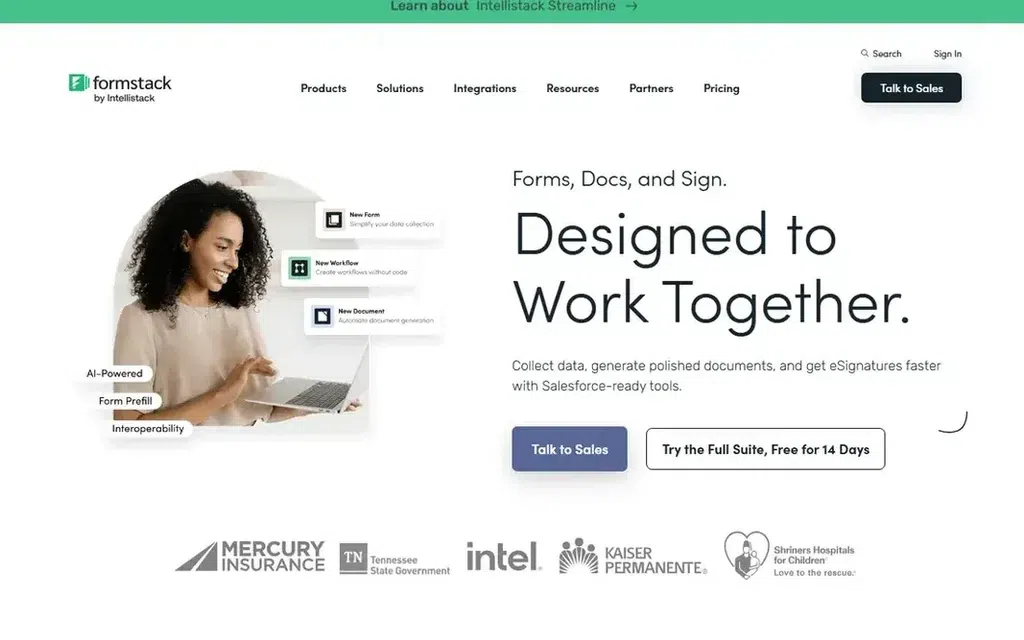
Formstack was built for forms, documents and e-signature workflows. Formstack supplies online forms, document generation and e-signature tools in one workflow product, which fits practices that want registration forms to feed straight into generated paperwork and signed agreements.
The system is made for general business workflows, so healthcare-specific intake logic and clinical integrations rely on how you configure it. As for the details, a practice that primarily needs patient questionnaires may find a focused intake tool more straightforward to run. Entry price for Formstack: $83 per month. Free plan details: Free trial.
Where it is weaker: Healthcare templates need configuration.
- Supports workflow automation
- Contains e-signature tools
- Broader system than some need
How we built this list
What to check before you buy
- Confirm the entry price on the vendor page. For Kareo that means a quote rather than a fixed price.
- Look at the free plan from Jotform closely: its caps decide whether it is usable for real work.
- Take the trial from IntakeQ and Formstack and push a live task through it before you pay.
- Before choosing DocuSign, weigh its main limit: not a form or intake system.
- Look at the help docs and support options for Jotform before you commit.
- Find out whether the entry plan of IntakeQ covers your must-haves or only a trimmed-down version.
FAQ
What should healthcare practices look for in onboarding software?
Prioritize tools that deal with patient intake forms, consent documents and signatures in a flow your staff can handle easily. Check how the tool suits with scheduling and records, and confirm the vendor documents its security practices before you commit.
How are the tools for onboarding software for healthcare practices ordered?
DocuSign sits first and Formstack last because the order follows typical fit for onboarding software for healthcare practices, then price clarity and free access. It is a judgement call, so read each profile for fit and limits.
Which options for onboarding software for healthcare practices have a free plan?
Jotform is the only tool in this list with a free plan. Free plans usually cap users, projects or features, so check the limits on the vendor page. Several others offer a trial instead. For the full picture, the cards above cover all 6 entries of this onboarding software for healthcare practices list, including price, free plan and limits.
Do these tools publish their prices?
Not all of them. Kareo publishes no starting price, so expect a quote request for it. The rest, DocuSign included, show a starting price, though seats and billing terms still change the final cost.
Is DocuSign the right pick for everyone comparing onboarding software for healthcare practices?
No single tool suits every team. DocuSign comes first because it fits electronic signatures on consent documents, while GoFormz suits mobile and offline form capture and Jotform suits flexible form building for onboarding steps. Match the tool to your own size, budget and workflow before deciding.
Sources
- https://www.docusign.com
- https://www.goformz.com
- https://www.jotform.com
- https://www.kareo.com
- https://www.intakeq.com
- https://www.formstack.com