Best Onboarding Software for Dental Practices (2026): 5 Picks Checked on Vendor Pages
Best onboarding software for Dental practices: 5 contenders ranked by fit, with entry costs and free tiers. The weak spots sit next to the strengths. No filler.
- Editor's choiceCarestream Dental
Dental imaging and software integration
Starts atSee websiteVisit carestreamdental.comFull review - Great alternative
 Weave
All-in-one communication product
Starts at$199 a monthVisit getweave.comFull review - Also consider
 Dentrix
Thorough dental practice management
Starts atSee websiteVisit dentrix.comFull review
Direct answer
If you need Dental imaging and software integration, Carestream Dental is the first tool to look at here. Listed starting prices: Weave from $199 a month. Look at Weave for all-in-one communication platform, and at Dentrix for thorough dental practice management. Details, prices and limits for the rest of the 5 tools are below.
TL;DR:
- The list opens with Carestream Dental, aimed at Dental imaging and software integration.
- Curve Dental fits cloud-based dental practice management.
- Neither Carestream Dental nor Curve Dental, nor any of the other 3 tools, has a permanent free plan; trials and quotes are the norm.
- The cheapest monthly starting price in the list is $199 per month, offered by Weave.
Last checked November 2026. Prices and plan details were read from the vendors' own pages in November 2026; vendors change plans often, so confirm the current price on the vendor site before you buy.
Quick comparison
| Tool | Best for | Starts at | Free plan? | |
|---|---|---|---|---|
| Carestream Dental | Dental imaging and software integration | See website | Not stated | Visit |
| Weave | All-in-one communication product | $199 a month | No | Visit |
| Dentrix | Thorough dental practice management | See website | Not stated | Visit |
 NexHealth | Patient scheduling and communication | See website | Not stated | Visit |
 Curve Dental | Cloud-based dental practice management | See website | Not stated | Visit |
Every option for onboarding software for Dental practices explained
If you are comparing onboarding software for Dental practices, this page covers 5 tools in one place: what each is best for, what it costs to start, whether it has a free plan, and the main limit to know about.
Carestream Dental
Best for: Dental imaging and software integration
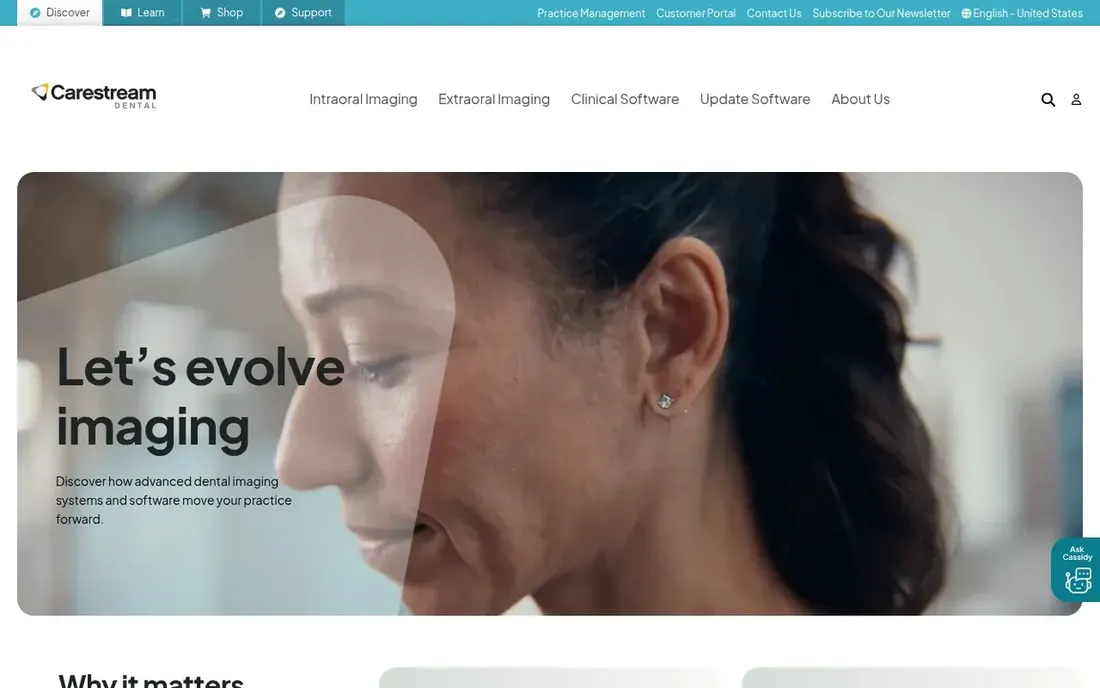
In short, Carestream Dental is for Dental imaging and software integration. Carestream Dental is primarily centred on imaging and may not offer a full suite of practice management features for example patient communication or marketing. On top of that, the imaging-centric approach means that administrative onboarding features could be restricted, so consider your overall workflow requirements.
Carestream Dental offers dental imaging systems and software, including intraoral X-ray, sensors, extraoral and CBCT imaging, along with connected options. It is a strong match for practices that prioritize high-quality imaging and need software that connects with their imaging equipment. For onboarding, Carestream's software can support patient records and imaging data, but it may not include all administrative tasks like scheduling or billing. Pricing for Carestream Dental is not stated here, so ask the vendor for current figures. As for free access: Not stated.
Limits to weigh: Focus on imaging.
- Integrated software
- Connected options
- May need separate management tools
In short, Weave is for all-in-one communication product. It is well-suited for dental practices looking to simplify patient communication and onboarding through automatic reminders, forms, and payments.
Drawbacks to consider: Focus on communication.
Weave is primarily a communication product and may not offer full clinical or practice management features. Starting cost for Weave: $199 per month. No free plan comes with Weave.
- Automatic communication tools
- Review collection
- May lack deep clinical features
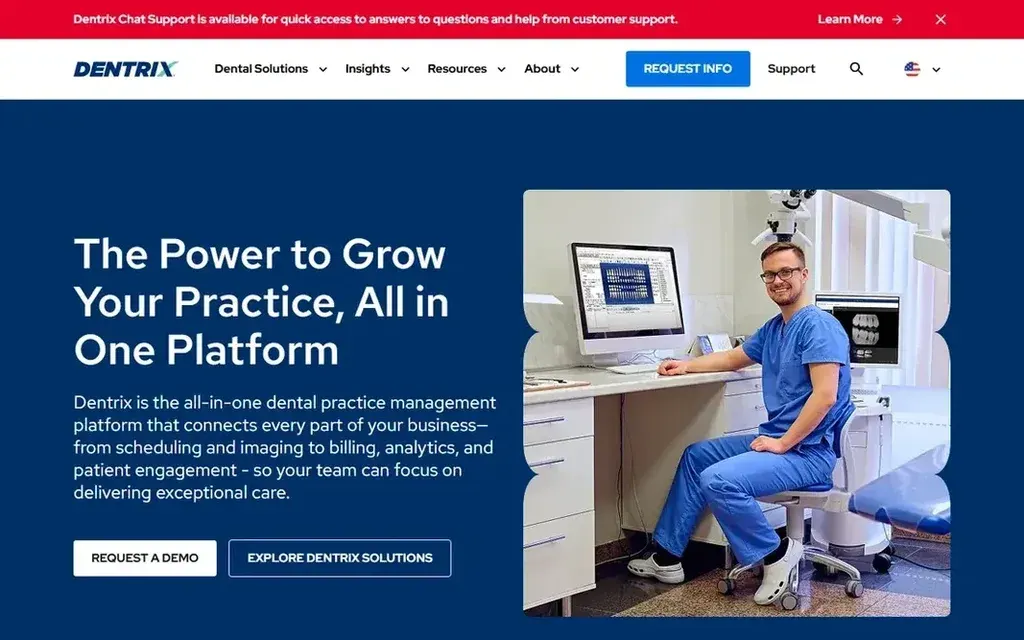
Dentrix serves comprehensive dental practice management. Practices that prefer a completely cloud-based system or need broad external integrations might consider other choices. On top of that, the breadth of features may involve a ramp-up time for new users, so evaluate training needs and support choices before committing.
Dentrix is an all-in-one dental practice management system that includes scheduling, eligibility and claims, patient forms, imaging with AI, billing and payments, marketing, analytics, and IT support. It is built for practices seeking a single system to handle clinical and administrative tasks, including patient onboarding through digital forms and scheduling. Beyond that, Dentrix is primarily an on-premise option, which may need more IT resources than cloud-based alternatives. Beyond that, the product is widely used and integrates numerous functions that can simplify new patient intake and office workflows. Pricing for Dentrix is not stated here, so ask the vendor for current figures. Free options: Not stated.
Limits to weigh: Primarily on-premise.
- All-in-one product
- Comes with patient forms
- May need training
Where NexHealth fits: patient scheduling and communication. NexHealth needs an existing practice management system or EHR to sync with, so it is not a standalone solution. On top of that, whereas it includes plenty of patient-facing features, it does not bundle clinical charting or imaging.
So it is best used as a complement to a full practice management product. Beyond that, NexHealth acts as a layer that boosts patient experience without replacing core systems. In practice, NexHealth gives you scheduling, forms, communications, payments, verification, and insights for dental and medical practices, synced to your practice management system or EHR. It is a very good choice for practices that already have a practice management system but have to enhance patient onboarding with online scheduling, digital forms, and automatic communications. NexHealth does not show a starting price in this comparison, so check the vendor site for current pricing. Trial and free access: Not stated.
Honest limits: May not contain clinical features.
- Syncs with existing PMS
- Full communication tools
- Needs existing PMS
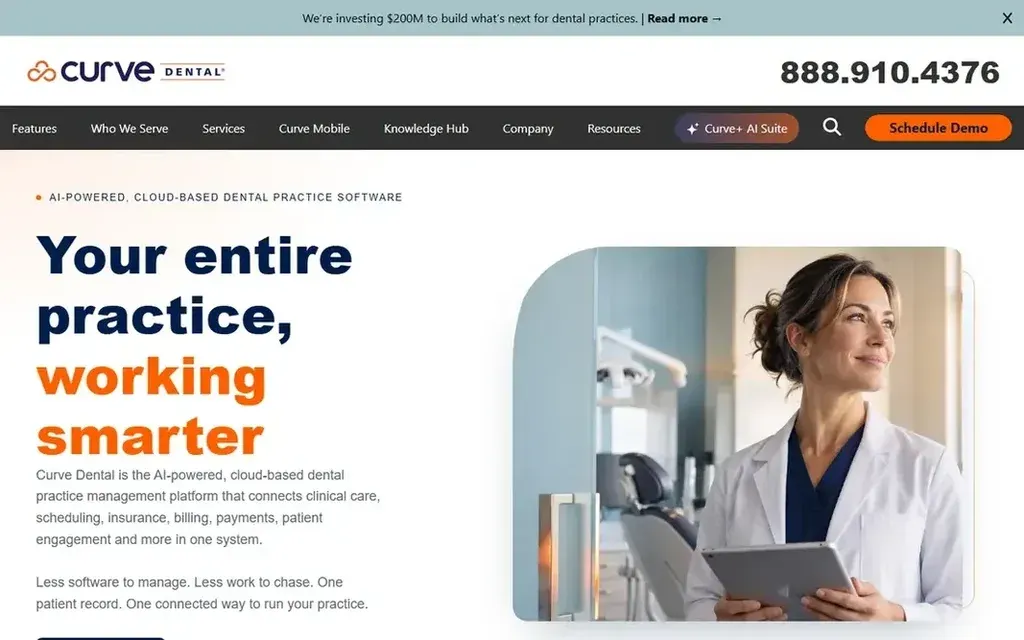
Curve Dental serves cloud-based dental practice management. Curve Dental is a cloud-based, all-in-one dental practice management software with built-in AI. It bundles scheduling, charting, imaging, billing and payments in one connected system.
What to check first: May have restricted customization.
This makes it a solid fit for practices looking to modernize operations with remote access and automatic features. Since Curve Dental is cloud-based, it needs a steady internet connection for full functionality. From a buyer's view, the cloud nature supports patient onboarding by enabling online forms and scheduling from any device. Curve Dental shows no starting price here, so confirm the cost on the vendor site. Trial and free access: Not stated.
- Cloud-based access
- Built-in AI
- Internet dependency
Our selection method
Pricing pages, product documentation and feature lists were the main sources, and every entry carries at least one honest drawback. Where a price is missing, the vendor does not list one publicly or ties it to a quote. Always confirm before budgeting. The order reflects how well each tool fits the most common buying scenario for onboarding software for Dental practices, then price clarity, then free plan access. It is a starting point, not a verdict.
A buyer's checklist
- Confirm the entry price on the vendor page. For Carestream Dental, Dentrix, NexHealth and Curve Dental that means a quote rather than a fixed price.
- Before choosing Carestream Dental, weigh its main limit: focus on imaging.
- Ask whether Weave integrates with your current software, and whether that comes standard or as an add-on.
- Ask Dentrix how an export works before you move any records in; an easy exit lowers the risk.
- Get the contract term, renewal terms and any onboarding fees from NexHealth in writing.
FAQ
What should I consider when choosing onboarding software?
Consider your practice's size, existing software, budget, and specific needs like imaging, marketing, or communication. Confirm details on vendor sites to ensure the tool aligns with your workflow.
Does any tool for onboarding software for Dental practices here have a free plan?
A permanent free plan is not offered by Carestream Dental, Curve Dental or the other tools here. Plan a short evaluation period instead.
Is Carestream Dental the right pick for everyone comparing onboarding software for Dental practices?
No single tool suits every team. Carestream Dental comes first because it fits Dental imaging and software integration, while Weave suits all-in-one communication platform and Dentrix suits comprehensive dental practice management. Match the tool to your own size, budget and workflow before deciding.
What is onboarding software for dental practices?
Onboarding software for dental practices helps automate and simplify the process of registering new patients, including digital forms, scheduling, insurance verification, and communication. It cuts manual paperwork and boosts patient experience from the first contact.
What is the cheapest option for onboarding software for Dental practices in this list?
On published monthly entry prices, Weave is the lowest here at $199 per month. Entry price is only part of the cost, because seats, add-ons and billing terms can change the total.
Can I try these tools before paying?
Not by default. None of the tools, from Carestream Dental to Curve Dental, lists a free plan or a free trial here, so ask each vendor for a demo before committing.
Sources
- https://www.carestreamdental.com
- https://www.getweave.com
- https://www.dentrix.com
- https://www.nexhealth.com
- https://www.curvedental.com