Onboarding Checklist Software for HR Managers in 2026: The 6 Best Options Side by Side
Searching for the best onboarding checklist software for HR managers? Here are 6 options with prices and free plans. Real limits included. Full profiles inside.
- Editor's choiceEnboarder
Personalized cross-functional onboarding journeys
Starts atSee websiteVisit enboarder.comFull review - Great alternative
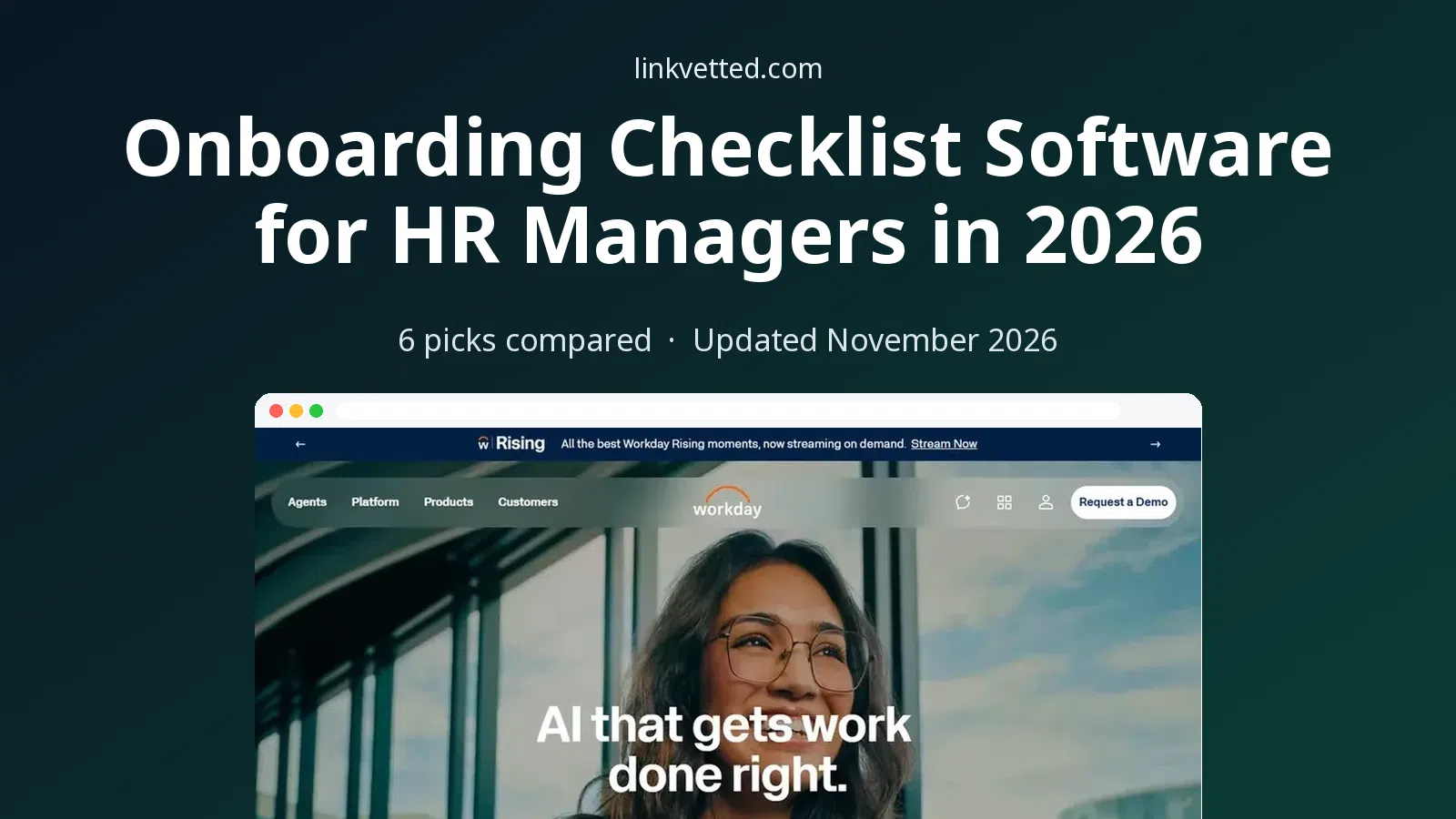
 Workday
Large enterprise HR onboarding
Starts atSee websiteVisit workday.comFull review - Also consider
 Rippling
Unified HR, IT and finance workflows
Starts at$8 per employee a monthVisit rippling.comFull review
Direct answer
Enboarder leads the list, best for personalized cross-functional onboarding journeys. Listed starting prices: Rippling from $8 per employee a month, BambooHR from $10 per employee a month and monday.com from $9 per seat a month. For a different need, Workday covers large enterprise HR onboarding and Rippling covers unified HR, IT and finance workflows. Details, prices and limits for the rest of the 6 tools are below.
TL;DR:
- Top of the list is Enboarder, which targets personalized cross-functional onboarding journeys.
- The main caution on Rippling: breadth may overwhelm checklist-only buyers.
- For configurable checklist workspaces, ClickUp is worth a look.
- Rippling has the lowest monthly starting price in this list: $8 per employee per month.
Last checked November 2026. Prices and plan details were read from the vendors' own pages in November 2026; vendors change plans often, so confirm the current price on the vendor site before you buy.
Quick comparison
| Tool | Best for | Starts at | Free plan? | |
|---|---|---|---|---|
| Enboarder | Personalized cross-functional onboarding journeys | See website | Not stated | Visit |
| Workday | Large enterprise HR onboarding | See website | Not stated | Visit |
| Rippling | Unified HR, IT and finance workflows | $8 per employee a month | Not stated | Visit |
 BambooHR | Checklists within a full HR system | $10 per employee a month | No | Visit |
 monday.com | Visual onboarding boards and automations | $9 per seat a month | Yes | Visit |
 ClickUp | Configurable checklist workspaces | $9 per user per month | Yes | Visit |
Every option for onboarding checklist software for HR managers explained
If you are comparing onboarding checklist software for HR managers, this page covers 6 tools in one place: what each is best for, what it costs to start, whether it has a free plan, and the main limit to know about.
Enboarder
Best for: Personalized cross-functional onboarding journeys
Enboarder works best for personalized cross-functional onboarding journeys. Its stated focus is helping HR leaders deliver personalized, cross-functional onboarding at scale, which maps closely to checklist-style journeys that involve managers, IT and other teams.
Trade-offs to know: Narrower scope than full HR suites.
More specifically, since it concentrates on journeys, it does not replace a full HR system for records and payroll. Enboarder does not show a starting price in this comparison, so check the vendor site for current pricing. Free options: Not stated.
- Aims at personalized new-hire experiences
- Supports cross-functional onboarding at scale
- Journey design needs upfront planning
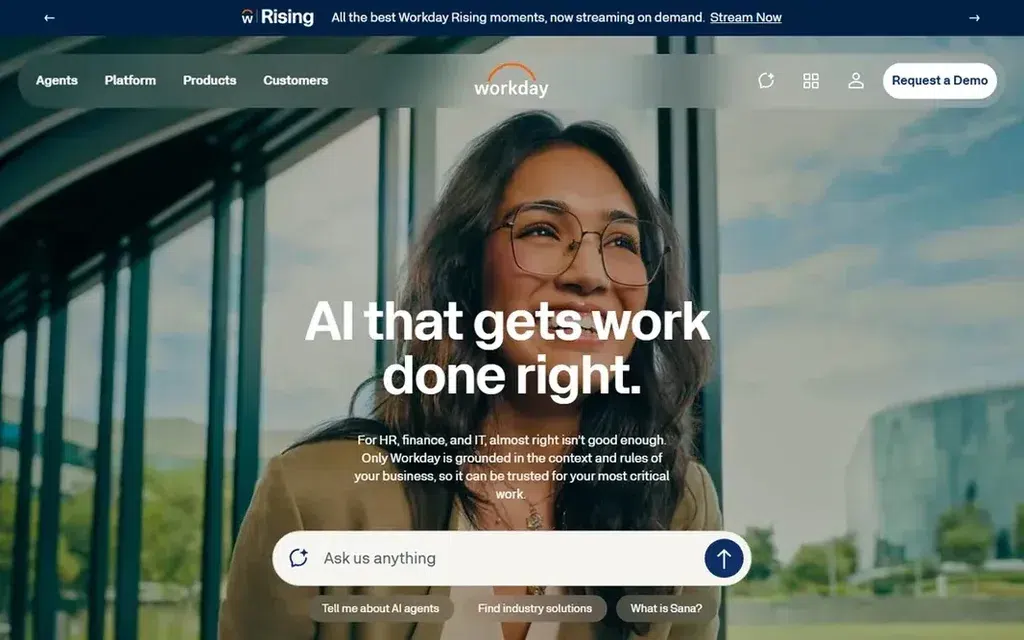
Workday serves large enterprise HR onboarding. Workday describes itself as an enterprise AI system for HR, finance and IT.
Where it shines: Wide coverage of people processes.
Honest limits: Enterprise focus can be heavy for small teams.
Check the vendor site for Workday pricing; none is listed in this comparison. As for free access: Not stated.
- Finance and IT
- Suited to complicated organizational structures
- Configuration demands dedicated admin support
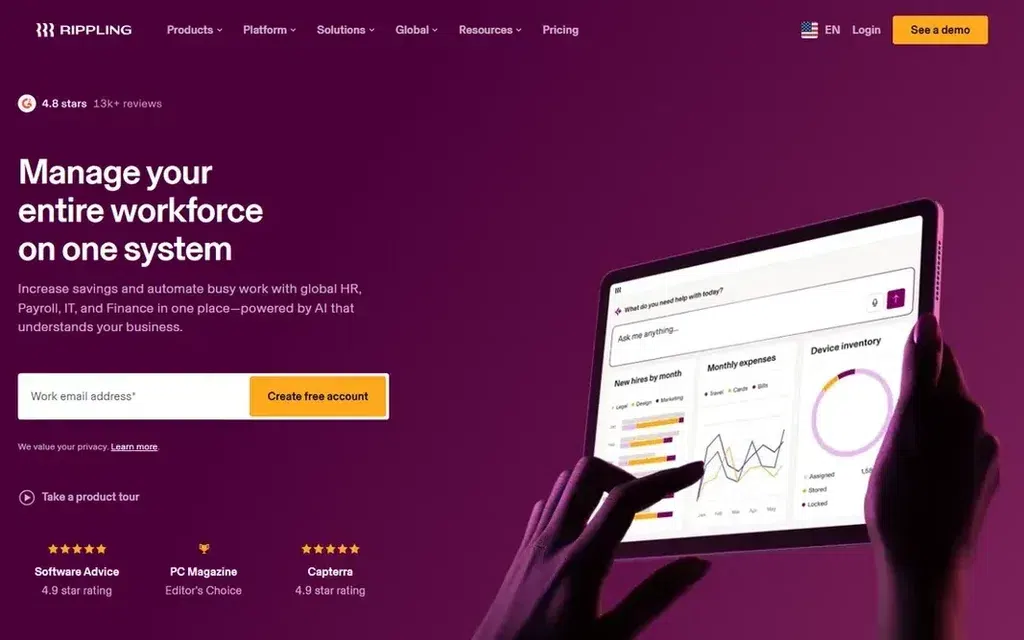
Rippling targets unified HR, IT and finance workflows. Rippling positions itself as a workforce management system that merges HR, IT and finance apps on a unified data product.
More specifically, the system's breadth is its strength, but teams that only need a checklist may find it more than necessary. Rippling starts at: $8 per employee per month. Free options: Not stated.
What works well: Useful for device and app provisioning. What to check first: Best value when multiple modules are used.
- IT and finance apps
- Merges HR
- Breadth may overwhelm checklist-only buyers
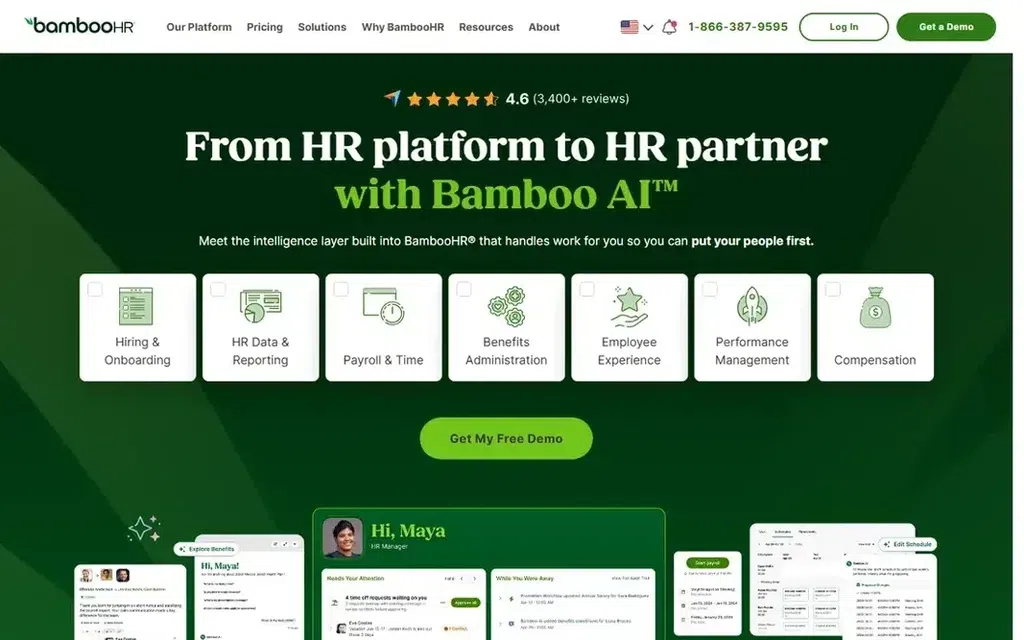
BambooHR is designed for checklists within a full HR system. Organizations with highly custom cross-functional onboarding journeys, or those already standardized on another HR system, may prefer a dedicated journey system or a general work app instead. For HR managers, that means onboarding checklists can sit alongside employee records instead of in a separate tool.
It tends to fit small and mid-size organizations that want one HR home base and prefer to keep new-hire tasks connected to the rest of the employee lifecycle. BambooHR presents itself as a complete HR software including people, payroll and benefits, with options that span hire to retire. BambooHR cost at the entry level: $10 per employee per month. BambooHR has no free tier.
Limits to weigh: Less adaptable for non-HR project work.
- Aimed at people and payroll tasks
- Spans hire to retire in one system
- Broad suite may exceed checklist-only needs
Where monday.com fits: visual onboarding boards and automations. As a general workspace, it does not contain HR-specific records or compliance features, and onboarding structure has to be designed by your team.
Limits to weigh: General tool instead of HR-specific.
More specifically, monday.com presents an AI workspace where people and agents work together to execute and handle work. HR managers can adapt its boards to track onboarding checklist items, owners and status across teams. monday.com starts at: $9 per seat per month. monday.com includes a free tier.
- Visual workspace for boards and workflows
- Adaptable to numerous team processes
- Onboarding structure must be designed in-house
ClickUp works best for configurable checklist workspaces. HR managers can shape it into an onboarding checklist system with templates, assigned tasks and shared documentation.
On top of that, adaptability includes configuration effort, and it is not designed specifically for HR recordkeeping or compliance. If you want onboarding checklists ready to use with minimal setup, a dedicated HR or journey system is likely a better fit. The starting price for ClickUp: $9 per user per month. ClickUp offers a free plan.
Trade-offs to know: Requires setup to become an onboarding system.
- Tasks, docs
- Highly customizable checklists and views
- Not purpose-built for HR compliance
How these tools were picked
For each of the 6 tools we noted price, free plan or trial, fit for onboarding checklist software for HR managers and the main limit, using vendor pages and documentation. Plan names, prices and limits change often. Treat the figures here as a starting point and verify them with the vendor. We ordered the tools by general fit, then by how clearly pricing is shown, then by free access. A buyer with unusual needs may reorder them.
What to confirm before you sign up
- Ask Enboarder and Workday for a written quote, since no starting price is shown.
- Check what the free option really includes: monday.com and ClickUp offer a free plan, and usage caps differ.
- Before choosing Enboarder, weigh its main limit: narrower scope than full HR suites.
- Before you load data into Enboarder, check what an export looks like and who can run it.
- Pick one real project and run it in monday.com first; a small pilot shows fit faster than a checklist.
FAQ
Can onboarding checklists live inside an HR platform?
Systems like BambooHR and Rippling keep onboarding tasks close to employee records and related functions like payroll or IT provisioning. That cuts duplicate data entry but may mean a broader system than a checklist-only need needs.
Is a dedicated onboarding tool better than a general work app?
A dedicated tool for example Enboarder is designed around employee journeys and frequently needs less design work from HR. From a buyer's view, a general app for example ClickUp or monday.com gives you adaptability but needs your team to build and maintain the checklist structure.
Do these tools publish their prices?
Not all of them. Enboarder and Workday publish no starting price, so expect a quote request for those. The rest, Rippling included, show a starting price, though seats and billing terms still change the final cost. Prices, free plan details and limits for all 6 tools in this onboarding checklist software for HR managers roundup sit on the individual cards above.
Is Enboarder the right pick for everyone comparing onboarding checklist software for HR managers?
No single tool suits every team. Enboarder comes first because it fits personalized cross-functional onboarding journeys, while Workday suits large enterprise HR onboarding and Rippling suits unified HR, IT and finance workflows. Match the tool to your own size, budget and workflow before deciding.
Which options for onboarding checklist software for HR managers have a free plan?
monday.com and ClickUp offer a free plan in this list. Free plans usually cap users, projects or features, so check the limits on the vendor page.
What is the cheapest option for onboarding checklist software for HR managers in this list?
On published monthly entry prices, Rippling is the lowest here at $8 per employee per month. Entry price is only part of the cost, because seats, add-ons and billing terms can change the total. Each of the 6 options in this onboarding checklist software for HR managers guide has its own card above with the price, free plan and limits.
Sources
- https://enboarder.com
- https://www.workday.com
- https://www.rippling.com
- https://www.bamboohr.com
- https://monday.com
- https://clickup.com