Choosing Form Builder Software for HR Onboarding in 2026: 5 Options Compared
Compare 5 picks for the best form builder software for HR onboarding, with prices, free plans and who each fits. Hidden costs and gaps are flagged. No filler.
- Editor's choiceWPForms
WordPress-based HR onboarding forms
Starts at$49.50 a yearVisit wpforms.comFull review - Great alternative
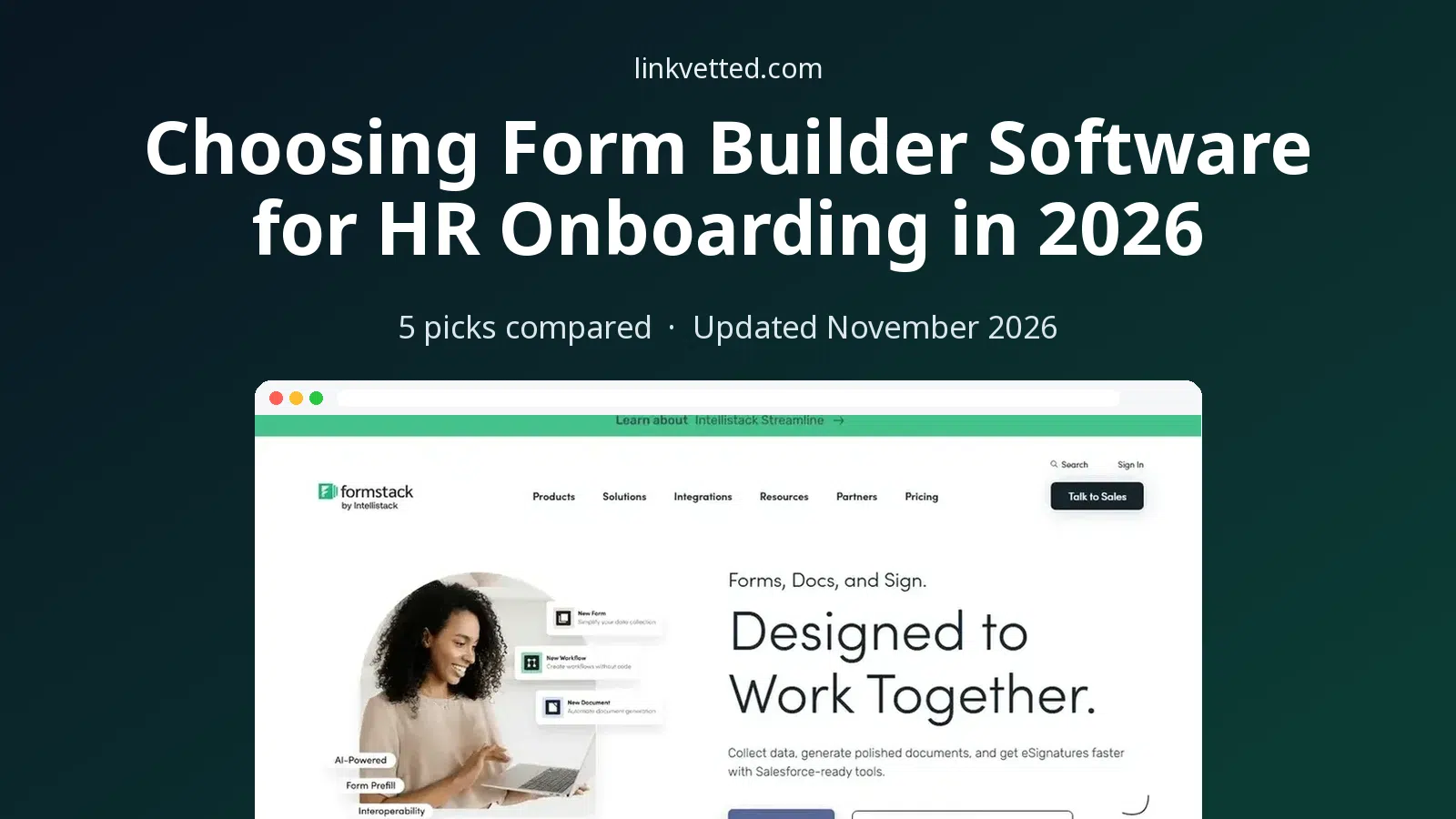
 Formstack
Workflows with documents and signatures
Starts at$83 a monthVisit formstack.comFull review - Also consider
 Wufoo
Straightforward registration and application forms
Starts atSee websiteVisit wufoo.comFull review
Direct answer
Start with WPForms if you need WordPress-based HR onboarding forms. Listed starting prices: WPForms from $49.50 a year, Formstack from $83 a month and Cognito Forms from $24 a month. Alternatives: Formstack for workflows with documents and signatures, and Wufoo for straightforward registration and application forms. The other 2 tools in the list cover narrower or pricier cases.
TL;DR:
- This list starts with WPForms, which is built for WordPress-based HR onboarding forms.
- Jotform suits all-around HR onboarding forms.
- Starting prices begin at $24 per month with Cognito Forms.
- What to know about Wufoo first: fewer advanced workflow features.
- Only 3 of the 5 tools have a free plan (Wufoo, Cognito Forms, Jotform), so check the caps.
Last checked November 2026. Prices and plan details were read from the vendors' own pages in November 2026; vendors change plans often, so confirm the current price on the vendor site before you buy.
Quick comparison
| Tool | Best for | Starts at | Free plan? | |
|---|---|---|---|---|
| WPForms | WordPress-based HR onboarding forms | $49.50 a year | Not stated | Visit |
| Formstack | Workflows with documents and signatures | $83 a month | Free trial | Visit |
| Wufoo | Straightforward registration and application forms | See website | Yes | Visit |
 Cognito Forms | Onboarding with approvals and uploads | $24 a month | Yes | Visit |
 Jotform | All-around HR onboarding forms | $34 a month | Yes | Visit |
Tool-by-tool breakdown
This LinkVetted guide covers 5 options for form builder software for HR onboarding. Each profile lists a starting price, free plan details, strengths and drawbacks, so you can drop poor fits quickly.
WPForms
Best for: WordPress-based HR onboarding forms
For WordPress-based HR onboarding forms, WPForms is a natural candidate. WPForms is a WordPress form plugin with an AI-assisted, drag-and-drop builder.
The main drawbacks: Needs a WordPress site.
In daily use, for HR teams whose careers or intranet pages already run on WordPress, it gives you a convenient way to add onboarding intake, document upload and acknowledgment forms straight to the site. From a buyer's view, complicated multi-step onboarding with heavy conditional logic may call for extras or a dedicated workflow builder like Formstack. WPForms pricing: $49.50 per year. Free access: Not stated.
- Suits sites already on WordPress
- AI-assisted form creation
- Advanced logic relies on extras
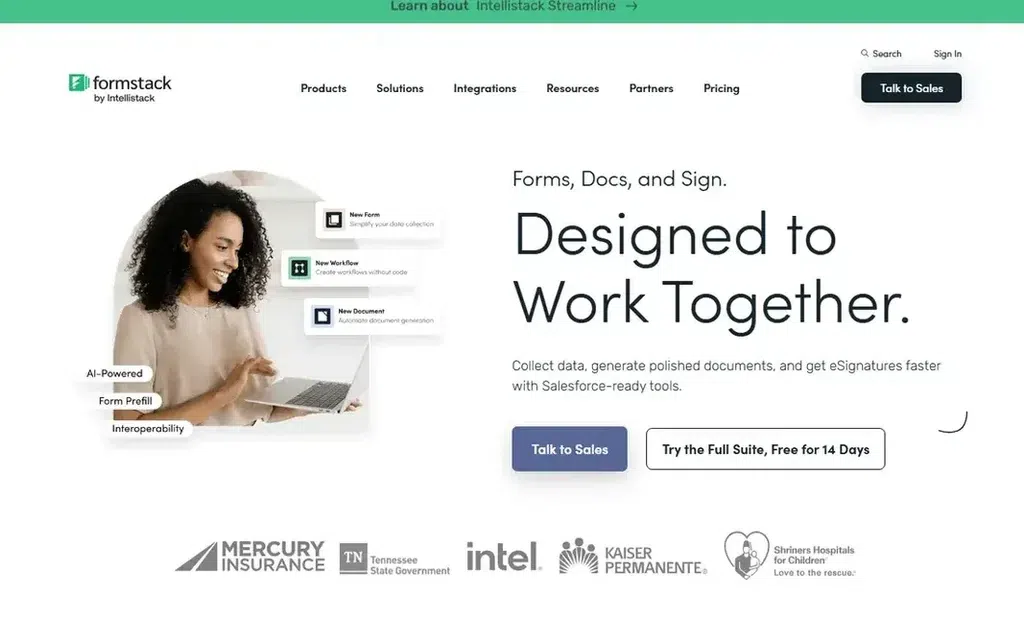
Choose Formstack for workflows with documents and signatures. Formstack brings online forms together with document generation and e-signature tools, positioning it for organizations that require structured processes. In daily use, for a small team that only needs basic intake forms, Formstack's workflow and document features may be more than necessary.
Watch-outs: Setup can take more planning.
What users get: Forms combined with document generation; simplified workflows. From a buyer's view, in HR onboarding, that combination suits offer paperwork, policy acknowledgments and signature collection in a more coordinated workflow. From a buyer's view, more straightforward builders for example Wufoo or Cognito Forms can include lighter onboarding needs with less setup effort. Formstack cost at the entry level: $83 per month. Free access: Free trial.
- Focus on secure
- Built-in e-signature tools
- Feature depth may exceed straightforward form needs
Wufoo targets simple registration and application forms. Wufoo is an online form builder with cloud storage for collected data, geared toward creating registration, application and survey forms in minutes.
Downsides: Fewer advanced workflow features.
Also, if onboarding involves layered sign-off steps or signed policy documents, those tools are a more solid fit. Check the vendor site for Wufoo pricing; none is listed in this comparison. You can start on Wufoo without paying.
- Handles registration and application forms
- Fast custom form creation
- Restricted document and signature depth
Cognito Forms is built with onboarding with approvals and uploads in mind. Cognito Forms is an online form builder with workflow automation, document generation, file uploads, signatures and approvals.
Limits to weigh: Less known than bigger competitors.
These capabilities map well to HR onboarding, where new-hire information commonly needs review and sign-off before records are finalized. In practice, if you chiefly need straightforward intake forms, Wufoo or Jotform may be quicker to set up. Cognito Forms cost at the entry level: $24 per month. Cognito Forms has a free plan.
- Workflow automation for approvals
- Document generation choices
- Advanced setups need careful planning
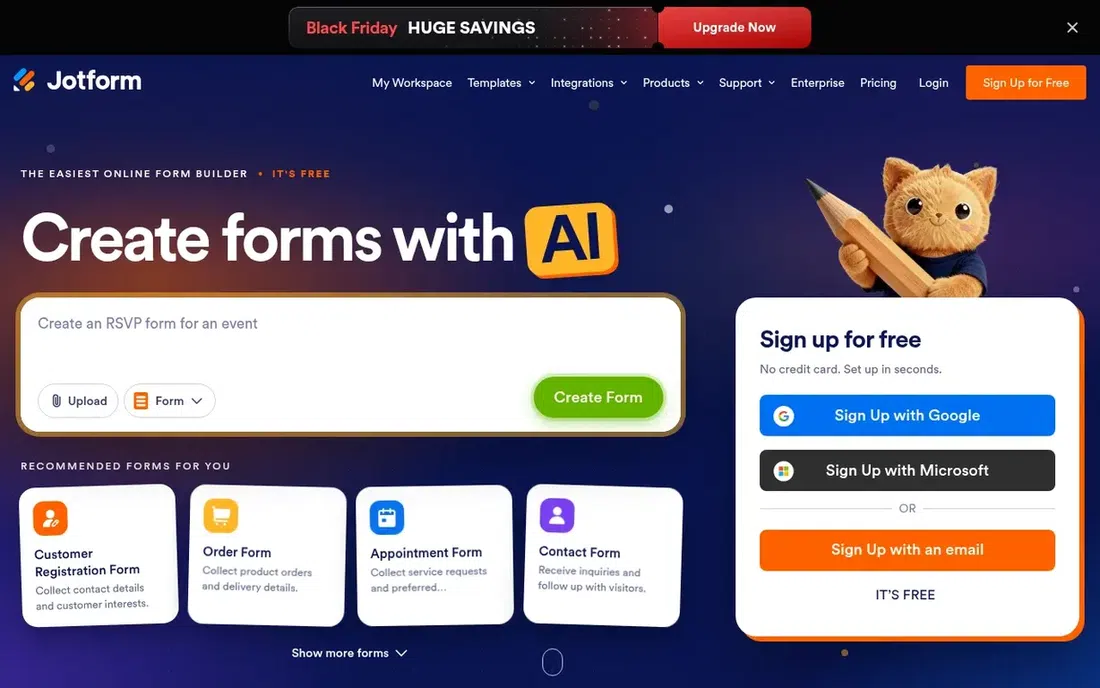
Jotform was built for all-around HR onboarding forms. Jotform is an online form builder concentrated on creating forms and surveys rapidly.
For everyday use, teams with highly regulated document and signature requirements should compare it against Formstack before committing. On top of that, since Jotform spans a very broad range of form and survey use cases, some specialized onboarding workflows, for example complicated multi-step approvals, may need additional configuration or integrations. Starting cost for Jotform: $34 per month. A free plan is available with Jotform.
Where it is weaker: Interface can feel dense for new users.
- Broad template and field variety
- Quick drag-and-drop form creation
- Advanced needs may need extras
What went into this list
Before you commit
- Ask Wufoo for a written quote, since no starting price is shown.
- Read the fine print on the free plans from Wufoo, Cognito Forms and Jotform; seat, project and feature caps differ.
- Use real work to test the free trial from Formstack, rather than a demo project.
- Before choosing WPForms, weigh its main limit: needs a WordPress site.
- Add up seats, add-ons and usage charges for WPForms before comparing it with cheaper entries.
- Run a one or two week pilot of Jotform with the people who will use it every day.
FAQ
Which options for form builder software for HR onboarding have a free plan?
On this list, Wufoo, Cognito Forms and Jotform include a free plan. Caps on seats, usage or features are common, so test the free plan against your real workload. One other tool offers a trial instead.
How are the tools for form builder software for HR onboarding ordered?
The order follows typical fit for form builder software for HR onboarding, with WPForms first and Jotform last, then price clarity and free access. It is editorial judgement, not a score, so another team could rank the tools differently.
Do these tools publish their prices?
Not all of them. Wufoo publishes no starting price, so expect a quote request for it. The rest, WPForms included, show a starting price, though seats and billing terms still change the final cost.
What should HR teams check before choosing a form builder?
Focus on whether the tool supports the document types you collect, the approval steps you run and the systems you connect with. Confirming these details on the vendor site stops surprises after adoption.
Which form builder is a good match for HR onboarding paperwork?
WPForms comes first here and is built for WordPress-based HR onboarding forms. Buyers with other needs may prefer Formstack (for workflows with documents and signatures) or Wufoo (for straightforward registration and application forms). Compare costs and limits first.
Is WPForms the right pick for everyone comparing form builder software for HR onboarding?
No single tool suits every team. WPForms comes first because it fits WordPress-based HR onboarding forms, while Formstack suits workflows with documents and signatures and Wufoo suits simple registration and application forms. Match the tool to your own size, budget and workflow before deciding.
Sources
- https://wpforms.com
- https://www.formstack.com
- https://www.wufoo.com
- https://www.cognitoforms.com
- https://www.jotform.com