Best Offsite Backup Software (2026): 6 Picks Checked on Vendor Pages
Searching for the best offsite backup software? Here are 6 options with prices and free plans. Price notes and drawbacks come with each one. Jump to the table.
- Editor's choice
 Cohesity
Data security and management combined
Starts atSee websiteVisit cohesity.comFull review - Great alternative
 Druva
Completely managed cloud-native backup
Starts atSee websiteVisit druva.comFull review - Also consider
 Commvault
Clean recovery across the stack
Starts atSee websiteVisit commvault.comFull review
Direct answer
Our first pick is Cohesity, best for data security and management combined. Listed starting prices: Backblaze from $99 per year. Druva fits completely managed cloud-native backup; Commvault fits clean recovery across the stack. The remaining 3 options are covered below with prices and limits.
TL;DR:
- The list opens with Cohesity, aimed at data security and management combined.
- Acronis Cyber Protect is the one to check for integrated backup and cybersecurity.
- Pricing for Cohesity, Druva, Commvault and others is quote-based, which adds a sales step before you can compare cost.
- What to know about Commvault first: wide recovery scope needs planning.
Last checked November 2026. Prices and plan details were read from the vendors' own pages in November 2026; vendors change plans often, so confirm the current price on the vendor site before you buy.
Quick comparison
| Tool | Best for | Starts at | Free plan? | |
|---|---|---|---|---|
| Cohesity | Data security and management combined | See website | Not stated | Visit |
| Druva | Completely managed cloud-native backup | See website | Free trial | Visit |
| Commvault | Clean recovery across the stack | See website | Not stated | Visit |
 Backblaze | S3-compatible cloud object storage | $99 per year | Free trial | Visit |
| Veeam Backup & Replication | Wide workload backup with resilience features | See website | Not stated | Visit |
 Acronis Cyber Protect | Integrated backup and cybersecurity | See website | Not stated | Visit |
The 6 tools in detail
Short on time? The summary and table above give the quick view of 6 tools for offsite backup software, and the profiles that follow give the detail behind each entry.
Cohesity works best for data security and management combined. Choose Cohesity when threat detection alongside backup is a priority. As for the details, Cohesity merges data security and data management, defending against ransomware with immutable backup, AI-based early threat detection and rapid recovery.
Points against: May overlap with existing security tools.
From a buyer's view, the combined security and management scope means buyers should map it against tools already in place to avoid overlap. In daily use, more straightforward backup needs may be served by a lighter product. This comparison lists no price for Cohesity; ask the vendor. As for free access: Not stated.
- AI-based early threat detection
- Rapid data recovery capabilities
- Combined scope needs assessment
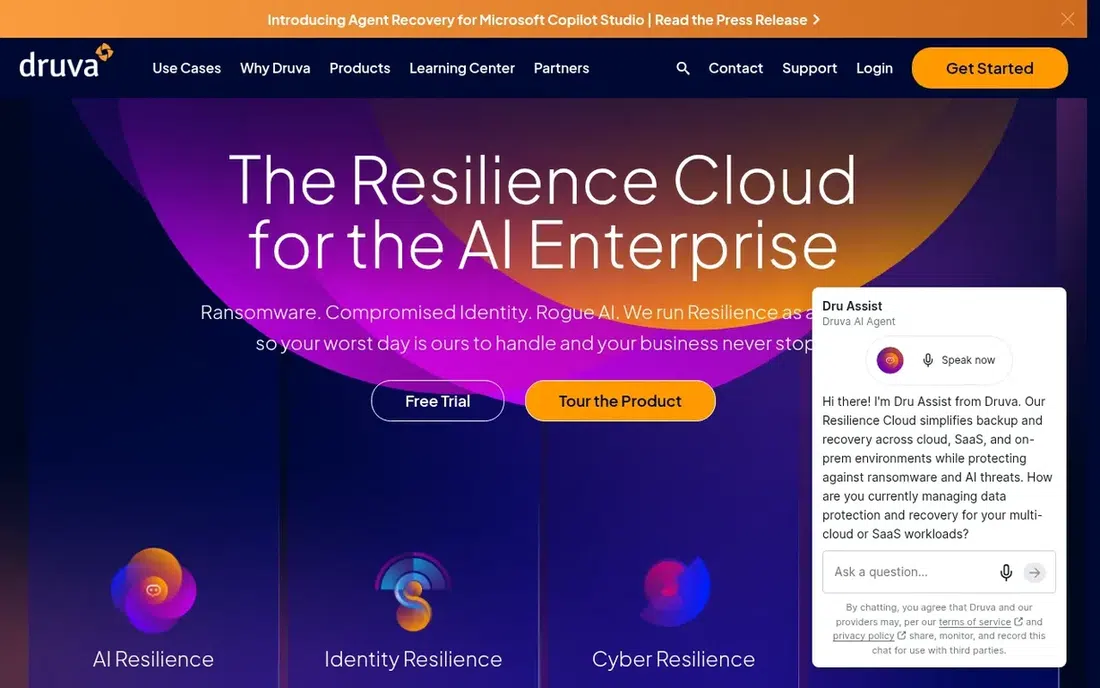
Druva serves completely managed cloud-native backup. Druva provides a cloud-native SaaS platform centered on data security, identity resilience and backup protection, with quick ransomware recovery as a stated focus. Pick Druva when operational simplicity and cloud delivery are priorities.
Beyond that, a completely managed SaaS approach means less direct control over the underlying infrastructure, which can matter for strict internal requirements. Beyond that, teams with heavy on-premises dependencies may want to evaluate fit carefully. Check the vendor site for Druva pricing; none is listed in this comparison. On free options: Free trial.
Where it falls short: Less control over underlying infrastructure.
- Focus on ransomware recovery
- Cloud-native SaaS delivery
- SaaS model may not suit every policy
Pick Commvault if this describes you: clean recovery across the stack. Small teams may find the scope exceeds their needs. More specifically, restoring across data, applications and identity involves coordination, so planning effort is higher than with a narrow backup tool.
Honest limits: Broad recovery scope needs planning.
For everyday use, consider Commvault when clean, cross-stack recovery is the requirement. Commvault frames its product around AI recovery and cyber resilience, detecting compromise as it happens and restoring clean data, apps and identity across the stack. Commvault shows no starting price here, so confirm the cost on the vendor site. Free plan details: Not stated.
- Apps and identity
- Spots compromise as it happens
- May be complicated for small teams
Think of Backblaze for S3-compatible cloud object storage. Backblaze offers high-performance cloud storage through B2 Cloud Storage, a S3-compatible object storage service geared toward data-heavy workloads. As for the details, pick Backblaze for a storage layer behind your backup software.
Strengths: S3-compatible object storage.
Drawbacks to consider: Recovery orchestration is your responsibility. Also, as a storage service, it does not offer the scheduling, orchestration and recovery workflows of a full backup suite, so you handle those yourself. On top of that, organizations wanting an integrated system should look at the other choices. Backblaze pricing: $99 per year. Trial and free access: Free trial.
- Designed for high-throughput workloads
- Straightforward cloud storage focus
- Storage-focused instead of full backup suite
Veeam Backup & Replication
Best for: Wide workload backup with resilience features
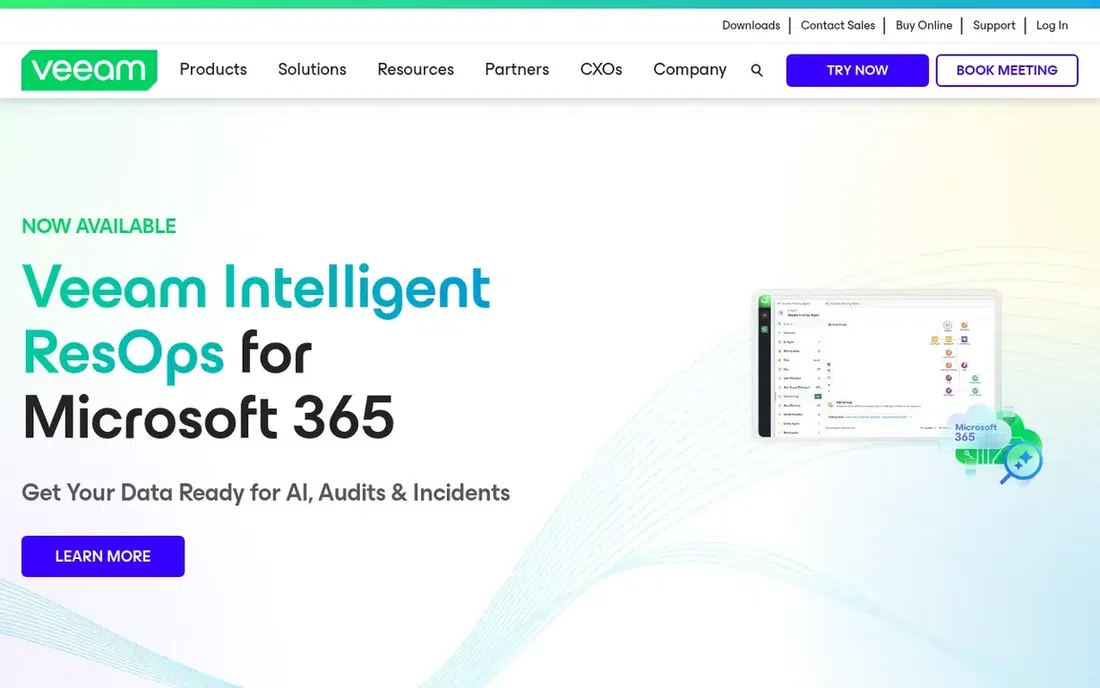
Veeam Backup & Replication was built for wide workload backup with resilience features. Veeam Backup & Replication is positioned around cyber resilient data protection, with messaging that ties backup to risk visibility, secure data movement and compliance.
Honest limits: Feature breadth can add complexity.
It is commonly considered by IT teams managing mixed environments. Veeam Backup & Replication shows no starting price here, so confirm the cost on the vendor site. As for free access: Not stated.
- Supports secure data movement
- Spans backup plus cyber resilience
- May be more than small teams need
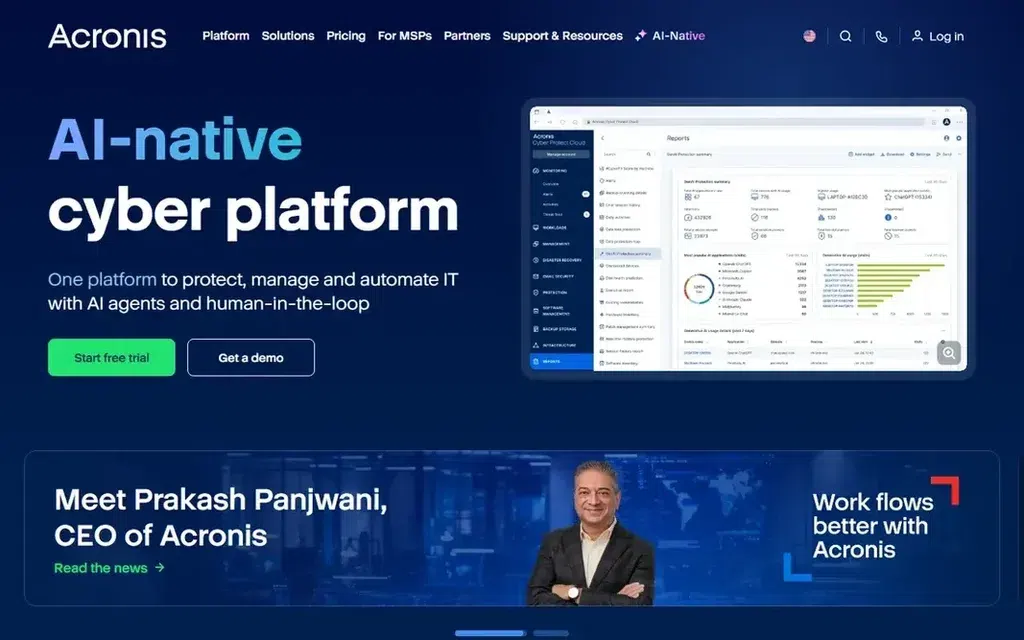
Acronis Cyber Protect makes the most sense for integrated backup and cybersecurity. Acronis Cyber Protect brings backup, cybersecurity, endpoint management and automation together, with AI-powered features spanning those areas. It is pitched at companies and managed service providers that want to protect and run workloads through one integrated product instead of stitching separate products together.
Worth adding: because it bundles multiple disciplines, the product may duplicate tools you already run, and configuration across modules takes planning. Choose Acronis when consolidation across protection and management is the goal. Acronis Cyber Protect does not show a starting price in this comparison, so check the vendor site for current pricing. Trial and free access: Not stated.
Honest limits: Integrated stack may overlap with existing tools.
- AI-powered feature set
- Backup combined with cybersecurity
- Numerous modules to configure
Selection criteria
Pricing pages, product documentation and feature lists were the main sources, and every entry carries at least one honest drawback. Treat prices as a snapshot: vendors change plans often, so check the vendor site for the figure that applies today. Tools are placed by general fit for offsite backup software, with price clarity and free access as tie-breakers. A different team can reasonably rank them differently.
Things to verify first
- Get a written quote from Cohesity, Druva, Commvault and others; the list shows no starting price for them.
- Run a trial of Druva and Backblaze with real work before paying for a year; your own workflow is the best test.
- Before choosing Cohesity, weigh its main limit: combined scope needs assessment.
- Pick one real project and run it in Commvault first; a small pilot shows fit faster than a checklist.
- Price Acronis Cyber Protect for your actual team size; headline prices rarely include add-ons or overage.
FAQ
What makes backup software offsite?
Offsite backup means copies are stored away from your primary systems, commonly in cloud storage or a remote location. Plenty of organizations combine both.
Do these tools publish their prices?
Not all of them. Cohesity, Druva, Commvault and others publish no starting price, so expect a quote request for those. The rest, Backblaze included, show a starting price, though seats and billing terms still change the final cost.
Does any tool for offsite backup software here have a free plan?
A permanent free plan is not offered by Cohesity, Acronis Cyber Protect or the other tools here. Druva, Backblaze offer a trial. Plan a short evaluation period instead.
Is Cohesity the right pick for everyone comparing offsite backup software?
No single tool suits every team. Cohesity comes first because it fits data security and management combined, while Druva suits fully managed cloud-native backup and Commvault suits clean recovery across the stack. Match the tool to your own size, budget and workflow before deciding.
How are the tools for offsite backup software ordered?
The order follows typical fit for offsite backup software, with Cohesity first and Acronis Cyber Protect last, then price clarity and free access. It is editorial judgement, not a score, so another team could rank the tools differently.
Sources
- https://www.cohesity.com
- https://www.druva.com
- https://www.commvault.com
- https://www.backblaze.com
- https://www.veeam.com
- https://www.acronis.com