Best OCR Software for Remote Teams for 2026: Our 5 Vetted Picks
Shortlisting the best OCR software for remote teams? 5 products compared on cost, free access and ideal buyer. Each tool gets a one-line verdict. Quick to scan.
- Editor's choice
 Hyperscience
Enterprise document process automation
Starts atSee websiteVisit hyperscience.comFull review - Great alternative
 Amazon Textract
Developers extracting text and tables
Starts atSee websiteVisit aws.amazon.comFull review - Also consider
 ABBYY FineReader PDF
Accurate conversion and PDF collaboration
Starts at$16 a monthVisit abbyy.comFull review
Direct answer
If you need enterprise document process automation, Hyperscience is the first tool to look at here. Listed starting prices: ABBYY FineReader PDF from $16 a month and Rossum from $18,000 a year. For a different need, Amazon Textract covers developers extracting text and tables and ABBYY FineReader PDF covers accurate conversion and PDF collaboration. The other 2 tools in the list cover narrower or pricier cases.
TL;DR:
- Top of the list is Hyperscience, which targets enterprise document process automation.
- For automating transactional document workflows, Rossum is worth a look.
- The cheapest monthly starting price in the list is $16 per month, offered by ABBYY FineReader PDF.
- Neither Hyperscience nor Rossum, nor any of the other 3 tools, has a permanent free plan; trials and quotes are the norm.
Last checked November 2026. Prices and plan details were read from the vendors' own pages in November 2026; vendors change plans often, so confirm the current price on the vendor site before you buy.
Quick comparison
| Tool | Best for | Starts at | Free plan? | |
|---|---|---|---|---|
| Hyperscience | Enterprise document process automation | See website | Not stated | Visit |
| Amazon Textract | Developers extracting text and tables | See website | Not stated | Visit |
| ABBYY FineReader PDF | Accurate conversion and PDF collaboration | $16 a month | Free trial | Visit |
 Adobe Acrobat Pro | Everyday PDF editing with built-in OCR | See website | Not stated | Visit |
 Rossum | Automating transactional document workflows | $18,000 a year | Free trial | Visit |
The 5 tools in detail
Choosing OCR software for remote teams usually comes down to price, fit and limits. This LinkVetted guide sets 5 tools side by side on those three points, with the facts kept short and checkable.
Hyperscience is aimed squarely at enterprise document process automation. Hyperscience is an enterprise AI product that automates document processes and converts unstructured content into structured, actionable data.
Hyperscience shows no starting price here, so confirm the cost on the vendor site. On free options: Not stated.
Watch-outs: Overhead for small teams.
- Targets document process automation
- Enterprise-focused AI product
- Targeted at bigger organizations
Pick Amazon Textract if this describes you: developers extracting text and tables. Groups wanting out-of-the-box editing should pick Adobe Acrobat Pro or ABBYY FineReader PDF instead.
Amazon Textract is a machine learning service that uses OCR to extract text, handwriting, and data from scanned PDFs, forms, and tables. It is an API, so non-technical teams will need developer support to use it. Pricing for Amazon Textract is not stated here, so ask the vendor for current figures. As for free access: Not stated.
Where it is weaker: Not an end-user editing app.
- Manages forms and tables
- Extracts text, handwriting, data
- Needs developer integration
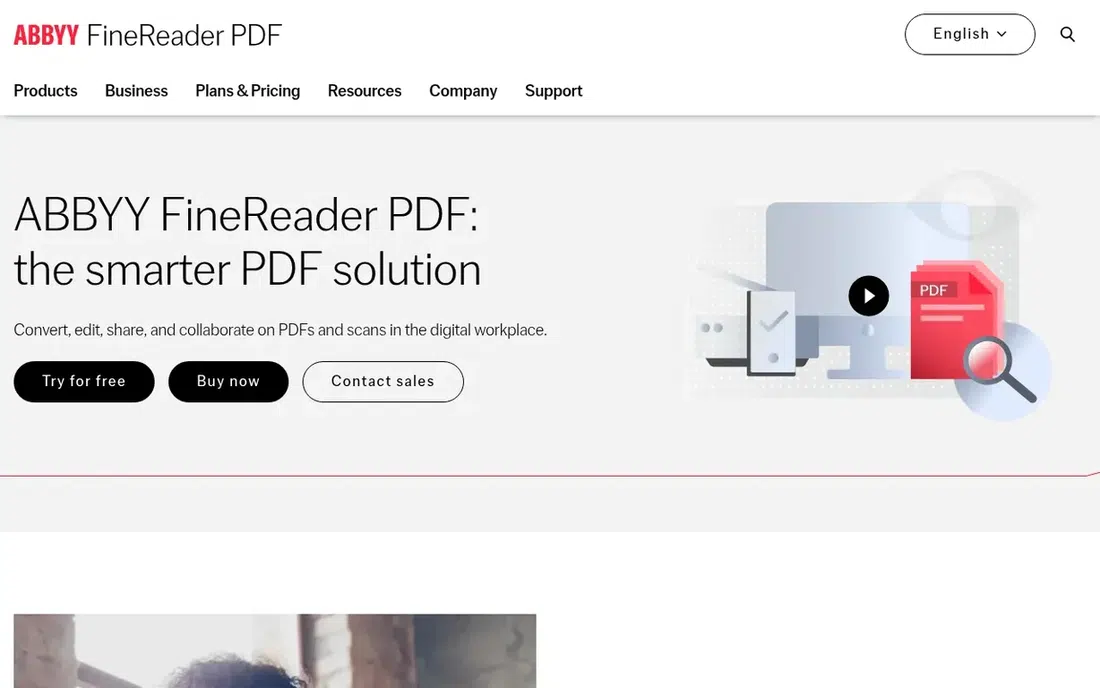
Think of ABBYY FineReader PDF for accurate conversion and PDF collaboration. ABBYY FineReader PDF is PDF editor software powered by ABBYY's AI-based OCR, with conversion between formats like PDF to Excel and PDF to Word, plus editing, sharing, and collaboration.
Choose it when conversion quality and practical editing matter more than programmatic extraction. The breadth of features means a ramp-up time for occasional users, and teams wanting pure automation pipelines may prefer a document AI system. The starting price for ABBYY FineReader PDF: $16 per month. Free plan details: Free trial.
Where it is weaker: Feature depth can overwhelm casual users.
- AI-based OCR technology
- Converts PDFs to Word, Excel, more
- Best value for document-heavy teams
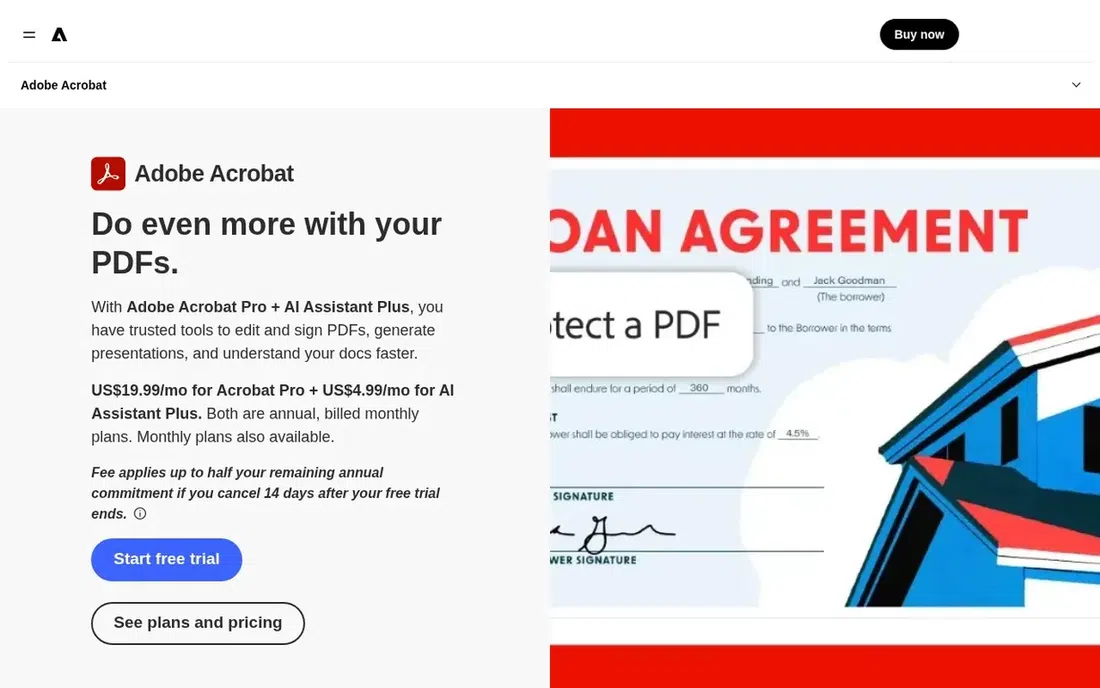
Adobe Acrobat Pro works best for Everyday PDF editing with built-in OCR. It suits remote teams that already exchange PDFs constantly and want recognition, cleanup, and light editing handled in a single familiar application rather than stitching together separate tools.
Best features of Adobe Acrobat Pro: Familiar interface for most teams.
The tool is oriented toward document work instead of batch automation or structured data extraction at scale. No starting price is listed for Adobe Acrobat Pro here; confirm pricing on the vendor site. Trial and free access: Not stated. Watch-outs: Heavier than straightforward OCR utilities.
- Share in one app
- Edit, convert
- Not designed for high-volume automation
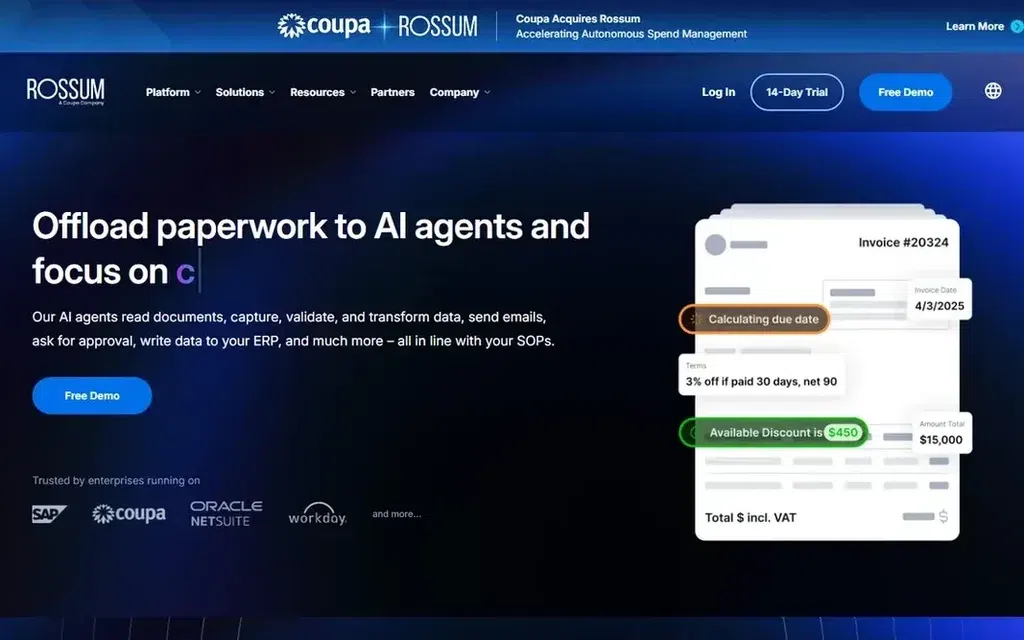
Rossum makes the most sense for automating transactional document workflows. Rossum is an AI document processing option built to automate complicated transactional workflows, reducing manual tasks and improving accuracy and efficiency.
Trade-offs to know: Setup needs workflow planning.
It is not a general-purpose PDF editor, so teams needing everyday document editing should pair it with another tool. Entry price for Rossum: $18,000 per year. On free options: Free trial.
- Aims to cut manual tasks
- Cloud-based for distributed teams
- Narrower than general PDF editing
How we compared the tools
A buyer's checklist
- Get a written quote from Hyperscience, Amazon Textract and Adobe Acrobat Pro; the list shows no starting price for them.
- Take the trial from ABBYY FineReader PDF and Rossum and push a live task through it before you pay.
- Before choosing Hyperscience, weigh its main limit: aimed at bigger organizations.
- Involve the people who will use Amazon Textract daily; a short pilot beats a long feature checklist.
- Confirm that Hyperscience connects to the apps your team already uses, on the plan you would actually buy.
FAQ
Is Hyperscience the right pick for everyone comparing OCR software for remote teams?
No single tool suits every team. Hyperscience comes first because it fits enterprise document process automation, while Amazon Textract suits developers extracting text and tables and ABBYY FineReader PDF suits accurate conversion and PDF collaboration. Match the tool to your own size, budget and workflow before deciding.
How are the tools for OCR software for remote teams ordered?
The order follows typical fit for OCR software for remote teams, with Hyperscience first and Rossum last, then price clarity and free access. It is editorial judgement, not a score, so another team could rank the tools differently.
What is the cheapest option for OCR software for remote teams in this list?
On published monthly entry prices, ABBYY FineReader PDF is the lowest here at $16 per month. Entry price is only part of the cost, because seats, add-ons and billing terms can change the total. Prices, free plan details and limits for all 5 tools in this OCR software for remote teams roundup sit on the individual cards above.
How do I compare OCR accuracy between tools?
Run the same sample set of your scanned documents and forms through each candidate and compare the extracted text and fields. Vendor pages describe capabilities, but your own documents are the most relevant test.
What should remote teams look for in OCR software?
Look for steady text recognition on your actual document types, simple sharing across locations, and integration with the storage and workflow tools your team uses. On top of that, teams with technical resources should also weigh API access for automating extraction.
Can I try these tools before paying?
Often, yes. ABBYY FineReader PDF and Rossum offer a free trial. Use your own data and a real task during the test, and check what the free tier or trial limits before you rely on it.
Sources
- https://www.hyperscience.com
- https://aws.amazon.com/textract
- https://www.abbyy.com/finereader
- https://www.adobe.com/acrobat/acrobat-pro.html
- https://rossum.ai