Best PDF Summarizer Tool in 2026: 9 Tools Compared
Compare the best pdf summarizer tool in 2026, with chat, citations, and page limits, to turn long PDFs into clear, checkable summaries for work, in our guide.

- Editor's choice
 ChatPDF
Fast chat and summaries
Starts atSee websiteVisit chatpdf.comFull review - Great alternative
 Humata
Cited answers across files
Starts atSee websiteVisit humata.aiFull review - Also consider
 Smallpdf AI
Everyday PDF work plus AI summaries
Starts atSee websiteVisit smallpdf.comFull review
TL;DR:
- The best PDF summarizer tool for you depends on whether you need a quick summary, cited answers, or work across many files.
- Cited answers matter for research, contracts, and reports, because you can check a claim against the original page.
- Free tiers usually limit pages, files per day, or file size, so check those limits before you rely on a tool for a deadline.
- Never upload sensitive, legal, or medical PDFs without checking the tool's retention, deletion, and training policies first.
Quick comparison
| Tool | Best for | Starts at | Free plan? | |
|---|---|---|---|---|
| ChatPDF | Fast chat and summaries | See website | Yes | Visit |
| Humata | Cited answers across files | See website | Yes | Visit |
| Smallpdf AI | Everyday PDF work plus AI summaries | See website | Yes | Visit |
 Adobe Acrobat AI Assistant | Summaries inside Acrobat | See website | Free trial | Visit |
 AskYourPDF | Large documents and multi-file chat | See website | Yes | Visit |
 Scholarcy | Academic papers and flashcards | See website | Yes | Visit |
 QuillBot Summarizer | Adjustable summaries for editing | See website | Yes | Visit |
 NotebookLM | Research notes from many sources | Free | Yes | Visit |
 PDF.ai | Simple chat with PDFs | See website | Yes | Visit |
The best pdf summarizer tool
We compared official feature pages, pricing pages, app store listings, privacy policies, and public reviews, with a focus on summary quality, citations, page limits, and data handling.

ChatPDF is the simplest way to get a summary and then ask follow-up questions. Upload a PDF, get an overview, and ask for a shorter version, a bullet list, or an explanation of a specific section. The side-by-side view helps you check answers against the original text, which is useful for study and work reports. The free tier limits how many files you can process per day, so heavy users need a paid plan. Summaries can also miss nuance in dense legal or technical text, so verify numbers, dates, and obligations in the original. For quick, low friction summaries, ChatPDF is a strong first pick.
- Simple upload and chat workflow
- Summaries with source references
- Supports scanned PDFs with OCR on paid plans
- Free tier limits files per day
- Long or complex documents need careful checking
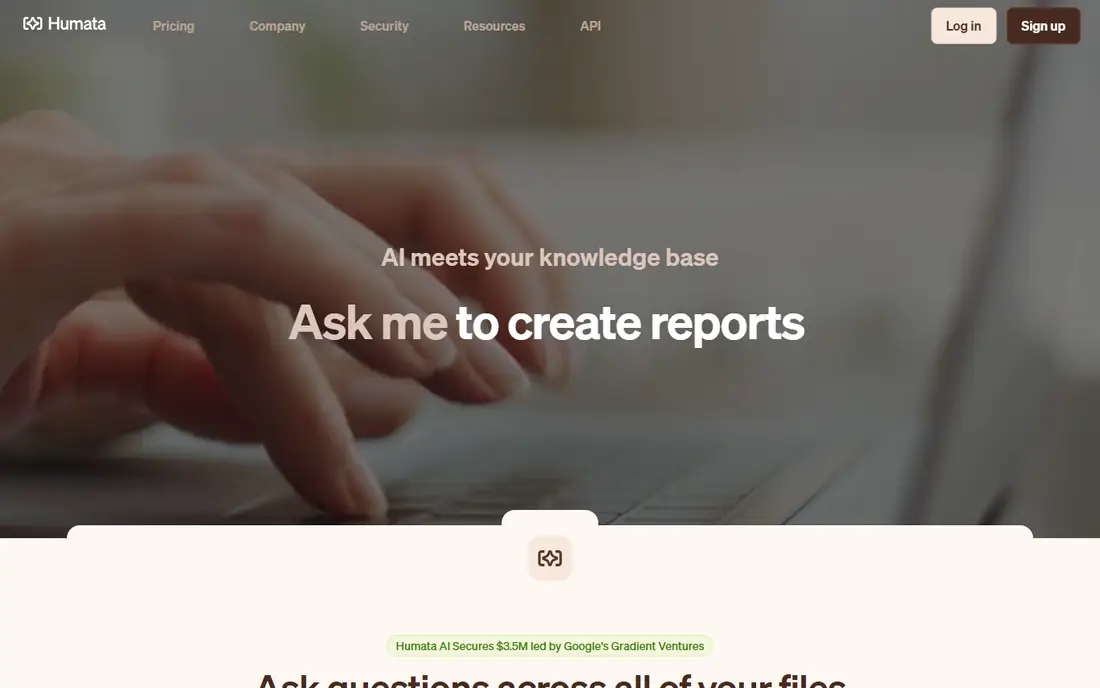
Humata suits researchers and teams who need answers they can trace. You can ask a question across one or many files, and Humata points back to the source passages, which makes checking faster than reading a whole report again. Team features let groups share document collections with permissions, which helps in a work setting. The free tier has a monthly page limit, so large research projects will need a paid plan. Humata also works best with clean, text-based PDFs, and scanned pages may need OCR first. If citations and multi-file work matter, Humata is worth a trial.
- Cited answers linked to source text
- Multi-file analysis on paid plans
- Team data rooms for shared documents
- Free tier limits pages per month
- Best features need a paid plan
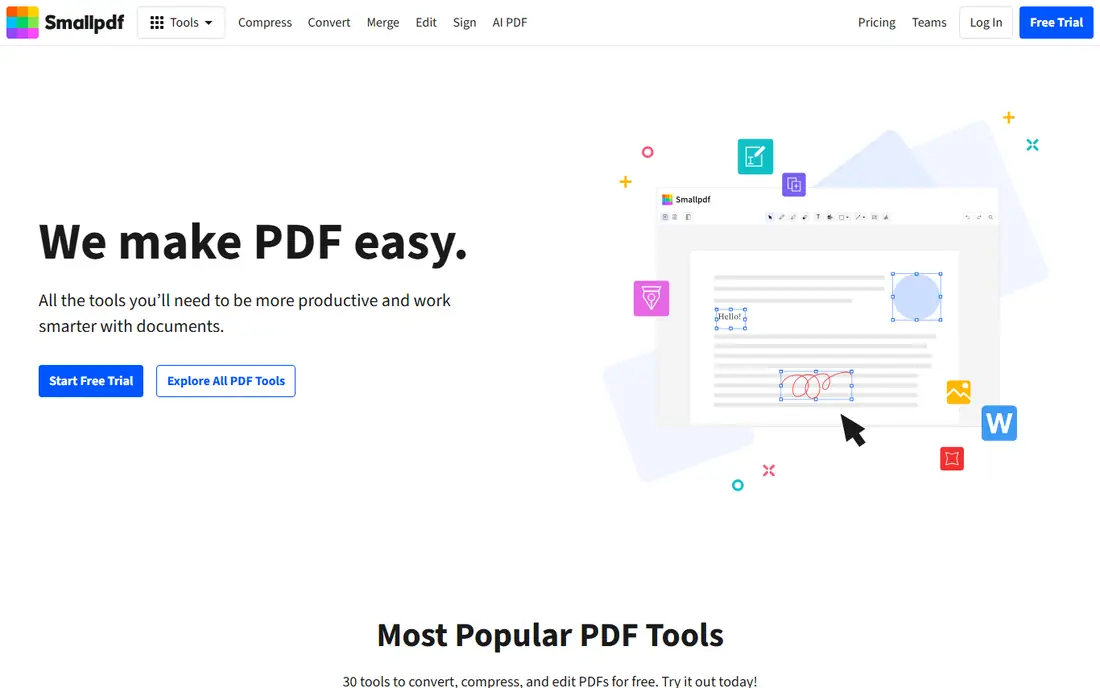
Smallpdf AI fits users who already use Smallpdf for everyday PDF tasks. You can summarize a document, then compress, convert, or sign it without switching tools. That all-in-one workflow suits office work, where a summary is one step in a larger task, not the whole job. It is not as deep as Humata or Scholarcy for research, and free AI use is limited. If you need a summary plus practical PDF editing in one subscription, Smallpdf AI is a sensible choice. If you need cited research answers, use a specialist tool alongside it.
- AI summaries inside a full PDF toolset
- Convert, compress, edit, and sign in one place
- Simple interface
- Free AI use is limited
- Deep research features are thinner than specialist tools
Adobe Acrobat AI Assistant brings summaries into the PDF reader many professionals already use. You can ask questions, get cited summaries, and compare documents without exporting files to another service. For contracts and reports, that in-place workflow reduces copying and version confusion. The cost is the catch. AI Assistant is an add-on or part of higher Acrobat tiers, so it is not a cheap standalone summarizer. If you already pay for Acrobat, adding AI Assistant makes sense. If you do not, a standalone tool will cost less for summaries alone.
- Cited summaries inside Acrobat
- Contract and document analysis features
- Audio overviews on some plans
- Needs an Acrobat subscription or add-on
- Best value comes if you already use Acrobat
AskYourPDF suits users with long reports, manuals, or research sets. It supports large files, OCR for scans, and chat across multiple documents, plus a browser extension for quick access. That mix helps when a question spans several PDFs, such as a policy manual split into chapters. The interface is more functional than elegant, and plan limits need checking before a large project. For users who value capacity and multi-file chat over polish, AskYourPDF is a practical pick, and its free tier lets you test it with a real document.
- Handles large documents
- Multi-document chat and browser extension
- OCR support for scanned files
- Interface is more functional than polished
- Pricing and limits vary by plan
Scholarcy is built for academic reading. It breaks a paper into sections, pulls out key findings, and creates flashcards and a bibliography, which helps students and researchers work through many papers. That structure is more useful than a single paragraph summary when you need to compare studies. It is less suited to contracts, manuals, or business reports, where a general chat tool fits better. Free uploads are limited, so regular research use needs a paid plan. For academic work, Scholarcy earns its place here on structure alone.
- Structured summaries for academic papers
- Flashcards and key findings
- Reference and bibliography tools
- Focus is academic, not general business PDFs
- Free uploads are limited
QuillBot Summarizer suits writers and editors who want control over summary length. You can choose paragraph or key-sentence mode, adjust length, and then use QuillBot paraphrasing tools to rewrite the result for your own draft. That workflow fits essays, reports, and study notes. It does not offer the same cited, multi-file Q and A as Humata or ChatPDF, and free plans limit words per summary. If your goal is a clean, adjustable summary you can edit, QuillBot is a good pick. If you need to interrogate a document, use a chat-based tool instead.
- Adjustable summary length and mode
- Works with text and document uploads
- Paraphrasing tools in the same suite
- Less cited Q and A than specialist PDF tools
- Word limits on free plans
NotebookLM, from Google, lets you build a notebook from PDFs and other sources, then ask questions, get summaries, and create study guides grounded in those sources. It is free to use with a Google account, and it handles many sources at once, which suits research, coursework, and long reports. Audio overviews can turn a dense set into a listenable briefing. It is not a PDF editor, and it does not replace a specialist summarizer for single-file chat in every case. Outputs still need checking, especially for numbers and quotes. For multi-source research on a budget, NotebookLM is hard to beat, and its free tier is generous compared with many rivals.
- Grounds answers in your uploaded sources
- Supports PDFs and other source types
- Audio overviews and study guides
- Not a standalone PDF editor
- Output needs checking against sources
PDF.ai offers a clean, simple way to chat with a PDF without a steep learning curve. Upload a file, ask questions, and get answers with references to the source. Folders help you organize documents by project, and a Chrome extension makes it easy to open a PDF from the web and start asking questions. Free use is limited by documents and questions, so regular users need a paid plan. It does not have the same team or research depth as Humata, but for a single user who wants a simple chat summarizer, PDF.ai is a pleasant and effective choice.
- Simple chat interface for PDFs
- Chrome extension for quick access
- Folders for organizing documents
- Free tier limits documents and questions
- Advanced features need a paid plan
How we picked these
We compared official feature pages, pricing pages, app store listings, privacy policies, and public reviews, and we favored tools with clear summary controls, cited answers where claimed, and transparent page or file limits. We also checked data handling, because PDF summarizers often process sensitive documents. Tools that only paraphrase text without PDF chat or citations were ranked lower, unless they offered a clear editing advantage.
How to get a summary you can trust
A summary is a starting point, not a source. Use it to find the sections that matter, then read those sections in the original before you quote, decide, or submit work. That habit protects you from missed negations, wrong numbers, and oversimplified conclusions, which are the most common errors in AI summaries.
Choose the right summary type
For a quick overview, ask for a short paragraph and a bullet list of key points. For research, ask for a structured summary with sections, methods, and findings, plus citations. For a contract or report, ask targeted questions, such as what are the deadlines, fees, and termination terms, rather than relying on a generic summary alone.
Check the risky parts yourself
Always verify numbers, dates, names, definitions, and any sentence with not, except, or unless, because those are easy for a model to flip. If a summary gives a figure, find it in the original and note the page. If a claim has no citation, treat it as unverified until you find it yourself.
Protect sensitive documents
Before you upload a confidential PDF, check how long the tool keeps files, whether you can delete them, and whether uploads are used for training. For highly sensitive material, use a tool with clear deletion controls, or summarize locally with a desktop PDF tool instead. Never upload a document you do not have the right to share.
FAQ
What is the best pdf summarizer tool?
ChatPDF is a strong all-round pick for fast summaries and chat, while Humata suits cited, multi-file research. Adobe Acrobat AI Assistant suits users already in Acrobat, and NotebookLM suits multi-source research for free. The best tool depends on whether you need a quick summary, cited answers, or editing control.
What are the best pdf summarizer tools for students?
ChatPDF, Scholarcy, and NotebookLM suit students, because they offer free tiers, summaries, and study tools such as flashcards or grounded Q and A. Scholarcy fits academic papers, while NotebookLM fits research across many sources. Check free page and upload limits before a deadline week.
What is the best pdf summarizer app for research?
Humata and NotebookLM are strong for research, because they ground answers in sources and handle multiple files. Scholarcy adds structured academic summaries and flashcards. For any research use, verify citations in the original PDF before you cite a finding in your own work.
Is there a free PDF summarizer?
Yes, ChatPDF, Humata, Smallpdf AI, AskYourPDF, QuillBot, NotebookLM, and PDF.ai all offer free tiers, with limits on pages, files, or questions. NotebookLM is free with a Google account, while others limit free use more tightly. Test the free tier with a real document to see if the limits fit your workload.
Can a PDF summarizer handle scanned PDFs?
Some tools can, using OCR, including ChatPDF and AskYourPDF on paid plans, and Adobe Acrobat AI Assistant. Scanned quality matters, so use a clean, high-contrast scan and check numbers and tables against the original. Poor scans can produce errors that a summary will hide.
Are PDF summarizers safe for private documents?
They can be safe when the tool offers clear retention, deletion, and training controls, and when you avoid uploading highly sensitive material. Read the privacy policy before you upload legal, medical, or financial PDFs, and delete files after use where the tool allows it. For very sensitive work, a desktop tool may be safer.