Top 5 OCR AI Software for Financial Documents for 2026 (Prices and Free Plans)
Best OCR AI software for financial documents in 2026: 5 tools with starting prices, free plans and limits. The weak spots sit next to the strengths. No filler.
- Editor's choice
 Hyperscience
Enterprise document process automation
Starts atSee websiteVisit hyperscience.comFull review - Great alternative
 Rossum
Transactional document workflows
Starts at$18,000 per yearVisit rossum.aiFull review - Also consider
 ABBYY FineReader PDF
OCR plus everyday PDF editing
Starts at$16 a monthVisit abbyy.comFull review
Direct answer
Hyperscience comes first here, mainly for enterprise document process automation. Listed starting prices: Rossum from $18,000 per year and ABBYY FineReader PDF from $16 a month. Alternatives: Rossum for transactional document workflows, and ABBYY FineReader PDF for OCR plus everyday PDF editing. The full list of 5 tools follows, with prices and free plan facts.
TL;DR:
- This list starts with Hyperscience, which is built for enterprise document process automation.
- Amazon Textract suits developer OCR for forms and tables.
- The main caution on ABBYY FineReader PDF: desktop-centric for plenty of tasks.
- The cheapest monthly starting price in the list is $16 per month, offered by ABBYY FineReader PDF.
Last checked November 2026. Prices and plan details were read from the vendors' own pages in November 2026; vendors change plans often, so confirm the current price on the vendor site before you buy.
Quick comparison
| Tool | Best for | Starts at | Free plan? | |
|---|---|---|---|---|
| Hyperscience | Enterprise document process automation | See website | Not stated | Visit |
| Rossum | Transactional document workflows | $18,000 per year | Free trial | Visit |
| ABBYY FineReader PDF | OCR plus everyday PDF editing | $16 a month | Free trial | Visit |
 Docsumo | Extracting and cross-checking financial forms | See website | Yes | Visit |
 Amazon Textract | Developer OCR for forms and tables | See website | Not stated | Visit |
OCR AI Software for Financial Documents compared in detail
If you are comparing OCR AI software for financial documents, this page covers 5 tools in one place: what each is best for, what it costs to start, whether it has a free plan, and the main limit to know about.
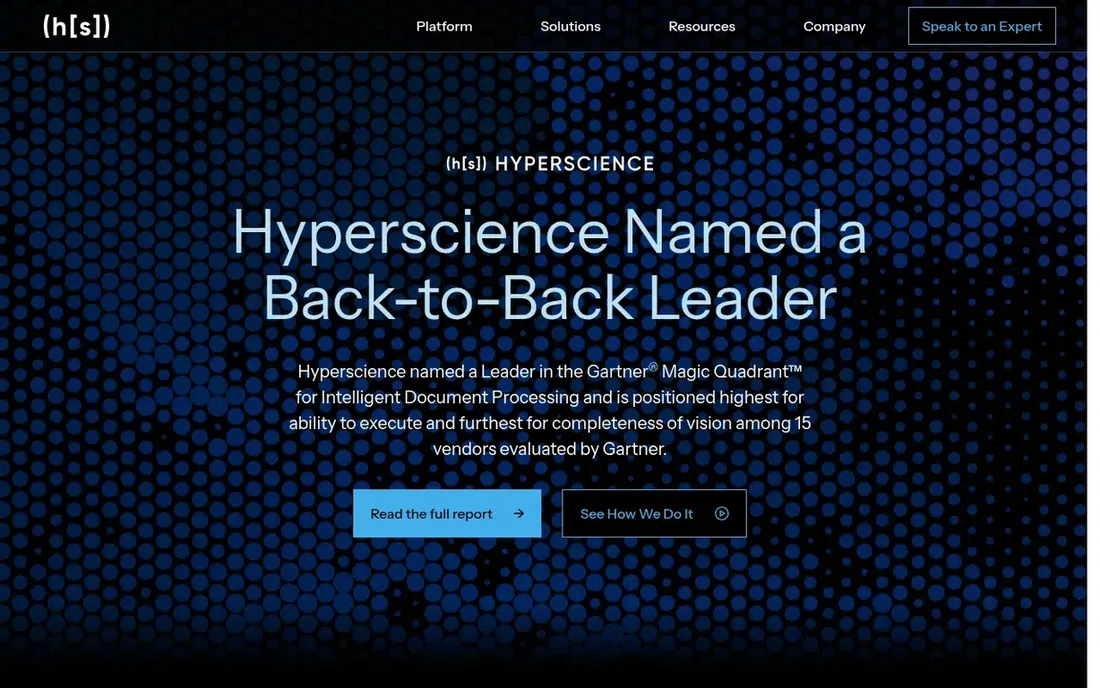
Hyperscience targets enterprise document process automation. Consider Hyperscience when the priority is automating document workflows across an organization instead of processing individual files. Worth adding: Hyperscience presents itself as an enterprise AI system that automates document processes and converts unstructured content into structured, actionable data.
Points against: Less suited to small ad hoc tasks.
Its enterprise orientation means smaller teams or one-off OCR needs may find it heavier than necessary. If you chiefly want to open and edit a PDF, a desktop editor is more straightforward. Hyperscience shows no starting price here, so confirm the cost on the vendor site. Free options: Not stated.
Main advantages: Geared toward enterprise scale.
- Automates document processes
- Turns unstructured content into structured data
- Enterprise-focused deployment
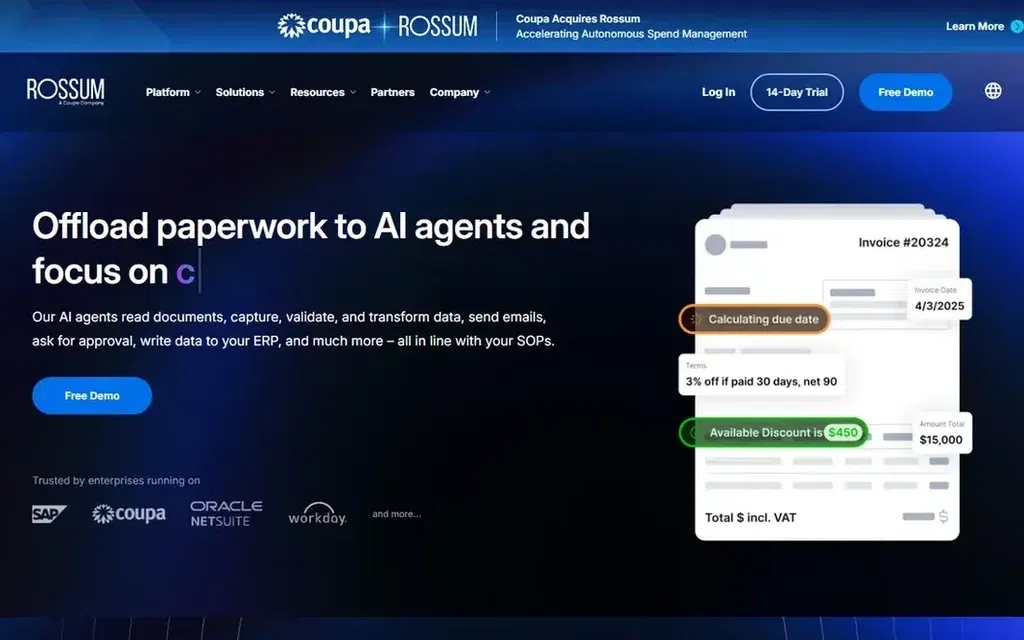
Where Rossum fits: transactional document workflows. Rossum gives you AI document processing targeted at automating complicated transactional workflows, with the stated goals of reducing manual tasks, increasing accuracy and driving efficiency. Beyond that, if your needs lean toward editing PDFs or custom model building, Rossum's transactional emphasis may not handle everything.
Points against: Not a general PDF editor.
It is best treated as a workflow automation tool, so pair it with an editor or cloud service for other tasks. In practice, for finance operations that deal with recurring transactional documents, this focus on workflow automation is the central draw instead of general-purpose document editing. Pick it when transactional document handling is the core problem. Entry price for Rossum: $18,000 per year. Free access: Free trial.
- Aims to reduce manual tasks
- AI document processing
- Concentrated on transactional use cases
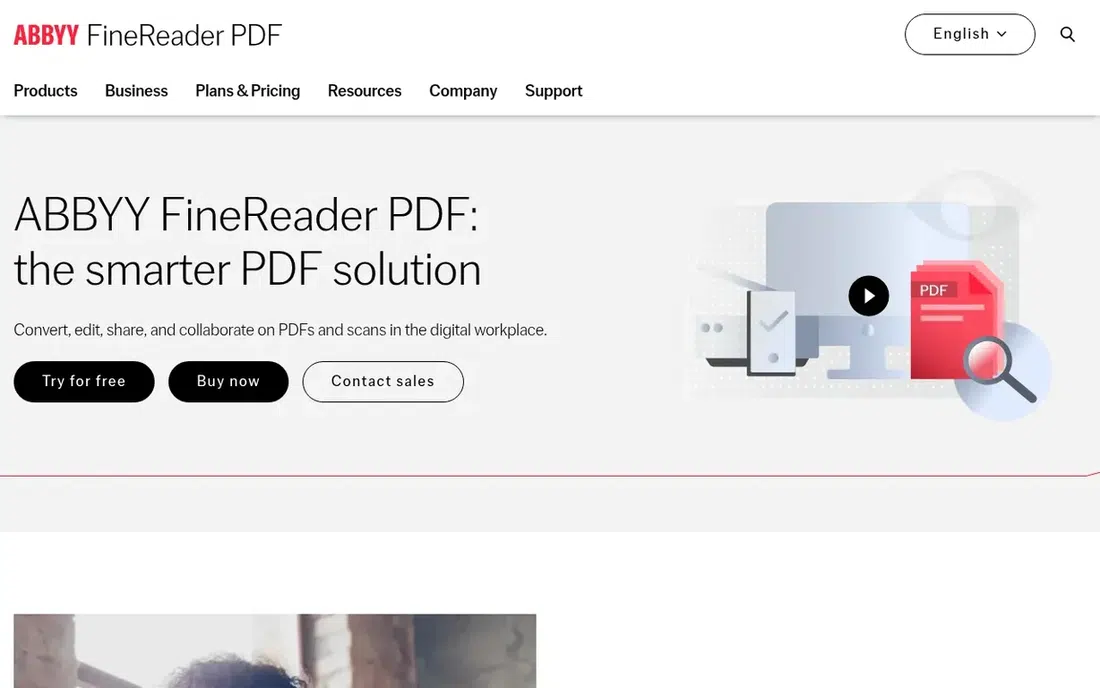
In short, ABBYY FineReader PDF is for OCR plus everyday PDF editing. For finance teams that require to read scanned statements or reports and then work with the content straight, it keeps OCR and document editing in a single application instead of splitting them across tools.
Trade-offs to know: Less suited to high-volume automation.
Also, choose FineReader when people have to review and edit documents themselves. What you pay to start with ABBYY FineReader PDF: $16 per month. On free options: Free trial.
- Edit
- AI-based OCR technology
- Desktop-centric for numerous tasks
Choose Docsumo for extracting and cross-checking financial forms. Its strength in specific document types means it is not a general PDF editor, and unusual formats may need a different approach.
Check the vendor site for Docsumo pricing; none is listed in this comparison. A free plan is available with Docsumo.
Watch-outs: Most useful for defined document types.
- AI agents for document extraction
- Takes care of varied financial document types
- Narrower than full PDF editing suites
Amazon Textract is a good fit for developer OCR for forms and tables. For engineering teams building financial document pipelines, it provides programmatic extraction that can feed structured data into applications without manual handling of each file. It is a developer-facing service instead of a document editor, so business users wanting to open and revise PDFs will need something else.
As for the details, pick Textract when automatic extraction inside your own systems is the goal. Setup and integration effort should be expected. This comparison lists no price for Amazon Textract; ask the vendor. Free plan details: Not stated.
Trade-offs to know: Needs development work.
- Cloud service for automatic pipelines
- Manages scanned PDFs
- Not an end-user editing tool
How we built this list
Things to verify first
- Get a written quote from Hyperscience, Docsumo and Amazon Textract; the list shows no starting price for them.
- Test the free plan from Docsumo against your real workload before relying on it.
- Use real work to test the free trial from Rossum and ABBYY FineReader PDF, rather than a demo project.
- Before choosing Hyperscience, weigh its main limit: enterprise-focused deployment.
- Check whether Amazon Textract bills monthly or annually, and what cancelling early costs.
- Confirm you can export your data from Docsumo, so leaving later does not mean losing records.
FAQ
Do these tools publish their prices?
Not all of them. Hyperscience, Docsumo and Amazon Textract publish no starting price, so expect a quote request for those. The rest, Rossum included, show a starting price, though seats and billing terms still change the final cost.
Is Hyperscience the right pick for everyone comparing OCR AI software for financial documents?
No single tool suits every team. Hyperscience comes first because it fits enterprise document process automation, while Rossum suits transactional document workflows and ABBYY FineReader PDF suits OCR plus everyday PDF editing. Match the tool to your own size, budget and workflow before deciding.
Can these tools cross-check extracted data?
Some vendors describe verification features; Docsumo, for instance, mentions AI agents that extract and cross-check certain financial documents. For others, cross-checking is generally built into your own workflow, so confirm capabilities on the vendor site.
What is the cheapest option for OCR AI software for financial documents in this list?
On published monthly entry prices, ABBYY FineReader PDF is the lowest here at $16 per month. Entry price is only part of the cost, because seats, add-ons and billing terms can change the total. Prices, free plan details and limits for all 5 tools in this OCR AI software for financial documents roundup sit on the individual cards above.
Can I try these tools before paying?
Often, yes. Docsumo has a free plan and Rossum and ABBYY FineReader PDF offer a free trial. Use your own data and a real task during the test, and check what the free tier or trial limits before you rely on it.
Sources
- https://www.hyperscience.com
- https://rossum.ai
- https://www.abbyy.com/finereader
- https://www.docsumo.com
- https://aws.amazon.com/textract