Best OCR Software for Invoice Processing in 2026: 8 Tools Compared
Compare the best OCR software for invoice processing in 2026, from Rossum and Nanonets to ABBYY and Dext, with accuracy, automation, and pricing notes.
- Editor's choice
 Rossum
High-volume invoices
Starts atSee websiteVisit rossum.aiFull review - Great alternative
 Nanonets
Custom invoice models
Starts atSee websiteVisit nanonets.comFull review - Also consider
 ABBYY Vantage
Enterprise accuracy
Starts atSee websiteVisit abbyy.comFull review
TL;DR:
- Rossum and Nanonets suit teams that process many invoice formats, since they learn layouts and extract line items without fixed templates.
- ABBYY suits enterprises that need high accuracy, language support, and on-premises or private cloud options.
- Dext and Klippa suit small businesses and accountants that want simple receipt and invoice capture with accounting links.
- Docsumo and UiPath suit teams that already use document workflows or automation platforms and want invoice capture inside them.
- Accuracy depends on scan quality and invoice variety, so test each tool with your own invoices before you commit.
Quick comparison
| Tool | Best for | Starts at | Free plan? | |
|---|---|---|---|---|
| Rossum | High-volume invoices | See website | Free trial | Visit |
| Nanonets | Custom invoice models | See website | Free trial | Visit |
| ABBYY Vantage | Enterprise accuracy | See website | Free trial | Visit |
 Docsumo | Finance teams | See website | Free trial | Visit |
 Klippa | Simple capture | See website | Free trial | Visit |
 Dext Prepare | Accountants | See website | Free trial | Visit |
 UiPath Document Understanding | Automation teams | See website | Free trial | Visit |
 Microsoft AI Document Intelligence | Azure users | See website | No | Visit |
The best ocr software for invoice processing
The best tools for invoice processing with OCR do more than read text. They find vendor, date, total, tax, and line items, match them to purchase orders where possible, and send clean data to accounting software. That extraction quality matters more than raw text reading, because a tool that misreads totals creates extra checking work. This list covers high-volume platforms, enterprise tools, and simple capture apps for small teams.
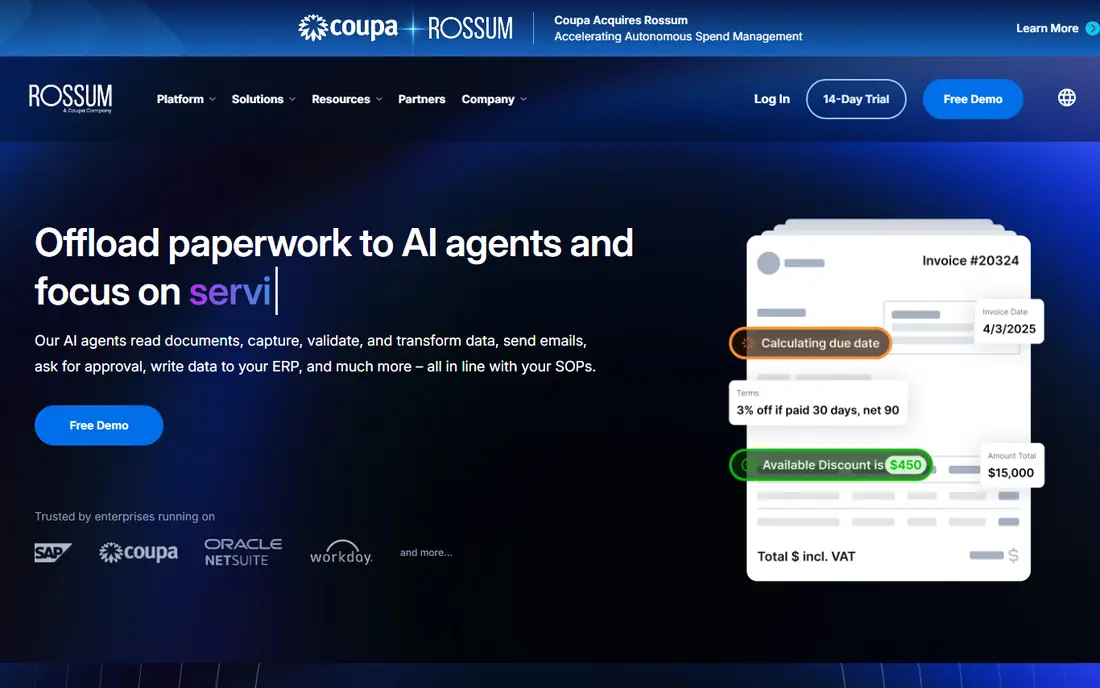
Rossum uses AI to read invoices in many layouts, which helps accounts payable teams that receive invoices from hundreds of vendors. Instead of building a template for each vendor, Rossum learns field positions and line items from examples, then flags low-confidence fields for human review. That approach cuts manual keying for high-volume teams and keeps a clear audit trail for each document. Integrations send approved data to ERPs and accounting tools.
The trade-off is implementation. Pricing is quote-based, and a team must validate accuracy on its own invoices before full rollout. Smaller teams with a few dozen invoices a month may not need Rossum depth and may prefer Dext or Klippa. For a finance team processing hundreds or thousands of invoices monthly, Rossum is a strong first test.
- Learns new invoice layouts without fixed templates
- Line item extraction
- Accounting and ERP integrations
- Pricing is quote-based
- Setup and validation take time
- Smaller teams may find it heavy
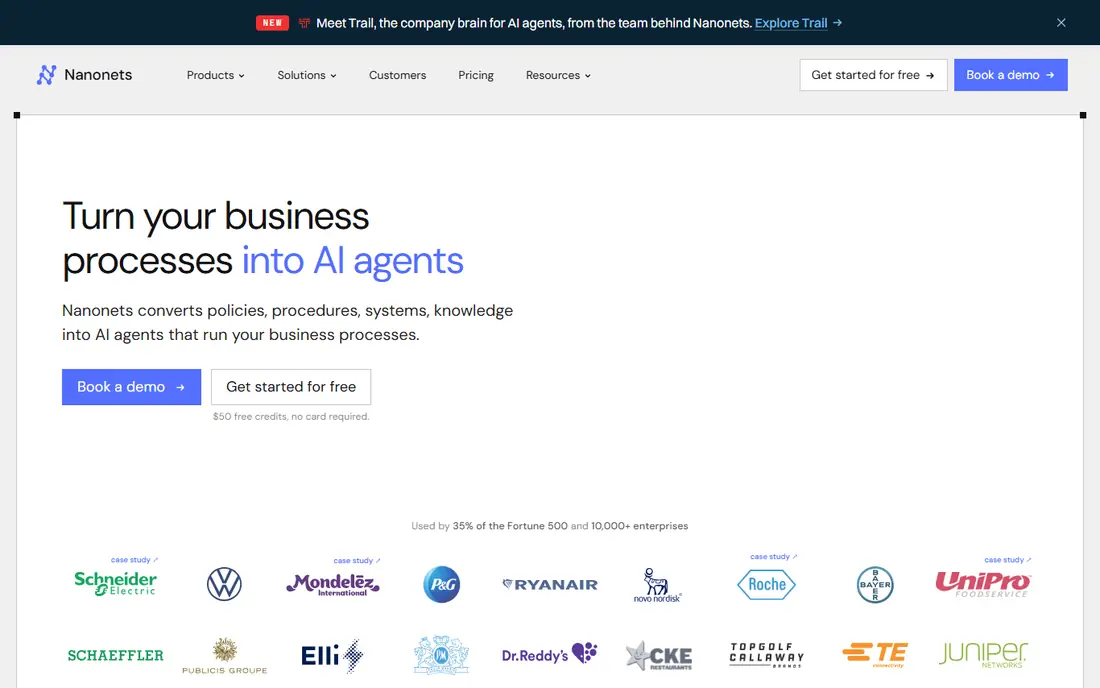
Nanonets lets teams build custom OCR models for invoices, receipts, and other documents, with a prebuilt invoice model for a fast start. Finance teams can train a model on their own invoice formats, add fields for tax or cost codes, and send results through an API to accounting or ERP systems. That flexibility suits companies with unusual invoice layouts or extra fields that standard tools miss.
Custom models need good training data. A team must supply varied example invoices and check accuracy on new formats, or the model will repeat errors. Pricing varies by volume and features, so a high-volume team should get a quote based on monthly pages. For teams with developer help and varied invoices, Nanonets offers control that fixed-template tools do not.
- Custom models for invoice fields
- API for developers
- Prebuilt invoice model for fast start
- Model training needs example invoices
- Pricing varies by volume
- Support level varies by plan
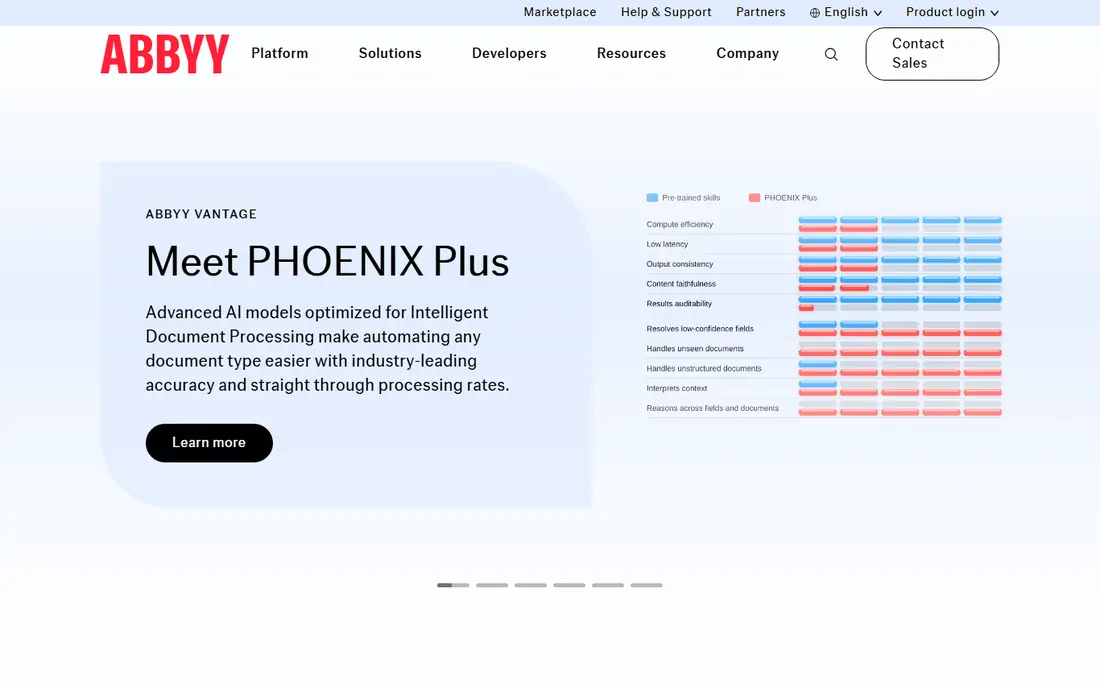
ABBYY has a long record in OCR, and Vantage brings that strength to invoice processing with document skills that extract fields, tables, and line items. Enterprises value its language support, accuracy on poor scans, and deployment options including private cloud and on-premises setups where data rules require them. It also fits teams that process many document types beyond invoices, since skills can cover forms, contracts, and IDs.
ABBYY is an enterprise tool in price and setup. Building skills, testing accuracy, and integrating with an ERP takes time and often partner help. A small business that only needs receipt capture should pick Dext or Klippa instead. A large finance or shared services team with strict accuracy and security needs should test ABBYY with its hardest invoices first.
- Strong OCR accuracy and language support
- Enterprise security and deployment options
- Document skills for invoices
- Enterprise pricing and setup
- Learning curve for skill building
- Overkill for a small business
Docsumo targets finance teams that want invoice capture plus approval workflows in one tool. Prebuilt models extract vendor, totals, tax, and line items, and users can review, approve, and send data to accounting systems. Table extraction helps with multi-line invoices that simple OCR tools often flatten into plain text. That workflow focus suits mid-size finance teams that need control as well as capture.
Pricing varies by document volume, so a team should quote based on monthly invoices and users. Integration depth also varies by ERP, so check your exact accounting system before you sign. For a finance team that wants capture plus approvals without building a custom platform, Docsumo is a practical option between simple capture apps and enterprise platforms.
- Prebuilt invoice and receipt models
- Table and line item extraction
- Approval workflows
- Pricing varies by volume
- Smaller brand than ABBYY or Rossum
- Integration depth varies by ERP
Klippa offers a straightforward route from invoice photo or email to accounting data. Users can scan with a mobile app, forward invoices by email, or upload files, and Klippa extracts key fields for review. Integrations send approved invoices to accounting tools, which suits small businesses, accountants, and teams that want capture without a large automation project. The interface stays simple for non-technical staff.
Klippa is less suited to a team that needs deep custom models or complex approval chains across many entities. Its strength is simple, reliable capture at a lower setup cost than Rossum or ABBYY. Small businesses and accounting firms that process a steady but modest invoice volume should test Klippa with their most common vendors first.
- Simple invoice and receipt capture
- Mobile and email intake
- Accounting integrations
- Less custom model depth than Nanonets
- Enterprise features are limited
- Pricing varies by volume
Dext Prepare, formerly Receipt Bank, is widely used by accountants and small businesses for receipt and invoice capture. Users photograph or email invoices, Dext extracts vendor, date, and totals, and the data flows to QuickBooks Online or Xero for coding and approval. That accounting link is why many firms standardise on Dext: it fits the workflow they already use for clients.
Pricing is often per client for firms, so costs grow with client count, and line item extraction depth varies by document quality and plan. Advanced automation and approval features sit on higher plans. For an accountant or small business already on QuickBooks or Xero, Dext is the simplest capture choice. For a large AP team with complex matching, Rossum or ABBYY may fit better.
- Very popular with accountants
- Receipt and invoice capture
- Links to QuickBooks and Xero
- Per-client pricing adds up for firms
- Line item depth varies by document
- Advanced automation needs higher plans
UiPath Document Understanding brings invoice OCR into the UiPath automation platform. A team can capture invoices from email, extract fields, validate them with human review where confidence is low, and post results to an ERP, all inside a UiPath workflow. That end-to-end flow suits shared services teams that already automate accounts payable and want invoice capture as one step in a larger process.
The catch is platform commitment. UiPath licensing, studio skills, and workflow design add cost and time, and a team without an automation program will find it heavy. It is not a simple capture app like Dext. For a company already running UiPath automations, adding Document Understanding for invoices is a natural step. For others, a standalone tool will be faster.
- Invoice capture inside UiPath automation
- Human review and validation tools
- ERP and email workflows
- Needs UiPath skills and licensing
- Setup time is higher
- Overkill without an automation program
Microsoft AI Document Intelligence, formerly Form Recognizer, offers a prebuilt invoice model through Azure AI services. Developers can call the API, extract vendor, totals, tax, and line items, and build the result into a custom accounts payable workflow. That API approach suits teams already on Azure that want invoice extraction inside their own apps, Power Automate flows, or ERP integrations.
It is not a ready-made AP app. A team must build intake, validation, approval, and posting around the API, or buy a partner app that uses it. Usage-based pricing also varies with page volume and model type. For an Azure team with developers, it is a flexible and well-supported extraction engine. For a finance team without developers, Rossum, Docsumo, or Dext will be faster to use.
- Prebuilt invoice model in Azure
- API for developers
- Strong Microsoft ecosystem links
- Needs developer work to build a full AP workflow
- Pricing is usage-based
- No standalone AP app
How we picked these
We compared official product pages, pricing pages, and documentation for OCR and document tools with a working invoice model in October 2026. We kept tools that extract invoice fields and line items, not just plain text, and that send data to accounting or ERP systems. We mixed high-volume AI platforms, enterprise tools, and simple capture apps so teams of different sizes have a fit. We did not claim hands-on testing, and we used See website where pricing is quote or usage-based.
How to test accuracy before you buy
Gather 50 to 100 real invoices covering your main vendors, poor scans, multi-page invoices, and varied tax formats. Run the same set through each shortlisted tool, and score field accuracy for vendor, date, total, tax, and line items separately. Check how the tool flags low-confidence fields and how fast a reviewer can fix them. A tool that reads clean invoices well but fails on your worst scans will create more work than it saves.
Matching, approvals, and posting
Extraction is only the first step. Check how each tool matches invoices to purchase orders, handles duplicates, routes approvals by amount or vendor, and posts to your ERP without manual rekeying. Confirm audit trails, user roles, and data retention, especially for tax and audit needs. A clean posting flow with clear error messages will save more time than a small accuracy gain on clean scans alone.
FAQ
What is the best OCR software for invoice processing?
Rossum and Nanonets suit high-volume teams with many invoice formats, while ABBYY suits enterprises that need accuracy and private deployment. Dext and Klippa suit small businesses and accountants that want simple capture with QuickBooks or Xero links. Test each tool with your own invoices before you choose.
What are the best tools for invoice processing with OCR for small businesses?
Dext Prepare and Klippa are the simplest picks for small businesses, since they offer mobile capture, email intake, and accounting links without a large project. Zoho and QuickBooks also offer basic capture, but Dext and Klippa focus on extraction quality for invoices and receipts.
How accurate is invoice OCR?
Accuracy varies by scan quality, invoice layout, and field type, with totals and vendor names usually easier than complex line items. AI tools such as Rossum, Nanonets, and ABBYY improve accuracy by learning layouts, but human review for low-confidence fields remains important. Always test with your own worst invoices, not just clean samples.
Can OCR software match invoices to purchase orders?
Many AP tools, including Rossum, Docsumo, and UiPath, support two-way or three-way matching to purchase orders and receipts, depending on plan and ERP. Simple capture apps such as Dext focus more on extraction and posting than deep matching. Check matching rules for your ERP before you sign.
Does invoice OCR work with QuickBooks and Xero?
Yes, Dext, Klippa, and several other tools on this list integrate with QuickBooks Online and Xero, and larger platforms support many ERPs. Confirm your exact accounting version and posting flow, since integration depth varies by tool and plan.
How much does invoice OCR software cost?
Pricing is usually quote-based or usage-based by document volume, with trials offered by most vendors on this list. Simple capture apps cost less than enterprise platforms such as ABBYY or Rossum. Get a quote based on your monthly invoice count, users, and ERP integration needs.
Sources
- https://rossum.ai/pricing/
- https://nanonets.com/pricing
- https://www.abbyy.com/vantage/
- https://www.docsumo.com/pricing/
- https://www.klippa.com/en/pricing/
- https://dext.com/pricing
- https://www.uipath.com/product/document-understanding
- https://azure.microsoft.com/en-us/products/ai-services/ai-document-intelligence