8 Best OCR Software for Invoices in 2026
Compare the best OCR software for invoices, with line-item extraction, total checks, accounting sync and pricing for small and large teams in 2026 now.
- Editor's choice
 Nanonets
Pay-as-you-go invoice extraction
Starts at$0.30 per pageVisit nanonets.comFull review - Great alternative
 Docsumo
Extraction with review workflow
Starts at$179 per monthVisit docsumo.comFull review - Also consider
 Veryfi
Real-time OCR API with free tier
Starts at$500 per monthVisit veryfi.comFull review
TL;DR:
- The best invoice OCR software reads any vendor layout without templates, captures line items, and checks totals.
- Small businesses need accounting sync to QuickBooks or Xero, while developers need an API for custom workflows.
- Pay-per-page pricing suits irregular volume, while monthly plans suit steady invoice volume.
- Accuracy still needs a human review step, especially for handwritten notes, poor scans and unusual layouts.
- Security matters for invoices, so check data retention, access controls and privacy terms before uploading financial documents.
Quick comparison
| Tool | Best for | Starts at | Free plan? | |
|---|---|---|---|---|
| Nanonets | Pay-as-you-go invoice extraction | $0.30 per page | Free trial | Visit |
| Docsumo | Extraction with review workflow | $179 per month | Free trial | Visit |
| Veryfi | Real-time OCR API with free tier | $500 per month | Yes | Visit |
 Rossum | Enterprise AP automation at scale | See website | Free trial | Visit |
 ABBYY FineReader PDF | Enterprise document capture | See website | No | Visit |
 DocuClipper | Small business accounting sync | $29 per month | Free trial | Visit |
 Amazon Textract | AWS-native engineering teams | See website | Yes | Visit |
 Azure AI Document Intelligence | Microsoft-centered teams | See website | Yes | Visit |
The best OCR software for invoices
Invoice OCR turns a PDF, scan or photo into structured data, such as vendor name, invoice number, dates, subtotal, tax, total and line items. The best OCR tools for invoices do more than read text, because they also check that totals add up and send clean data to accounting software. The tools below cover small businesses, accountants and developers.
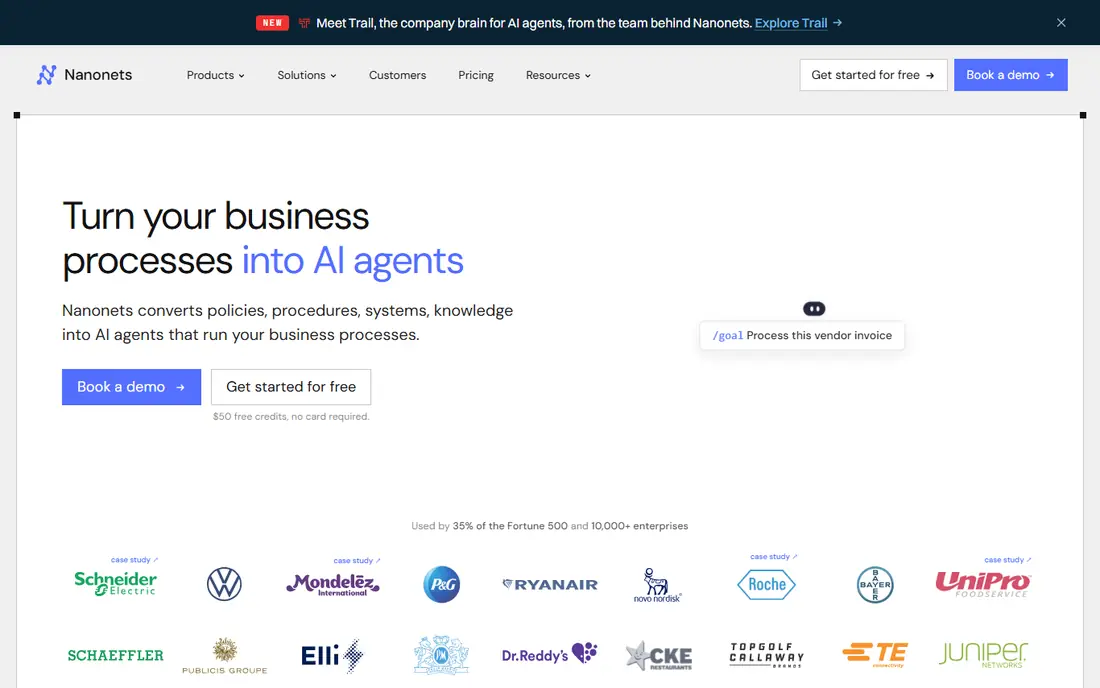
Nanonets is the most accessible entry point for invoice extraction. The Starter tier processes invoices at $0.30 per page in recent listings, with pre-trained models for invoices, receipts and IDs, and free credits to start without a card. For a team with low or irregular invoice volume, pay-as-you-go billing avoids paying a monthly fee in quiet months.
The pricing structure needs attention. Recent comparisons note a move toward block-based billing, where a typical invoice can consume several blocks, and Pro workflows are quoted around $999 per month in some listings. Run your real volume through the current pricing page before committing. For low, irregular volume, Nanonets remains a simple, flexible start.
- Pay-per-page Starter with no monthly commitment
- Pre-trained invoice, receipt and ID models
- Free credits to start without a card in listings
- Newer block-based pricing can complicate estimates
- Pro workflows are quoted much higher in listings
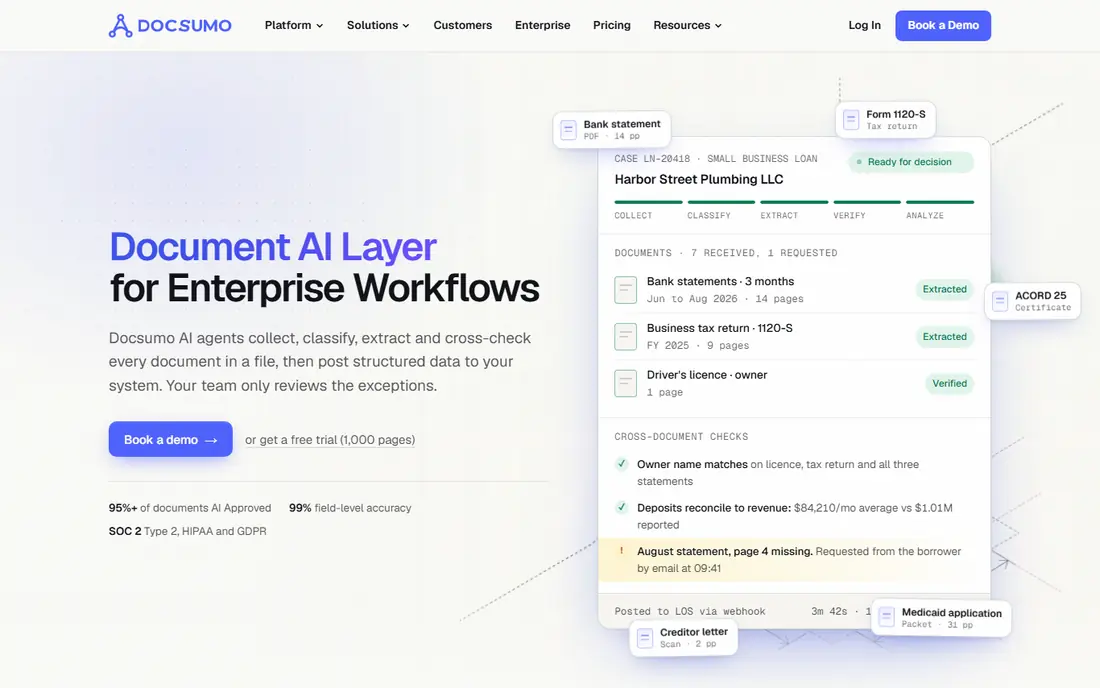
Docsumo pairs invoice extraction with a built-in review workflow, which suits finance teams that need a human check before data enters the books. Extracted fields can be reviewed, corrected and approved in the platform, rather than exported to a spreadsheet for manual checking. That workflow helps teams that handle varied vendor layouts and need an audit trail for corrections.
Pricing starts at $179 per month for 1,000 pages on the Starter plan in recent listings, with a 14-day trial. That is a step up from pay-per-page tools, but it fits a team with steady volume that values review and approval. Very small businesses with only a handful of invoices a month may prefer DocuClipper or Nanonets instead.
- Built-in review workflow for extracted data
- Pre-trained invoice models
- Good for teams that need human approval
- Starter plan is $179 per month for 1,000 pages in listings
- Less suited to very low volume
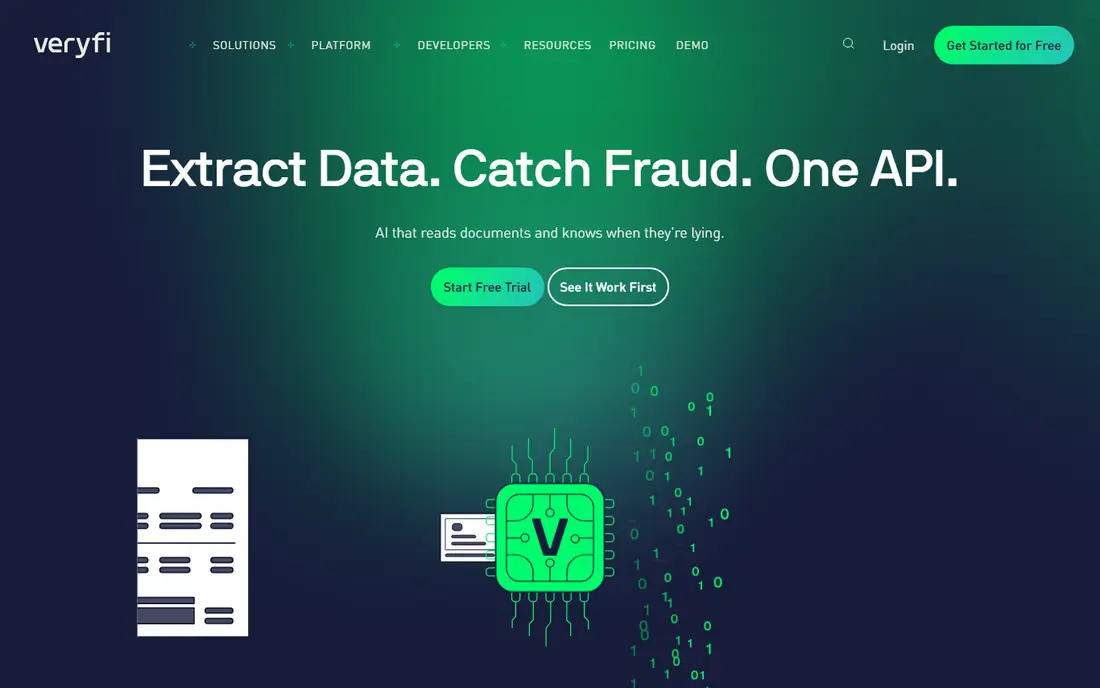
Veryfi is a developer-friendly OCR API built for real-time extraction from invoices, receipts and other documents. Apps can send a document and receive structured fields quickly, which suits expense apps, accounting tools and custom workflows that need instant results. A free plan with 100 documents per month in recent listings lets developers test without a paid commitment.
Paid pricing is higher than small business tools, with a Starter plan at $500 per month in recent listings. That makes Veryfi a developer and product-team pick, not a simple small business invoice tool. If you are building an app that needs invoice OCR, Veryfi offers speed and a real free tier. If you only need invoices in QuickBooks, DocuClipper below is simpler.
- Real-time OCR API for developers
- Genuine free plan with 100 documents per month in listings
- Fast extraction for apps and workflows
- Starter paid plan is $500 per month in listings
- API-first design needs developer time
Rossum is an enterprise AP automation platform with strong invoice OCR at its core. It handles high document variety and volume, with workflow orchestration for approvals, coding and exceptions. Companies with many vendors, complex layouts and large invoice counts use Rossum to reduce manual entry and keep AP moving without adding headcount at the same rate.
Pricing is quote-based, with a 14-day trial in recent listings, so budgeting requires a sales conversation. Implementation is heavier than a small business tool, because enterprise AP involves accounting systems, approval rules and exception handling. For a mid-size to large AP team, Rossum offers scale and control. For a small business, a simpler tool will launch faster.
- Strong handling of varied document layouts
- AP automation and workflow orchestration
- Built for high volume and variety
- Pricing is quote-based
- Implementation is heavier than small business tools
ABBYY FineReader PDF is a long-established document capture and OCR tool, used for scanned pages, PDFs and complex layouts. It offers strong character recognition across many languages, plus PDF editing, comparison and conversion features. For a team that needs general document OCR alongside invoice work, FineReader PDF covers more than invoices alone.
The limit is workflow focus. FineReader PDF is not a dedicated AP automation platform with invoice approval, coding and accounting sync built in, and pricing varies by plan in recent listings, with some citing $69.99 per year for a basic plan and others citing monthly rates. Choose ABBYY when document accuracy and PDF work matter broadly. Choose an invoice AP tool when accounting workflow is the main job.
- Long track record in document capture and OCR
- Strong accuracy on complex scanned pages
- PDF editing plus OCR in one tool
- Pricing is not a simple starter rate in listings
- Less invoice-workflow focused than AP platforms
DocuClipper is built for small businesses and accountants who want invoices in their books without building per-vendor templates. It captures header fields and line items, checks that totals add up, and syncs to QuickBooks Online and Xero, with exports to QuickBooks Desktop, Excel, CSV and JSON via API in recent listings. Email forwarding and cloud folder watching are included on relevant plans.
Pricing starts at $29 per month with a 14-day free trial and no credit card in recent listings, which makes it one of the most accessible accounting-focused options. Approval routing sits on Business and Enterprise plans, so larger AP teams may need a higher tier. For a small business that retypes invoices today, DocuClipper offers a clear, low-cost path to automation.
- Captures header fields and line items
- Checks every total
- Syncs to QuickBooks Online and Xero, plus Excel and CSV
- Approval routing needs Business and Enterprise plans
- Less API depth than developer OCR platforms
Amazon Textract is a managed AWS service that extracts text, forms, tables and structured data from documents, including invoice and expense analysis. For an engineering team already on AWS, Textract fits naturally into pipelines with S3, Lambda and other AWS services, with pay-as-you-go pricing per page. Recent listings cite $10 per 1,000 pages for AnalyzeExpense on the first 1 million pages, with a limited free tier.
Textract is not a ready AP product. A team needs developers to build upload, review, validation and accounting sync around it. That effort is worth it for a custom product or a large AWS-based workflow. A small business that wants invoices in QuickBooks without building software should choose DocuClipper, Nanonets or Docsumo instead.
- Managed OCR and structured extraction on AWS
- Form, table and expense analysis features
- Pay-as-you-go page pricing
- Needs AWS and developer setup
- No ready-made AP workflow out of the box
Azure AI Document Intelligence, formerly Form Recognizer, offers pre-built models for invoices, receipts and ID documents, plus custom model training for varied layouts. For a Microsoft-centered engineering team, it integrates with Azure storage, functions and data tools, with pay-as-you-go pricing per page and volume discounts in recent listings. Recent comparisons cite $10 per 1,000 pages for pre-built invoice and receipt models, with a limited free tier.
Like Textract, this is a developer platform, not a finished AP tool. A team must build review, validation and accounting connections around the API. For a custom Azure-based document workflow, that control is valuable. For a finance team that needs invoices posted to accounting software quickly, a dedicated invoice OCR product will be faster to deploy.
- Pre-built invoice and receipt models
- Managed service on Azure
- Pay-as-you-go page pricing with volume discounts
- Needs Azure and developer setup
- No ready-made AP workflow out of the box
How we picked these
We compared official feature pages, pricing pages, API documentation and public reviews, focusing on tools that extract invoice fields, line items and totals. We included small business tools, AP platforms and developer APIs, because invoice OCR buyers range from a solo bookkeeper to an enterprise engineering team. We noted where pricing is pay-per-page, monthly or quoted, and we favored tools with accounting sync or review workflows where relevant. We did not claim hands-on testing of every tool, and we recommend a trial with your real vendor invoices.
How to choose and test invoice OCR
Start with your most difficult invoices, not your cleanest ones. A tool that reads a clean PDF perfectly may struggle with a faded scan, a handwritten note, a multi-page invoice or a vendor with an unusual layout. Test a sample that includes your top ten vendors, plus a few problem documents, and measure field accuracy and total-check performance.
Check line items, totals and accounting sync
Header fields alone are not enough for most AP work. Confirm the tool captures line items, quantities, unit prices, tax and totals, and that it flags mismatches instead of posting bad data. Then check the accounting connection, whether that is QuickBooks, Xero, NetSuite or a CSV export, and test a full posting from upload to ledger entry.
Plan review and exception handling
Even good OCR needs review for exceptions. Look for a review queue, correction tools, approval routing and an audit trail, especially for larger teams. Decide who reviews low-confidence fields, how corrections feed back into accuracy, and how long documents and data are retained. A clear exception process prevents bad data from reaching your books.
Review security and retention
Invoices contain vendor, payment and business financial details. Check encryption, access controls, data residency, retention and deletion options, and whether the vendor uses your documents to train models. For regulated or sensitive AP work, get the vendor security and data processing terms in writing before uploading a full invoice history.
FAQ
What is the best OCR software for invoices?
The best OCR software for invoices depends on volume and workflow. DocuClipper fits small businesses that need QuickBooks or Xero sync, Nanonets fits pay-as-you-go extraction, Docsumo fits teams that need a review workflow, and Rossum fits enterprise AP at scale. Developers building apps should compare Veryfi, Amazon Textract and Azure AI Document Intelligence.
What are the best invoice OCR tools for small businesses?
For small businesses, DocuClipper at $29 per month and Nanonets at $0.30 per page are strong starting points, because both avoid enterprise pricing and implementation. DocuClipper is simpler for accounting sync, while Nanonets is more flexible for custom extraction. Test both with your real vendor invoices before choosing.
How accurate is invoice OCR?
Accuracy varies by scan quality, layout and vendor variety. Clean digital PDFs usually extract well, while faded scans, handwriting and unusual layouts need review. Good tools capture line items, check totals and flag low-confidence fields for human review. Always test with your own invoices, and keep a review step for payments.
Does invoice OCR work with QuickBooks and Xero?
Yes, several tools on this list sync to QuickBooks Online and Xero, including DocuClipper, and many AP platforms offer broader accounting integrations. Developer APIs like Textract and Azure Document Intelligence need custom integration work to post to accounting systems. Check your exact accounting version before buying.
How much does invoice OCR software cost?
Recent listings range from $0.30 per page for Nanonets Starter to $29 per month for DocuClipper, $179 per month for Docsumo Starter, and $500 per month for Veryfi Starter, with enterprise tools like Rossum quoted. Developer APIs use pay-per-page pricing, often around $10 per 1,000 pages for invoice models. Model cost at your real monthly invoice volume.
Do I still need to review invoices after OCR?
Yes, at least for exceptions and high-value invoices. OCR reduces manual typing, but it does not remove the need for approval, coding checks and total verification. A review queue for low-confidence fields and mismatched totals catches errors before they reach your books, and it improves accuracy over time.
Sources
- https://rankite.com/blog/best-ocr-software-for-invoice-processing
- https://thebusinessdive.com/ocr-software
- https://www.docuclipper.com/features/invoice-ocr/
- https://onymos.com/blog/best-ocr-software/
- https://rankite.com/blog/best-invoice-processing-software
- https://nanonets.com
- https://www.docsumo.com
- https://www.veryfi.com
- https://rossum.ai
- https://www.abbyy.com/finereader/
- https://www.docuclipper.com
- https://aws.amazon.com/textract/
- https://azure.microsoft.com/en-us/products/ai-services/ai-document-intelligence