Choosing Note-Taking Software for Medical Students in 2026: 6 Options Compared
Need the best Note-Taking software for medical students? We compare 6 tools on cost, free access and who each suits. Short verdicts, no fluff. No hype.
- Editor's choice
 Evernote
Capturing and prioritizing fast notes
Starts atSee websiteVisit evernote.comFull review - Great alternative
 GoodNotes
Handwritten notes and shared whiteboards
Starts at$11.99 per yearVisit goodnotes.comFull review - Also consider
 Notability
Handwriting with audio and AI study aids
Starts at$11.99 per yearVisit gingerlabs.comFull review
Direct answer
Start with Evernote if you need capturing and prioritizing fast notes. Listed starting prices: GoodNotes from $11.99 per year, Notability from $11.99 per year and Obsidian from $4 per user per month. GoodNotes fits handwritten notes and shared whiteboards; Notability fits handwriting with audio and AI study aids. All 6 tools are compared below on price, free plan and limits.
TL;DR:
- The list opens with Evernote, aimed at capturing and prioritizing fast notes.
- Anki comes with a trade-off: not a general note workspace.
- Free plans exist at 5 of 6 tools (Evernote, GoodNotes, Notability, Obsidian, Notion).
- The cheapest monthly starting price in the list is $4 per user per month, offered by Obsidian.
- Notion is the one to check for structured notes and study dashboards.
Last checked November 2026. Prices and plan details were read from the vendors' own pages in November 2026; vendors change plans often, so confirm the current price on the vendor site before you buy.
Quick comparison
| Tool | Best for | Starts at | Free plan? | |
|---|---|---|---|---|
| Evernote | Capturing and prioritizing fast notes | See website | Yes | Visit |
| GoodNotes | Handwritten notes and shared whiteboards | $11.99 per year | Yes | Visit |
| Notability | Handwriting with audio and AI study aids | $11.99 per year | Yes | Visit |
 Anki | Spaced repetition and memorization | See website | Not stated | Visit |
 Obsidian | Linked private knowledge base | $4 per user per month | Yes | Visit |
 Notion | Structured notes and study dashboards | $10 per member a month | Yes | Visit |
6 Note-Taking software for medical students in detail
LinkVetted put together this guide to Note-Taking software for medical students for readers who want a clear shortlist without reading every vendor page. It compares 6 tools on starting price, free plans, who each one suits and where each one falls short.
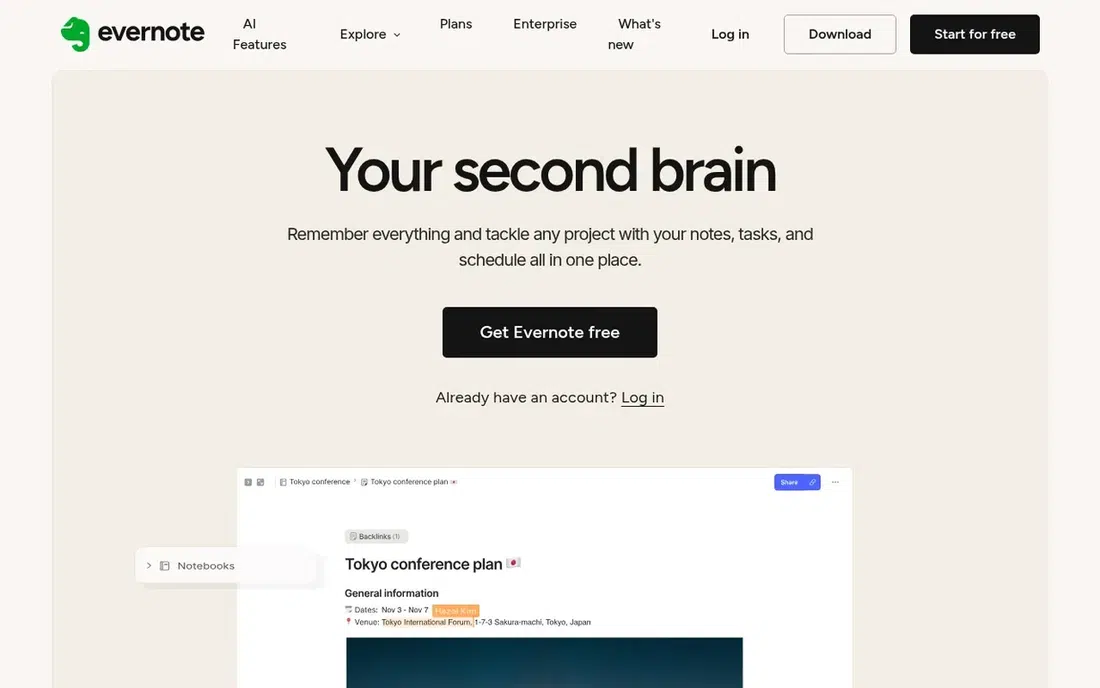
Evernote works best for capturing and prioritizing quick notes. Medical students can use it to clip articles, store reference material and keep task lists for assignments and rotations. In practice, Evernote is a note-taking app for capturing ideas, projects and to-do lists so nothing slips through.
Limits to weigh: Feature set has shifted over time.
From a buyer's view, Evernote is weaker for handwritten lecture notes and diagram-heavy study material. Its structure is more straightforward than database-driven tools, which limits elaborate study systems. Pricing for Evernote is not stated here, so ask the vendor for current figures. A free plan is available with Evernote.
- Search across saved material
- Web clipping and document capture
- Less suited to handwriting
GoodNotes works best for handwritten notes and shared whiteboards. GoodNotes is not a structured database, so organizing large volumes of typed reference material is less efficient.
Watch-outs: Restricted as a text database.
GoodNotes is a note-taking app that emphasizes bringing ideas to life through handwriting, collaboration and shared notes, whiteboards and text documents. For everyday use, medical students can annotate lecture slides, sketch diagrams and work through cases with classmates in live. Entry price for GoodNotes: $11.99 per year. GoodNotes includes a free tier.
- Live collaboration on shared notes
- Whiteboards and text documents supported
- Best experience needs a tablet
Notability is aimed squarely at handwriting with audio and AI study aids. Notability turns handwritten notes, audio and documents into AI-powered summaries, flashcards and quizzes.
Worth adding: Notability is built around tablet use, so desktop-heavy students may find it limiting. Starting cost for Notability: $11.99 per year. Notability includes a free tier.
Main advantages: audio and documents.
Drawbacks to consider: AI output needs your own review.
- Flashcards and quizzes
- Merges handwriting
- Tablet-centric workflow
Anki makes the most sense for spaced repetition and memorization. Anki is a program built to make remembering things simpler through flashcards and spaced repetition. Use it as a review companion, and keep notes in a workspace app if you need structure and search.
The main drawbacks: Steep ramp-up time for setup.
Anki is not aimed at writing lecture notes, organizing documents or collaborating on shared pages. In daily use, card creation and scheduling settings take time to learn. As for the details, for medical students facing anatomy, pharmacology and clinical facts, it is the specialist tool for daily review. This comparison lists no price for Anki; ask the vendor. On free options: Not stated.
- Takes care of large decks of facts
- Works across desktop and mobile
- Not a general note workspace
Obsidian works best for linked private knowledge base. Its linking model helps medical students link concepts across subjects, like physiology notes feeding into pathology and pharmacology.
Obsidian is text-first, so handwritten lecture capture and audio recording are not its strength. Plugins extend it, but that layers on setup time. Entry price for Obsidian: $4 per user per month. Obsidian offers a free plan.
Downsides: No built-in handwriting canvas.
- Links notes into a connected graph
- Local files you control
- Setup and plugins take effort
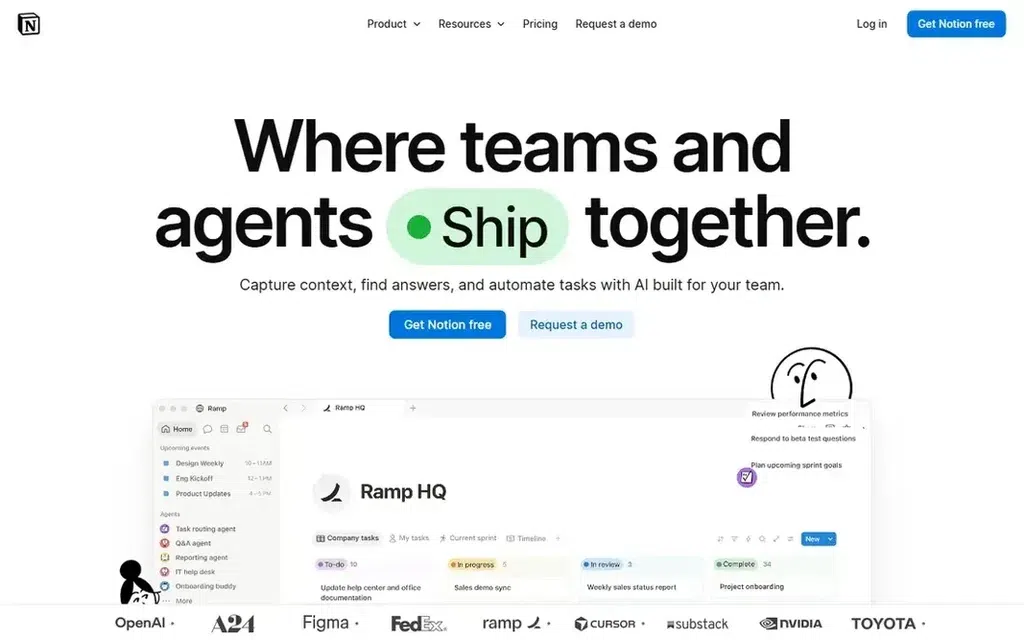
Notion is a good fit for structured notes and study dashboards. For medical students, that adaptability supports lecture notes, drug references, rotation logs and study schedules in one place.
Limits to weigh: Can feel complicated to set up.
In daily use, pick a more straightforward note app if you primarily want to write rapidly and review later. On cost, Notion starts like this: $10 per member per month. Notion has a free plan.
- Automation and AI features on the workspace
- Adaptable templates for study trackers
- Needs internet for full functionality
How the list was put together
Pricing pages, product documentation and feature lists were the main sources, and every entry carries at least one honest drawback. Seat minimums, billing terms and add-ons can move the real cost, so the starting prices here are a guide and not a quote. Tools are placed by general fit for Note-Taking software for medical students, with price clarity and free access as tie-breakers. A different team can reasonably rank them differently.
Before you commit
- Confirm the entry price on the vendor page. For Evernote and Anki that means a quote rather than a fixed price.
- Check what the free option really includes: Evernote, GoodNotes, Notability and others offer a free plan, and usage caps differ.
- Before choosing Evernote, weigh its main limit: less suited to handwriting.
- Involve the people who will use Obsidian daily; a short pilot beats a long feature checklist.
- Confirm the exact Notability plan that includes your must-have features.
FAQ
Do these tools publish their prices?
Not all of them. Evernote and Anki publish no starting price, so expect a quote request for those. The rest, GoodNotes included, show a starting price, though seats and billing terms still change the final cost.
Can I try these tools before paying?
Often, yes. Evernote, GoodNotes, Notability and others have a free plan. Use your own data and a real task during the test, and check what the free tier or trial limits before you rely on it.
Do medical students need both a note app and a flashcard app?
A workspace or handwriting app takes care of lecture notes, references and documents, whereas a spaced repetition tool takes care of daily memorization. Some tools now produce flashcards from notes, but dedicated review software normally gives you more control over scheduling.
What is the cheapest option for Note-Taking software for medical students in this list?
On published monthly entry prices, Obsidian is the lowest here at $4 per user per month. Entry price is only part of the cost, because seats, add-ons and billing terms can change the total. Each of the 6 options in this Note-Taking software for medical students guide has its own card above with the price, free plan and limits.
How are the tools for Note-Taking software for medical students ordered?
Evernote sits first and Notion last because the order follows typical fit for Note-Taking software for medical students, then price clarity and free access. It is a judgement call, so read each profile for fit and limits.
Sources
- https://evernote.com
- https://www.goodnotes.com
- https://www.gingerlabs.com
- https://apps.ankiweb.net
- https://obsidian.md
- https://www.notion.com