Choosing Network Monitoring Software for Therapists in 2026: 6 Options Compared
Best network monitoring software for therapists: 6 contenders ranked by fit, with entry costs and free tiers. Plus the drawbacks of each tool. Quick to scan.
- Editor's choice
 Zabbix
Open-source observability with in-house help
Starts at€50 per monthVisit zabbix.comFull review - Great alternative
 Auvik
Cloud-based network management
Starts atSee websiteVisit auvik.comFull review - Also consider
 Nagios XI
Self-hosted infrastructure monitoring
Starts atSee websiteVisit nagios.comFull review
Direct answer
If you need open-source observability with in-house help, Zabbix is the first tool to look at here. Listed starting prices: Zabbix from €50 per month. If your case is different, Auvik suits cloud-based network management and Nagios XI suits self-hosted infrastructure monitoring. Details, prices and limits for the rest of the 6 tools are below.
TL;DR:
- This list starts with Zabbix, which is built for open-source observability with in-house help.
- The main caution on Nagios XI: self-hosted install needs administration.
- For all-in-one infrastructure monitoring, PRTG Network Monitor is worth a look.
- No starting price is published for Auvik, Nagios XI, Datadog Network Monitoring and others; expect a quote.
Last checked November 2026. Prices and plan details were read from the vendors' own pages in November 2026; vendors change plans often, so confirm the current price on the vendor site before you buy.
Quick comparison
| Tool | Best for | Starts at | Free plan? | |
|---|---|---|---|---|
| Zabbix | Open-source observability with in-house help | €50 per month | Free trial | Visit |
| Auvik | Cloud-based network management | See website | Free trial | Visit |
| Nagios XI | Self-hosted infrastructure monitoring | See website | Not stated | Visit |
| Datadog Network Monitoring | Cloud and hybrid network visibility | See website | Not stated | Visit |
 SolarWinds Network Performance Monitor | Hybrid IT troubleshooting and control | See website | Not stated | Visit |
| PRTG Network Monitor | All-in-one infrastructure monitoring | See website | Not stated | Visit |
The 6 tools in detail
If you are comparing network monitoring software for therapists, this page covers 6 tools in one place: what each is best for, what it costs to start, whether it has a free plan, and the main limit to know about.
For open-source observability with in-house help, Zabbix is a natural candidate. Zabbix is an enterprise-class, open-source monitoring solution that makes network and application monitoring straightforward in concept.
Drawbacks to consider: No vendor-managed support model.
As for the details, open source means the practice carries the operational burden, from installation to upkeep, and that demands technical time. In practice, a clinic without that resource may prefer a vendor-supported product. Entry price for Zabbix: €50 per month. Free access: Free trial.
- Enterprise-class open-source option
- Self-managed and configurable
- Needs technical skill to run
Auvik is aimed squarely at cloud-based network management. Choose Auvik when distributed staff and cloud-delivered control are central to how the practice operates.
Limits to weigh: Cloud model relies on internet access.
Worth adding: therapy practices that support remote staff, several locations or a mix of in-office and home work can use it to see the network without hosting monitoring on site. This comparison lists no price for Auvik; ask the vendor. Trial and free access: Free trial.
What users get: Made for changing.
- Cloud-based management software
- True network visibility and control
- Pitched at managed network operations
Nagios XI works best for self-hosted infrastructure monitoring. It suits offices that prefer to host monitoring themselves and want one console handling infrastructure and applications together.
Watch-outs: Configuration can be in-depth.
A self-hosted install needs someone to run and maintain it, and configuration can be in-depth. No starting price is listed for Nagios XI here; confirm pricing on the vendor site. Free access: Not stated.
What users get: Single self-hosted install.
- Perpetual license model
- Applications and services
- Self-hosted install needs administration
Datadog Network Monitoring
Best for: Cloud and hybrid network visibility
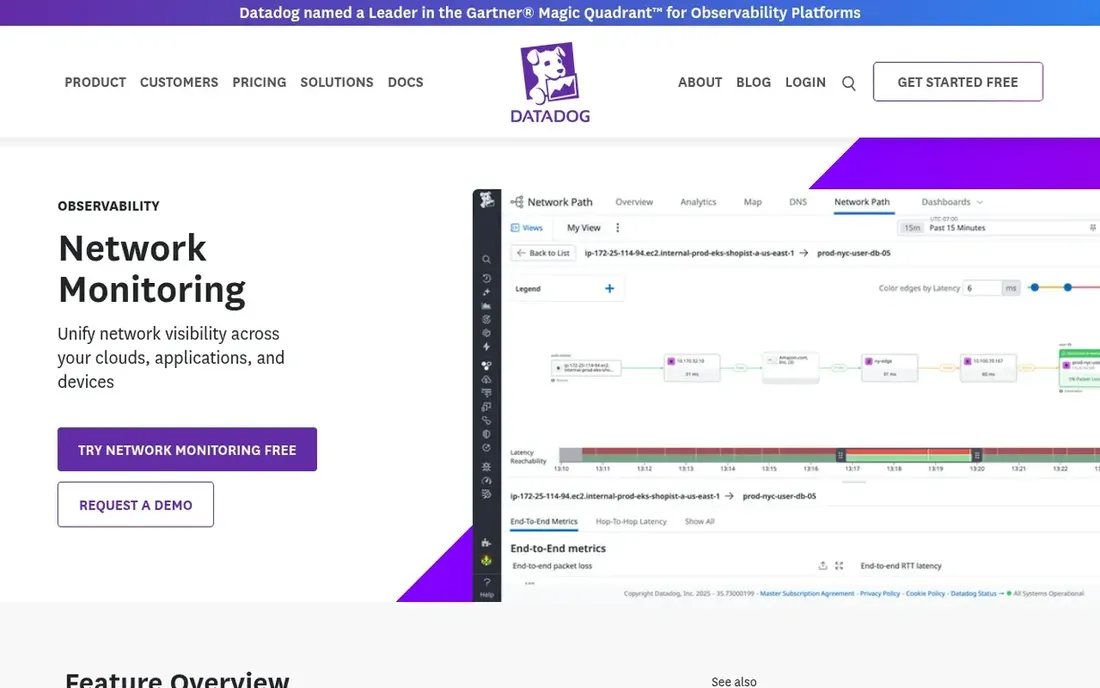
Datadog Network Monitoring makes the most sense for cloud and hybrid network visibility. The system is wide, and a solo practice with a straightforward router and a handful of devices may find more capability than it needs.
Beyond that, Datadog Network Monitoring gives you full visibility into every layer of your environment, whether it runs in the cloud, on-premise or a hybrid mix. This comparison lists no price for Datadog Network Monitoring; ask the vendor. As for free access: Not stated.
What users get: Spans cloud.
Points against: Wide product may exceed small practice needs.
- Single system for network and infrastructure
- Full visibility into every network layer
- Setup assumes some technical familiarity
SolarWinds Network Performance Monitor
Best for: Hybrid IT troubleshooting and control
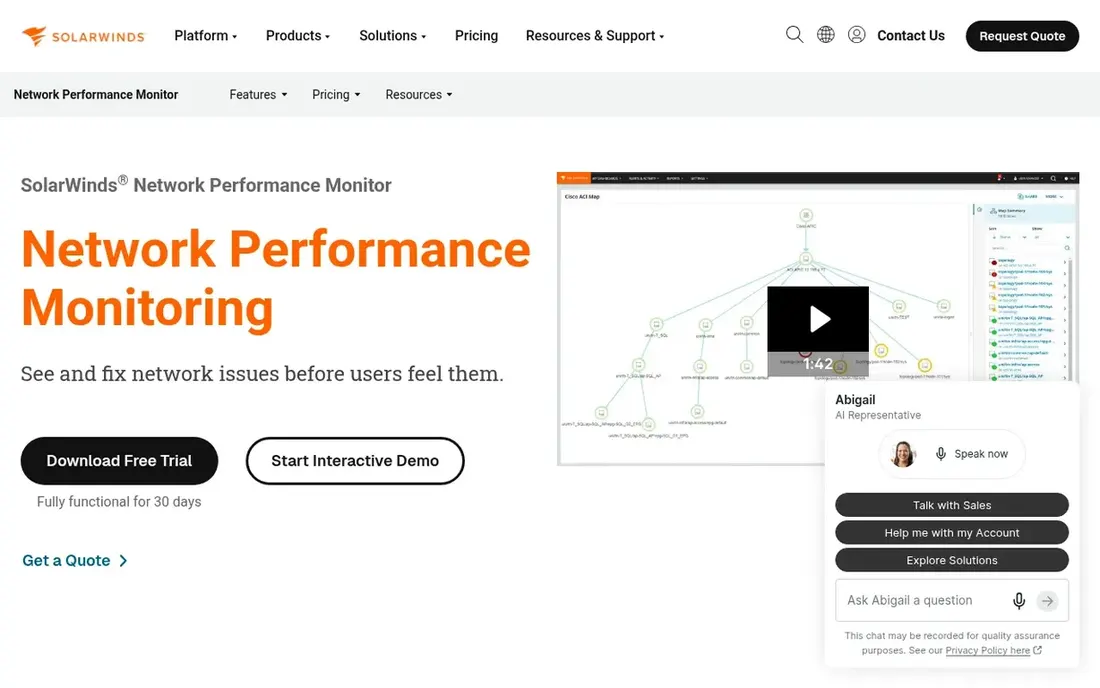
Where SolarWinds Network Performance Monitor fits: hybrid IT troubleshooting and control. A small practice without dedicated IT help may find the depth unnecessary.
Where it is weaker: Feature depth can overwhelm small teams.
For everyday use, pick something more straightforward when you primarily need basic uptime alerts on a handful of devices. Therapy groups that run both office hardware and cloud services can use it to trace slowdowns that affect scheduling or telehealth. Pricing for SolarWinds Network Performance Monitor is not stated here, so ask the vendor for current figures. Free options: Not stated.
- Deep insight for efficiency tuning
- Troubleshoots network health and performance
- Self-hosted observability needs administration
PRTG Network Monitor
Best for: All-in-one infrastructure monitoring
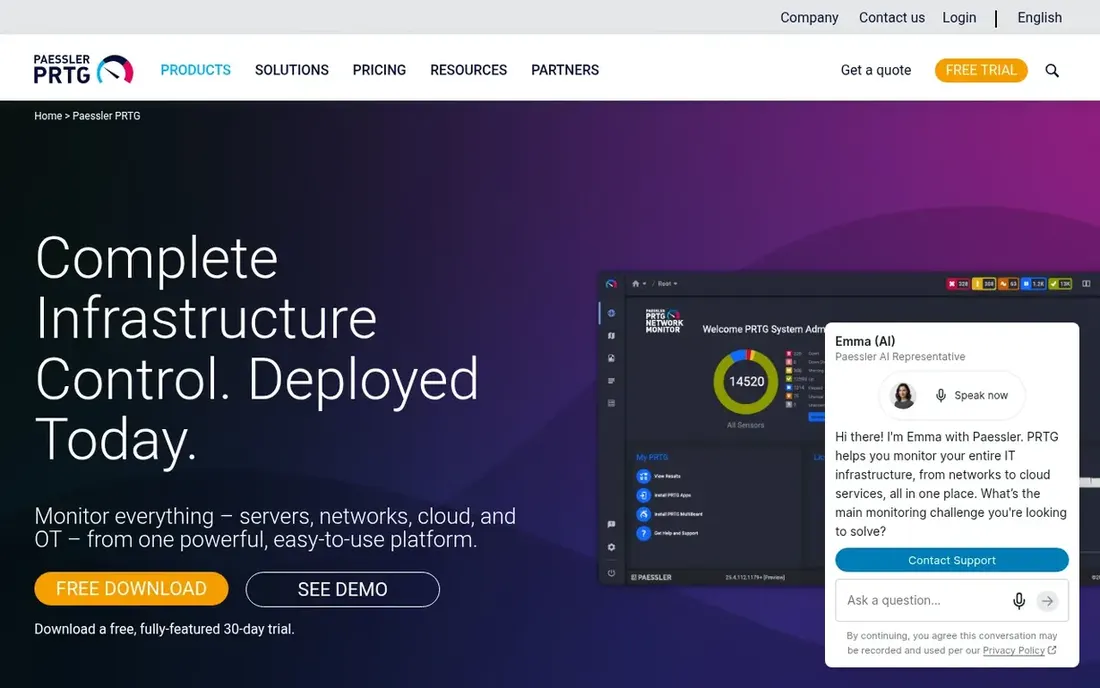
PRTG Network Monitor serves all-in-one infrastructure monitoring. PRTG Network Monitor from Paessler is described as professional and adaptable network monitoring software that examines and watches your whole IT infrastructure. Practices that want only cloud-level visibility may prefer a cloud-first system.
Monitoring a whole infrastructure takes planning, and a very small office may not need full coverage. Beyond that, choose PRTG when a consolidated, adaptable dashboard across office equipment is the goal. Pricing for PRTG Network Monitor is not stated here, so ask the vendor for current figures. Trial and free access: Not stated.
Drawbacks to consider: Sensor-based model needs planning.
Where it shines: Examines the whole IT infrastructure.
- Professional and adaptable monitoring
- Single dashboard approach
- Full infrastructure view may be more than needed
How we built this list
Before you commit
- Confirm the entry price on the vendor page. For Auvik, Nagios XI, Datadog Network Monitoring and others that means a quote rather than a fixed price.
- Take the trial from Zabbix and Auvik and push a live task through it before you pay.
- Read the limits listed for Zabbix first: needs technical skill to run.
- Find out whether the entry plan of PRTG Network Monitor covers your must-haves or only a trimmed-down version.
- Let daily users try Auvik on real work; their feedback beats any feature checklist.
FAQ
Do these tools publish their prices?
Not all of them. Auvik, Nagios XI, Datadog Network Monitoring and others publish no starting price, so expect a quote request for those. The rest, Zabbix included, show a starting price, though seats and billing terms still change the final cost.
Does a small therapy practice really need network monitoring software?
A light tool watching the router and key services is commonly enough for a single office. Larger or multi-location practices benefit from broader coverage.
What should I check before buying monitoring software?
Confirm the devices and services covered, how alerts are delivered, and who deals with maintenance. Verifying these details on the vendor site avoids surprises after purchase.
Is Zabbix the right pick for everyone comparing network monitoring software for therapists?
No single tool suits every team. Zabbix comes first because it fits open-source observability with in-house help, while Auvik suits cloud-based network management and Nagios XI suits self-hosted infrastructure monitoring. Match the tool to your own size, budget and workflow before deciding.
Can I try these tools before paying?
Often, yes. Zabbix and Auvik offer a free trial. Use your own data and a real task during the test, and check what the free tier or trial limits before you rely on it. Prices, free plan details and limits for all 6 tools in this network monitoring software for therapists roundup sit on the individual cards above.
Does any tool for network monitoring software for therapists here have a free plan?
A permanent free plan is not offered by Zabbix, PRTG Network Monitor or the other tools here. Zabbix, Auvik offer a trial. Plan a short evaluation period instead.
Sources
- https://www.zabbix.com
- https://www.auvik.com
- https://www.nagios.com/products/nagios-xi
- https://www.datadoghq.com/product/network-monitoring
- https://www.solarwinds.com/network-performance-monitor
- https://www.paessler.com/prtg