The 6 Best Network Monitoring Software for Dental Practices in 2026, Ranked
6 best network monitoring software for dental practices, with entry costs, free tiers and the buyer each one serves. Every tool lists pros and cons. No filler.
- Editor's choicePRTG Network Monitor
All-in-one infrastructure monitoring
Starts atSee websiteVisit paessler.comFull review - Great alternative
 Zabbix
Open source monitoring with in-house skills
Starts at€50 per monthVisit zabbix.comFull review - Also considerDatadog Network Monitoring
Cloud and hybrid environment visibility
Starts atSee websiteVisit datadoghq.comFull review
Direct answer
This list puts PRTG Network Monitor first for all-in-one infrastructure monitoring. Listed starting prices: Zabbix from €50 per month. Look at Zabbix for open source monitoring with in-house skills, and at Datadog Network Monitoring for cloud and hybrid environment visibility. Prices, free plans and limits for all 6 tools follow.
TL;DR:
- This list starts with PRTG Network Monitor, which is built for all-in-one infrastructure monitoring.
- A fair warning about SolarWinds Network Performance Monitor: self-hosted deployment needs administration.
- Auvik is the one to check for cloud-based visibility for lean IT teams.
- Pricing for PRTG Network Monitor, Datadog Network Monitoring, SolarWinds Network Performance Monitor and others is quote-based, which adds a sales step before you can compare cost.
Last checked November 2026. Prices and plan details were read from the vendors' own pages in November 2026; vendors change plans often, so confirm the current price on the vendor site before you buy.
Quick comparison
| Tool | Best for | Starts at | Free plan? | |
|---|---|---|---|---|
| PRTG Network Monitor | All-in-one infrastructure monitoring | See website | Not stated | Visit |
| Zabbix | Open source monitoring with in-house skills | €50 per month | Free trial | Visit |
| Datadog Network Monitoring | Cloud and hybrid environment visibility | See website | Not stated | Visit |
 SolarWinds Network Performance Monitor | Deep hybrid network troubleshooting | See website | Not stated | Visit |
 Nagios XI | Self-hosted infrastructure monitoring | See website | Not stated | Visit |
 Auvik | Cloud-based visibility for lean IT teams | See website | Free trial | Visit |
6 network monitoring software for dental practices in detail
LinkVetted put together this guide to network monitoring software for dental practices for readers who want a clear shortlist without reading every vendor page. It compares 6 tools on starting price, free plans, who each one suits and where each one falls short.
PRTG Network Monitor
Best for: All-in-one infrastructure monitoring
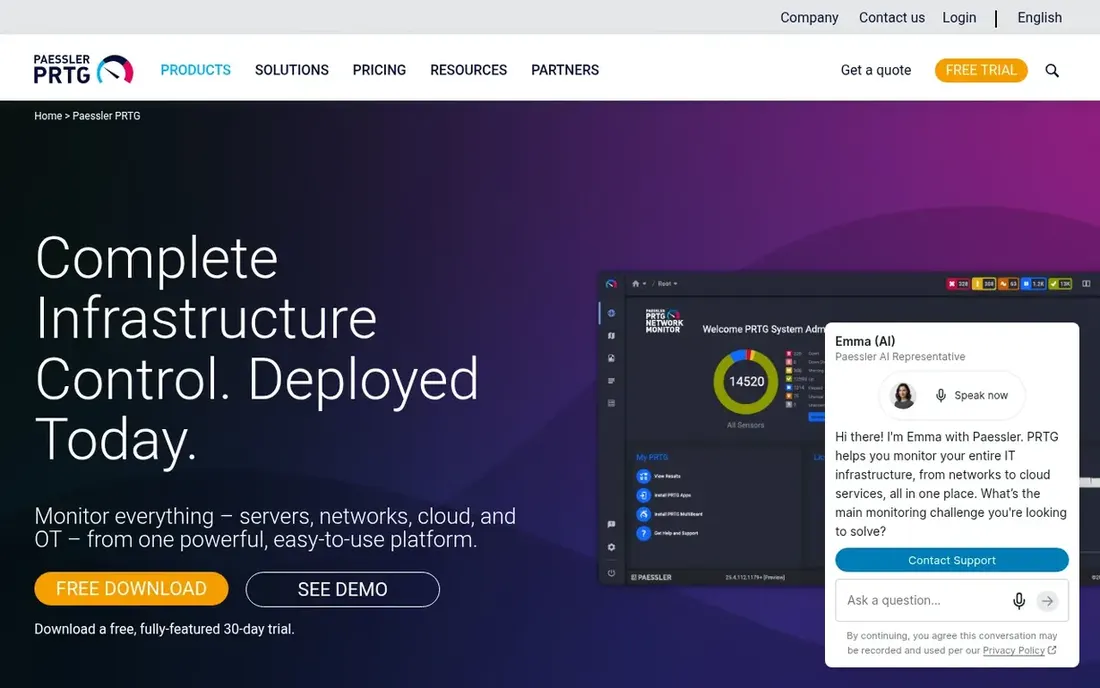
PRTG Network Monitor works best for all-in-one infrastructure monitoring. Offices with a part-time IT resource frequently appreciate a consolidated view instead of stitching multiple products together.
Where it is weaker: Can grow complicated as sensors multiply.
More specifically, PRTG Network Monitor from Paessler is described as professional and adaptable network monitoring software that examines and watches a whole IT infrastructure. Also, as device counts rise, sensor management can become a chore. Check the vendor site for PRTG Network Monitor pricing; none is listed in this comparison. Trial and free access: Not stated.
- Examines the whole IT infrastructure
- Professional and adaptable monitoring
- Needs local setup and upkeep
For open source monitoring with in-house skills, Zabbix is a natural candidate. Open source shifts effort to your team: installation, templates, upgrades and tuning all need ownership. For everyday use, a clinic without technical staff may struggle to keep it healthy.
Best features of Zabbix: Highly customizable.
Consider a commercial hosted tool if nobody can dedicate time to administration. For everyday use, Zabbix is an enterprise-class open source observability option that makes network and application monitoring simple, based on its vendor. Beyond that, Dental groups with an in-house IT technician or a supportive managed service provider can use it to monitor network gear and practice applications without licensing constraints. It appeals to organizations that value configurability and control over their monitoring stack. Price to start with Zabbix: €50 per month. As for free access: Free trial.
Watch-outs: Needs technical administration.
- Watches networks and applications
- Enterprise-class open source option
- Setup effort is significant
Datadog Network Monitoring
Best for: Cloud and hybrid environment visibility
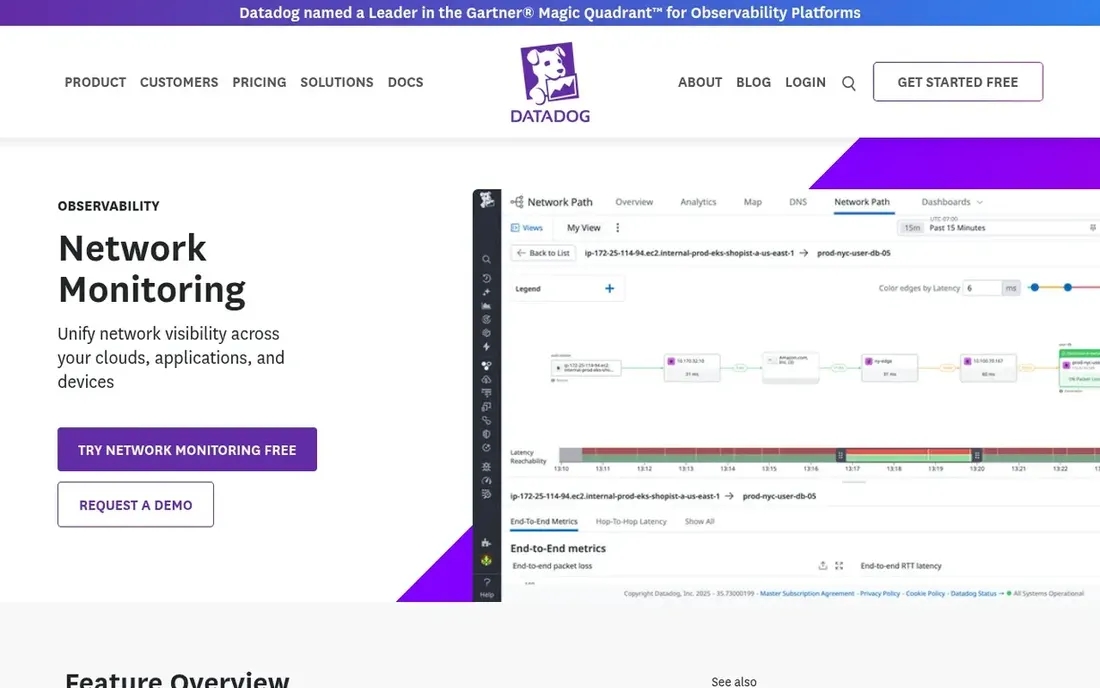
Datadog Network Monitoring is a good fit for cloud and hybrid environment visibility. Choose Datadog when hybrid and cloud visibility is the priority.
Where it falls short: Wide system may feel complicated for small offices.
No starting price is listed for Datadog Network Monitoring here; confirm pricing on the vendor site. Free options: Not stated.
- Includes cloud
- On-premise and hybrid
- Overlaps with other Datadog modules
SolarWinds Network Performance Monitor
Best for: Deep hybrid network troubleshooting
SolarWinds Network Performance Monitor works best for deep hybrid network troubleshooting. SolarWinds Network Performance Monitor centres on troubleshooting network health and performance whereas unlocking visibility and control of a hybrid IT environment. The product emphasizes deep insight, which helps when intermittent slowdowns disrupt imaging uploads or scheduling software.
The main drawbacks: Feature depth may overwhelm small teams.
It is positioned as observability for self-hosted environments, so expect to administer the deployment yourself. Pick it when troubleshooting capability matters more than simplicity. Check the vendor site for SolarWinds Network Performance Monitor pricing; none is listed in this comparison. As for free access: Not stated.
- Deep insights for network efficiency
- Complete visibility of hybrid IT
- Self-hosted deployment needs administration
For self-hosted infrastructure monitoring, Nagios XI is a natural candidate. Choose Nagios XI when self-hosting and a perpetual license are firm requirements.
Points against: Self-hosting needs maintenance.
In practice, practices without internal IT support may prefer a hosted product. Pricing for Nagios XI is not stated here, so ask the vendor for current figures. Trial and free access: Not stated.
Reasons to shortlist it: devices and services.
- Watches servers
- Perpetual license model
- Configuration is technical
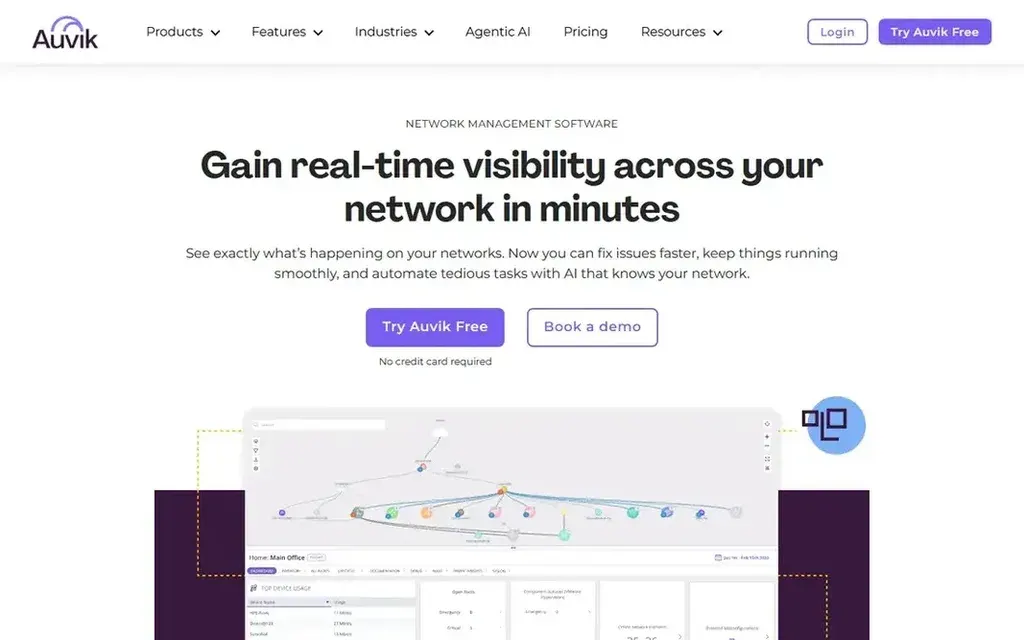
Choose Auvik for cloud-based visibility for lean IT teams. Since the system centers on cloud delivery, practices with strict data residency preferences or very restricted connectivity should weigh that carefully.
Pricing for Auvik is not stated here, so ask the vendor for current figures. Free plan details: Free trial.
Points against: Cloud dependency for core functions.
- Suited to changing
- Distributed workforces
- May exceed needs of a single small office
How these tools were picked
The comparison looks at four things: starting price, free access, how well the feature set matches network monitoring software for dental practices, and the main limit of each tool. Where a vendor does not publish a price, the entry says quote. Where a price depends on seats or billing term, the entry says so. The ranking is editorial: typical fit first, then clear pricing, then free access. If your needs are unusual, read the profiles rather than relying on position.
Questions to settle before buying
- Ask PRTG Network Monitor, Datadog Network Monitoring, SolarWinds Network Performance Monitor and others for a written quote, since no starting price is shown.
- Run a trial of Zabbix and Auvik with real work before paying for a year; your own workflow is the best test.
- Read the limits listed for PRTG Network Monitor first: needs local setup and upkeep.
- Ask Auvik about contract length, onboarding fees and user minimums before you sign.
- Check the support hours and onboarding help Zabbix offers; smaller vendors vary a lot here.
FAQ
How are the tools for network monitoring software for dental practices ordered?
The order follows typical fit for network monitoring software for dental practices, with PRTG Network Monitor first and Auvik last, then price clarity and free access. It is editorial judgement, not a score, so another team could rank the tools differently.
Does any tool for network monitoring software for dental practices here have a free plan?
No tool in this list, PRTG Network Monitor and Auvik included, has a permanent free plan. Zabbix, Auvik offer a trial. Trials and quotes are the usual route, so plan a short evaluation period.
Should a small clinic choose cloud-based or self-hosted monitoring?
Cloud-based tools for example Auvik cut local maintenance and suit practices without dedicated IT staff. For everyday use, match the choice to the skills you actually have available.
Can I try these tools before paying?
Often, yes. Zabbix and Auvik offer a free trial. Use your own data and a real task during the test, and check what the free tier or trial limits before you rely on it.
Why does a dental practice need network monitoring software?
Imaging systems, scheduling software and payment processing all depend on a healthy network. Monitoring alerts staff before a failed switch or overloaded link disrupts appointments.
Do these tools publish their prices?
Not all of them. PRTG Network Monitor, Datadog Network Monitoring, SolarWinds Network Performance Monitor and others publish no starting price, so expect a quote request for those. The rest, Zabbix included, show a starting price, though seats and billing terms still change the final cost.
Sources
- https://www.paessler.com/prtg
- https://www.zabbix.com
- https://www.datadoghq.com/product/network-monitoring
- https://www.solarwinds.com/network-performance-monitor
- https://www.nagios.com/products/nagios-xi
- https://www.auvik.com