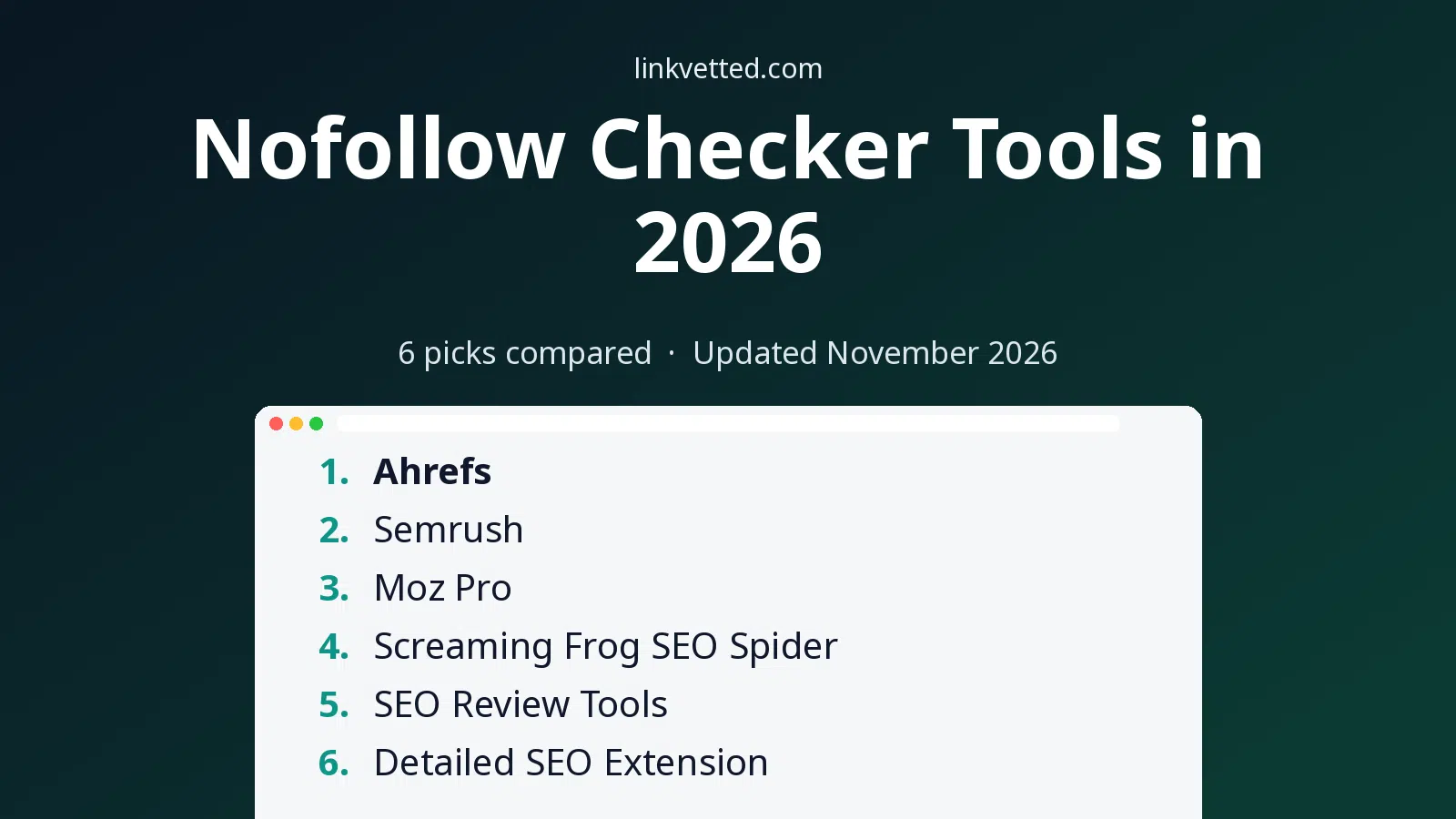
Nofollow Checker Tools in 2026: The 6 Best Options Side by Side
A practical comparison of the best nofollow checker tools in 2026, based on vendor documentation and public sources, with limits and buying tips.
- Editor's choice
 Ahrefs
Filtering backlink profiles by rel
Starts atSee websiteVisit ahrefs.comFull review - Great alternative
 Semrush
Link checks beside other SEO data
Starts atSee websiteVisit semrush.comFull review - Also consider
 Moz Pro
Moz users checking link attributes
Starts atSee websiteVisit moz.comFull review
Direct answer
My first pick is Ahrefs, because its Site Explorer and link reports show the rel attribute for each backlink and let you filter the link profile by nofollow, so one tool covers checking and follow-up. For a free, single-page check, SEO Review Tools is the simplest option. For teams that audit many URLs from a spreadsheet, Screaming Frog SEO Spider is the better fit because it crawls a whole site and exports the rel values.
TL;DR:
- A nofollow checker tells you whether a link carries rel="nofollow" or related attributes, which affects how you read a backlink profile.
- Most serious link tools show rel values inside a larger backlink report, so you rarely need a dedicated checker alone.
- Free single-URL checkers are useful for spot checks but slow for dozens of pages.
- Crawler-based tools are the practical choice when you need to audit rel attributes across an entire site.
- Always confirm the rel value in the page source, because tools read the same HTML you can inspect yourself.
Last checked November 2026. Plan prices are not quoted in this guide because they change often; see each vendor's own pricing page for current figures before you buy.
Quick comparison
| Tool | Best for | Starts at | Free plan? | |
|---|---|---|---|---|
| Ahrefs | Filtering backlink profiles by rel | See website | Not stated | Visit |
| Semrush | Link checks beside other SEO data | See website | Not stated | Visit |
| Moz Pro | Moz users checking link attributes | See website | Not stated | Visit |
 Screaming Frog SEO Spider | Site-wide rel attribute audits | See website | Free plan | Visit |
| SEO Review Tools | Free single-page nofollow checks | See website | Free plan | Visit |
 Detailed SEO Extension | Checking links in the browser | See website | Free plan | Visit |
The best nofollow checker tools compared
I put this list together from vendor documentation and public sources, not from hands-on testing. I looked at what each tool says it reports about link attributes, how it fits into a normal link-building workflow, and where its limits are. Treat it as a starting point for your own trial.
Ahrefs is a backlink and SEO data platform. Its Site Explorer shows the links pointing to a domain or URL, and each row includes the rel attribute, so you can see which links are nofollow. It suits link builders and agency SEOs who already work from backlink reports and want the rel value in the same place as the rest of the link data.
For nofollow checking, the useful part is the filter. You can narrow a backlink list to nofollow links, or exclude them to see only followed ones. That helps when you review a prospect's profile before outreach or check what a new link looks like after it goes live. You still confirm the final value in the page source.
The limit is cost and scope. If you only need to check one URL now and then, a paid backlink platform is more than you need. Skip it if your work is occasional spot checks rather than ongoing link analysis.
- Rel values shown per backlink
- filters for nofollow links
- large backlink index
- Full link data needs a paid plan
- interface has a learning curve
Semrush is an SEO platform with a backlink analytics section. It lists referring links and shows attributes, so you can review which links are nofollow while looking at anchor text, referring domains and other link details. It fits teams that already use Semrush for keyword and competitor work and want link checks in the same account.
The nofollow angle is straightforward: open a backlink report, look at the link attributes, and filter or sort as needed. Because the same platform holds ranking, traffic and competitor data, you can judge a link in context rather than in isolation. That is useful when you report on a link-building campaign.
The drawback is that the platform is broad, and the link checker is one small part of it. If you want a single-purpose tool, this is more than you need. Skip it if budget is tight and you only check a handful of links.
- Backlink analytics with rel data
- many related SEO reports
- works for competitor checks
- Paid plans for full data
- many modules to navigate
Moz Pro is Moz's SEO subscription, and Link Explorer is the part that matters here. It shows inbound links to a site or page, including link attributes, so you can tell nofollow links from followed ones. It suits people who already rely on Moz metrics such as Domain Authority and want link checks without adding another platform.
In practice, you open Link Explorer for a target URL, review the inbound link list, and read the attribute column. That is enough to spot nofollow links in a profile or confirm what a new placement looks like. For link prospecting, the same report helps you judge whether a site links out with nofollow by default.
The main limit is that every link index is different, so counts will not match other tools exactly. If you need the largest possible index, compare before committing. Skip it if you do not otherwise use Moz.
- Link Explorer shows link attributes
- familiar domain metrics
- useful for link prospecting
- Link index differs from other tools
- full access needs a paid plan
Screaming Frog SEO Spider is a desktop crawler. It fetches pages and records the links on them, including the rel attribute, and you can export that to a spreadsheet. It fits SEOs who need to audit rel values across many pages at once, such as checking internal links or reviewing a site's outbound link policy.
For nofollow checking, the workflow is a crawl followed by a filter. You crawl the site, then look at the link data for rel="nofollow" or related values, and export the list for review. That is far faster than checking pages one by one, and it gives you a record you can share with a client or developer.
The limit is the free version's crawl cap, which is fine for small sites but not for large ones. It is also a desktop tool, so it does not run in the browser. Skip it if you only need to check a single link.
- Crawls a whole site and exports link data
- shows rel values in exports
- works on your own machine
- Free version limits how many URLs you crawl
- desktop app, not a hosted service
SEO Review Tools
Best for: Free single-page nofollow checks
SEO Review Tools is a collection of free SEO utilities, and its nofollow link checker is one of them. You enter a URL, it fetches the page, and it lists the links with their rel attributes. It fits anyone who needs a quick answer about a single page without signing up for a platform.
The workflow is short: paste the URL, run the check, and read the list of links marked nofollow or followed. That is handy when you are reviewing a guest post or a directory listing and want to confirm the link attribute before you count it. It also works as a second opinion alongside a paid tool.
The limit is scale. Checking dozens of pages one by one is slow, and the reporting is basic. Skip it if you need exports or site-wide coverage, and use a crawler instead.
- Free to use
- simple input and output
- no account needed for basic checks
- One page at a time
- limited reporting
Detailed SEO Extension is a browser extension from Detailed.com that shows SEO details for the page you are on, including link information. It fits people who want to check a link while reading a page, without switching to another tab or tool.
For nofollow checks, the value is speed. You open the page, run the extension, and look at the link data for the rel attribute. That is useful during outreach research, when you land on a prospect's page and want to see how they treat outbound links before you pitch.
The limit is that it works one page at a time and depends on your browser. It is not a reporting tool. Skip it if you need exports or bulk checks, and use a crawler or a backlink platform.
- Runs in the browser
- shows link details on the page you are viewing
- quick to install
- One page at a time
- depends on the browser
How I chose
I compared these tools by reading vendor documentation and public sources, not by running my own tests. For each one, I checked what the vendor says about link attributes, whether rel values appear in reports or exports, and how the tool fits a normal link-building workflow. I also noted the free option and the main limitation, because a tool that is free but slow is a different choice from one that is paid but complete.
I left out tools I could not confirm are currently operating, and I did not rank by price or review scores. The order reflects how directly each tool handles nofollow checking: backlink platforms with rel filters first, then crawlers, then single-page checkers. Your best pick depends on whether you check one link, one page, or a whole site, and whether you need a record you can share.
What to check before you buy
- Confirm the tool shows the rel attribute per link, not just a followed or nofollow count.
- Check whether you can filter or export only nofollow links, which saves time on large profiles.
- Match the tool to your volume: single-page checkers for spot checks, crawlers for site-wide audits.
- Ask whether the free version has limits on URLs, pages or exports before you rely on it.
- Verify that the link data can be exported to CSV or a spreadsheet if you report to clients.
- Remember that any tool reads the same HTML you can inspect, so confirm important links in the page source.
FAQ
What does a nofollow checker actually check?
It reads the HTML of a page and reports the rel attribute on each link. A link with rel="nofollow" is marked nofollow, and links without it are usually treated as followed. Some tools also show related values such as sponsored or ugc. The checker does not change anything; it only reports what the page source says.
Do I need a paid tool to check nofollow links?
No. For a single page, a free checker or a browser extension is enough. Paid tools make more sense when you check many pages, need exports, or want rel values inside a larger backlink report. Start with a free check and move up only when volume or reporting demands it.
Why do different tools show different link counts?
Each vendor builds its own index of the web, so the links they have found will differ. A link that one tool has crawled may not be in another's index yet. Treat counts as a guide, and confirm any specific link in the page source rather than comparing totals across tools.
Can a nofollow checker tell me if a link will help rankings?
No. It only reports the rel attribute. Whether a link helps depends on many factors that no checker can settle, and no tool can promise rankings. Use the checker to understand the link profile, and keep your expectations realistic about what any single link can do.
Is a browser extension enough for agency work?
For quick checks during outreach, yes. For client reporting and site-wide audits, no. Extensions work one page at a time and rarely export clean data. Most agencies pair an extension for quick looks with a crawler or backlink platform for the work they need to document and share.
Sources
- https://ahrefs.com
- https://www.semrush.com
- https://moz.com
- https://www.screamingfrog.co.uk/seo-spider/
- https://www.seoreviewtools.com
- https://detailed.com/extension/