The 6 Best Domain History Checker Tools in 2026, Ranked
A guide to the best domain history checker tools for 2026, covering archive lookups, backlink history, DNS records and trademark checks, with picks for each.
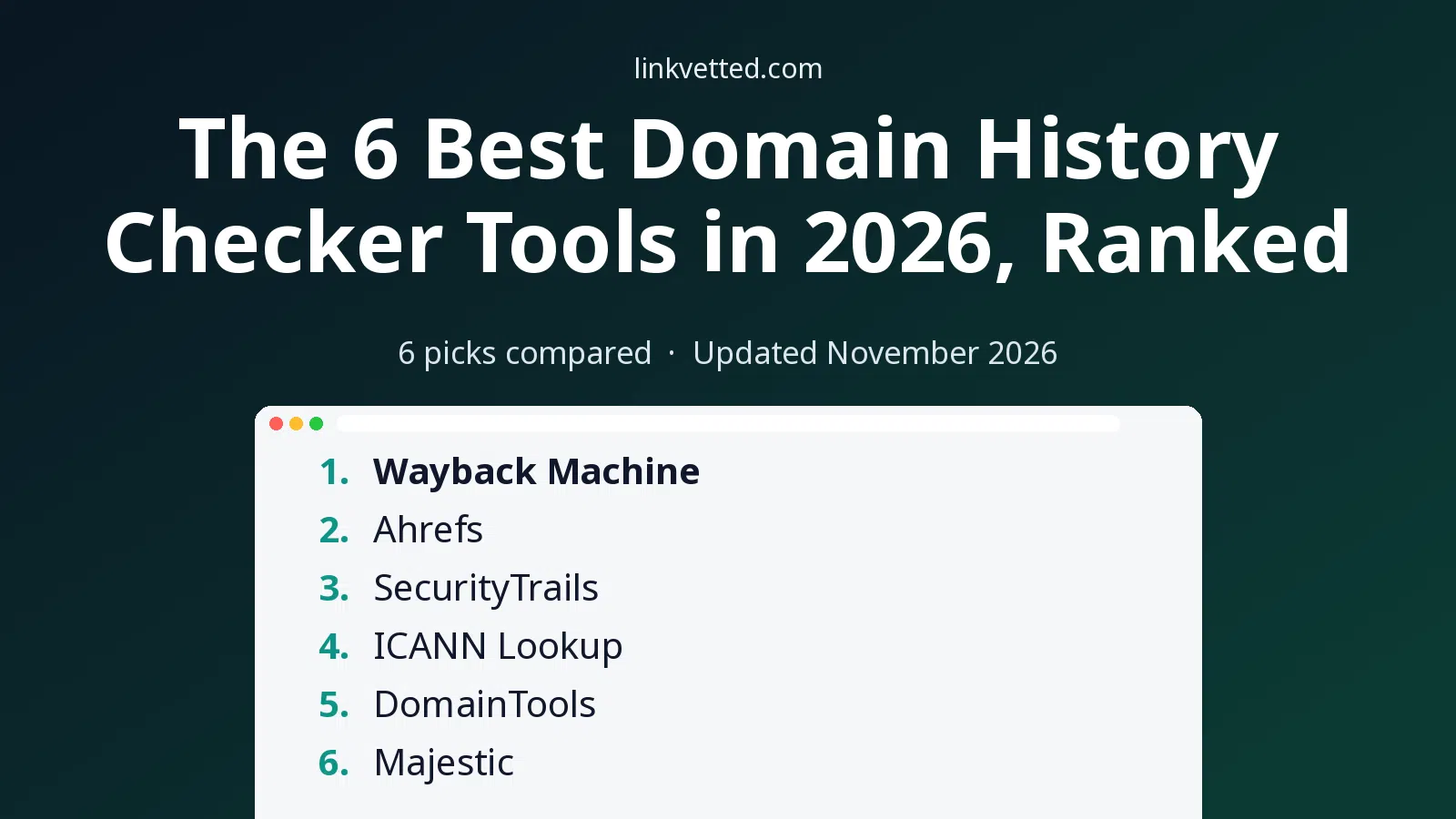
- Editor's choiceWayback Machine
Viewing archived page content over time
Starts atSee websiteVisit web.archive.orgFull review - Great alternative
 Ahrefs
Backlink and ranking history
Starts atSee websiteVisit ahrefs.comFull review - Also considerSecurityTrails
DNS and IP address history
Starts atSee websiteVisit securitytrails.comFull review
Direct answer
My top pick is the Wayback Machine from the Internet Archive, because it is free, independent and shows what a domain actually looked like over time. For backlink and drop history, I point people to Ahrefs; for DNS and WHOIS records, SecurityTrails and ICANN Lookup fill the gaps. No single tool covers everything, so most buyers end up pairing two or three.
TL;DR:
- Domain history is split across several record types, so you usually need more than one tool to see the full picture.
- Archive and WHOIS sources are free and independent, while backlink history sits behind paid SEO subscriptions.
- A clean archive does not prove a domain is safe; check backlinks, DNS changes and trademarks as well.
- Vendor documentation is the reliable way to compare features, because interfaces and data coverage change often.
- Treat any history report as one input in a due-diligence process, not a final verdict on a domain.
Last checked November 2026. Plan prices are not quoted in this guide because they change often; see each vendor's own pricing page for current figures before you buy.
Quick comparison
| Tool | Best for | Starts at | Free plan? | |
|---|---|---|---|---|
| Wayback Machine | Viewing archived page content over time | See website | Free plan | Visit |
| Ahrefs | Backlink and ranking history | See website | Not stated | Visit |
| SecurityTrails | DNS and IP address history | See website | Free plan | Visit |
| ICANN Lookup | WHOIS and registrar records | See website | Free plan | Visit |
| DomainTools | Deep investigative domain records | See website | Not stated | Visit |
 Majestic | Link history and trust metrics | See website | Not stated | Visit |
The best domain history checker tools compared
I put this comparison together from vendor documentation and public sources, not from hands-on testing. I run a small SEO agency, so I care about which record each tool actually holds and how quickly I can read it. The picks below cover archive snapshots, backlink history, DNS records, registration data and investigative databases.
Wayback Machine
Best for: Viewing archived page content over time
The Wayback Machine is the public archive run by the Internet Archive. You paste a domain and it shows dated snapshots of the pages that were captured. For domain history checks, this is often the first place I look, because it shows what the site actually published, whether it changed topic, and whether it went quiet for long stretches.
In a domain history workflow, the archive answers the content question. You can see whether a domain once hosted a shop, a blog or something unrelated to its current use. I usually compare the earliest and latest snapshots, then scan the middle for sudden changes. That pattern tells you more than a single snapshot ever will.
The limit is scope. The archive does not tell you who linked to the domain or how its DNS changed, and some pages were never captured. Skip it if you need link or technical records rather than content.
- Free and independent
- long archive coverage for many domains
- simple URL-based lookup
- No backlink or DNS data
- coverage depends on what was crawled
Ahrefs is an SEO platform with a large backlink index. Its Site Explorer includes historical views of backlinks and organic rankings, which is the part that matters for domain history work. If a domain was used for a previous project, those records often survive after the site itself is gone.
For domain history checks, I use the backlink history to see whether links appeared in bursts, whether they came from unrelated topics, and whether the profile looks natural over time. The ranking history adds context about what the domain was previously known for. Both views sit inside the same interface, so you can move between them quickly.
The drawback is access. Historical data is tied to paid plans, and the tool does not cover WHOIS or DNS records. Skip it if you only need archive snapshots or registration details.
- Large backlink index
- historical link and ranking views
- site explorer workflow
- History features sit behind paid plans
- not a registration or DNS checker
SecurityTrails
Best for: DNS and IP address history
SecurityTrails focuses on DNS and infrastructure data. It keeps historical records of DNS changes, which helps you see when a domain moved hosts or changed nameservers. That kind of record is hard to find anywhere else in one place.
In a domain history review, I use it to check whether a domain changed hands or infrastructure in ways that match the story the seller tells. A sudden nameserver change followed by a content change is worth a closer look. The historical DNS view gives you dates to compare against archive snapshots.
The limit is that it says little about content or links. It suits technical checks, not editorial history. Skip it if you are not comfortable reading DNS records.
- Historical DNS records
- IP and infrastructure views
- useful for technical due diligence
- Light on content and backlink data
- interface aimed at technical users
ICANN Lookup
Best for: WHOIS and registrar records
ICANN Lookup is the public WHOIS lookup run by the organisation that coordinates domain names. It returns registration details such as creation date, registrar and status codes. For domain history, the creation date alone is useful, because it tells you how old a domain really is.
I use it early in a review to confirm the registration timeline and check status codes that suggest a domain is on hold or pending deletion. It is also a useful cross-check against what a seller claims about a domain's age. The data is official, which makes it a good baseline.
The limit is redaction. Many registrations hide owner details for privacy, so you often get dates and registrar only. It is not a content or backlink tool, so pair it with an archive lookup.
- Official registration data
- free to use
- covers registrar and dates
- Limited by privacy redaction
- no content or link history
DomainTools
Best for: Deep investigative domain records
DomainTools is a research platform used by security and investigative teams. It keeps historical WHOIS records and related infrastructure data, which makes it one of the deeper sources for domain history. If a domain has changed owners several times, this is where those changes tend to show up.
For a thorough domain history check, the historical WHOIS view helps you trace ownership changes and spot gaps. I treat it as a specialist source rather than a daily tool, because the depth comes with a learning curve. It is most useful when a domain's past matters a lot, such as before an acquisition.
The limit is fit. It is built for professional research, and the entry point is not aimed at casual buyers. Skip it if you need a quick free lookup.
- Long historical WHOIS records
- broad investigative dataset
- built for research
- Aimed at security and enterprise users
- pricing not suited to casual checks
Majestic is a link intelligence platform with a long-running index. Its historical link data lets you see how a domain's backlink profile changed over time, which is useful when a domain has been repurposed. The trust and citation metrics add a second angle on link quality.
In a domain history workflow, I use the historical link view to check whether links were built steadily or appeared in one burst. That pattern is often more telling than a single snapshot. It pairs well with an archive check, because you can compare content changes with link changes.
The limit is scope. It covers links, not content, DNS or registration. Skip it if you already have a full SEO suite with historical link data.
- Long-running link index
- historical link views
- trust and citation metrics
- Narrower than full SEO suites
- no archive or registration data
How I chose
I built this list from vendor documentation and public sources. I read what each vendor says its product stores, how far back the records go, and what kind of user it is built for. I did not run hands-on tests, and I have not measured accuracy or coverage myself. Where a vendor does not state something clearly, I left it out rather than guess.
The second filter was fit. Domain history is not one dataset, so I picked tools that cover different record types: archived content, backlinks, DNS, registration and investigative records. That is why the list includes free public sources alongside paid platforms. I also noted the limits of each tool, because a history check is only as good as the records behind it. My advice is to match the tool to the question you are asking, not to buy the biggest suite by default.
What to check before you buy
- Confirm which record types the tool actually stores: content snapshots, backlinks, DNS, WHOIS or a mix.
- Check how far back the historical data goes, since a short window limits what you can verify.
- Read whether historical views are included in the plan you are considering or sold separately.
- Look for export options, because you may need to share findings with a client or partner.
- Check how the vendor handles privacy redaction in WHOIS records, as this affects what you can see.
- Confirm the tool covers the domain extensions you work with, not just common ones.
FAQ
What is a domain history checker?
It is a tool that shows records from a domain's past, such as archived pages, backlink changes, DNS updates or registration details. No single tool covers all of these, so people usually combine an archive lookup with a backlink or DNS source. The goal is to understand what a domain was used for before you buy or reuse it.
Can I check domain history for free?
Yes, partly. The Wayback Machine and ICANN Lookup are free public sources for archived content and registration data. Backlink and DNS history usually sit behind paid plans, though some vendors offer limited free access. A free check gives you a useful starting point but rarely the full picture.
Does a clean history mean a domain is safe?
No. A clean archive only means the captured pages looked normal. It does not cover hidden links, DNS changes or trademark issues. Treat history checks as one part of due diligence, and review backlinks, registration records and legal questions separately before you commit.
Why do people look for alternatives to popular domain history tools?
Mostly because of cost and coverage. A tool that is strong on backlinks may say nothing about DNS or archived content, and paid plans can be hard to justify for occasional checks. People also look for alternatives when they need a specific record type or a simpler interface for a one-off review.
How far back does domain history data usually go?
It varies by source. Public archives depend on when a site was first crawled, and registration records start at the creation date. Backlink indexes have their own start points. Check each vendor's documentation for the coverage window, because it affects what you can confirm about a domain's past.
Sources
- https://web.archive.org
- https://ahrefs.com
- https://securitytrails.com
- https://lookup.icann.org
- https://www.domaintools.com
- https://majestic.com