6 Bulk Domain Metrics Tools Worth Shortlisting in 2026
A practical guide to the best bulk domain metrics tools in 2026, compared from vendor documentation and public sources for link building and prospecting.
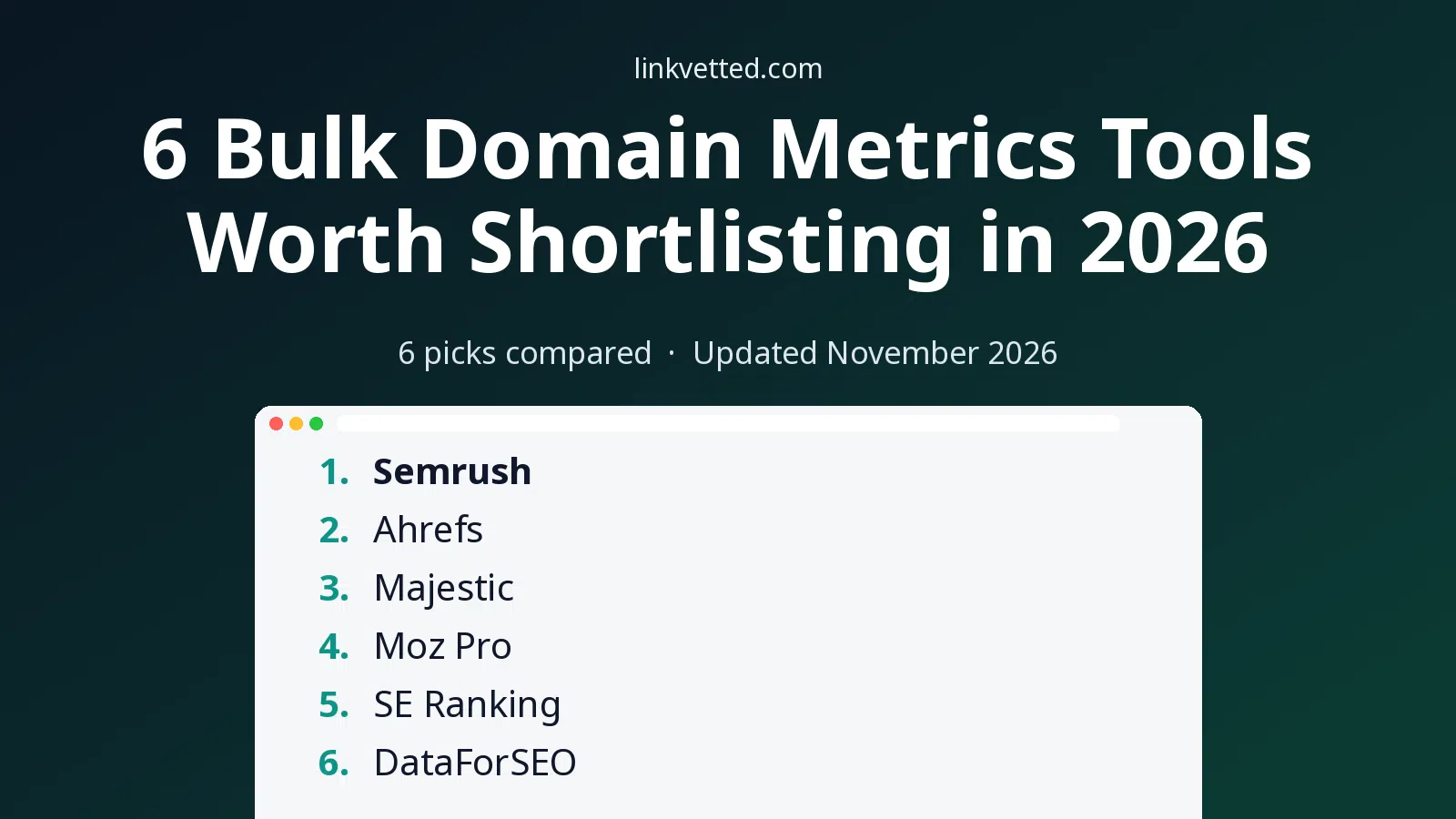
- Editor's choice
 Semrush
All-round domain and link analysis
Starts atSee websiteVisit semrush.comFull review - Great alternative
 Ahrefs
Teams already living in Ahrefs
Starts atSee websiteVisit ahrefs.comFull review - Also consider
 Majestic
Link trust and citation analysis
Starts atSee websiteVisit majestic.comFull review
Direct answer
My top pick is Semrush because its domain analytics and bulk link data cover the metrics I check most when qualifying a list of prospects. For teams that already work inside Ahrefs, the Ahrefs bulk analysis tools are the natural second choice, and Majestic fits anyone who cares mainly about link trust signals. I based this on vendor documentation and public sources, not hands-on testing.
TL;DR:
- Bulk domain metrics tools let you check many domains at once instead of opening one report per site.
- The useful metrics are usually authority or trust scores, referring domains, backlinks and organic traffic estimates.
- Vendor definitions differ, so a score from one tool will not match a score from another.
- Export formats and API access matter as much as the metrics themselves when you process large lists.
- None of these tools replaces manual review of a prospect before you send outreach.
Last checked November 2026. Plan prices are not quoted in this guide because they change often; see each vendor's own pricing page for current figures before you buy.
Quick comparison
| Tool | Best for | Starts at | Free plan? | |
|---|---|---|---|---|
| Semrush | All-round domain and link analysis | See website | Free plan | Visit |
| Ahrefs | Teams already living in Ahrefs | See website | Free plan | Visit |
| Majestic | Link trust and citation analysis | See website | No free plan | Visit |
 Moz Pro | Familiar Domain Authority checks | See website | Free trial | Visit |
 SE Ranking | Agencies on tighter budgets | See website | Free trial | Visit |
 DataForSEO | Developers building custom workflows | See website | No free plan | Visit |
The best bulk domain metrics tools compared
I put this list together by reading vendor documentation, help center articles and public product pages, then matching each tool to the jobs people actually do with bulk domain lists. I did not run hands-on tests, so treat the notes as a starting point for your own trial. The order reflects how often each tool comes up for bulk metric checks in link building and digital PR work.
Semrush is a general SEO platform with a backlink analytics section that covers referring domains, backlinks, authority scores and organic traffic estimates. For bulk work, it is the tool I would reach for first when a client sends a spreadsheet of hundreds of domains and wants a quick read on which ones look worth pursuing. It suits agencies and in-house teams that already pay for an SEO suite.
In practice, you paste or upload a list, run the relevant domain or backlink report, and export the columns you need. The platform also documents an API, which helps if you want to pull metrics into your own sheet on a schedule. For link building, that means you can sort prospects by referring domains or authority before deciding who gets a manual look.
The limits are mostly about plan tiers and export volume. If your workflow is purely link metrics and nothing else, a dedicated link tool may be cheaper. Skip Semrush if you only need one score per domain and nothing around it.
- Broad domain and backlink data
- bulk analysis and export options
- API access on higher plans
- Large exports can need a higher tier
- interface is dense for new users
Ahrefs is a well-known SEO toolkit built around a large backlink index. Its bulk analysis features let you check several domains against link and traffic metrics without opening each report by hand. If your team already uses Ahrefs for keyword and competitor research, keeping domain qualification in the same place saves time and avoids paying for a second subscription.
The workflow is straightforward: add domains to a bulk project, choose the metrics you care about, and export the results. Ahrefs documents its API separately, so teams with development support can automate list checks. The metrics are clearly defined in the help center, which helps when you need to explain a score to a client.
The main constraint is credit consumption on bulk operations, which can add up on large lists. Smaller agencies may find the entry plans tight for heavy prospecting. Skip it if you rarely use the rest of the platform.
- Strong backlink index
- bulk analysis tools
- clean exports
- Bulk operations consume credits
- pricing scales with usage
Majestic focuses on backlink data and has been a reference point for link trust metrics for a long time. Its Trust Flow and Citation Flow scores are widely used in link prospecting, and the platform supports comparing multiple domains rather than one at a time. It fits link builders and digital PR teams who care about the quality of a site's link profile more than its keyword rankings.
For bulk checks, you can submit a set of domains and review their link metrics side by side, then export the data. The site explorer and comparison views are documented in the help section. This is useful when you want a second opinion on a list that was built with another tool's scores.
The trade-off is that Majestic is narrower than full SEO suites, so you will likely need another tool for traffic and keyword data. The interface also feels older than some rivals. Skip it if you want one platform for everything.
- Long-standing link index
- trust and citation flow metrics
- bulk comparison features
- Fewer non-link features
- dated interface in places
Moz Pro includes link research and the Domain Authority metric that many outreach teams still quote in spreadsheets. It supports checking multiple domains and exporting link data, which makes it usable for list qualification. It suits teams that already report on Domain Authority or want a recognizable score when talking to clients.
The workflow is to add domains to a campaign or run link reports, then export the columns you need. Moz documents its metrics and their meaning in its help center, which is helpful when you need to explain why two tools disagree on a score. The API is available on some plans.
The main limitation is index size compared with larger link databases, so very small or new sites may show thin data. Bulk limits vary by plan. Skip Moz if your prospecting depends on the deepest possible link index.
- Well-known Domain Authority metric
- link research tools
- straightforward reports
- Smaller link index than some rivals
- bulk limits depend on plan
SE Ranking is an SEO platform aimed at agencies, with rank tracking, backlink checking and domain analysis in one place. It supports bulk domain checks and exports, and its agency features, such as white-label reporting, are a reason small teams pick it. It fits agencies that want several tools under one subscription without paying enterprise rates.
For bulk metrics, you can run backlink and domain reports on a list and export the results for a prospecting sheet. The help center documents the available metrics and their sources. It is a reasonable option when you need a mix of client reporting and prospect qualification in one account.
The caveat is that its link data is generally considered less deep than the largest indexes, and bulk workflows are less developed than the leaders. Check the plan limits before committing to large lists. Skip it if link index depth is your top priority.
- Competitive plan structure
- includes backlink and domain tools
- white-label options for agencies
- Third-party data depth varies
- bulk features less mature than leaders
DataForSEO provides SEO data through an API rather than a dashboard. It includes backlink and domain-related endpoints that developers can call to pull metrics for large lists. It fits technical teams, or agencies with a developer, who want to build their own bulk checking tool and control exactly which fields they store.
The workflow is code-driven: you send a list of domains to the relevant endpoint, receive structured data, and write it into your own database or sheet. The documentation covers endpoints, limits and response formats. This is useful when off-the-shelf tools charge by seat and you need to process thousands of domains on a schedule.
The obvious limit is that there is no interface for non-technical users, and you need to handle errors, rate limits and storage yourself. Skip DataForSEO if nobody on your team writes code or manages integrations.
- API-first design
- pay-as-you-go access
- broad data endpoints
- No dashboard for non-technical users
- requires development work
How I chose
I started from the job itself: checking many domains against link and authority metrics, then exporting the results for outreach or reporting. I read vendor documentation, help center pages and public product descriptions to see which tools actually support multi-domain checks and exports, rather than judging from marketing pages. I also noted the metric definitions each vendor publishes, because scores are not comparable across tools.
I then weighed fit and limits: plan structure, export options, API availability and how much of the platform you need beyond bulk metrics. Tools that only work well for one narrow use case are included but flagged. I did not run hands-on tests, did not request trial accounts for this guide, and have not verified current pricing. Treat the comparison as a shortlist to trial yourself.
What to check before you buy
- Confirm the tool supports uploading or pasting a list of domains, not just one domain at a time.
- Check which metrics are included in bulk reports and how the vendor defines each score.
- Look at export formats and column limits, since large lists often hit plan caps.
- Ask whether API access is included on your plan if you plan to automate checks.
- Review how often the link index is refreshed, as stale data affects prospecting decisions.
- Test a sample of your own list during a trial before paying for an annual plan.
FAQ
What are bulk domain metrics tools used for?
They are used to check many domains against link and authority metrics at once, usually to qualify link building prospects, vet digital PR targets or audit a list of sites. Instead of opening one report per domain, you upload a list and export the results. The exact metrics depend on the vendor.
Do all tools use the same authority score?
No. Each vendor calculates its own score from its own index and formula, so a number from one tool will not match another. This is why many teams pick one primary metric for decisions and use a second tool only as a cross-check. Always note which vendor's score you are quoting.
Can I check hundreds of domains on a free plan?
Usually not. Free plans and trials tend to have strict limits on rows, exports or credits, and bulk operations often need a paid tier. Check the plan documentation for row limits before you build a workflow around a free account. Some API providers charge per request instead of by seat.
Is an API better than a dashboard for bulk checks?
It depends on your team. An API is better if you process large lists regularly and want the data in your own systems, but it requires development work. A dashboard is faster to start with and easier for non-technical users. Many agencies use a dashboard for prospecting and an API for reporting.
How many metrics do I need per domain?
Start with referring domains, backlinks, an authority or trust score and an organic traffic estimate. That set is enough to sort a list before manual review. Adding more columns increases cost and export size without always improving decisions. Match the columns to what your outreach team actually uses.
Sources
- https://www.semrush.com
- https://ahrefs.com
- https://majestic.com
- https://moz.com
- https://seranking.com
- https://dataforseo.com