6 Best Outbound Link Checker Tools for 2026, Vetted and Compared
A practical look at the best outbound link checker tools for 2026, compared from vendor documentation and public sources, with limits and fit notes.
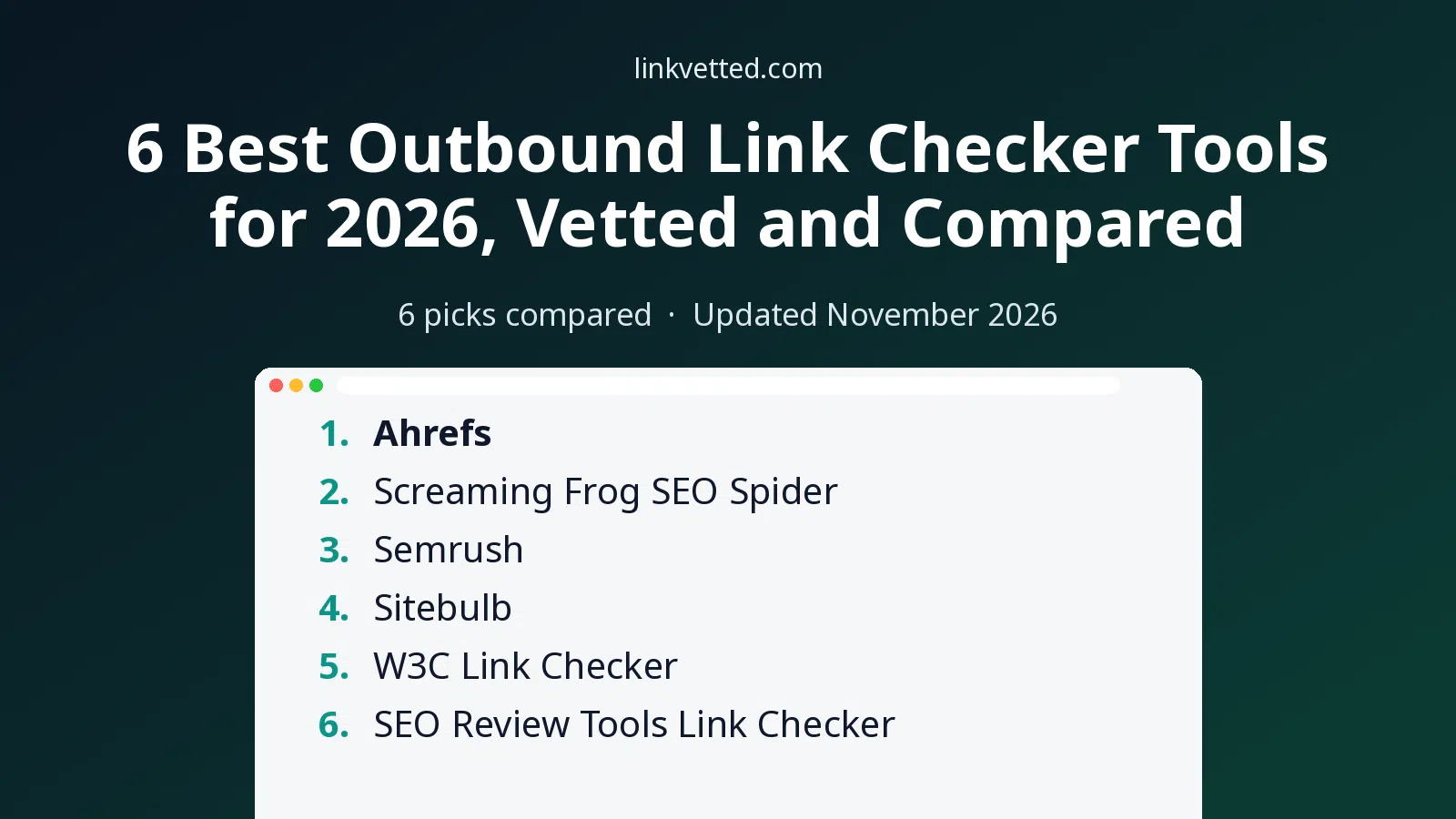
- Editor's choice
 Ahrefs
Combined inbound and outbound link review
Starts atSee websiteVisit ahrefs.comFull review - Great alternative
 Screaming Frog SEO Spider
Bulk outbound link extraction
Starts atSee websiteVisit screamingfrog.co.ukFull review - Also consider
 Semrush
Ongoing site audit monitoring
Starts atSee websiteVisit semrush.comFull review
Direct answer
My top pick is Ahrefs, because its Site Explorer and Site Audit reports show outbound links per page and per domain in one place, which suits most day-to-day audits. For teams that need bulk link extraction and status checks across many URLs, Screaming Frog SEO Spider is the better fit. If you mainly want to monitor outbound links on your own site over time, Semrush's Site Audit is the practical alternative.
TL;DR:
- Outbound link checking usually means two jobs: finding every external link on a page, and confirming those links still resolve.
- Crawler tools like Screaming Frog and Sitebulb are built for bulk extraction and status checks across large sites.
- Backlink platforms like Ahrefs and Semrush show outbound links alongside your inbound link profile, which saves switching tools.
- Browser extensions are fine for spot checks on a single page but do not scale to site-wide audits.
- Always confirm current features and plan limits on the vendor's own site before you commit.
Last checked November 2026. Plan prices are not quoted in this guide because they change often; see each vendor's own pricing page for current figures before you buy.
Quick comparison
| Tool | Best for | Starts at | Free plan? | |
|---|---|---|---|---|
| Ahrefs | Combined inbound and outbound link review | See website | Not stated | Visit |
| Screaming Frog SEO Spider | Bulk outbound link extraction | See website | Free plan | Visit |
| Semrush | Ongoing site audit monitoring | See website | Not stated | Visit |
 Sitebulb | Visual crawl reports for outbound links | See website | Free trial | Visit |
| W3C Link Checker | Quick broken-link validation | See website | Free plan | Visit |
| SEO Review Tools Link Checker | Fast single-page checks | See website | Free plan | Visit |
The best outbound link checker tools compared
I put this list together from vendor documentation, help centre articles and public sources, and I did not run hands-on tests of each tool. The aim is to help you match a tool to the job you actually have, whether that is a one-page check or a crawl of a large site. Treat the fit notes as a starting point, then verify details on each vendor's site.
Ahrefs is a backlink and SEO platform with a Site Explorer report that lists outbound links for a page or domain, plus a Site Audit crawler that flags broken external links. It fits agencies and in-house teams that already use Ahrefs for inbound link work and want outbound checks in the same place.
For outbound link checking, you can open a target URL, review the external links it points to, and cross-check those destinations. The Site Audit crawler adds a broken-link report, so you can find external links that no longer resolve. That combination covers both discovery and validation without exporting to a spreadsheet.
The limits are mostly about plan scope and cost. If you only need a one-off list of external links on a single page, a free checker or a crawler trial may be enough, and a full platform subscription is hard to justify.
- Outbound links visible in Site Explorer and Site Audit
- strong index of external pages
- clear per-page link reports
- Full feature set sits on higher plans
- can be more than a small site needs
Screaming Frog SEO Spider is a desktop crawler that lists outbound links for every crawled URL and reports the status of external destinations. It suits technical SEOs and developers who want a full export they can filter, sort and hand to a content team.
The workflow is straightforward: crawl the site, open the Outlinks or External tab, and filter by status code to find broken or redirected external links. You can also export the list to CSV and match it against a content inventory. For larger sites, the crawl configuration options let you limit scope to the sections you care about.
The main limit is the free version's URL cap, which makes it impractical for large sites without a licence. If you rarely audit links and only need a quick page-level check, a browser tool is simpler.
- Crawls whole sites and exports every outbound link
- shows status codes for external destinations
- custom extraction and configuration options
- Free version caps the number of URLs crawled
- desktop app needs local resources on big crawls
Semrush is an SEO platform whose Site Audit tool crawls your site on a schedule and reports broken links, including external ones. It fits teams that want a recurring check rather than a one-off export, especially if they already use Semrush for keyword and backlink work.
For outbound link checking, the audit report groups issues by type, so you can filter to broken external links and see which pages they sit on. Because crawls repeat, you get a record of when a link broke and whether it was fixed. That is useful for content teams maintaining a large library of external references.
The trade-off is that Semrush is a broad platform, and the audit features you need may sit on a plan above the entry tier. For a single page check, the overhead is not worth it.
- Site Audit tracks broken links over time
- backlink analytics sit alongside outbound data
- scheduled crawls
- Interface can feel heavy for single-page checks
- plan limits affect crawl size
Sitebulb is a desktop website auditing tool that crawls a site and presents link data in visual reports, including outbound links and broken external destinations. It suits consultants and agencies who need to explain link issues to clients in plain terms.
The outbound link reports group findings by severity and include hints that describe what to fix. That makes it easier to hand a list to a content editor who is not a technical SEO. You can also export the underlying data if you want to work in a spreadsheet.
The limits are practical: it is a desktop application, so large crawls depend on your machine, and teams that work entirely in the cloud may prefer a hosted tool.
- Clear visual reports on outbound and broken links
- desktop crawler with detailed hints
- good for explaining issues to non-technical stakeholders
- Desktop app needs local resources
- not a fit if you want a purely cloud workflow
W3C Link Checker
Best for: Quick broken-link validation
W3C Link Checker is a free online service from the W3C that checks the links on a web page and reports which ones fail. It fits a quick validation pass, for example after publishing a page with several external references.
You enter a URL, and the checker lists the links it found along with their status. It is useful as a first pass before a deeper crawl, and it needs no account or setup. For a single page with a handful of outbound links, that is often all you need.
The limits are clear: the output is functional rather than analytical, and it does not scale to a whole site. If you need to check hundreds of pages, use a crawler instead.
- Free and simple to use
- checks links on a given page
- reports broken and redirected destinations
- Basic output with no SEO context
- not built for large-scale crawling
SEO Review Tools Link Checker
Best for: Fast single-page checks
SEO Review Tools offers a free broken link checker that scans a page and reports the status of the links it finds. It fits writers and editors who want a quick check before publishing or after updating an article.
The workflow is simple: paste a URL, run the check, and review the list of links with their status codes. It is a practical way to catch a dead external reference without opening a crawler. For a small content team, that covers most day-to-day needs.
The limit is scale. It checks a page at a time, so it is not suitable for a site-wide audit. If you need coverage across a large library, pair it with a crawler.
- No setup required
- returns a list of links and their status
- useful for spot checks
- Limited depth on large sites
- not a replacement for a full crawl
How I chose
I compared these tools using vendor documentation, help centre articles and public sources, and I did not run hands-on tests. My focus was on how each tool handles outbound link discovery and status checks, how it fits different workflows, and where its limits sit. I looked at whether the tool is built for a single page, a full crawl or ongoing monitoring, because that distinction matters more than a long feature list.
I also weighed practical constraints: desktop versus cloud, free versus paid tiers, and whether the tool is a standalone checker or part of a broader SEO platform. A tool that fits one team's workflow can be overkill for another. Where a vendor's documentation was unclear on a detail, I left it out rather than guess. Check current features and plan limits on each vendor's site before you decide.
What to check before you buy
- Confirm the tool can export outbound links with status codes, not just a count.
- Check whether the free tier caps the number of URLs or pages you can crawl.
- Decide whether you need a one-off check or scheduled monitoring, and match the tool to that.
- Verify that the crawler can follow external links and report redirects, not only broken links.
- Check whether the tool is desktop or cloud, since that affects team access and large crawls.
- Read the vendor's current plan limits, because crawl size and feature access often vary by tier.
FAQ
What is an outbound link checker?
An outbound link checker is a tool that finds the external links on a page or site and reports whether those destinations resolve. It helps you catch broken references, redirected links and outdated sources. Some tools check a single page, while crawlers check a whole site and export the results.
Can I check outbound links for free?
Yes. W3C Link Checker and SEO Review Tools offer free page-level checks, and Screaming Frog SEO Spider has a free version with a URL cap. Free options are fine for spot checks, but site-wide audits usually need a paid crawler or platform plan. Confirm current limits on each vendor's site.
Do I need a crawler or a backlink platform?
It depends on the job. A crawler is better for bulk extraction and status checks across many pages. A backlink platform is better if you want outbound links alongside your inbound link profile. Many teams use both, with the crawler for audits and the platform for link research.
How often should I check outbound links?
There is no fixed rule. Pages with many external references, such as resource lists, tend to need more frequent checks. Scheduled crawls in a platform like Semrush or Ahrefs can automate this. For smaller sites, a quarterly manual check may be enough.
Can these tools fix broken outbound links?
No. They find and report broken or redirected links, but a person still has to update the page. The tool's value is in giving you an accurate list with status codes, so the fix is a simple edit rather than a manual hunt through the content.
Sources
- https://ahrefs.com
- https://www.screamingfrog.co.uk/seo-spider/
- https://www.semrush.com
- https://sitebulb.com
- https://validator.w3.org/checklink
- https://www.seoreviewtools.com/broken-link-checker/