Best Bulk DA Checker Tools for 2026: Our 6 Vetted Picks
A plain comparison of the best bulk DA checker tools in 2026, based on vendor documentation and public sources, with limits and buying checks.
- Editor's choice
 Ahrefs
Large bulk lists and full SEO work
Starts atSee websiteVisit ahrefs.comFull review - Great alternative
 Semrush
Teams already doing keyword and competitor work
Starts atSee websiteVisit semrush.comFull review - Also consider
 Moz
Outreach teams that report Domain Authority
Starts atSee websiteVisit moz.comFull review
Direct answer
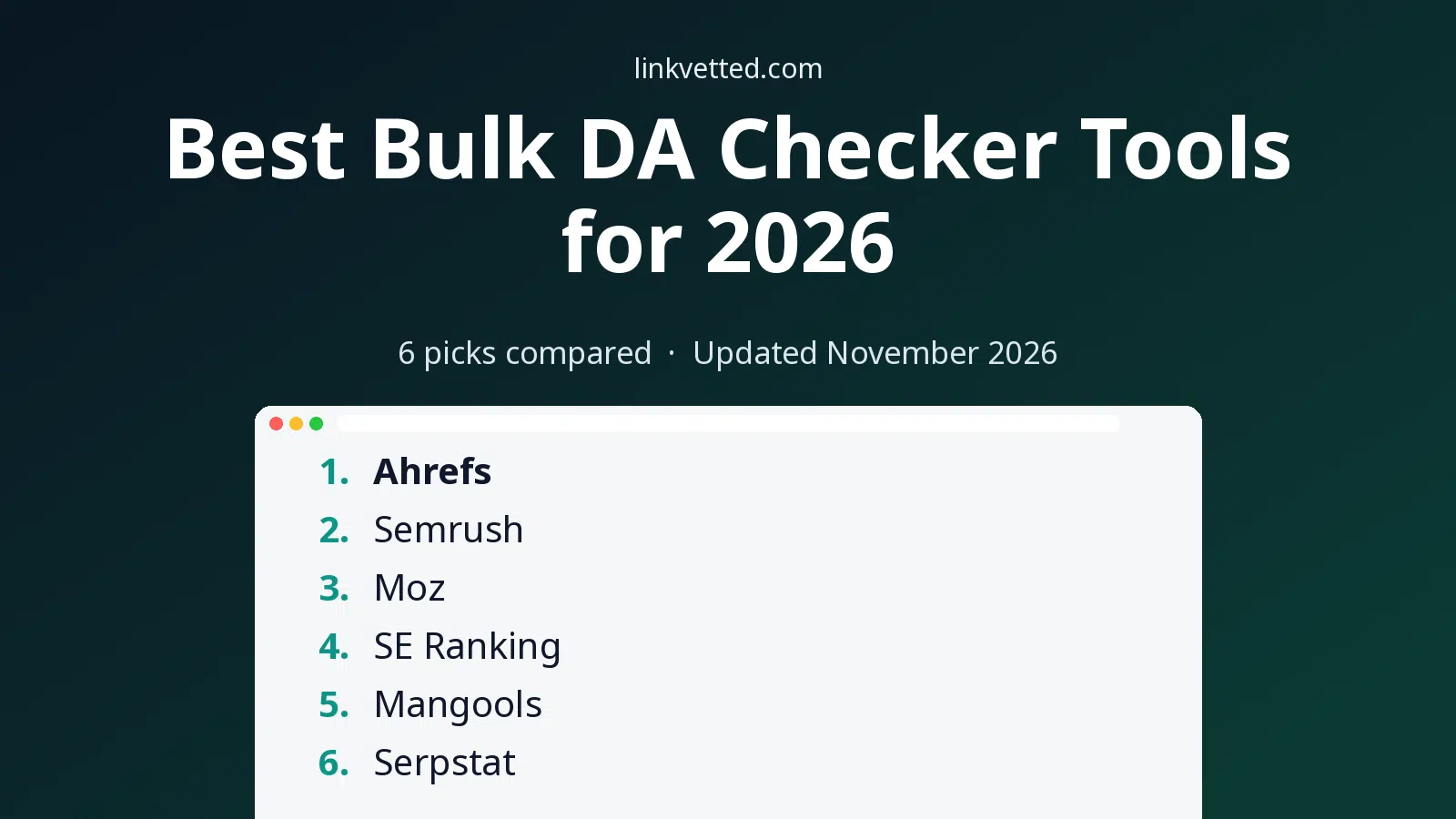
My first pick is Ahrefs, because its bulk analysis and domain metrics are documented clearly and cover large URL lists in one pass. If you want a lighter, cheaper-feeling workflow, Semrush is a reasonable second look. For teams that mainly need to vet outreach prospects, Moz Link Explorer and its API are worth comparing. I based this on vendor documentation and public sources, not hands-on tests.
TL;DR:
- Bulk DA checking is really about pulling a domain authority-style metric for many domains at once, then filtering and exporting the list.
- Ahrefs and Semrush are the broadest options, but they are built for full SEO work, not just one metric.
- Moz keeps the original Domain Authority metric, which many outreach teams still quote in reports.
- Smaller or single-purpose tools can be easier to start with, but check export limits and API access before you commit.
- No tool gives an official Google score, so treat any authority metric as a relative comparison, not a ranking guarantee.
Last checked November 2026. Plan prices are not quoted in this guide because they change often; see each vendor's own pricing page for current figures before you buy.
Quick comparison
| Tool | Best for | Starts at | Free plan? | |
|---|---|---|---|---|
| Ahrefs | Large bulk lists and full SEO work | See website | Not stated | Visit |
| Semrush | Teams already doing keyword and competitor work | See website | Free plan | Visit |
| Moz | Outreach teams that report Domain Authority | See website | Free plan | Visit |
 SE Ranking | Agencies wanting an all-in-one at a lower tier | See website | Free trial | Visit |
 Mangools | Solo marketers and small sites | See website | Free plan | Visit |
 Serpstat | Mixed SEO and PPC teams | See website | Free trial | Visit |
The best bulk DA checker tools compared
I compared these tools from vendor documentation and public sources. I did not run hands-on tests, so the notes below describe what each vendor says it does and where the workflow tends to fit. Use them as a shortlist to check against your own list size and reporting needs.
Ahrefs is a full SEO platform with a backlink checker, site explorer, and bulk analysis features. It fits agencies and in-house teams that check many domains and also need referring domains, anchor text, and link history. For bulk DA-style checks, you can paste a list of domains or URLs and review metrics in a table, then export the results.
The workflow matters here. You can collect a prospect list, run it through bulk analysis, sort by authority-style metrics, and pass the filtered list to outreach. Because Ahrefs also shows backlink details, you can spot domains with thin or irrelevant link profiles before you spend time on a pitch. Check the vendor's current documentation for list size limits and export rules.
The main limit is scope. If you only need one authority number for a few hundred domains, a full suite can be more than you need. Smaller teams on a tight budget should compare lighter options first.
- Documented bulk analysis tools
- broad backlink index
- clear export options
- Full suite may be more than a single-metric user needs
- no stated free plan
Semrush is a broad marketing platform with backlink analytics, domain overview, and bulk checking features. It suits teams that already use it for keyword research or competitor tracking and want to add authority checks to the same workspace. The vendor documents bulk domain analysis and export options.
For bulk DA checking, the practical path is to build a list of domains, run them through the domain or backlink tools, and compare authority-style metrics side by side. You can then filter out weak prospects and keep the rest for outreach. Because the same account covers other SEO tasks, the data stays in one place for reports.
The downside is complexity. A user who only wants a quick authority score may find the interface heavy. Check plan limits on bulk rows and exports before you rely on it for large lists.
- Wide SEO toolkit
- bulk domain checks
- reporting for clients
- Dense interface for a simple DA check
- plan limits vary by tier
Moz is the company behind Domain Authority, the metric many outreach teams still quote. Link Explorer lets you check a domain's authority and backlink profile, and the vendor offers API access for programmatic checks. That makes Moz a natural fit if your reports or client conversations use DA by name.
For bulk work, the API is the part to study. You can send lists of domains and pull authority and link metrics into a spreadsheet or internal tool, then sort and filter. The vendor documentation covers endpoints and limits. If you do not code, the web interface still works for smaller batches.
The limit is timing. Authority metrics are recalculated on a schedule, so a fresh domain may not show current data immediately. Teams that need live, per-URL checks should confirm update cadence before buying.
- Original Domain Authority metric
- Link Explorer
- API access on paid plans
- Metric updates are periodic, not live
- bulk API use depends on plan
SE Ranking is an SEO platform with rank tracking, backlink analysis, and competitor research. It fits small and mid-size agencies that want several SEO jobs in one account without the largest suite. The vendor documents a backlink checker and domain comparison features.
For bulk DA checks, you can review domain metrics in the backlink tool and compare prospects before outreach. The platform also supports reporting, which helps when you need to show a client why certain domains made the list. Check the vendor's documentation for how many domains you can compare at once.
The main limit is index size. Third-party link indexes differ, so a smaller index can miss some links. Treat the numbers as directional and cross-check important domains in a second tool.
- All-in-one SEO suite
- backlink checker
- competitive research tools
- Smaller third-party index than the biggest suites
- bulk limits vary by plan
Mangools is a set of SEO tools aimed at solo marketers and small teams. Its backlink checker covers authority-style metrics and link details, and the interface is simpler than the large suites. It fits people who check domains occasionally and do not need a full enterprise workflow.
For bulk checking, the practical approach is to work through a prospect list in batches and record metrics in a spreadsheet. The vendor documents its backlink features, but large-list automation is limited compared with API-first tools. That is fine for small lists and slower for thousands of domains.
Skip it if you need programmatic access or very large batch runs. It works best as a straightforward checker for smaller projects.
- Simple interface
- backlink checker
- affordable-feeling entry tier
- Fewer bulk and API options than large suites
- limited advanced filtering
Serpstat is an SEO platform with backlink analysis, keyword research, and PPC tools. It suits teams that handle both organic and paid work and want one account for research. The vendor documents batch analysis and backlink features.
For bulk DA checking, you can run domain lists through the backlink or batch tools, compare authority-style metrics, and export results for outreach. Because the same platform covers keyword and ad research, you can check whether a prospect domain is relevant to a campaign before you pitch.
The limit is polish. Some bulk workflows take more clicks than the largest suites, and plan limits apply to batch rows. Test with a small list first to see whether the workflow fits your team.
- Backlink analysis
- keyword and PPC research
- batch analysis features
- Bulk workflows can feel less polished
- plan limits apply
How I chose
I built this list from vendor documentation and public sources, not from hands-on tests. I looked at what each vendor says about bulk domain checks, backlink data, export options, and API access, then matched those features to common jobs: large prospect lists, client reporting, and small-team checks. I also noted where a tool is clearly built for a broader SEO workflow rather than a single metric.
I left out tools where I could not confirm a real, operating product with an official homepage, and I avoided anything tied to spam or manipulative link schemes. The goal is a shortlist you can verify yourself. Before you buy, read the vendor's current docs on list size, export limits, and metric update cadence, because those details change and they decide whether a tool fits your workflow.
What to check before you buy
- Confirm the maximum number of domains or URLs you can check in one batch, and whether that limit differs by plan.
- Check whether bulk exports are included or restricted, and what file formats you get.
- Ask how often authority-style metrics are recalculated, since stale data can mislead outreach decisions.
- Confirm API access and rate limits if you plan to automate checks from a spreadsheet or internal tool.
- Look at backlink detail, not just the score, so you can filter out thin or irrelevant link profiles.
- Read the vendor's fair-use and data policies, and avoid any tool that promises rankings or pushes spam tactics.
FAQ
What does a bulk DA checker actually measure?
It pulls a domain authority-style metric for many domains at once. These metrics are vendor calculations based on link and other signals. They are not official Google scores, so use them to compare domains relative to each other, not as a promise of rankings.
Can I check hundreds of domains at once?
It depends on the plan. Large suites document batch and API options for big lists, while simpler tools work better in smaller batches. Check the vendor's current limits on rows, exports, and API calls before you plan a large run.
Is Domain Authority the same across tools?
No. Moz publishes Domain Authority, while other vendors use their own authority-style metrics with different formulas and indexes. Numbers from different tools are not directly comparable, so pick one metric for a project and stay consistent.
Do I need a paid plan for bulk checks?
Often yes, because bulk rows, exports, and API access are usually tied to paid tiers. Some vendors offer free plans or trials with limited checks. Confirm what the free tier includes before you rely on it for a client list.
How do I use bulk DA data in outreach?
Use it as one filter among several. Sort prospects by authority-style metrics, then check relevance, traffic signals, and link profile quality. A high score on an irrelevant domain is still a weak prospect, so combine the metric with manual review.
Sources
- https://ahrefs.com
- https://semrush.com
- https://moz.com
- https://seranking.com
- https://mangools.com
- https://serpstat.com