Best Budgeting and Forecasting Software in 2026: 9 Tools Compared
Find the best budgeting and forecasting software for finance teams in 2026. We compare planning, scenarios, reporting and pricing options before you buy.
- Editor's choice
 Anaplan
large enterprises that need connected planning across finance and operations
Starts atSee websiteVisit anaplan.comFull review - Great alternative
 Workday Adaptive Planning
enterprises that want workforce linked planning and rolling forecasts
Starts atSee websiteVisit workday.comFull review - Also consider
 Planful
mid sized to large finance teams that want planning, close and reporting together
Starts atSee websiteVisit planful.comFull review
TL;DR:
- Prices in this list start at $83 per month, while some larger options use a custom quote for enterprise platforms, so the headline price is only part of the total cost.
- none with a full free plan offer a free way to start or try the service, which makes a short trial a sensible first step before a paid plan.
- The best pick depends on your size and daily workflow, not on the longest feature list, so match the tool to the job you do most often.
- Check contract terms, extra fees and limits on the vendor pricing page before you commit, since those details change the real monthly cost.
- This is not financial advice. Forecasts depend on assumptions, drivers and data quality, so check model outputs against actuals and your own finance controls before acting on them.
Quick comparison
| Tool | Best for | Starts at | Free plan? | |
|---|---|---|---|---|
| Anaplan | large enterprises that need connected planning across finance and operations | See website | Free trial | Visit |
| Workday Adaptive Planning | enterprises that want workforce linked planning and rolling forecasts | See website | No | Visit |
| Planful | mid sized to large finance teams that want planning, close and reporting together | See website | No | Visit |
 Vena | finance teams that want to budget and forecast inside Excel | See website | No | Visit |
 Cube | spreadsheet centred FP and A teams that want centralised actuals and scenarios | See website | No | Visit |
 Prophix | mid market finance teams that want automated planning and consolidation | See website | No | Visit |
 Board | teams that want planning, analytics and reporting in one integrated platform | See website | No | Visit |
 PlanGuru | small businesses and nonprofits that want accessible budgeting and forecasting | $83 per month | Free trial | Visit |
 Budgyt | smaller and mid sized organisations that want simple collaborative budgeting | $399 per month | Free trial | Visit |
The best budgeting and forecasting software
We compared official feature pages, pricing pages and public reviews to build this list, and we focused on tools that exist and work today in October 2026. The options below cover well known leaders and smaller tools that suit a narrower need, so read the trade-offs as carefully as the strengths.
Anaplan
Best for: large enterprises that need connected planning across finance and operations
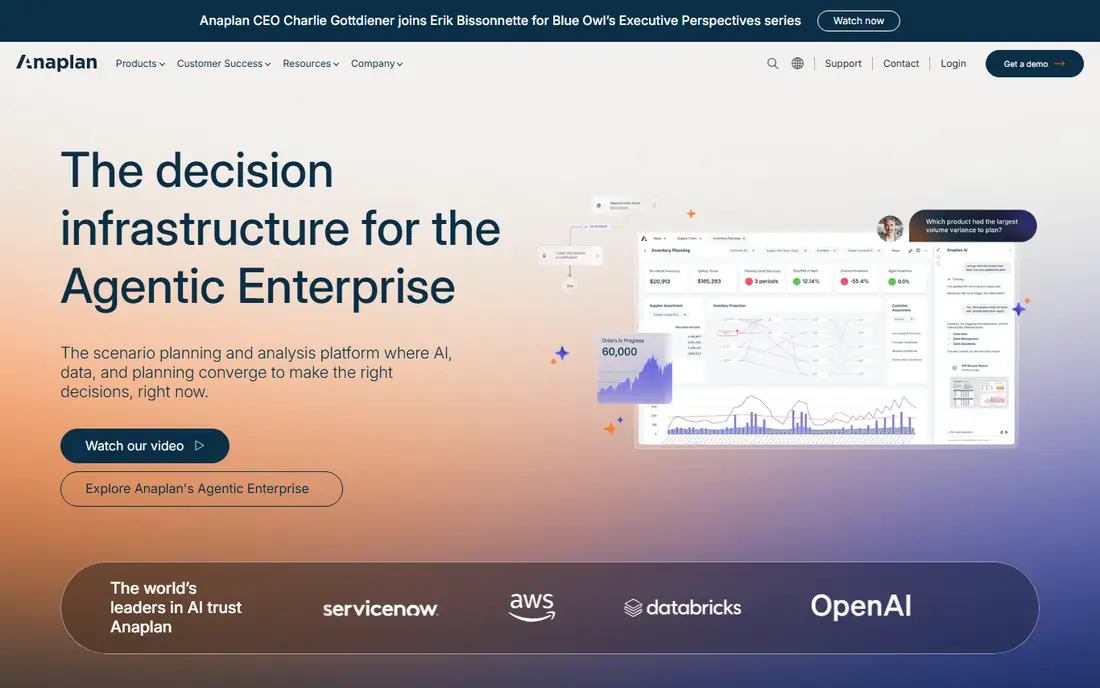
Anaplan is an enterprise planning platform for connected models that link finance, sales and operations in one system. Pricing starts at See website, and the free plan status is Free trial, so you can judge the entry cost before you commit to a larger plan.
The strengths are connected planning models, driver based budgets and scenario modelling across teams. The trade-offs are quote only pricing and implementation can be a major project, so test those points in a trial before you pay. Our view is to choose this option if large enterprises that need connected planning across finance and operations matches your main need, and to shortlist a different tool if those trade-offs hit your daily work.
- Connected planning models
- Driver based budgets
- Scenario modelling across teams
- Quote only pricing
- Implementation can be a major project
Workday Adaptive Planning
Best for: enterprises that want workforce linked planning and rolling forecasts
Workday Adaptive Planning is built for agile enterprise planning, with workforce and financial plans in the same models. Pricing starts at See website, and the free plan status is No, so you can judge the entry cost before you commit to a larger plan.
The strengths are rolling forecasts, workforce planning and unlimited what if scenarios. The trade-offs are quote only pricing and best value inside Workday environments, so test those points in a trial before you pay. Our view is to choose this option if enterprises that want workforce linked planning and rolling forecasts matches your main need, and to shortlist a different tool if those trade-offs hit your daily work.
- Rolling forecasts
- Workforce planning
- Unlimited what if scenarios
- Quote only pricing
- Best value inside Workday environments
Planful
Best for: mid sized to large finance teams that want planning, close and reporting together
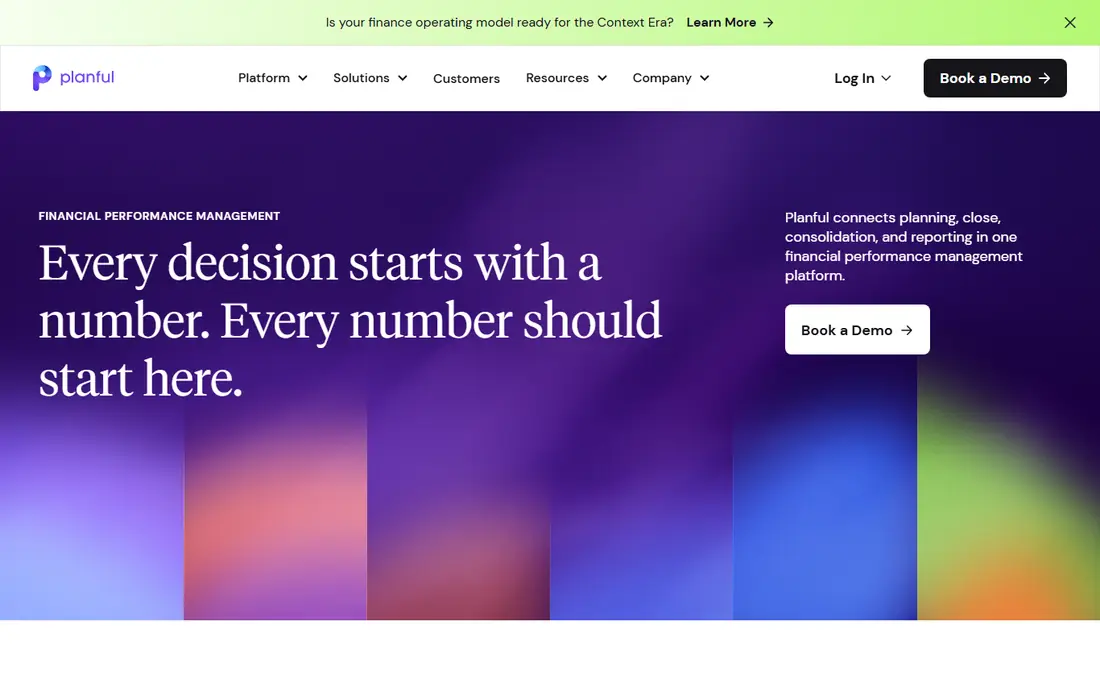
Planful covers planning, close and reporting in one platform, which suits finance teams that want one system for the cycle. Pricing starts at See website, and the free plan status is No, so you can judge the entry cost before you commit to a larger plan.
The strengths are budgeting and forecasting, financial consolidation and reporting dashboards. The trade-offs are quote only pricing and scope can be more than small teams need, so test those points in a trial before you pay. Our view is to choose this option if mid sized to large finance teams that want planning, close and reporting together matches your main need, and to shortlist a different tool if those trade-offs hit your daily work.
- Budgeting and forecasting
- Financial consolidation
- Reporting dashboards
- Quote only pricing
- Scope can be more than small teams need
Vena keeps finance teams in Excel while adding controls, workflows and a central model behind the spreadsheets. Pricing starts at See website, and the free plan status is No, so you can judge the entry cost before you commit to a larger plan.
The strengths are Excel native planning, driver based forecasting and workflows and controls. The trade-offs are quote only pricing and Excel dependence is a trade-off for some teams, so test those points in a trial before you pay. Our view is to choose this option if finance teams that want to budget and forecast inside Excel matches your main need, and to shortlist a different tool if those trade-offs hit your daily work.
- Excel native planning
- Driver based forecasting
- Workflows and controls
- Quote only pricing
- Excel dependence is a trade-off for some teams
Cube
Best for: spreadsheet centred FP and A teams that want centralised actuals and scenarios
Cube is a spreadsheet native FP and A tool that centralises actuals and plans without forcing teams off Excel or Sheets. Pricing starts at See website, and the free plan status is No, so you can judge the entry cost before you commit to a larger plan.
The strengths are Excel and Sheets native planning, centralised data and actuals sync and scenario modelling. The trade-offs are quote only pricing and implementation needs clean source data, so test those points in a trial before you pay. Our view is to choose this option if spreadsheet centred FP and A teams that want centralised actuals and scenarios matches your main need, and to shortlist a different tool if those trade-offs hit your daily work.
- Excel and Sheets native planning
- Centralised data and actuals sync
- Scenario modelling
- Quote only pricing
- Implementation needs clean source data
Prophix
Best for: mid market finance teams that want automated planning and consolidation
Prophix automates planning, reporting and consolidation for mid market finance teams. Pricing starts at See website, and the free plan status is No, so you can judge the entry cost before you commit to a larger plan.
The strengths are automated planning workflows, reporting and consolidation and scenario tools. The trade-offs are quote only pricing and setup time varies by data complexity, so test those points in a trial before you pay. Our view is to choose this option if mid market finance teams that want automated planning and consolidation matches your main need, and to shortlist a different tool if those trade-offs hit your daily work.
- Automated planning workflows
- Reporting and consolidation
- Scenario tools
- Quote only pricing
- Setup time varies by data complexity
Board
Best for: teams that want planning, analytics and reporting in one integrated platform
Board combines planning with analytics and reporting, so forecasts and dashboards can live in one platform. Pricing starts at See website, and the free plan status is No, so you can judge the entry cost before you commit to a larger plan.
The strengths are integrated planning and BI, multidimensional modelling and dashboards and reporting. The trade-offs are quote only pricing and implementation complexity for large models, so test those points in a trial before you pay. Our view is to choose this option if teams that want planning, analytics and reporting in one integrated platform matches your main need, and to shortlist a different tool if those trade-offs hit your daily work.
- Integrated planning and BI
- Multidimensional modelling
- Dashboards and reporting
- Quote only pricing
- Implementation complexity for large models
PlanGuru
Best for: small businesses and nonprofits that want accessible budgeting and forecasting
PlanGuru is the accessible pick in this list, with budgeting and forecasting priced for small businesses and nonprofits. Pricing starts at $83 per month, and the free plan status is Free trial, so you can judge the entry cost before you commit to a larger plan.
The strengths are accessible budgeting tools, forecasting and reporting and nonprofit and small business fit. The trade-offs are less suited to large enterprise models and integration depth is limited, so test those points in a trial before you pay. Our view is to choose this option if small businesses and nonprofits that want accessible budgeting and forecasting matches your main need, and to shortlist a different tool if those trade-offs hit your daily work.
- Accessible budgeting tools
- Forecasting and reporting
- Nonprofit and small business fit
- Less suited to large enterprise models
- Integration depth is limited
Budgyt
Best for: smaller and mid sized organisations that want simple collaborative budgeting
Budgyt focuses on simple collaborative budgeting, with reforecasting and cash flow tools for smaller finance teams. Pricing starts at $399 per month, and the free plan status is Free trial, so you can judge the entry cost before you commit to a larger plan.
The strengths are simple collaborative budgeting, reforecasting and cash flow tools and scenario modelling. The trade-offs are higher entry price than PlanGuru and enterprise features are limited, so test those points in a trial before you pay. Our view is to choose this option if smaller and mid sized organisations that want simple collaborative budgeting matches your main need, and to shortlist a different tool if those trade-offs hit your daily work.
- Simple collaborative budgeting
- Reforecasting and cash flow tools
- Scenario modelling
- Higher entry price than PlanGuru
- Enterprise features are limited
How we picked these
We started with tools that truly fit best budgeting and forecasting software, and we removed any product that did not exist, did not work in October 2026, or only partly matched the topic. We compared official feature pages and pricing pages, app store listings where relevant, and public reviews, and we noted where a vendor did not publish a price, so we wrote See website rather than guessing a number.
We also weighed who each tool suits best, not just which tool has the most features, so the write-ups above name the fit and the catch for each option.
What to check before you choose
Start with the job you do most often, and pick two tools that fit that job well. Run a real task in each one, such as a full campaign, a full booking flow, or a full plan, rather than judging by a demo alone. Watch for limits that only appear in daily use, such as seat minimums, per item fees, or features locked behind a higher tier.
Next, add up the total cost, not just the plan price. Include per user fees, per item or per message fees, hardware, onboarding and any add-on that your team will actually need. A cheaper plan can cost more in a year if it charges for the volume you already have, while a dearer plan can save money if it includes those items.
Finally, check support, contract length and how easy it is to leave. Ask how you export your data, what happens at renewal, and how support answers when something breaks at a busy time. A short trial answers most of these questions, and it is worth more than a long feature list on a sales page.
FAQ
What is best budgeting and forecasting software?
A best budgeting and forecasting software is software that helps finance teams build budgets, run rolling forecasts, test scenarios and report actuals against plan. The tools in this list differ in price, depth and audience, so the right one depends on how many people use it and how often you need it.
How much does best budgeting and forecasting software cost?
Prices in this list start at $83 per month, while some larger options use a custom quote for enterprise platforms. Always check the vendor pricing page for the plan that matches your volume, since per user and per item fees change the total.
Is there a free best budgeting and forecasting software option?
none with a full free plan offer a free way to start or try the service. A free plan is a good way to test the core workflow, but paid plans usually add capacity, controls and support that growing teams need.
Which best budgeting and forecasting software is best for beginners?
Anaplan is our pick for most beginners in this list, because its entry point is clear and its core workflow is easy to learn. If your needs are larger or more specialised, read the trade-offs for the other options before you decide.
What should I check before buying best budgeting and forecasting software?
Check the total cost, contract terms, limits and support, and run a real task in a trial. Also confirm that the tool works with the systems you already use, since a poor fit there can cost more time than the software itself.