The 6 Best Link Rot Checker Tools in 2026, Ranked
A practical guide to the best link rot checker tools in 2026, compared from vendor documentation and public sources, with limits and buying checks.
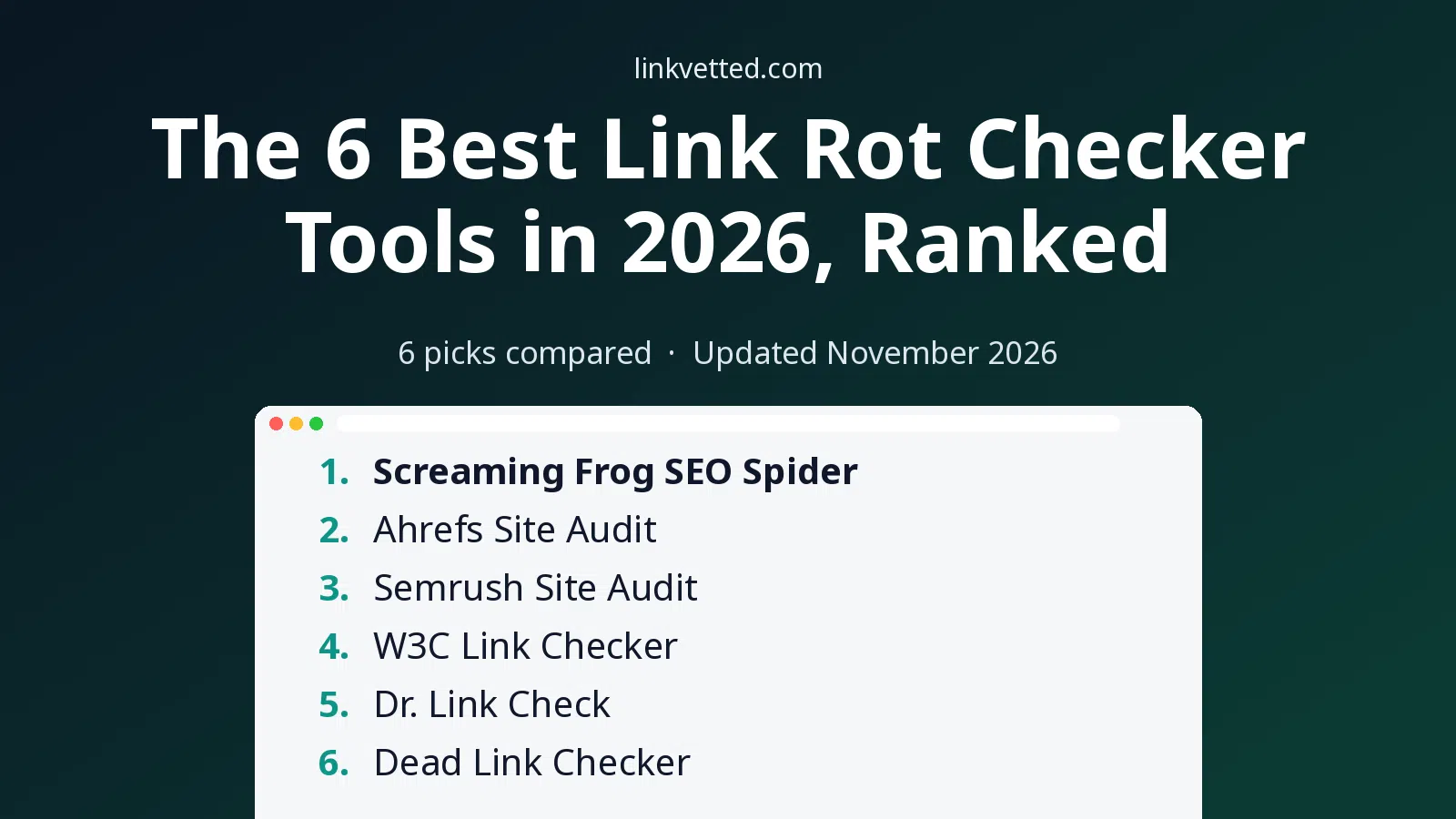
- Editor's choice
 Screaming Frog SEO Spider
Detailed broken link crawls
Starts atSee websiteVisit screamingfrog.co.ukFull review - Great alternative
 Ahrefs Site Audit
Scheduled site health checks
Starts atSee websiteVisit ahrefs.comFull review - Also consider
 Semrush Site Audit
Teams already in Semrush
Starts atSee websiteVisit semrush.comFull review
Direct answer
My top pick is Screaming Frog SEO Spider, because it crawls a site and reports broken links and redirects in one pass, which is the core of link rot work. For larger or recurring audits, I point people to Ahrefs Site Audit and Semrush Site Audit, both of which track broken links over time. For a free, browser-based check, W3C Link Checker is a simple starting point.
TL;DR:
- Link rot means outbound or internal links that stop working over time, and a checker finds them before visitors do.
- Crawler tools like Screaming Frog give you the most control because you see every link and its status code.
- Suite tools like Ahrefs and Semrush help when you want scheduled checks rather than one-off crawls.
- Free options exist, but they usually check fewer pages or give less detail on redirect chains.
- Always confirm what a tool counts as "broken" before you trust its report.
Last checked November 2026. Plan prices are not quoted in this guide because they change often; see each vendor's own pricing page for current figures before you buy.
Quick comparison
| Tool | Best for | Starts at | Free plan? | |
|---|---|---|---|---|
| Screaming Frog SEO Spider | Detailed broken link crawls | See website | Free plan | Visit |
| Ahrefs Site Audit | Scheduled site health checks | See website | No free plan | Visit |
| Semrush Site Audit | Teams already in Semrush | See website | Free plan | Visit |
| W3C Link Checker | Free quick link checks | See website | Free plan | Visit |
| Dr. Link Check | Simple broken link reports | See website | Free plan | Visit |
| Dead Link Checker | Fast spot checks | See website | Free plan | Visit |
The best link rot checker tools compared
I compared these tools from vendor documentation and public sources, not from hands-on testing. I looked at what each tool says it checks, how it reports broken links, and where its limits are. The picks below are the ones I would point a small agency client toward first, depending on whether they want a desktop crawler, a suite, or a free check.
Screaming Frog SEO Spider is a desktop crawler that visits pages and records the status of every link it finds. For link rot, that means you can see which internal and outbound links return errors, which redirect, and which resolve normally. It fits SEOs and site owners who want to inspect the raw data rather than read a summary.
In a link rot workflow, I would crawl the site, filter the results by client error and redirect status codes, and export the list for fixing. The tool shows the source page for each broken link, so you know where to edit. It also flags redirect chains, which matter because a link that redirects twice is a weak link even if it still resolves.
The main limit is scale on the free version, which caps how many URLs you can crawl. If you manage a large site and want unlimited crawling, you need the paid license. Skip it if you want a hosted tool that runs checks on a schedule without you opening an app.
- Crawls internal and external links
- shows status codes and redirects
- desktop app with export options
- Free version caps URLs
- needs a local install
Ahrefs Site Audit is a hosted crawler inside the Ahrefs platform. It checks pages on a schedule and reports broken links, redirects, and other technical issues. It suits site owners who want a recurring health check rather than a manual crawl each time.
For link rot, the value is the history. You can see when a broken link first appeared and whether it was fixed after your last crawl. That makes it easier to catch rot on outbound links to resources that move or disappear. The report groups issues so you can work through them in batches.
The limit is that it sits behind a paid Ahrefs plan, and the free plan does not cover full audit use. If you only need a one-off broken link list, a desktop crawler may be cheaper. Skip it if you do not want another subscription.
- Recurring crawls
- broken link reports
- integrates with other Ahrefs data
- Requires a paid plan
- crawl frequency depends on plan
Semrush Site Audit is the site health crawler inside Semrush. It reports broken internal and external links, redirect issues, and related technical problems. It fits marketing teams that already use Semrush for keyword or competitor work and want site checks in the same place.
The link rot angle is straightforward: run an audit, open the broken links report, and fix what it lists. Because it runs on a schedule, you can set it to recheck and confirm fixes. The report links each issue to the affected page, which helps when you hand fixes to a developer.
The free account limits how much you can audit, so larger sites need a paid plan. If you want a standalone broken link checker and nothing else, this is more tool than you need. Skip it if you dislike bundled suites.
- Broken link tracking
- scheduled crawls
- shares data with other Semrush tools
- Free account limits audit scope
- full features need paid plans
W3C Link Checker
Best for: Free quick link checks
W3C Link Checker is a free service from the W3C that checks the links on a given page or site and reports which ones fail. It is about as plain as link checking gets, which is useful when you want a fast answer without installing anything.
For link rot, I would use it on a single important page, such as a resources page with many outbound links, to see what has broken. It reports the status of each link, so you can spot dead ones quickly. It is a good first pass before you commit to a paid tool.
The limit is depth and scale. It is not designed for recurring monitoring of a large site, and its reports are basic. Skip it if you need scheduled checks or detailed redirect analysis.
- Free to use
- checks links on a page or site
- simple output
- Basic reporting
- not built for large-scale monitoring
Dr. Link Check
Best for: Simple broken link reports
Dr. Link Check is a dedicated broken link checker. You give it a site or page, and it scans for links that fail. It fits people who want a single-purpose tool rather than a full SEO suite.
For link rot, the focused approach helps. You run a check, get a list of broken links with their locations, and fix them. Because it is built around this one job, the report is easier to read than a general site audit if broken links are all you care about.
The limit is that it does less than a full crawler or suite. If you also need redirect chains, canonical checks, or scheduled monitoring, you will outgrow it. Skip it if you want one tool for all technical SEO.
- Focused on broken links
- checks internal and external links
- clear reports
- Smaller feature set than big suites
- limits on free checks
Dead Link Checker
Best for: Fast spot checks
Dead Link Checker is a simple web-based tool for finding dead links on a page or site. It is the kind of tool I reach for when I want a fast check without setup.
For link rot, it works best as a spot check. You point it at a page, it lists links that fail, and you fix them. It is handy for a quick review of an outbound resources page before publishing or after a site update.
The limit is scale and detail. It is not built for deep crawls or scheduled monitoring, and the reporting is basic. Skip it if you manage a large site and need recurring checks.
- Quick to run
- free option
- simple broken link list
- Limited depth on large sites
- basic reporting
How I chose
I built this list from vendor documentation and public sources. I read what each tool says it checks, how it reports broken links, and what its free and paid limits are. I did not run hands-on tests, so I am not claiming performance results or measured accuracy. Where a vendor's documentation was thin, I noted the limit rather than guessing.
The shortlist favors tools that clearly address link rot: crawling links, reporting status codes, and helping you fix what breaks. I included a mix of desktop, hosted, and free options because the right choice depends on scale and whether you want scheduled checks. I left out tools that do not publish clear information about link checking, and I avoided any claims about rankings or results.
What to check before you buy
- Confirm the tool checks both internal and outbound links, since link rot often hits external resources.
- Check whether it reports redirect chains, not just hard errors, because a redirecting link is a weak link.
- Ask how often it can re-crawl if you want to confirm fixes over time.
- Look at the free plan limits, especially the number of URLs or pages you can check.
- See whether reports export to CSV or similar, so you can hand a fix list to a developer.
- Check if the tool flags links to pages that return a soft 404 or a parked domain, not only a hard error.
FAQ
What is link rot?
Link rot is when a link on your site stops working because the destination page was removed, moved, or changed. It affects outbound links to resources and internal links after site changes. A link rot checker finds these broken links so you can update or remove them.
Do I need a paid tool to check for broken links?
No. Free options like W3C Link Checker and Dead Link Checker can find broken links on a page. Paid tools help when you need scheduled checks, larger crawls, or detailed reports across a big site. Start free and move up if you need recurring monitoring.
How often should I check for link rot?
It depends on how often your site and the pages you link to change. A quarterly check is a common starting point for a small site, with more frequent checks on pages that link to many external resources. The key is to recheck after you fix links to confirm the fix.
Can a link rot checker find links that redirect?
Some can. Screaming Frog and the site audit tools in Ahrefs and Semrush report redirects alongside hard errors. Simpler checkers may only flag links that fail outright. If redirect chains matter to you, confirm the tool reports them before you rely on it.
Does fixing broken links improve rankings?
I cannot promise that. Fixing broken links improves the visitor experience and keeps your pages accurate. Treat it as site maintenance, not a ranking tactic. Anyone who guarantees ranking gains from link fixes alone is overstating what the work does.
Sources
- https://www.screamingfrog.co.uk/seo-spider/
- https://ahrefs.com/site-audit
- https://www.semrush.com/siteaudit/
- https://validator.w3.org/checklink
- https://www.drlinkcheck.com/
- https://www.deadlinkchecker.com/