Choosing Redirect Checker Tools for Link Building in 2026: 6 Options Compared
A practical guide to redirect checker tools for link building, covering chain detection, status codes, bulk checks and where each tool fits in 2026.
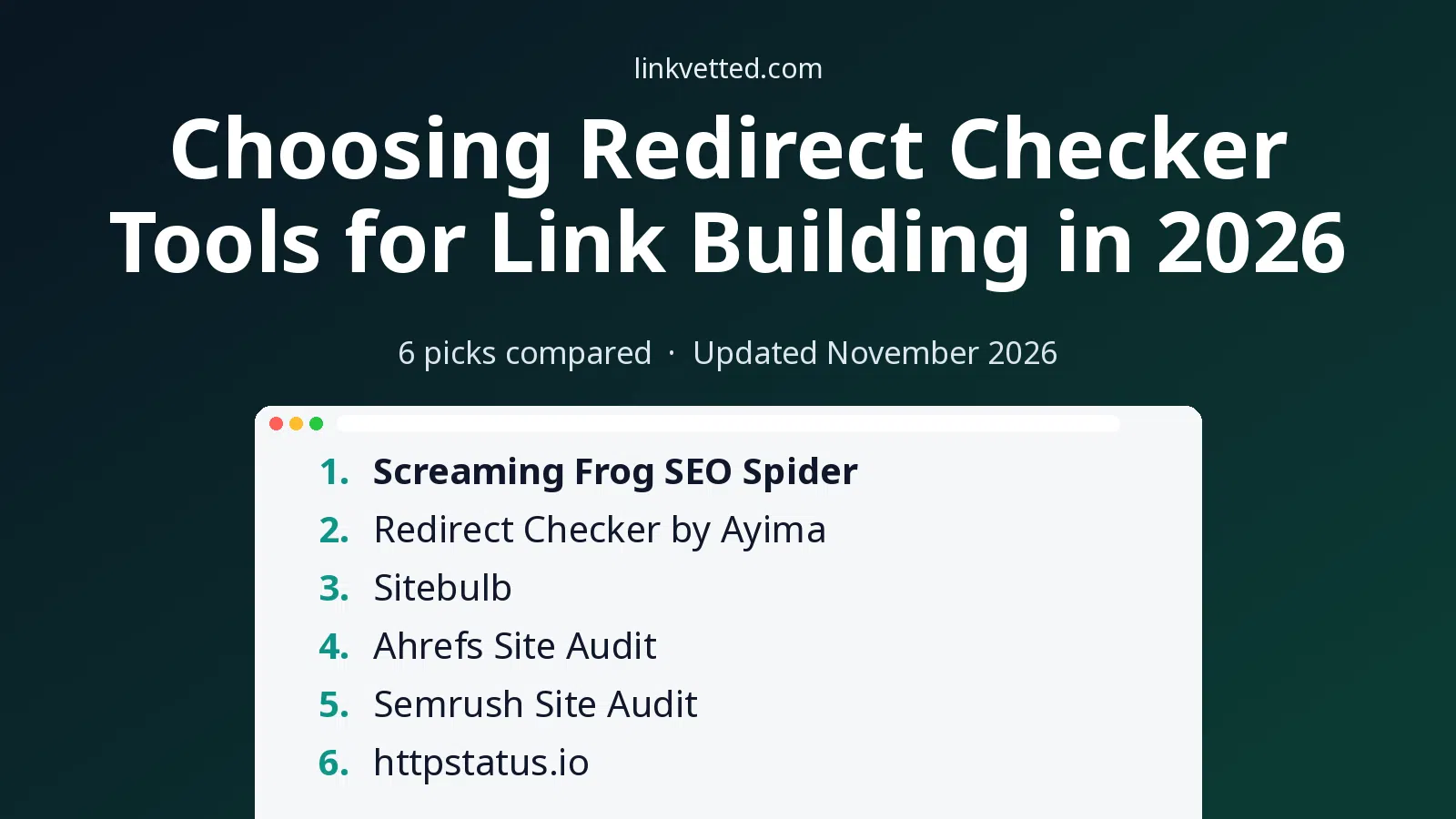
- Editor's choice
 Screaming Frog SEO Spider
Site-wide redirect and status audits
Starts atSee websiteVisit screamingfrog.co.ukFull review - Great alternativeRedirect Checker by Ayima
Single-URL redirect checks
Starts atSee websiteVisit ayima.comFull review - Also consider
 Sitebulb
Bulk URL and site audits
Starts atSee websiteVisit sitebulb.comFull review
Direct answer
My first pick is Screaming Frog SEO Spider, because its desktop crawler reports redirect chains, redirect loops and status codes across a whole site rather than one URL at a time. For quick single-URL checks I point people to Redirect Checker by Ayima, and for bulk URL lists I suggest the HTTP status checking in Sitebulb. Each covers a different part of a link building audit.
TL;DR:
- A redirect checker matters in link building because a redirected or broken target URL can waste the value of an earned link.
- Desktop crawlers suit site-wide audits, while single-URL checkers suit spot checks during outreach.
- Always confirm the final destination of a redirect, not just the status code.
- Watch for chains of two or more hops, since each hop adds a step between the link and the live page.
- Check redirects before and after a campaign, because targets change when sites restructure.
Last checked November 2026. Plan prices are not quoted in this guide because they change often; see each vendor's own pricing page for current figures before you buy.
Quick comparison
| Tool | Best for | Starts at | Free plan? | |
|---|---|---|---|---|
| Screaming Frog SEO Spider | Site-wide redirect and status audits | See website | Free plan | Visit |
| Redirect Checker by Ayima | Single-URL redirect checks | See website | Free plan | Visit |
| Sitebulb | Bulk URL and site audits | See website | Free trial | Visit |
 Ahrefs Site Audit | Ongoing site health and redirect monitoring | See website | No free plan | Visit |
 Semrush Site Audit | Teams already using Semrush | See website | Free plan | Visit |
| httpstatus.io | Fast bulk status code checks | See website | Free plan | Visit |
The best redirect checker tools for link building compared
I put this list together from vendor documentation and public sources, and I did not run hands-on tests of each tool. The aim is to help you match a tool to the job, whether that is a full crawl, a single link check or a bulk list of target URLs.
Screaming Frog SEO Spider is a desktop crawler that fetches pages like a browser and records what happens at each URL. For link building, that means you can point it at a site and see which pages return 301s, 302s, 404s or chains. It fits SEOs who audit prospect sites or their own pages before and after a campaign.
The redirect reports are the useful part. You can list every redirect, see the chain length and check where each one ends up. When I review a link target, I use that to confirm the final URL is live and relevant, not a soft 404 or a page that has moved twice. Exports make it easy to share findings with a client or a writer.
The limit is scale on the free version and the fact it is a desktop tool. If you only need to check one URL during outreach, a crawler is overkill. Skip it if you want a browser-based checker with no install.
- Crawls whole sites
- reports redirect chains and loops
- exports URL-level data
- Desktop install required
- free version limits crawl size
Redirect Checker by Ayima
Best for: Single-URL redirect checks
Redirect Checker by Ayima is a free browser tool from the agency Ayima. You paste a URL and it shows the response headers and the chain of redirects until the final destination. It fits quick checks during outreach, when you want to confirm a link target resolves cleanly before you ask for a placement.
In a link building workflow, this is the tool I reach for when a prospect sends a live URL and I want to confirm it is not bouncing through several hops. It shows each step, so you can see whether the link lands on the intended page. That is faster than loading a crawler for a single check.
Its limit is scope. It checks one URL at a time and does not crawl a site or handle large lists. If you need to audit hundreds of target URLs, use a crawler or a bulk checker instead.
- Browser-based
- shows the full redirect path
- no install needed
- One URL at a time
- not a site crawler
Sitebulb is a desktop crawler with a strong focus on reporting. It crawls sites and surfaces redirect issues with hints that explain what each one means. For link building, it is useful when you need to check a long list of target URLs or audit a prospect's site before pitching.
The bulk URL list feature is the part that matters here. You can feed in a set of pages you plan to link to or have already earned links on, and Sitebulb reports status codes and redirect behaviour for each. That helps you catch targets that have moved or broken since you built the link.
The drawback is that it is a desktop tool with a paid licence for regular use. If you only check a handful of URLs a month, a free single-URL checker is enough.
- Detailed redirect reporting
- bulk URL list crawls
- clear visual reports
- Desktop install required
- paid licence for full use
Ahrefs Site Audit is the crawler inside the Ahrefs platform. It runs scheduled crawls and flags redirect issues alongside other site health problems. It fits teams that already use Ahrefs for backlink and keyword work and want redirect checks in the same place.
For link building, the value is monitoring. If you earn links to pages that later get redirected or broken, a scheduled audit can catch it. You can review redirect chains and 404s in the report and fix them before the links lose their effect. It keeps redirect checks tied to the same project as your backlink data.
The limit is cost and scope. There is no free plan, and a full platform is more than you need if you only want to check redirects. Skip it if you want a standalone checker.
- Scheduled crawls
- redirect issue reports
- part of a wider SEO toolkit
- Paid plans required
- overkill for one-off checks
Semrush Site Audit crawls a site and reports redirects, broken links and related issues. It fits agencies and in-house teams that already run Semrush for keyword and competitor research and want redirect checks without adding another tool.
In a link building context, the audit helps you confirm that pages you are pitching or have earned links on resolve correctly. You can review redirect chains and 404s, then pass fixes to a developer. Because it sits next to backlink data, you can cross-check which linked pages have issues.
The free tier limits how much you can crawl and how often. For heavy use you need a paid plan. If you only need a quick single-URL check, a free checker is simpler.
- Redirect reports inside a broad toolkit
- scheduled crawls
- issue tracking
- Free tier is limited
- full features need a paid plan
httpstatus.io
Best for: Fast bulk status code checks
httpstatus.io is a browser-based tool for checking HTTP status codes and redirect chains, including in bulk. It fits link builders who have a list of target URLs and want a fast pass to see which ones redirect, break or resolve cleanly.
The workflow is simple. Paste a batch of URLs, run the check and read the status codes and redirect paths. That is handy before an outreach push, when you want to confirm that the pages you plan to reference are live. It also helps after a campaign, when you re-check earned links.
Its limit is depth. It reports status codes and redirects but does not crawl a site or give the wider context a full audit does. Use it for fast checks, not for a complete site review.
- Bulk URL input
- shows status codes and redirect chains
- browser-based
- Focused on status codes only
- not a full crawler
How I chose
I chose these tools by reading vendor documentation and public sources, not by running my own tests. I looked at what each tool says it does with redirects, how it handles single URLs versus bulk lists, and whether it fits the day-to-day work of link building. I also weighed the limits each vendor states, such as crawl caps, desktop requirements and paid tiers.
The goal was coverage rather than a single winner. Link building needs different checks at different stages: a quick single-URL check during outreach, a bulk pass over a target list, and a scheduled crawl to catch links that break later. I picked tools that each handle one of those jobs well, and I noted where a tool is more than you need. Where I was unsure about a free plan or a feature, I left it out rather than guess.
What to check before you buy
- Confirm the tool reports the final destination URL, not just the status code, so you know where a link actually lands.
- Check whether it flags redirect chains of two or more hops, since chains add steps between the link and the page.
- See if it handles bulk URL lists, which matters when you check many link targets at once.
- Look at whether it can run scheduled crawls, so you catch links that break after a campaign.
- Check the free plan limits, such as crawl size or number of URLs, against how often you check redirects.
- Confirm it exports results, so you can share findings with clients or developers.
FAQ
What is a redirect checker used for in link building?
It confirms where a link target actually lands. When you earn or pitch a link, the page may redirect, break or move. A checker shows the status code and the chain of hops so you can fix the target before the link loses value.
Do I need a crawler or a single-URL checker?
It depends on volume. A single-URL checker is enough for spot checks during outreach. A crawler suits site-wide audits and long target lists, and it can run on a schedule to catch links that break later.
Why are redirect chains a problem for links?
Each hop in a chain adds a step between the link and the live page. Long chains can slow things down and make it harder to confirm the final destination. Keeping redirects to a single hop is cleaner and easier to audit.
Can a free tool handle a link building audit?
A free single-URL checker can handle spot checks. For bulk lists or scheduled crawls you usually need a paid plan or a desktop crawler with a licence. Check the free limits before you rely on one for a full audit.
How often should I re-check redirects on earned links?
Re-check after any site restructure and on a regular schedule if you can. Pages move and links break over time, so a periodic crawl helps you catch problems before they affect the links you built.
Sources
- https://www.screamingfrog.co.uk/seo-spider/
- https://www.ayima.com
- https://sitebulb.com
- https://ahrefs.com
- https://www.semrush.com
- https://httpstatus.io