Best Music Management Software Windows for 2026: Our 6 Vetted Picks
Best music management software windows: 6 tools compared on price, free plans and fit. Every pick includes one clear drawback. Last reviewed November 2026.
- Editor's choiceNative Instruments Komplete
Sound library and instrument collection
Starts atSee websiteVisit native-instruments.comFull review - Great alternativeAvid Pro Tools
Professional studio recording and editing
Starts atSee websiteVisit avid.comFull review - Also considerReason Studios Reason
Virtual rack and sound design
Starts at$11.99 a monthVisit reasonstudios.comFull review
Direct answer
Native Instruments Komplete leads the list, best for sound library and instrument collection. Listed starting prices: Reason Studios Reason from $11.99 a month and FL Studio from $99. Avid Pro Tools is better for professional studio recording and editing, and Reason Studios Reason is better for virtual rack and sound design. The remaining 3 options are covered below with prices and limits.
TL;DR:
- Native Instruments Komplete sits first on this list: sound library and instrument collection.
- Before buying Reason Studios Reason, weigh this: restricted external plugin support.
- The lowest published monthly entry price here is $11.99 per month, from Reason Studios Reason.
- For Live performance and electronic production, Ableton Live is worth a look.
Last checked November 2026. Prices and plan details were read from the vendors' own pages in November 2026; vendors change plans often, so confirm the current price on the vendor site before you buy.
Quick comparison
| Tool | Best for | Starts at | Free plan? | |
|---|---|---|---|---|
| Native Instruments Komplete | Sound library and instrument collection | See website | Free trial | Visit |
| Avid Pro Tools | Professional studio recording and editing | See website | Not stated | Visit |
| Reason Studios Reason | Virtual rack and sound design | $11.99 a month | Not stated | Visit |
| FL Studio | Beatmaking and pattern-based composition | $99 | Free trial | Visit |
| Steinberg Cubase | Composers and advanced MIDI users | See website | Not stated | Visit |
| Ableton Live | Live performance and electronic production | See website | Not stated | Visit |
6 music management software windows in detail
Short on time? The summary and table above give the quick view of 6 music management software windows, and the profiles that follow give the detail behind each entry.
Native Instruments Komplete
Best for: Sound library and instrument collection
Native Instruments Komplete works best for sound library and instrument collection. Native Instruments Komplete is not a digital audio workstation but a thorough collection of virtual instruments, effects, and sound libraries. It contains widely used synths like Massive and Kontakt, plus sampled instruments and drums.
Drawbacks to consider: Requires feature-rich computer.
It is a strong match for producers seeking a massive sound palette. The full collection is large and demands significant disk space and processing power, which may strain older computers. Also, the sheer volume of content can be overwhelming. As for the details, if you need a complete production environment, you will have to pair Komplete with a DAW. Native Instruments Komplete shows no starting price here, so confirm the cost on the vendor site. On free options: Free trial.
- High-quality samples and synths
- Vast collection of instruments
- Not a DAW on its own
Avid Pro Tools
Best for: Professional studio recording and editing
Avid Pro Tools is a good fit for professional studio recording and editing. If you are a solo musician or need broad MIDI features, other choices might be more appropriate. Avid Pro Tools is a professional digital audio workstation widely used in recording studios, post-production facilities, and broadcasting.
It is the de facto standard in numerous professional environments. Also, Pro Tools is less concentrated on MIDI composition compared with some other DAWs. Check the vendor site for Avid Pro Tools pricing; none is listed in this comparison. Free options: Not stated.
Limits to weigh: Steep ramp-up time.
- Collaboration features
- Deep plugin support
- Subscription-based pricing
Reason Studios Reason
Best for: Virtual rack and sound design
Where Reason Studios Reason fits: virtual rack and sound design. Reason Studios Reason is a digital audio workstation that emulates a hardware rack, with virtual instruments and effects that can be patched together using virtual cables. This modular approach appeals to sound designers and producers who enjoy deep customization.
It can run as a standalone application or as a plugin within other DAWs. From a buyer's view, the rack interface, whereas capable, can be intimidating for newcomers. In practice, if you need broad plugin compatibility, consider a more open DAW. Entry price for Reason Studios Reason: $11.99 per month. On free options: Not stated.
The main drawbacks: No VST3 support in standalone.
- Self-contained ecosystem
- Unique rack-based interface
- Restricted external plugin support
FL Studio
Best for: Beatmaking and pattern-based composition
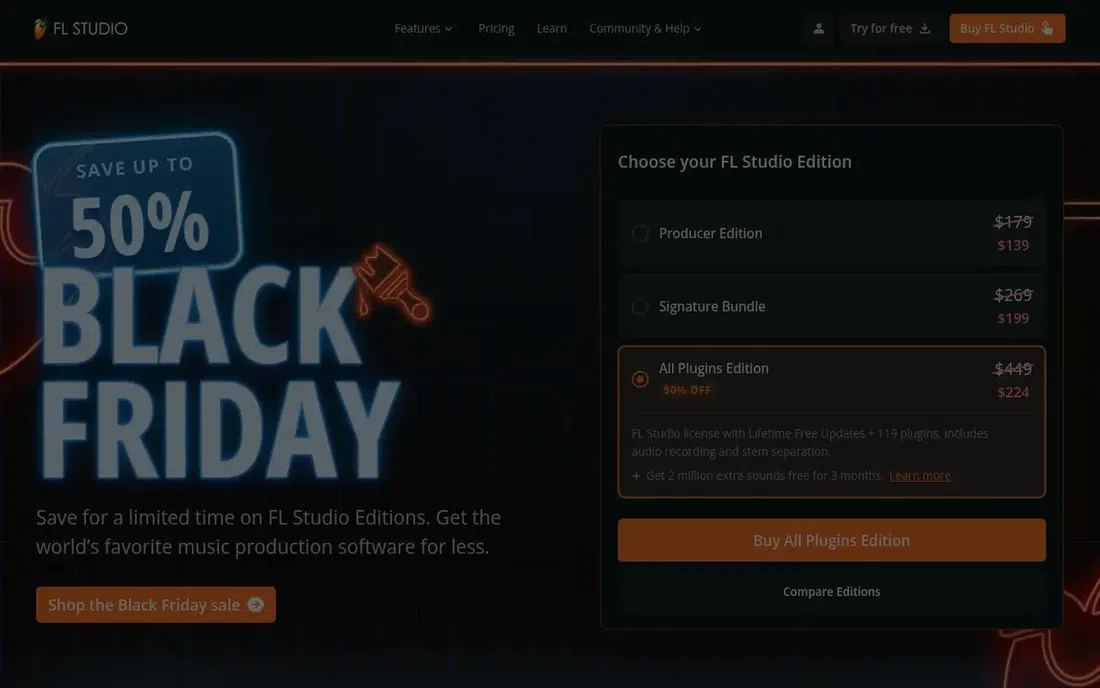
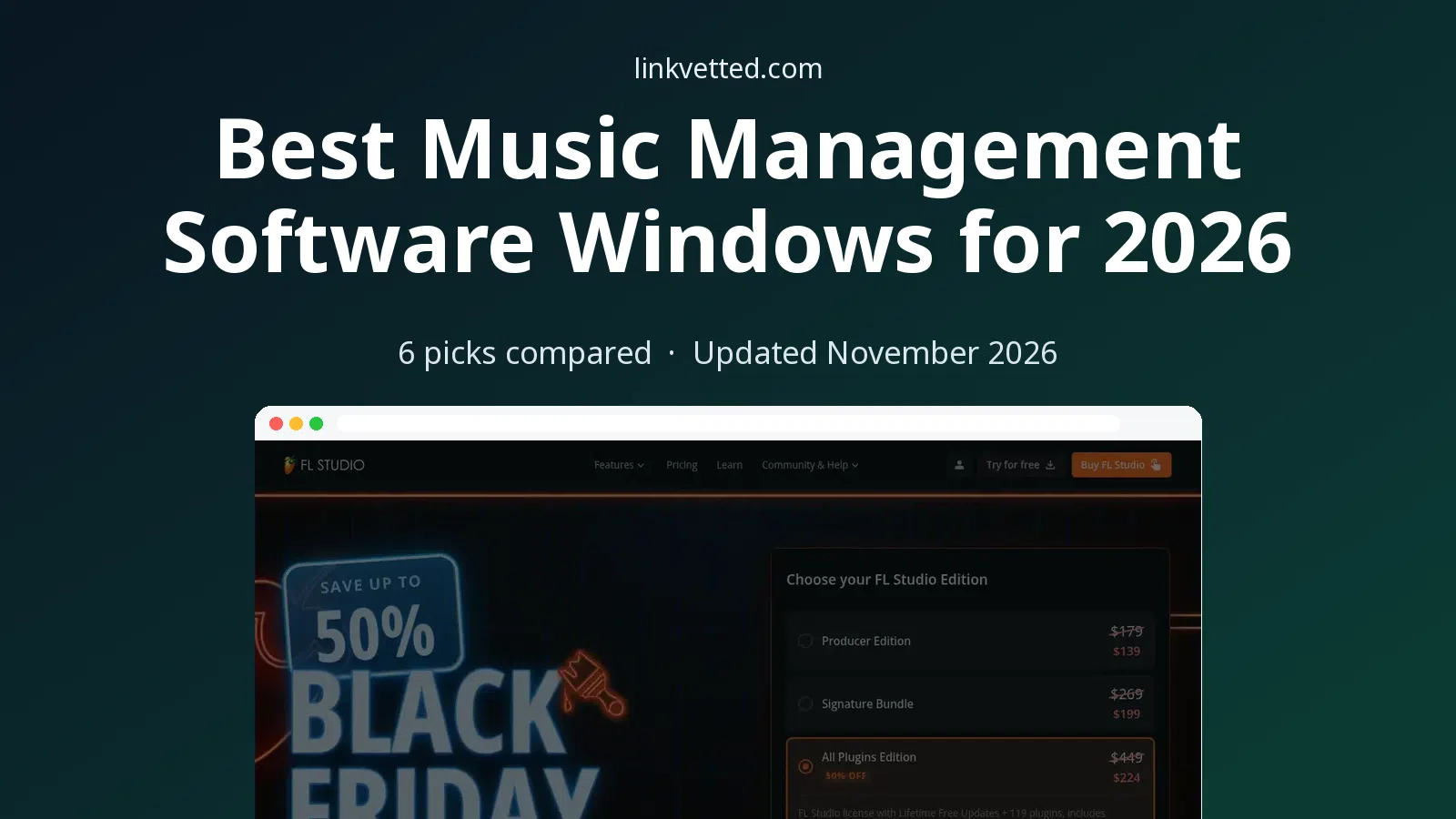
For Beatmaking and pattern-based composition, FL Studio is a natural candidate. The software is available for Windows and macOS, and it contains a variety of native instruments and effects. Its approachable interface makes it accessible to newcomers.
If you need advanced audio editing or a more traditional mixing console workflow, other DAWs might be a better fit. In daily use, the macOS version, while available, may not perform plus the Windows version. What you pay to start with FL Studio: $99. Free plan details: Free trial.
The main drawbacks: Mac version less mature.
- Lifetime free updates
- Large community and tutorials
- Mixing workflow differs from other DAWs
Steinberg Cubase
Best for: Composers and advanced MIDI users
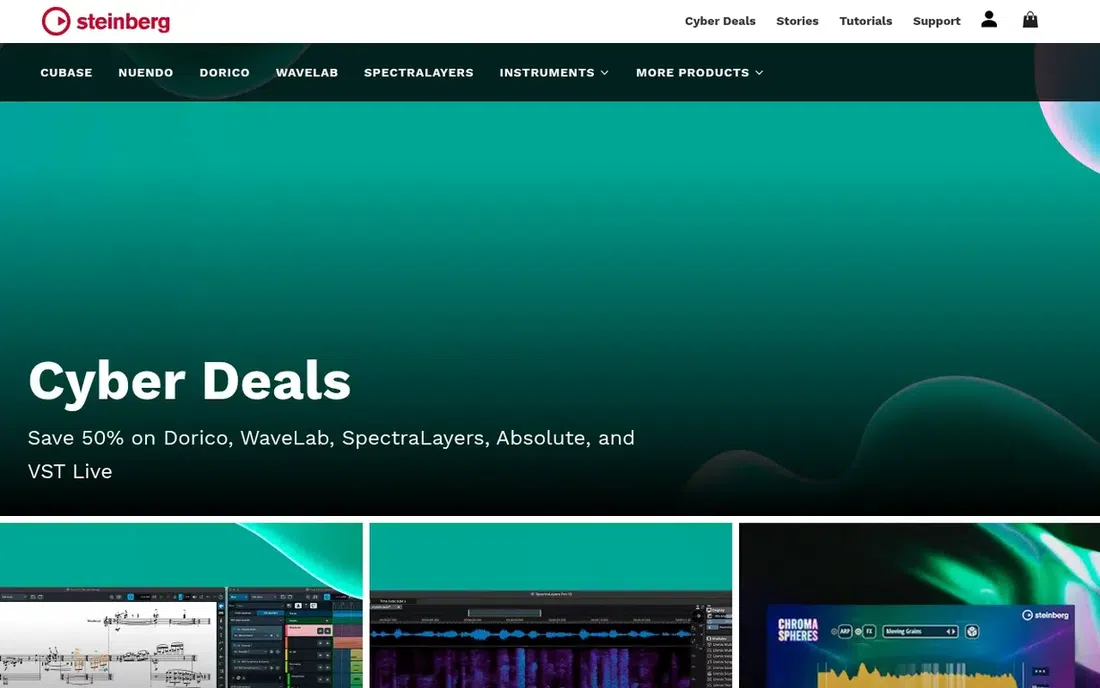
Think of Steinberg Cubase for composers and advanced MIDI users. Steinberg Cubase is a capable digital audio workstation with a long history in music production. It is especially capable in MIDI sequencing and notation, making it a favorite among composers and producers who work with virtual instruments.
It is available in several editions to suit different needs. From a buyer's view, if you primarily record audio and need a simplified workflow, a lighter DAW might be more suitable. Steinberg Cubase does not show a starting price in this comparison, so check the vendor site for current pricing. Free options: Not stated.
What to check first: Can be overwhelming for beginners.
- Solid scoring features
- Advanced MIDI editing
- Needs dongle for some versions
Ableton Live
Best for: Live performance and electronic production
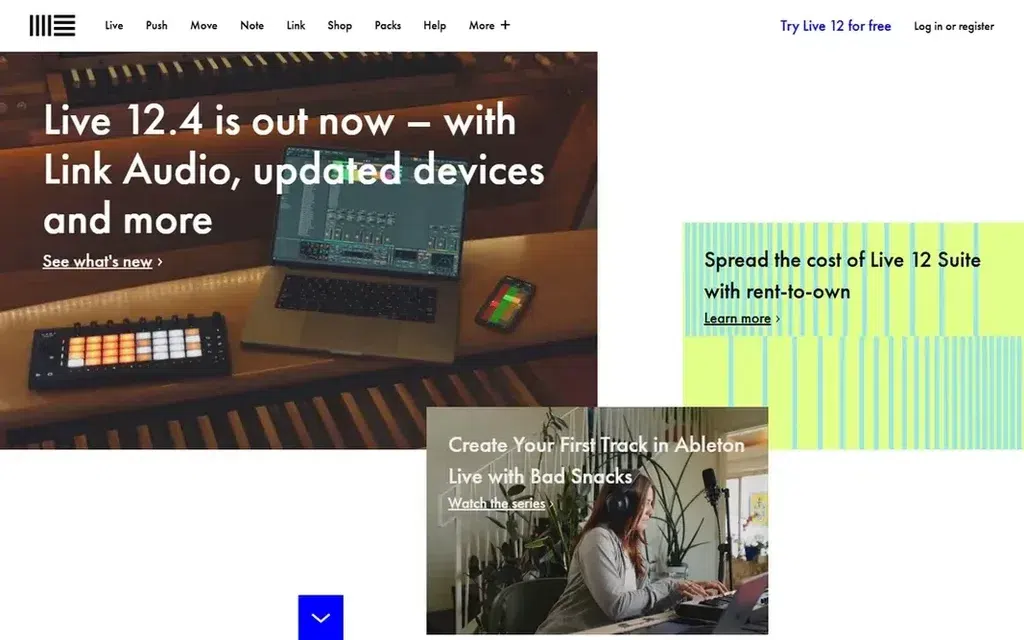
Think of Ableton Live for Live performance and electronic production. Ableton Live is a digital audio workstation known for its dual-view design: a session view for launching clips and an arrangement view for linear composition. It is widely used by electronic musicians and live performers who require adaptability on stage and in the studio.
The software contains a range of virtual instruments and effects, and it plugs into Ableton's own hardware controllers for practical control. That said, Live's workflow may feel unconventional to those accustomed to traditional linear DAWs. Its notation features are entry-level, so composers who depend on score editing might need a different tool. Check the vendor site for Ableton Live pricing; none is listed in this comparison. Trial and free access: Not stated.
Where it is weaker: Steeper ramp-up time.
- Broad built-in instruments
- Smooth hardware integration
- Restricted traditional notation
Our selection method
LinkVetted looked at what each vendor publishes: pricing, plan limits, feature coverage for music management software windows and stated drawbacks. No hands-on testing is claimed. Seat minimums, billing terms and add-ons can move the real cost, so the starting prices here are a guide and not a quote. The order reflects how well each tool fits the most common buying scenario for music management software windows, then price clarity, then free plan access. It is a starting point, not a verdict.
Before you commit
- Confirm the entry price on the vendor page. For Native Instruments Komplete, Avid Pro Tools, Steinberg Cubase and Ableton Live that means a quote rather than a fixed price.
- Run a trial of Native Instruments Komplete and FL Studio with real work before paying for a year; your own workflow is the best test.
- Read the limits listed for Native Instruments Komplete first: not a DAW on its own.
- Check the integration list for FL Studio against the tools you run today, and note which ones need a higher plan.
- Work out what Native Instruments Komplete costs with your real seat count, add-ons and usage, not just the entry price.
FAQ
What is the cheapest option for music management software windows in this list?
On published monthly entry prices, Reason Studios Reason is the lowest here at $11.99 per month. Entry price is only part of the cost, because seats, add-ons and billing terms can change the total.
Do these tools publish their prices?
Not all of them. Native Instruments Komplete, Avid Pro Tools, Steinberg Cubase and Ableton Live publish no starting price, so expect a quote request for those. The rest, Reason Studios Reason included, show a starting price, though seats and billing terms still change the final cost.
Can I try these tools before paying?
Often, yes. Native Instruments Komplete and FL Studio offer a free trial. Use your own data and a real task during the test, and check what the free tier or trial limits before you rely on it.
How are the music management software windows ordered?
The order follows typical fit for music management software windows, with Native Instruments Komplete first and Ableton Live last, then price clarity and free access. It is editorial judgement, not a score, so another team could rank the tools differently.
Do I need a powerful computer to run these tools?
Most modern DAWs need a reasonably feature-rich computer, notably when using numerous virtual instruments and effects. Komplete, especially, demands significant resources because of its large sound libraries.
Sources
- https://www.native-instruments.com
- https://www.avid.com
- https://www.reasonstudios.com
- https://www.image-line.com
- https://www.steinberg.net
- https://www.ableton.com