Best Mobile Learning Apps for Field Service Teams for 2026: Our 6 Vetted Picks
Compare 6 best mobile learning apps for field service teams, with prices, free plans and who each fits. Each pick lists its main limit. Costs up front.
- Editor's choice
 ServiceTitan
Home and commercial contractors running complicated jobs
Starts atSee websiteVisit servicetitan.comFull review - Great alternativeSAP Field Service Management
Asset-heavy operations with mobile execution
Starts atSee websiteVisit sap.comFull review - Also consider
 Housecall Pro
Home service firms needing mobile job management
Starts at$59 per monthVisit housecallpro.comFull review
Direct answer
ServiceTitan is the first pick on this list for home and commercial contractors running complicated jobs. Listed starting prices: Housecall Pro from $59 per month. Alternatives: SAP Field Service Management for asset-heavy operations with mobile execution, and Housecall Pro for home service firms needing mobile job management. Details, prices and limits for the rest of the 6 tools are below.
TL;DR:
- ServiceTitan is the opening pick, best for home and commercial contractors running complicated jobs.
- None of the 6 tools, from ServiceTitan to Zoho Desk, has a free plan, so budget for a subscription or use a trial.
- Zoho Desk fits support knowledge and learning content delivery.
- For the cheapest start, look at Housecall Pro: $59 per month.
Last checked November 2026. Prices and plan details were read from the vendors' own pages in November 2026; vendors change plans often, so confirm the current price on the vendor site before you buy.
Quick comparison
| Tool | Best for | Starts at | Free plan? | |
|---|---|---|---|---|
| ServiceTitan | Home and commercial contractors running complicated jobs | See website | Free trial | Visit |
| SAP Field Service Management | Asset-heavy operations with mobile execution | See website | Not stated | Visit |
| Housecall Pro | Home service firms needing mobile job management | $59 per month | Free trial | Visit |
| ServiceNow Field Service Management | Workflow-driven mobile guidance for technicians | See website | Not stated | Visit |
 Jobber | Small service teams wanting straightforward mobile tools | See website | Not stated | Visit |
 Zoho Desk | Support knowledge and learning content delivery | See website | Not stated | Visit |
Mobile Learning Apps for Field Service Teams, one by one
LinkVetted compared 6 mobile learning apps for field service teams. The goal is a practical shortlist: published prices, free plan facts, best-fit use cases and honest limits for every entry.
ServiceTitan
Best for: Home and commercial contractors running complicated jobs
In short, ServiceTitan is for home and commercial contractors running complex jobs. Field staff can use it to stay connected to schedules and job information whereas working on site.
Limits to weigh: Targeted at established contractors.
ServiceTitan gives you all-in-one software for home and commercial contractors, keeping service visits and construction projects running smoothly. More specifically, a more straightforward app may be the better starting point for a new or expanding crew. ServiceTitan shows no starting price here, so confirm the cost on the vendor site. On free options: Free trial.
- Made for the trades
- All-in-one software for contractors
- Wide feature set needs onboarding
SAP Field Service Management
Best for: Asset-heavy operations with mobile execution
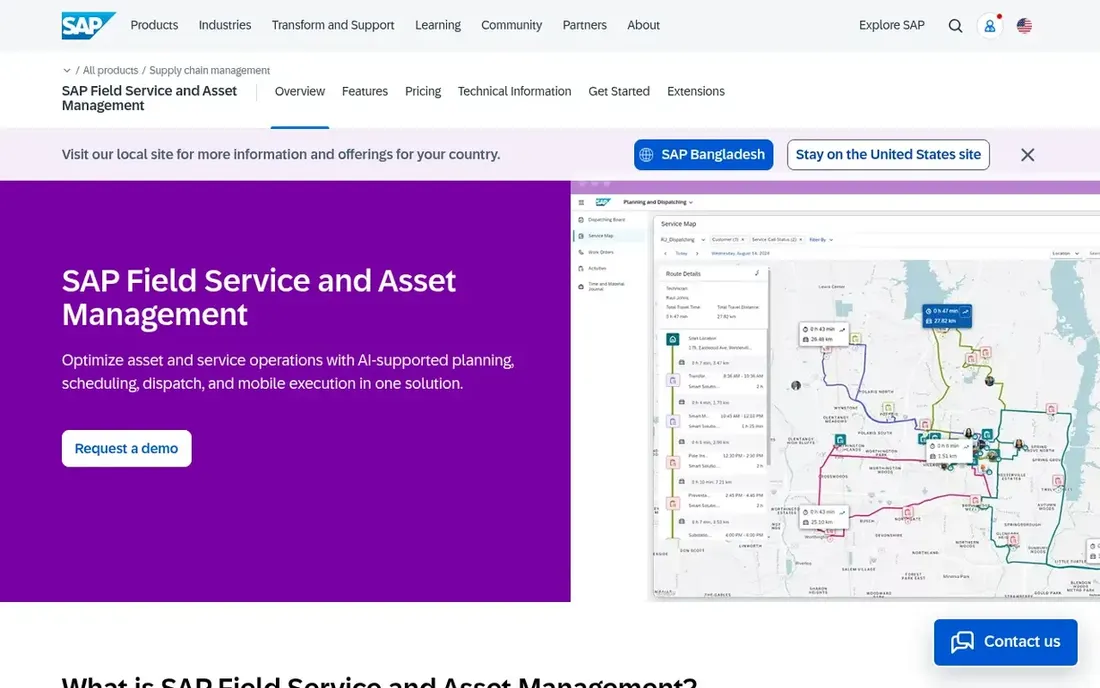
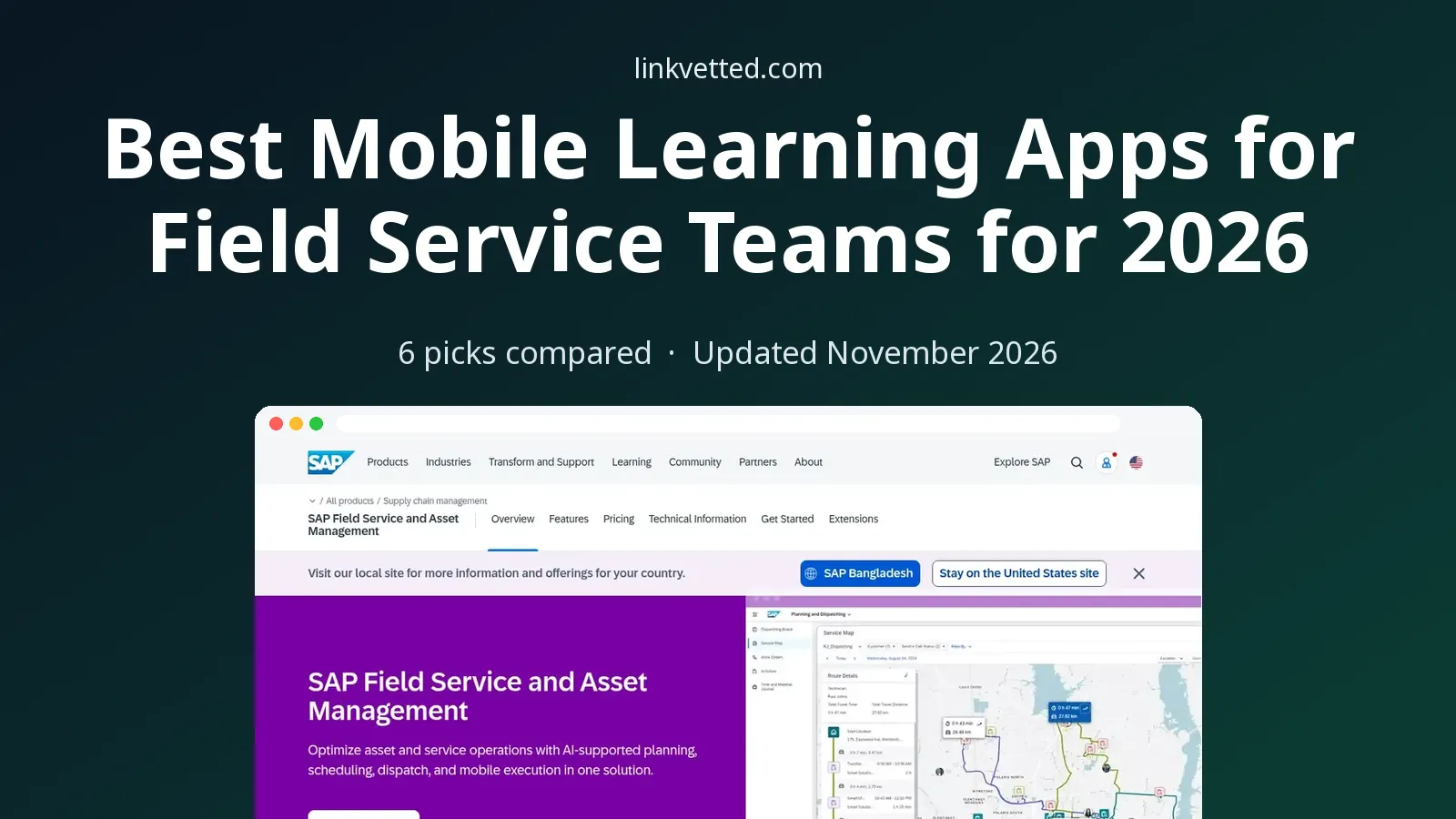
SAP Field Service Management was built for asset-heavy operations with mobile execution. SAP Field Service and Asset Management brings together scheduling, dispatch, mobile execution and AI-driven automation across asset operations.
Where it falls short: Implementation needs resources.
More specifically, implementation usually needs planning and internal resources. Teams that maintain equipment and assets can link service work to asset records, giving technicians context on mobile devices. SAP Field Service Management does not show a starting price in this comparison, so check the vendor site for current pricing. Free access: Not stated.
- Brings together scheduling and dispatch
- AI-driven automation across assets
- Broad scope can feel complicated
Pick Housecall Pro if this describes you: home service businesses needing mobile job management. The product centers on home service workflows, so industrial or asset-intensive operations may need something broader.
Where it is weaker: Less suited to industrial asset work.
Price to start with Housecall Pro: $59 per month. Free access: Free trial.
- Designed for home service companies
- Mobile-friendly for field professionals
- Centred on home service workflows
ServiceNow Field Service Management
Best for: Workflow-driven mobile guidance for technicians
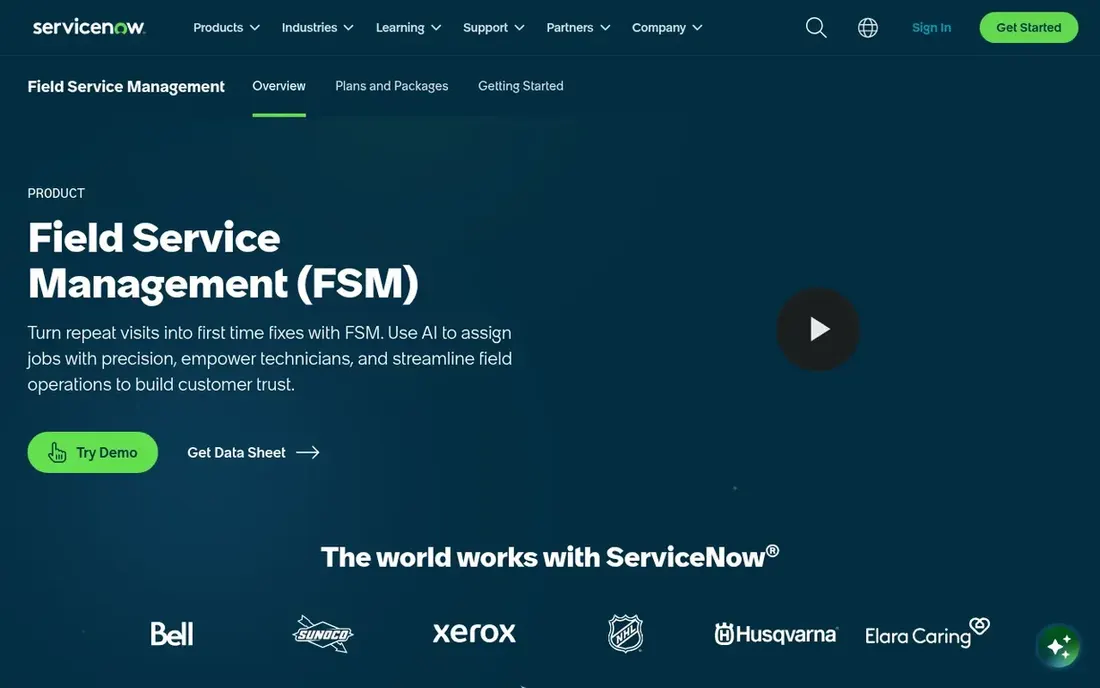
Pick ServiceNow Field Service Management if this describes you: workflow-driven mobile guidance for technicians. Consider a lighter app when you primarily want scheduling and invoicing with entry-level mobile job details.
ServiceNow Field Service Management is built around digital workflows that let employees work the way they want instead of following rigid software steps. ServiceNow Field Service Management shows no starting price here, so confirm the cost on the vendor site. Trial and free access: Not stated.
The main drawbacks: May be heavy for small teams.
- Mobile access to tasks and knowledge
- Solid fit for large service operations
- Configuration can be complicated
For small service teams wanting straightforward mobile tools, Jobber is a natural candidate. Jobber is home and commercial service software that organizes quoting, scheduling, invoicing and payments in one place. Its easy-to-use app supports sales, operations and customer service, which makes it a practical mobile companion for technicians who require job details on the go.
More specifically, consider an enterprise product when you need advanced workflow automation across numerous departments. Jobber is designed around the needs of service firms instead of large enterprise asset operations, so deep customization is restricted. Jobber shows no starting price here, so confirm the cost on the vendor site. Free options: Not stated.
Trade-offs to know: Centred on home and commercial service. Strengths: Supports sales and operations.
- Easy-to-use app for field staff
- Schedule and invoice in one place
- Less depth for large enterprises
Pick Zoho Desk if this describes you: support knowledge and learning content delivery. For field service teams, it can serve as the place where knowledge articles, troubleshooting guides and learning content live, accessible to technicians who require answers whereas on site.
It suits teams that want a structured support and knowledge layer alongside their field tools. Check the vendor site for Zoho Desk pricing; none is listed in this comparison. Free plan details: Not stated.
Watch-outs: Needs pairing with service software.
- Unified help desk product
- Handy for sharing knowledge articles
- Not a field dispatch tool
How we compared the tools
A buyer's checklist
- Confirm the entry price on the vendor page. For ServiceTitan, SAP Field Service Management, ServiceNow Field Service Management and others that means a quote rather than a fixed price.
- Use real work to test the free trial from ServiceTitan and Housecall Pro, rather than a demo project.
- Before choosing ServiceTitan, weigh its main limit: geared toward established contractors.
- Check whether the features you need in Housecall Pro sit on the entry plan or only on higher tiers.
- Check whether SAP Field Service Management bills monthly or annually, and what cancelling early costs.
FAQ
Does any tool for mobile learning apps for field service teams here have a free plan?
No tool in this list, ServiceTitan and Zoho Desk included, has a permanent free plan. ServiceTitan, Housecall Pro offer a trial. Trials and quotes are the usual route, so plan a short evaluation period.
Is ServiceTitan the right pick for everyone comparing mobile learning apps for field service teams?
No single tool suits every team. ServiceTitan comes first because it fits home and commercial contractors running complex jobs, while SAP Field Service Management suits asset-heavy operations with mobile execution and Housecall Pro suits home service businesses needing mobile job management. Match the tool to your own size, budget and workflow before deciding.
Can help desk tools support field service learning?
A product like Zoho Desk can host knowledge articles and troubleshooting guides that technicians read on site. It works best as a companion to dedicated field service software that manages scheduling and dispatch.
Can I try these tools before paying?
Often, yes. ServiceTitan and Housecall Pro offer a free trial. Use your own data and a real task during the test, and check what the free tier or trial limits before you rely on it. Prices, free plan details and limits for all 6 tools in this mobile learning apps for field service teams roundup sit on the individual cards above.
How do enterprise products differ from contractor apps?
Enterprise systems like ServiceNow, SAP and Dynamics 365 emphasize customizable workflows, asset records and integration across departments. Contractor apps like Jobber, ServiceTitan and Housecall Pro focus on quoting, scheduling and invoicing for service firms.
Should small teams start with a simpler app?
More straightforward apps shorten setup and are simpler for technicians to adopt, which matters when training time is restricted. Move to a broader system when dispatch complexity, asset management or integration needs grow.
Sources
- https://www.servicetitan.com
- https://www.sap.com/products/field-service-management.html
- https://www.housecallpro.com
- https://www.servicenow.com/products/field-service-management.html
- https://www.getjobber.com
- https://www.zoho.com/desk