Best Music Theory Software for School Band Programs in 2026: Prices, Free Plans and 6 Picks
Searching for the best music theory software for school band programs? Here are 6 options with prices and free plans. Pros and cons for every tool. Plain facts.
- Editor's choiceFlat
Cross-device notation and collaboration
Starts atSee websiteVisit flat.ioFull review - Great alternativeNoteflight
Online notation and composition teaching
Starts atSee websiteVisit noteflight.comFull review - Also considerSmartMusic
Practice, assessment and catalog resources
Starts at$13.99 per student per yearVisit smartmusic.comFull review
Direct answer
Start with Flat if you need cross-device notation and collaboration. Listed starting prices: SmartMusic from $13.99 per student per year and MakeMusic Cloud from $13.99 per student per year. Noteflight is the stronger choice for online notation and composition teaching, while SmartMusic suits practice, assessment and catalog resources. Details, prices and limits for the rest of the 6 tools are below.
TL;DR:
- Flat is the opening pick, best for cross-device notation and collaboration.
- For recording and creative production projects, Soundtrap is worth a look.
- A free plan is available from 3 of the 6 tools: Flat, SmartMusic, MakeMusic Cloud.
- Flat, Noteflight, EarMaster and Soundtrap: pricing is by quote only, so plan time for a sales conversation.
- One limit worth knowing about SmartMusic: wide scope may feel heavy for theory-only needs.
Last checked November 2026. Prices and plan details were read from the vendors' own pages in November 2026; vendors change plans often, so confirm the current price on the vendor site before you buy.
Quick comparison
| Tool | Best for | Starts at | Free plan? | |
|---|---|---|---|---|
| Flat | Cross-device notation and collaboration | See website | Yes | Visit |
| Noteflight | Online notation and composition teaching | See website | Not stated | Visit |
| SmartMusic | Practice, assessment and catalog resources | $13.99 per student per year | Yes | Visit |
| MakeMusic Cloud | Cloud-based music education system | $13.99 per student per year | Yes | Visit |
| EarMaster | Ear training, sight-singing and rhythm | See website | Not stated | Visit |
| Soundtrap | Recording and creative production projects | See website | Not stated | Visit |
The best music theory software for school band programs
LinkVetted put together this guide to music theory software for school band programs for readers who want a clear shortlist without reading every vendor page. It compares 6 tools on starting price, free plans, who each one suits and where each one falls short.
Flat
Best for: Cross-device notation and collaboration
Flat works best for cross-device notation and collaboration. Programs that require only playback and printing may find more straightforward tools sufficient.
What to check first: Theory instruction is indirect.
More specifically, teachers wanting graded drills should pair it with a dedicated theory app. Check the vendor site for Flat pricing; none is listed in this comparison. Flat has a free plan.
- Play and print
- IOS and Android apps
- Collaboration needs account management
Noteflight
Best for: Online notation and composition teaching
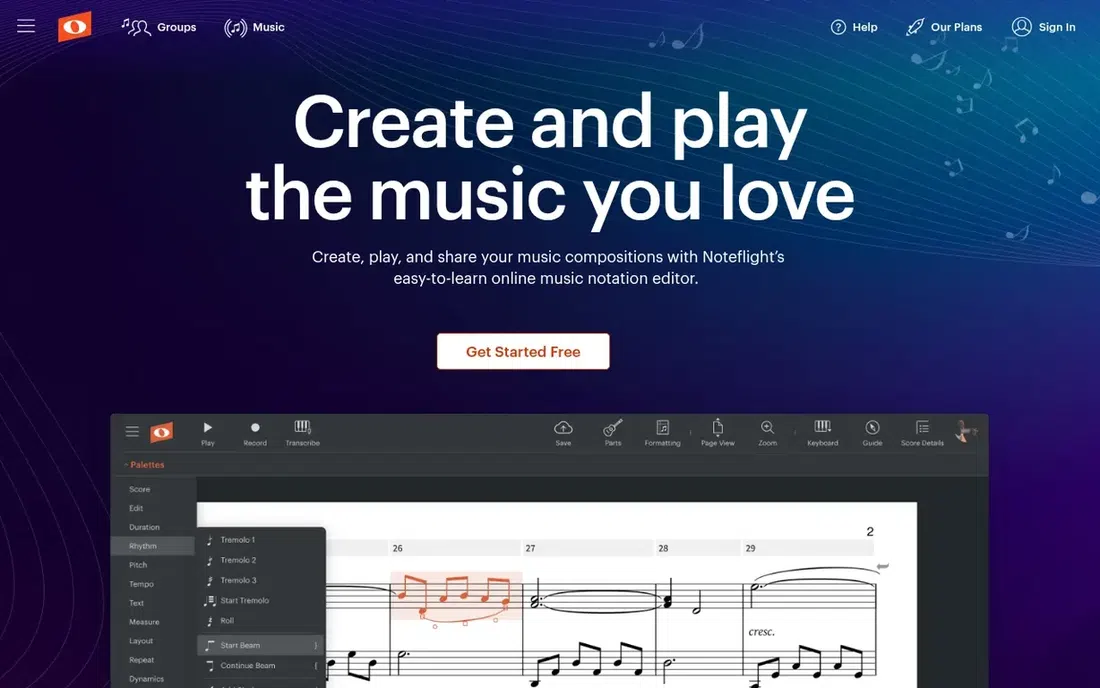
In short, Noteflight is for online notation and composition teaching. Noteflight is not a practice or assessment system, so it will not track student playing progress the way band-focused tools do.
Strengths: Runs in a web browser.
The main drawbacks: Browser use needs dependable internet. Pricing for Noteflight is not stated here, so ask the vendor for current figures. Free plan details: Not stated.
- Print and hear notation
- Well suited to composition assignments
- Not a full practice or assessment product
SmartMusic
Best for: Practice, assessment and catalog resources

SmartMusic is aimed squarely at practice, assessment and catalog resources. For band programs, that mix suits directors who want students practicing repertoire at home whereas the teacher watches progress. It also supports general classroom enrichment beyond pure theory drills.
The main drawbacks: Wide scope may feel heavy for theory-only needs.
For everyday use, if the goal is narrow ear training, a dedicated drill tool may be a more straightforward complement. More specifically, since it is built around a broad catalog and practice workflow, a director who only wants short theory quizzes may find it broader than necessary. SmartMusic is music education software built to free up teachers so they can focus on student progress. Its homepage highlights an ever-growing music catalog, dynamic practice tools and vetted resources. SmartMusic pricing: $13.99 per student per year. SmartMusic includes a free tier.
- Large
- Ever-growing music catalog
- Needs dependable devices and internet
MakeMusic Cloud
Best for: Cloud-based music education system
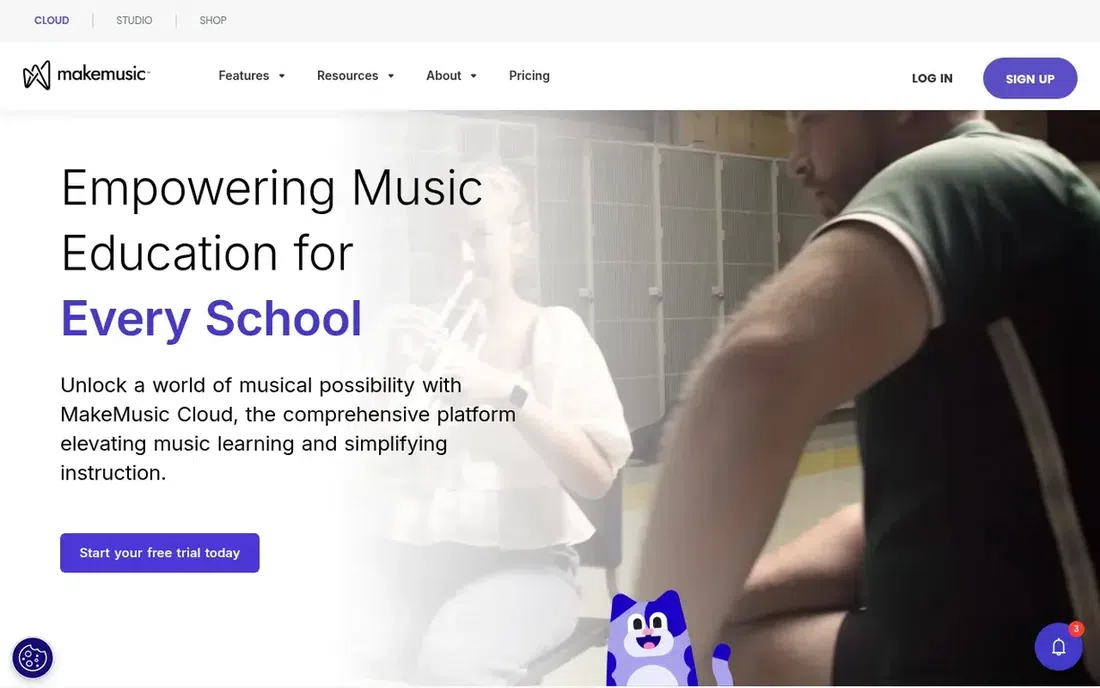
MakeMusic Cloud makes the most sense for Cloud-based music education product. MakeMusic Cloud is the music education product presented on the MakeMusic site, emphasizing software that helps teachers focus on student progress.
In practice, districts should confirm device compatibility and how student accounts are managed before adopting. In practice, the homepage describes an ever-growing music catalog, dynamic practice tools and vetted resources. Entry price for MakeMusic Cloud: $13.99 per student per year. MakeMusic Cloud has a free plan.
What to check first: Setup relies on stable connectivity.
- Practice tools and catalog in one place
- Resources pitched at teacher workflow
- Overlaps closely with SmartMusic
EarMaster
Best for: Ear training, sight-singing and rhythm
EarMaster is aimed squarely at ear training, sight-singing and rhythm. If you need a single product including practice and catalog, a band-focused tool is the better core choice.
Where it is weaker: Drill format may not suit every student.
As for the details, the drill-based approach hands repeated, focused practice on listening skills. In practice, some students find repetitive drills less engaging without teacher framing. Pricing for EarMaster is not stated here, so ask the vendor for current figures. Free plan details: Not stated.
- Music theory included
- Sight-singing and rhythm practice
- Narrower than a full band system
Soundtrap
Best for: Recording and creative production projects
Soundtrap targets recording and creative production projects. In band programs it suits creative units like recording spans, building accompaniment tracks or exploring composition through production instead of notation.
The main drawbacks: Not a notation or theory curriculum.
What works well: Record, edit.
Soundtrap does not teach music theory or notation, so it complements instead of replaces a theory curriculum. Soundtrap does not show a starting price in this comparison, so check the vendor site for current pricing. As for free access: Not stated.
- Online studio with instruments and loops
- Mix and master in browser
- Audio work needs headphones and quiet
Selection criteria
We compared the tools on published pricing, free plan or trial availability, feature coverage for music theory software for school band programs, and the limits each vendor documents. Figures are shown as the vendors publish them. Billing terms, seat minimums and add-ons can change the real cost. Position on the page reflects fit for a typical buyer first, with price clarity and free access breaking ties. Treat it as a guide, not a ruling.
Pre-purchase checklist
- Confirm the entry price on the vendor page. For Flat, Noteflight, EarMaster and Soundtrap that means a quote rather than a fixed price.
- Look at free plan limits closely: Flat, SmartMusic and MakeMusic Cloud have one, and the caps decide whether it is usable for real work.
- Before choosing Flat, weigh its main limit: theory instruction is indirect.
- Check the integration list for Noteflight against the tools you run today, and note which ones need a higher plan.
- Find out what support Flat includes on your plan, and whether onboarding help costs extra.
FAQ
Which options for music theory software for school band programs have a free plan?
Flat, SmartMusic and MakeMusic Cloud offer a free plan in this list. Free plans usually cap users, projects or features, so check the limits on the vendor page.
Can I try these tools before paying?
Often, yes. Flat, SmartMusic and MakeMusic Cloud have a free plan. Use your own data and a real task during the test, and check what the free tier or trial limits before you rely on it.
Which tool is a good match for a band program that needs both practice and theory?
Flat comes first here and is built for cross-device notation and collaboration. Buyers with other needs may prefer Noteflight (for online notation and composition teaching) or SmartMusic (for practice, assessment and catalog resources). Compare costs and limits first.
Do these tools publish their prices?
Not all of them. Flat, Noteflight, EarMaster and Soundtrap publish no starting price, so expect a quote request for those. The rest, SmartMusic included, show a starting price, though seats and billing terms still change the final cost.
Is Flat the right pick for everyone comparing music theory software for school band programs?
No single tool suits every team. Flat comes first because it fits cross-device notation and collaboration, while Noteflight suits online notation and composition teaching and SmartMusic suits practice, assessment and catalog resources. Match the tool to your own size, budget and workflow before deciding.
Sources
- https://flat.io
- https://www.noteflight.com
- https://www.smartmusic.com
- https://www.makemusic.com
- https://www.earmaster.com
- https://www.soundtrap.com