Best Mobile CRM Apps for Sales Teams in 2026: 5 Tools Compared
Need the best mobile CRM apps for sales teams? We compare 5 tools on cost, free access and who each suits. Short, factual notes on every option. Decide faster.
- Editor's choice
 HubSpot CRM
Connected marketing and sales teams
Starts atPricing on requestVisit hubspot.comFull review - Great alternative
 Pipedrive
Visual pipeline management on mobile
Starts atPricing on requestVisit pipedrive.comFull review - Also considerSalesforce Mobile
Configurable enterprise sales operations
Starts atPricing on requestVisit salesforce.comFull review
Direct answer
HubSpot CRM leads the list, best for connected marketing and sales teams. Pipedrive is better for visual pipeline management on mobile, and Salesforce Mobile is better for configurable enterprise sales operations. All 5 tools are compared below on fit, free plan and limits. None of these vendors publish plan prices, so pricing is on request for every option.
TL;DR:
- HubSpot CRM takes the first slot, best suited to connected marketing and sales teams.
- Zoho CRM suits teams wanting an agentic sales system.
- Pricing across the list, from HubSpot CRM to Zoho CRM, is by quote only.
- Just one of the 5 tools, Salesforce Mobile, has a free plan.
Last checked November 2026. Pricing on request: vendors did not publish plan prices when this guide was last checked (November 2026), so ask each vendor for a written quote.
Quick comparison
| Tool | Best for | Starts at | Free plan? | |
|---|---|---|---|---|
| HubSpot CRM | Connected marketing and sales teams | Pricing on request | Not stated | Visit |
| Pipedrive | Visual pipeline management on mobile | Pricing on request | Not stated | Visit |
| Salesforce Mobile | Configurable enterprise sales operations | Pricing on request | Yes | Visit |
 Microsoft Dynamics 365 Sales | Microsoft-centric sales organizations | Pricing on request | Not stated | Visit |
 Zoho CRM | Teams wanting an agentic sales product | Pricing on request | Not stated | Visit |
Mobile CRM Apps for Sales Teams, one by one
LinkVetted put together this guide to mobile CRM apps for sales teams for readers who want a clear shortlist without reading every vendor page. It compares 5 tools on starting price, free plans, who each one suits and where each one falls short.
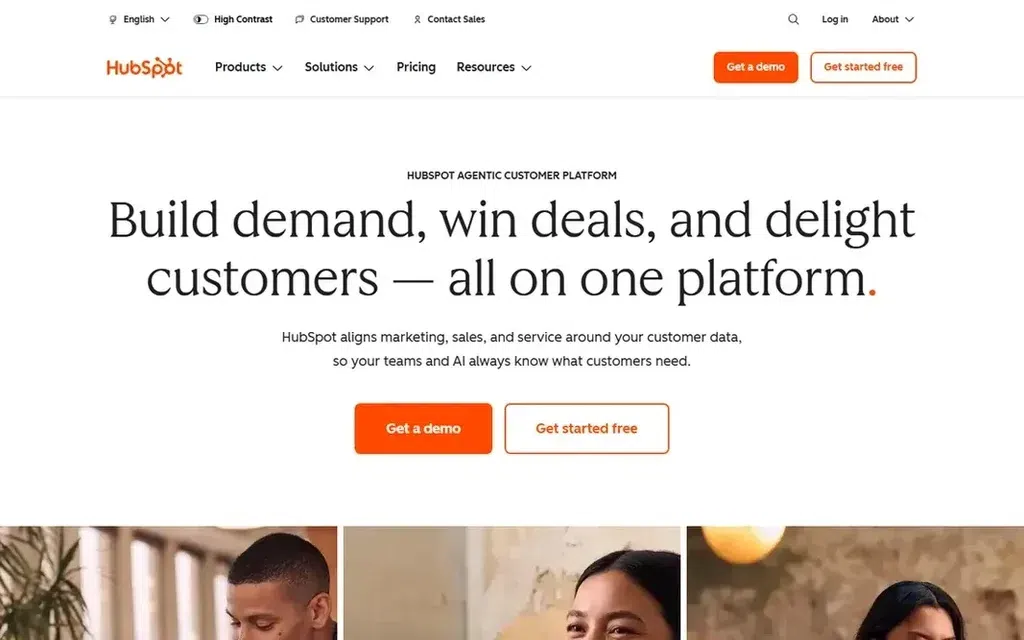
HubSpot CRM is a good fit for connected marketing and sales teams. HubSpot CRM supplies a connected system where sales, marketing and service data live together, and its mobile app lets reps check contacts, deals and tasks on the go.
The main drawbacks: Mobile app can feel feature-dense.
More specifically, smaller teams that only need pipeline tracking may find the wider suite more than necessary. Some advanced capabilities sit in separate HubSpot products, so teams with very specific sales needs should confirm what is included in the mobile app. This comparison lists no price for HubSpot CRM; ask the vendor. Free plan details: Not stated.
- Unified contact records
- Wide suite of tools
- Advanced features may need extras
Pipedrive is designed for visual pipeline management on mobile. Pipedrive is a sales CRM built around pipeline management.
Its mobile app lets reps move deals, log activities and check progress from a phone. Since Pipedrive centres on sales pipeline instead of a full business suite, teams needing deep marketing or service integration may need extra tools. Check the vendor site for Pipedrive pricing; none is listed in this comparison. As for free access: Not stated.
Drawbacks to consider: Less wide than full suites.
- Easy-to-use interface
- Pipeline-focused design
- Advanced customization may be restricted
Salesforce Mobile
Best for: Configurable enterprise sales operations
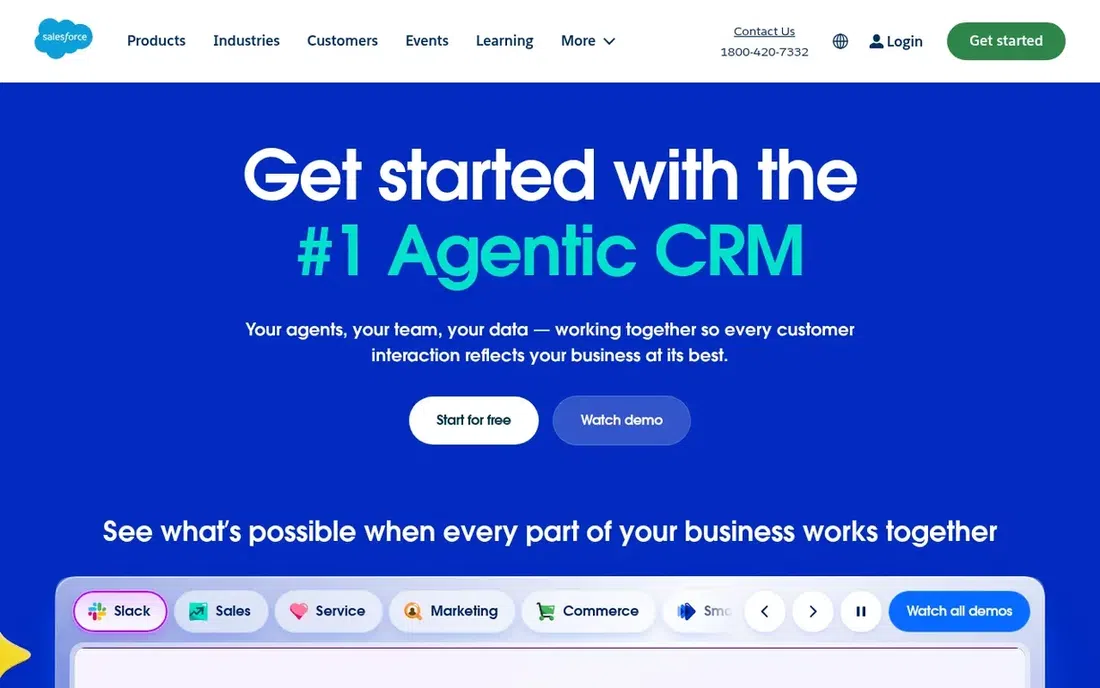
Think of Salesforce Mobile for configurable enterprise sales operations. The breadth of choices can make the mobile experience feel heavy for small teams or reps who want a straightforward pipeline view.
Trade-offs to know: Can be complicated to set up.
Beyond that, Salesforce Mobile brings the Salesforce system to phones and tablets, letting sales reps view records, log activities and work with AI features whereas away from a desk. Salesforce Mobile does not show a starting price in this comparison, so check the vendor site for current pricing. You can start on Salesforce Mobile without paying.
- AI capabilities
- Deep customization
- Mobile configuration may need admin help
Microsoft Dynamics 365 Sales is a good fit for Microsoft-centric sales organizations. Microsoft Dynamics 365 Sales is an agentic CRM that helps teams close deals quicker using insights, sales automation and collaboration tools, with mobile access for reps working away from the office.
Also, Sales groups that want a lightweight mobile app with minimal administration may find a more straightforward CRM more practical. More specifically, deployment and customization frequently need specialist support, which can be heavy for small teams. Pricing for Microsoft Dynamics 365 Sales is not stated here, so ask the vendor for current figures. Free access: Not stated.
Where it is weaker: Implementation can be complicated.
- Collaboration tools
- Agentic CRM capabilities
- Mobile experience tied to Microsoft ecosystem
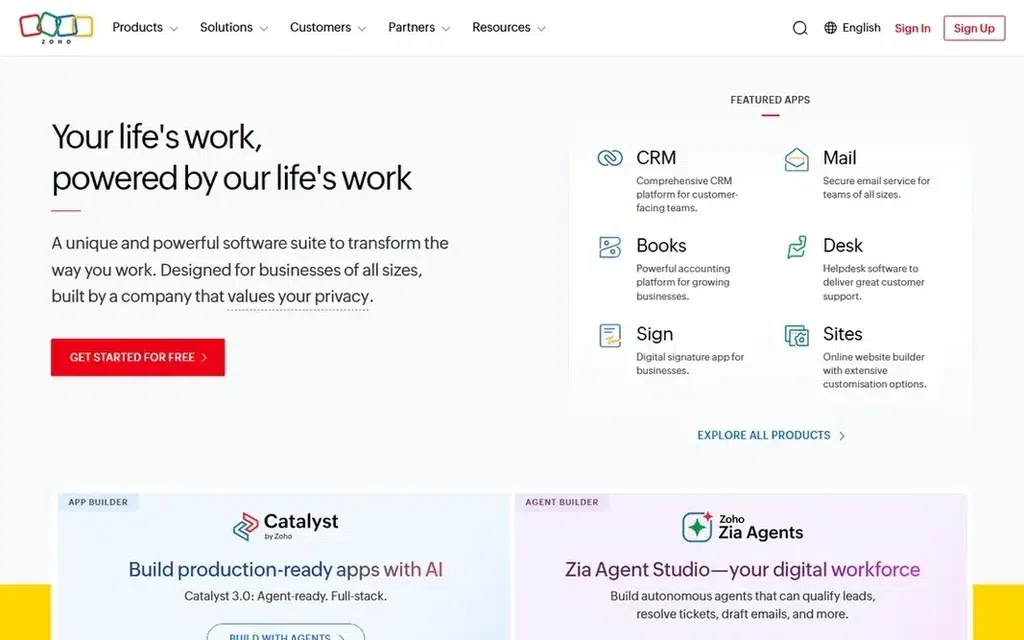
Zoho CRM is a good fit for teams wanting an agentic sales system. It suits teams looking for a feature-rich CRM that can link with the wider Zoho ecosystem.
Limits to weigh: Interface can feel busy.
As for the details, the range of settings and modules can make the mobile experience feel crowded for reps who only need entry-level pipeline updates. This comparison lists no price for Zoho CRM; ask the vendor. Trial and free access: Not stated.
- Mobile sales operations
- Agentic CRM features
- Configuration choices may overwhelm new users
How the list was put together
We compared the tools on published pricing, free plan or trial availability, feature coverage for mobile CRM apps for sales teams, and the limits each vendor documents. Plan names, prices and limits change often. Treat the figures here as a starting point and verify them with the vendor. We ordered the tools by general fit, then by how clearly pricing is shown, then by free access. A buyer with unusual needs may reorder them.
Questions to settle before buying
- Confirm the entry price with every vendor: no tool from HubSpot CRM to Zoho CRM shows a fixed starting price.
- Test the free plan from Salesforce Mobile against your real workload before relying on it.
- Before choosing HubSpot CRM, weigh its main limit: advanced features may need extras.
- Map your must-have features to a specific HubSpot CRM plan before you compare prices.
- Ask whether Salesforce Mobile integrates with your current software, and whether that comes standard or as an add-on.
FAQ
How are the tools for mobile CRM apps for sales teams ordered?
HubSpot CRM sits first and Zoho CRM last because the order follows typical fit for mobile CRM apps for sales teams, then price clarity and free access. It is a judgement call, so read each profile for fit and limits.
Is HubSpot CRM the right pick for everyone comparing mobile CRM apps for sales teams?
No single tool suits every team. HubSpot CRM comes first because it fits connected marketing and sales teams, while Pipedrive suits visual pipeline management on mobile and Salesforce Mobile suits customizable enterprise sales operations. Match the tool to your own size, budget and workflow before deciding.
Can I try these tools before paying?
Often, yes. Salesforce Mobile has a free plan. Use your own data and a real task during the test, and check what the free tier or trial limits before you rely on it.
What should a sales team look for in a mobile CRM app?
Prioritize the tasks reps perform most frequently on phones, like updating deal stages, logging calls and checking contact history. Also confirm offline behavior, notification quality and how easily the app suits your existing email and calendar tools.
Do these tools publish their prices?
No. None of the tools, from HubSpot CRM to Zoho CRM, shows a fixed starting price here, so budget time for quotes.
Sources
- https://www.hubspot.com
- https://www.pipedrive.com
- https://www.salesforce.com
- https://www.microsoft.com/en-us/dynamics-365/products/sales
- https://www.zoho.com/crm