Best Multichannel Customer Service Solution in 2026: 8 Platforms Compared
Compare the best multichannel customer service solution options for email, chat, phone, social, and messaging, with 2026 pricing and fit for each team size.
- Editor's choice
 Zendesk
Large teams needing mature ticketing
Starts at$55 per monthVisit zendesk.comFull review - Great alternative
 Freshdesk
Growing teams wanting fast setup
Starts at$19 per monthVisit freshdesk.comFull review - Also consider
 Intercom
App and website support teams
Starts at$29 per monthVisit intercom.comFull review
TL;DR:
- Zendesk and Salesforce Service Cloud suit large teams with complex routing and reporting.
- Freshdesk and Zoho Desk suit growing teams that want multichannel ticketing at a lower entry price.
- Intercom suits companies whose support happens inside a website or app.
- Help Scout and Front suit small teams that prefer a shared inbox style.
Quick comparison
| Tool | Best for | Starts at | Free plan? | |
|---|---|---|---|---|
| Zendesk | Large teams needing mature ticketing | $55 per month | Free trial | Visit |
| Freshdesk | Growing teams wanting fast setup | $19 per month | Free trial | Visit |
| Intercom | App and website support teams | $29 per month | Free trial | Visit |
 Help Scout | Small teams preferring email style | $25 per month | Yes | Visit |
 Zoho Desk | Budget teams in the Zoho ecosystem | $14 per month | Yes | Visit |
 Front | Collaborative shared inbox teams | $25 per month | No | Visit |
 HubSpot Service Hub | HubSpot CRM teams | See website | Yes | Visit |
 Salesforce Service Cloud | Enterprises on Salesforce | $25 per month | Free trial | Visit |
The best multichannel customer service solutions
Customers contact support by email, chat, phone, social, and messaging apps, often about the same issue. A multichannel platform brings those conversations into one queue, so agents see full context, avoid duplicate replies, and hand off work cleanly.
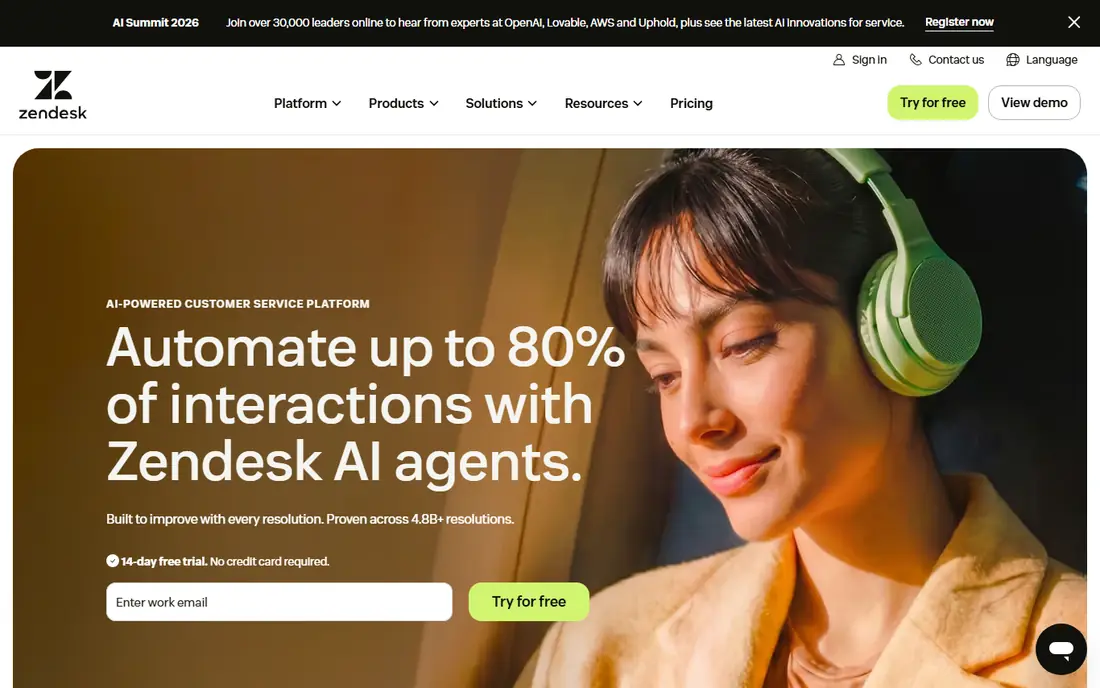
Zendesk fits large support teams well, and its mature ticketing and routing gives it a clear reason to be on a shortlist. It also provides email, chat, phone, social, and messaging, which helps a busy team keep daily work in one place instead of juggling separate tools. If your main need is a proven platform at scale, start with a trial and test the exact workflow you will use most. The trade-off is smaller teams may find it more than they need, so check that point against your own volume, team size, and budget before you commit. Pricing, limits, and contract terms can change, so confirm the current plan page and read the fine print on any usage meter. When the fit is right, Zendesk is a steady choice for a proven platform at scale without adding needless complexity.
- Mature ticketing, routing, and marketplace
- Broad channel coverage
- Higher tiers add up
- Admin setup takes time
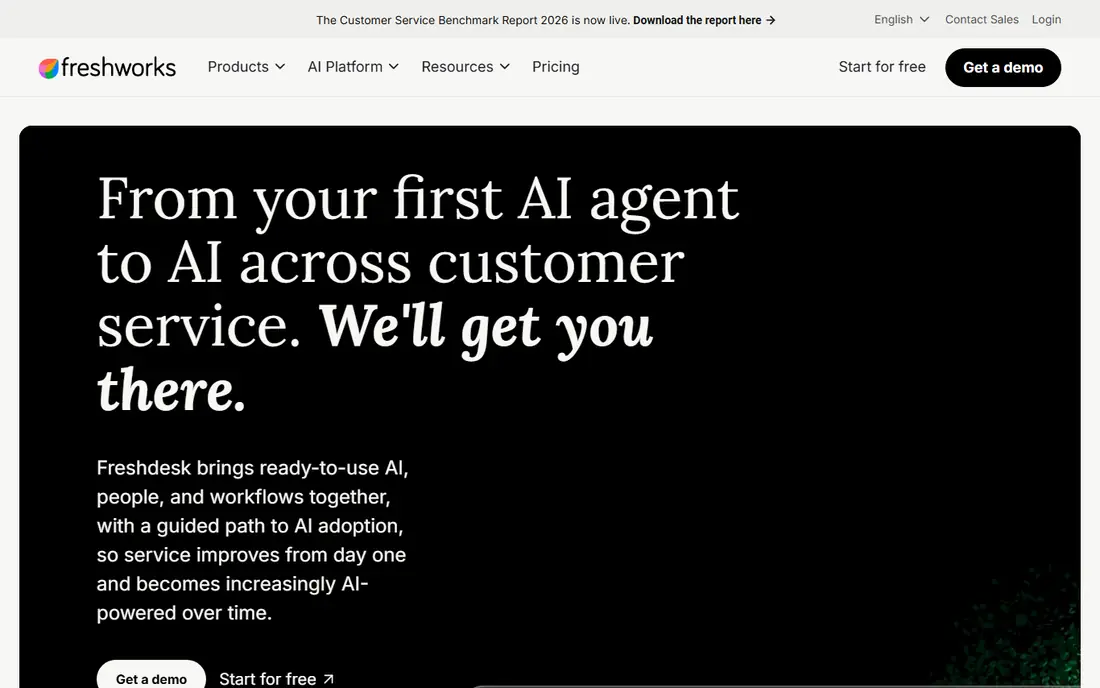
For growing small and mid-size teams, Freshdesk stands out because its fast multichannel ticketing setup. The addition of email, chat, phone, social, and messaging makes the day to day work feel more joined up, and it reduces the number of separate logins a team has to manage. Teams that care most about multichannel support live quickly will usually know within a week if the fit is right. On the downside, advanced AI costs extra per agent, which matters more as usage grows or as more people join. Read the pricing page closely, test support response times, and confirm how data can be exported later. If those checks pass, Freshdesk can serve growing small and mid-size teams well for multichannel support live quickly over a longer period.
- Fast multichannel setup
- Freddy AI options
- AI copilot is an add-on
- Some channels need higher tiers

Intercom was built with SaaS companies in mind, and that focus shows in how its in-app messenger and AI resolution is presented. With chat, email, phone, SMS, and social included, it covers more of the routine work than a narrow single-purpose tool can cover. If support inside your product is high on your list, it deserves a serious look before you decide. That said, AI usage costs need careful budgeting, so a short pilot with real data is worth more than a feature list alone. Compare the total monthly cost at your expected volume, not just the headline starting price. For SaaS companies, that pilot usually shows quickly if Intercom supports support inside your product in practice.
- Strong in-app messenger
- Fin AI resolution options
- AI resolutions are metered
- Pricing grows with seats plus usage
Among the options here, Help Scout appeals most to small support teams because its simple shared-inbox design. It pairs that with email, chat, SMS, and WhatsApp, so setup and daily use stay practical rather than theoretical. For buyers who rank support that feels like email first, this is a sensible place to begin a comparison. In practice, voice-heavy teams may need another tool is the main reason some buyers look elsewhere, and it is worth weighing honestly. Check renewal terms, support hours, and any add-on fees before signing up. If those terms suit you, Help Scout remains a practical option for small support teams focused on support that feels like email.
- Simple shared inbox
- Friendly agent experience
- Phone support is lighter than full contact-center rivals
Zoho Desk fits budget-conscious teams well, and its low entry price and customization gives it a clear reason to be on a shortlist. It also provides email, chat, phone, social, and WhatsApp, which helps a busy team keep daily work in one place instead of juggling separate tools. If your main need is multichannel support on a budget, start with a trial and test the exact workflow you will use most. The trade-off is teams outside Zoho may need more setup time, so check that point against your own volume, team size, and budget before you commit. Pricing, limits, and contract terms can change, so confirm the current plan page and read the fine print on any usage meter. When the fit is right, Zoho Desk is a steady choice for multichannel support on a budget without adding needless complexity.
- Low entry price
- Strong workflow customization
- Interface and setup favor Zoho users
For collaborative support teams, Front stands out because its collaborative inbox workflow. The addition of email, SMS, social, and chat on higher tiers makes the day to day work feel more joined up, and it reduces the number of separate logins a team has to manage. Teams that care most about teamwork on shared conversations will usually know within a week if the fit is right. On the downside, full channel coverage costs more than the starter tier, which matters more as usage grows or as more people join. Read the pricing page closely, test support response times, and confirm how data can be exported later. If those checks pass, Front can serve collaborative support teams well for teamwork on shared conversations over a longer period.
- Collaborative inbox with assignments and comments
- Chat and some channels require higher tiers
HubSpot Service Hub was built with HubSpot customers in mind, and that focus shows in how its CRM-linked service tools is presented. With email, chat, phone, and social included, it covers more of the routine work than a narrow single-purpose tool can cover. If support tied to CRM data is high on your list, it deserves a serious look before you decide. That said, non-HubSpot teams get less value from the links, so a short pilot with real data is worth more than a feature list alone. Compare the total monthly cost at your expected volume, not just the headline starting price. For HubSpot customers, that pilot usually shows quickly if HubSpot Service Hub supports support tied to CRM data in practice.
- CRM-linked tickets, knowledge base, and feedback tools
- Per-seat pricing grows with team size
- Onboarding on higher tiers
Among the options here, Salesforce Service Cloud appeals most to Salesforce enterprises because its deep Salesforce case management. It pairs that with email, chat, phone, social, and messaging, so setup and daily use stay practical rather than theoretical. For buyers who rank enterprise service inside Salesforce first, this is a sensible place to begin a comparison. In practice, smaller teams may find cost and setup heavy is the main reason some buyers look elsewhere, and it is worth weighing honestly. Check renewal terms, support hours, and any add-on fees before signing up. If those terms suit you, Salesforce Service Cloud remains a practical option for Salesforce enterprises focused on enterprise service inside Salesforce.
- Deep case management inside Salesforce
- Broad channels
- Pricing and setup favor enterprise buyers
How we picked these
We checked official feature pages, pricing pages, and app store listings, and we read privacy policies and public user reviews to see where each product helps and where it falls short. We favored products that are available in the United States in October 2026, that publish clear pricing or a clear way to get a quote, and that fit the topic without stretching the definition. Where a price could not be verified on the vendor site, we wrote See website rather than guessing. We also weighed who each product is really for, not just who it claims to serve. A low starting price means little if the plan you need costs far more, and a long feature list means little if daily use is slow or confusing. That is why each write-up names one honest weakness next to its strengths, and why the comparison table uses the same order as the list below.
How to choose a multichannel customer service solution
List your real channels first, since not every platform covers WhatsApp, SMS, voice, and social equally well. Check automation and AI costs separately, since AI resolutions and copilot seats are often billed on top of agent seats. Test reporting for your key metrics: first response, resolution time, CSAT, and channel volume. Run a pilot with real tickets, including a handoff from chat to email to phone, before you migrate a full queue.
FAQ
What is multichannel customer service?
Multichannel service means supporting customers across several channels, such as email, chat, phone, social, and messaging, rather than only one channel. A multichannel platform should bring those conversations together so agents can see history and avoid asking customers to repeat themselves. The best platforms also report volume and performance by channel.
What is the difference between multichannel and omnichannel?
Multichannel means you offer several channels. Omnichannel usually means those channels share context, so a chat can continue by email without losing history. In practice, many vendors use the terms loosely, so test a real handoff between channels before you judge a platform by its label.
How much does helpdesk software cost?
Most platforms charge per agent or per seat per month, with AI features, voice minutes, and advanced reporting often billed separately. A small team may start near $15 to $25 per agent per month, while enterprise plans can exceed $100 per agent per month. Model your agent count and AI usage together.
Do I need phone support in a multichannel tool?
It depends on your customers. Ecommerce and SaaS teams often start with email and chat, then add phone for urgent or high-value cases. If you add voice, check call recording, IVR, and minute pricing, since those costs vary widely and can change the total quickly.
Can a small team use Zendesk?
Yes, but small teams should check whether they need the full Suite or a simpler shared inbox tool. Zendesk is powerful for large, complex queues, while Help Scout, Zoho Desk, or Freshdesk may be faster to set up for a team under ten agents. A trial with real tickets will show the difference.