5 CRM Mobile Development Frameworks Worth Shortlisting in 2026
Best CRM mobile development frameworks: 5 contenders ranked by fit, with entry costs and free tiers. Caveats come with every verdict. See the full list.
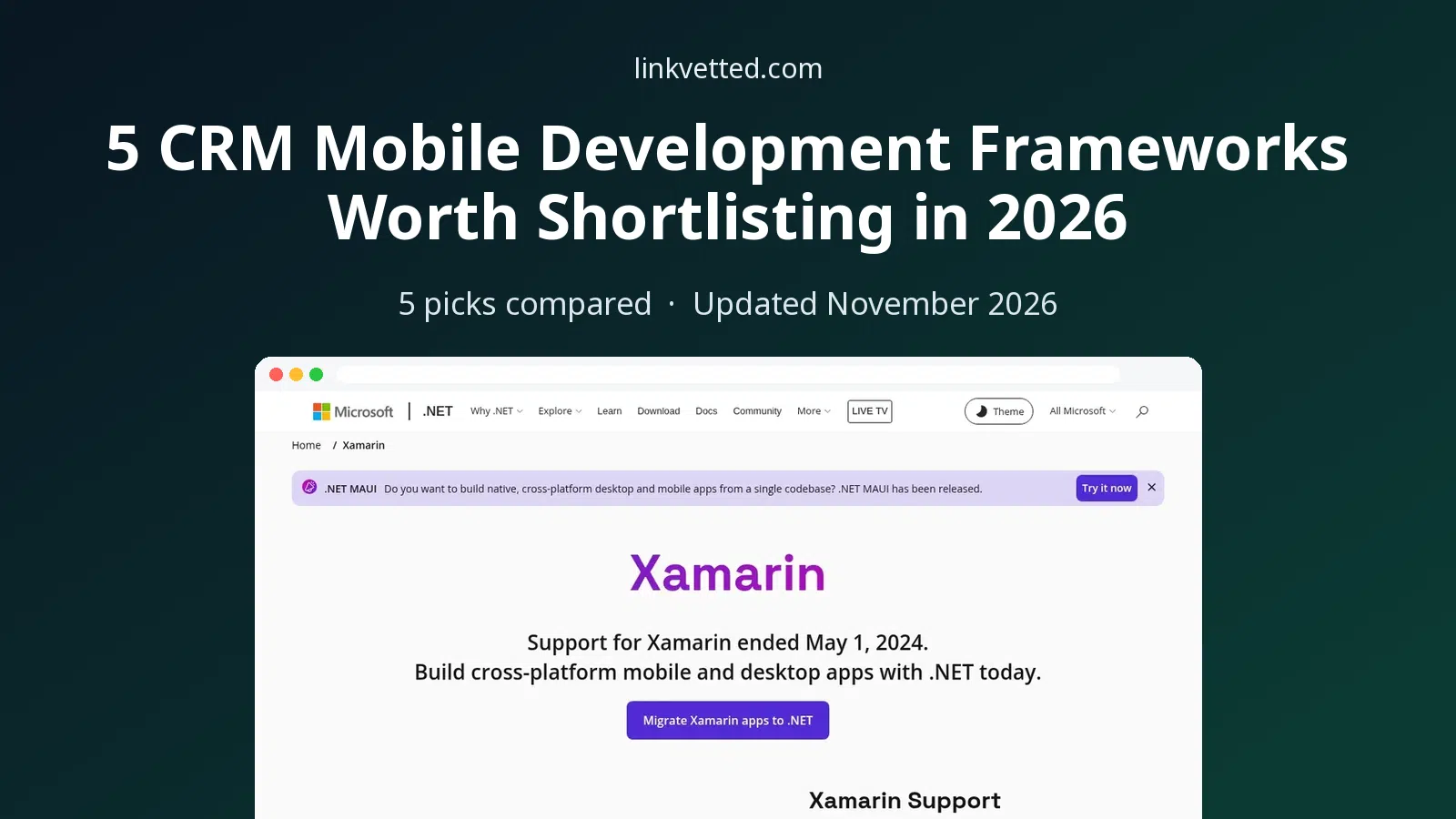
- Editor's choiceXamarin
Existing.NET and C# teams
Starts atPricing on requestVisit dotnet.microsoft.comFull review - Great alternative
 Kotlin Multiplatform
Sharing logic with native screens
Starts atPricing on requestVisit kotlinlang.orgFull review - Also considerSwiftUI
Apple-only CRM experiences
Starts atPricing on requestVisit developer.apple.comFull review
Direct answer
This list puts Xamarin first for existing.NET and C# teams. Alternatives: Kotlin Multiplatform for sharing logic with native screens, and SwiftUI for Apple-only CRM experiences. All 5 tools are compared below on fit, free plan and limits. None of these vendors publish plan prices, so pricing is on request for every option.
TL;DR:
- Xamarin is the opening pick, best for existing.NET and C# teams.
- The main caution on Xamarin: vendor states Xamarin support has ended.
- Xamarin, React Native and the 3 others all sell by quote; expect sales conversations before you see a price.
- Neither Xamarin nor React Native, nor any of the other 3 tools, has a permanent free plan; trials and quotes are the norm.
Last checked November 2026. Pricing on request: vendors did not publish plan prices when this guide was last checked (November 2026), so ask each vendor for a written quote.
Quick comparison
| Tool | Best for | Starts at | Free plan? | |
|---|---|---|---|---|
| Xamarin | Existing.NET and C# teams | Pricing on request | Not stated | Visit |
| Kotlin Multiplatform | Sharing logic with native screens | Pricing on request | Not stated | Visit |
| SwiftUI | Apple-only CRM experiences | Pricing on request | Not stated | Visit |
 Flutter | Single codebase across numerous screens | Pricing on request | Not stated | Visit |
 React Native | JavaScript and React teams | Pricing on request | Not stated | Visit |
The 5 tools in detail
This LinkVetted guide covers 5 CRM mobile development frameworks. Each profile lists a starting price, free plan details, strengths and drawbacks, so you can drop poor fits quickly.
Xamarin
Best for: Existing.NET and C# teams
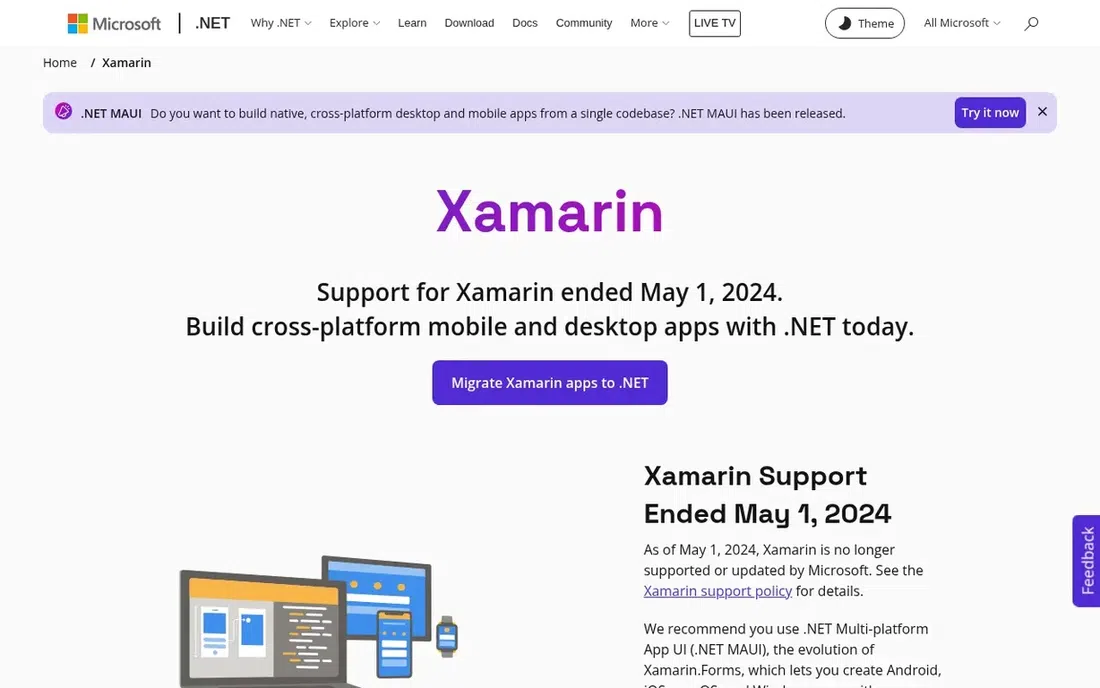
Pick Xamarin if this describes you: existing.NET and C# teams. Xamarin is Microsoft's mobile development offering within.NET, letting C# teams build cross-platform mobile and desktop apps. More specifically, the vendor now points new work toward.NET for cross-platform apps, so it is most relevant for organizations maintaining existing Xamarin codebases.
Honest limits: Vendor states Xamarin support has ended.
Maintenance and migration planning should take priority over new feature work. Teams with substantial.NET back ends and C# skills may find it a natural bridge to a CRM mobile client. In daily use, for new builds, evaluate current.NET cross-platform choices or one of the other frameworks here instead. Xamarin does not show a starting price in this comparison, so check the vendor site for current pricing. Trial and free access: Not stated.
- Backed by Microsoft documentation
- C# shared across systems
- New projects should target.NET instead
Kotlin Multiplatform is designed for sharing logic with native screens. Project setup and tooling take time to learn, and iOS developers may still manage some platform-specific work.
From a buyer's view, choose Kotlin Multiplatform when shared logic matters more than shared screens. Pricing for Kotlin Multiplatform is not stated here, so ask the vendor for current figures. As for free access: Not stated.
Drawbacks to consider: Setup and tooling take learning.
- Compose Multiplatform for shared UIs
- Solid fit for Kotlin teams
- IOS teams still need some native work
SwiftUI
Best for: Apple-only CRM experiences
SwiftUI targets Apple-only CRM experiences. Teams that serve Apple-centric field staff or executives can lean on product conventions and system features without translation layers. Also, SwiftUI handles Apple systems only, so an Android or web CRM client would need a separate build.
The main drawbacks: No Android or web coverage.
That doubles the work if you need wide device coverage. SwiftUI is Apple's declarative framework for building interfaces across its products, giving CRM apps a native look and feel on iPhone, iPad and Mac. This comparison lists no price for SwiftUI; ask the vendor. As for free access: Not stated.
- Declarative UI approach
- Deep integration with Apple products
- Apple products only
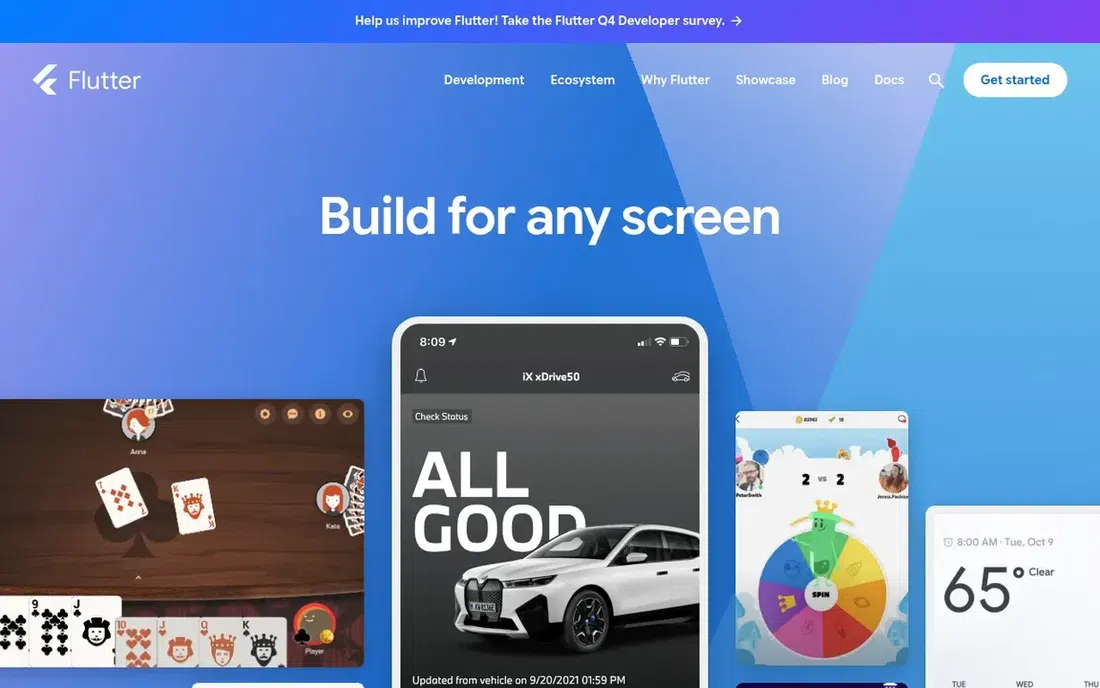
For single codebase across plenty of screens, Flutter is a natural candidate. Flutter is an UI toolkit that transforms the app development process, letting teams build, test and deploy apps for mobile, web, desktop and embedded targets from a single codebase. In practice, the primary tradeoff is language adoption: Dart is less widespread than JavaScript or Kotlin, so hiring and onboarding take planning.
Downsides: Bigger app footprint is a typical tradeoff.
From a buyer's view, apps can also carry more size than lean native builds. Beyond that, for a CRM that needs a consistent interface on phones, tablets and browser dashboards, that reach cuts duplicate work. Check the vendor site for Flutter pricing; none is listed in this comparison. Free options: Not stated.
- Built-in testing and deployment workflow
- Consistent UI across products
- Dart is less common than JavaScript
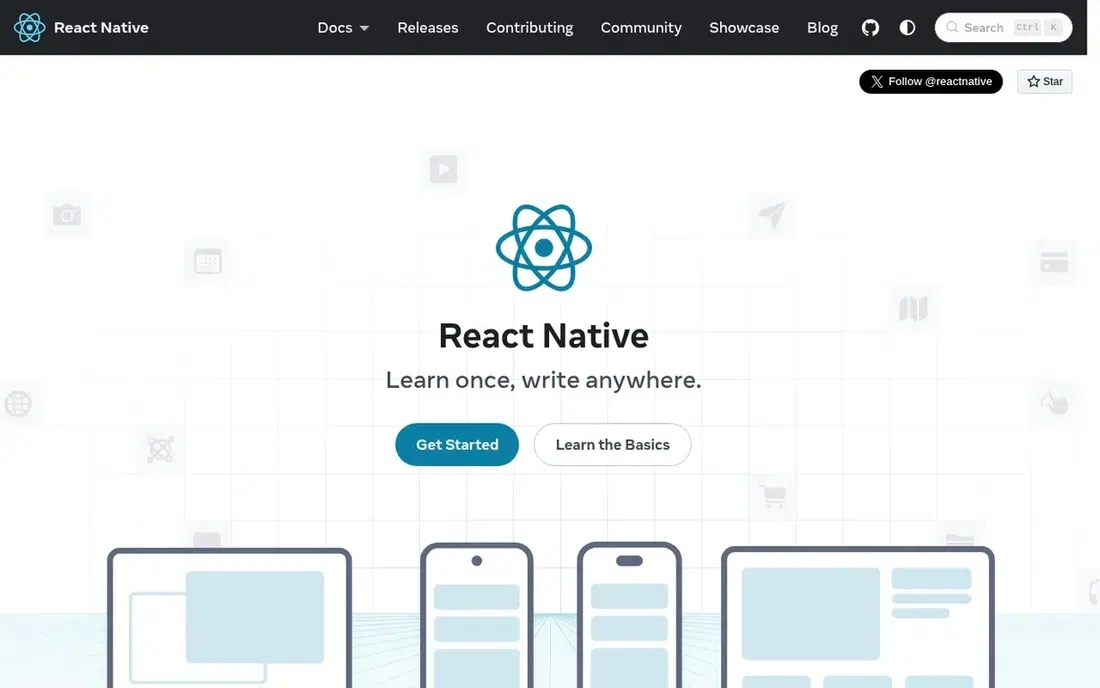
React Native is built with JavaScript and React teams in mind. Some device-specific features still call for native modules, which brings complexity to deeper CRM integrations like background sync or camera scanning. In practice, React Native follows a learn once, write anywhere model, letting developers apply React and JavaScript skills to mobile apps.
What to check first: Native modules may be needed for some features.
If you want a single toolkit spanning web and desktop plus mobile, Flutter may be more straightforward to standardize on. Worth adding: for CRM teams with an existing web front end in React, this shortens the path to a mobile client and keeps component thinking consistent. Pricing for React Native is not stated here, so ask the vendor for current figures. Free options: Not stated.
- Large JavaScript ecosystem
- Learn once
- Version upgrades need attention
Our selection method
Before you commit
- Confirm the entry price with every vendor: no tool from Xamarin to React Native shows a fixed starting price.
- Before choosing Xamarin, weigh its main limit: vendor states Xamarin support has ended.
- Work out what Flutter costs with your real seat count, add-ons and usage, not just the entry price.
- Make sure Kotlin Multiplatform lets you export your data in a format another tool can read.
- Run a one or two week pilot of Xamarin with the people who will use it every day.
FAQ
Which framework is best for a CRM app that needs iOS and Android?
This list starts with Xamarin, which fits existing.NET and C# teams. For other needs, Kotlin Multiplatform is aimed at sharing logic with native screens, and SwiftUI at Apple-only CRM experiences. Check each tool's price and main limit first.
Can I try these tools before paying?
Not by default. None of the tools, from Xamarin to React Native, lists a free plan or a free trial here, so ask each vendor for a demo before committing.
Does any tool for CRM mobile development frameworks here have a free plan?
A permanent free plan is not offered by Xamarin, React Native or the other tools here. Plan a short evaluation period instead.
Do these tools publish their prices?
No. None of the tools, from Xamarin to React Native, shows a fixed starting price here, so budget time for quotes.
How are the tools for CRM mobile development frameworks ordered?
The order follows typical fit for CRM mobile development frameworks, with Xamarin first and React Native last, then price clarity and free access. It is editorial judgement, not a score, so another team could rank the tools differently.
Sources
- https://dotnet.microsoft.com/apps/xamarin
- https://kotlinlang.org/lp/multiplatform
- https://developer.apple.com/xcode/swiftui
- https://flutter.dev
- https://reactnative.dev